Open-source Slack alternatives

A Slack alternative needs to fit how your team communicates, not just how many channels it has. Consider whether people need fast informal chat, durable technical discussions, or a way to catch up after time away. The transition also affects message history, integrations, and the habits people have learned.

Zulip is our current open-source option to evaluate for organized team conversations. Its topic-based approach deserves a real team trial, especially if important discussions tend to disappear into a busy channel.

By OSS Hunter · An editorial starting point, with project facts in the live directory below.

Zulip: when to consider it
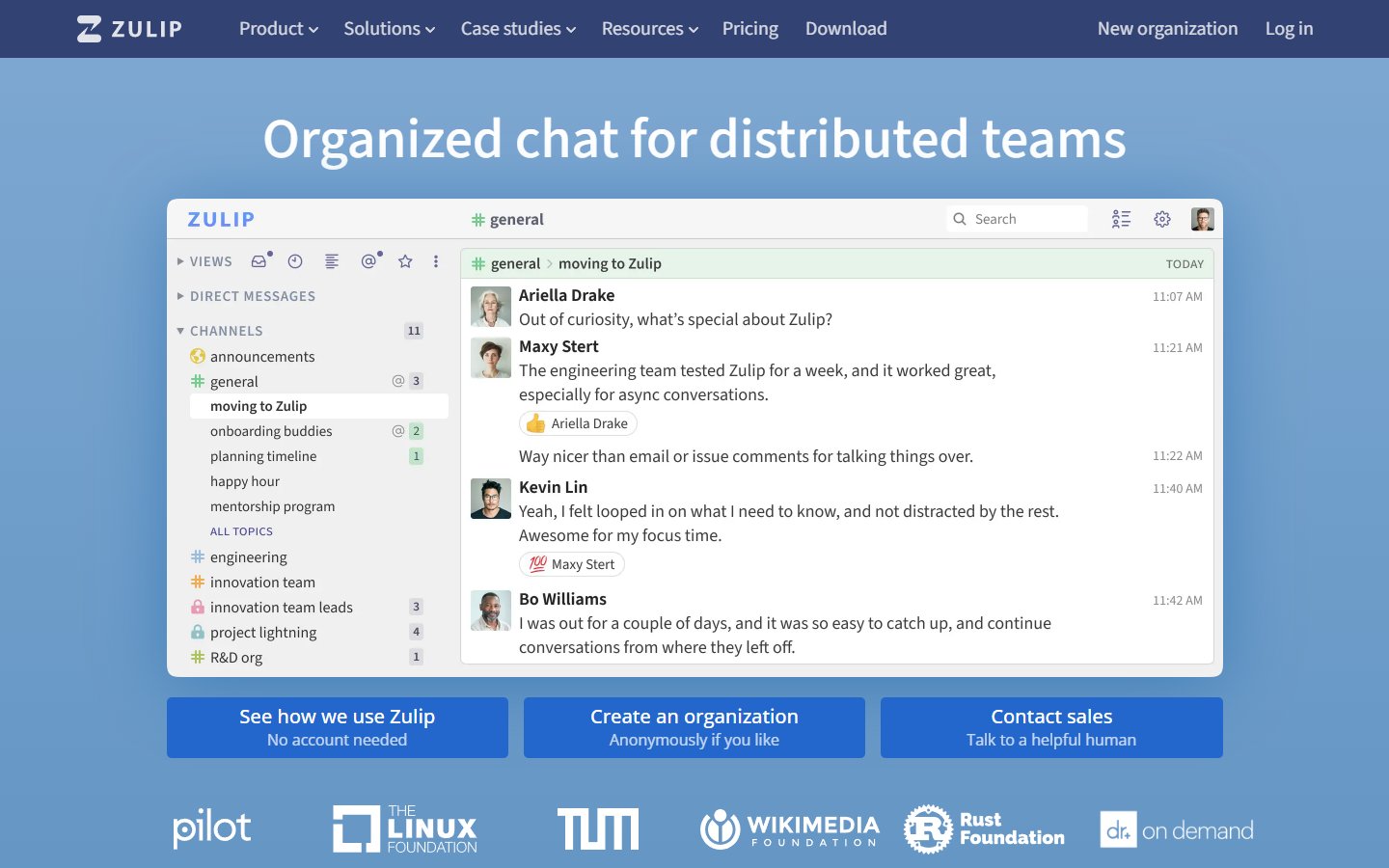
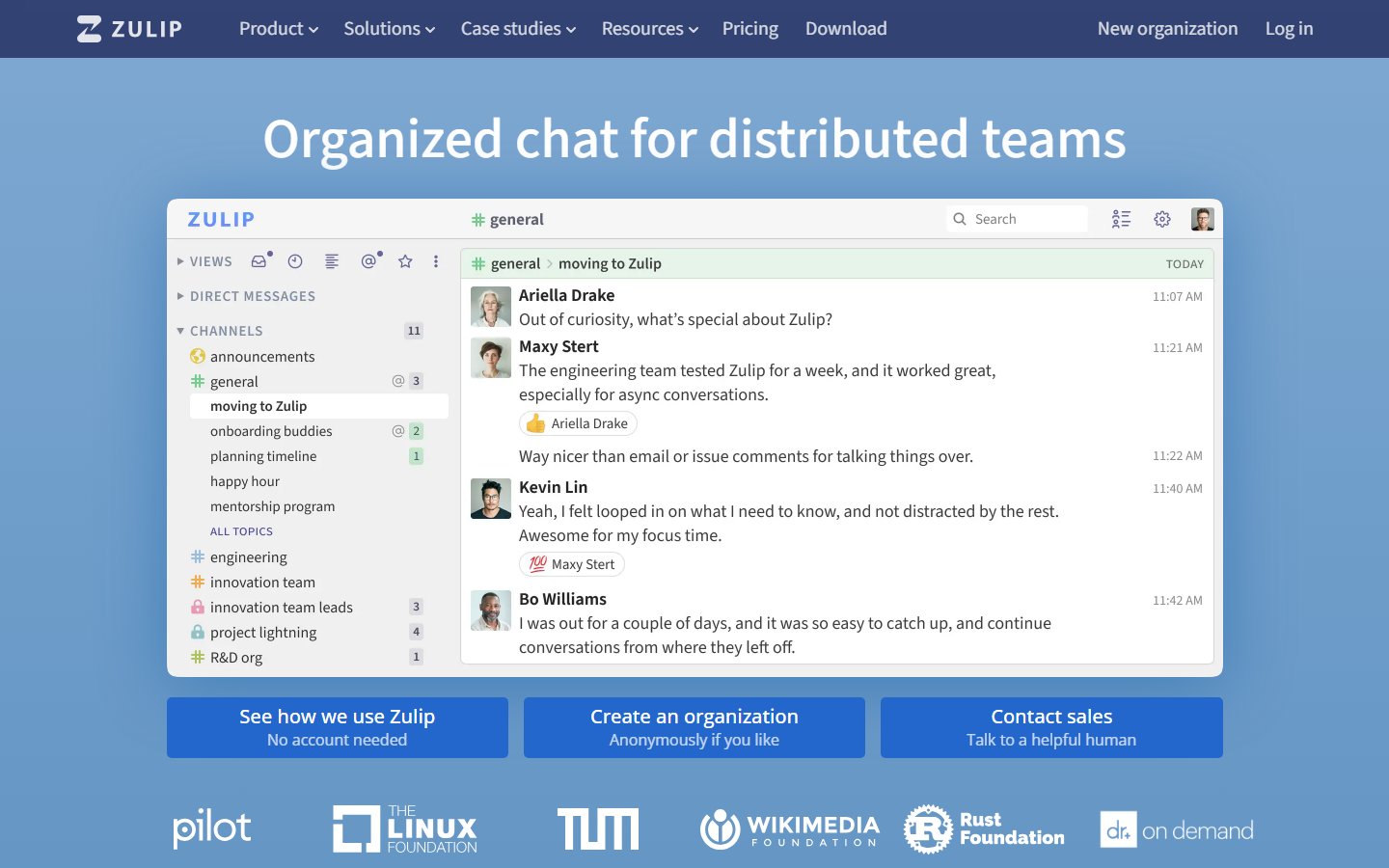
Zulip homepage

Zulip organizes conversations into topics within channels. That gives a team a different way to follow a discussion and return to it later. It is a workflow change as well as a software change, so teach the conversation model during the pilot rather than expecting people to discover it by themselves.

Explore Zulip: repository, license, and website

What to compare before replacing Slack

Conversation structure

Run several discussions in one channel using separate topics. Ask colleagues in different time zones whether they can find the decisions and unanswered questions.

Message history

Zulip provides a Slack import guide. Check what your Slack export contains and validate the imported messages, users, and files before planning a complete move.

Bots and notifications

Inventory integrations that deliver alerts or accept commands. Decide which need a replacement, which can use a simpler notification, and which are no longer useful.

Everyday adoption

Try desktop and mobile access, notification settings, search, and external collaboration with the people who will use them. Include occasional participants in the trial.

Tradeoffs to plan for

Topic-based communication can be useful when discussions run in parallel, but the team needs shared conventions for naming and following topics. Moving the same habits into a new tool without guidance can leave people uncertain about where to post. Assign someone to help the pilot group and record the conventions that work.

A practical migration pilot

Start with one team and a defined set of conversations. Import test data into a separate organization, check it with representative users, and test the integrations they rely on. Agree when the new space becomes authoritative so people do not have to search two active chat systems indefinitely.

Agree on a small set of acceptance criteria before the trial. Give each requirement an owner, record the gaps you find, and keep a rollback path until the new workflow is proven. Our software migration guide can help you structure that decision.

Frequently asked questions

Can we import our Slack history?

Zulip documents a Slack import process. What you can bring over depends on the source export and supported import behavior; inspect your own data before committing to a migration.

Will Zulip feel exactly like Slack?

No. Test its topic-based conversation model with your team and provide a short introduction to the conventions you want to use.

What should we measure during the trial?

Ask whether people can find a decision, resume a discussion, and catch up without reading unrelated messages. Track missing integrations and support effort as well.

How we approach this comparison

We start with the projects currently in the OSS Hunter directory and explain where to investigate fit. Inclusion is not a certification of security or a guarantee of feature parity. We link to the project and its documentation so you can inspect the source and verify the requirements that matter to you. Paid placements are disclosed; a placement is not a comparative score.

Official documentation

Continue your research

Choosing an open-source alternative · Self-hosting readiness checklist

GitHub alternatives · Google Analytics alternatives · Figma alternatives · Microsoft Teams alternatives

Slack alternatives

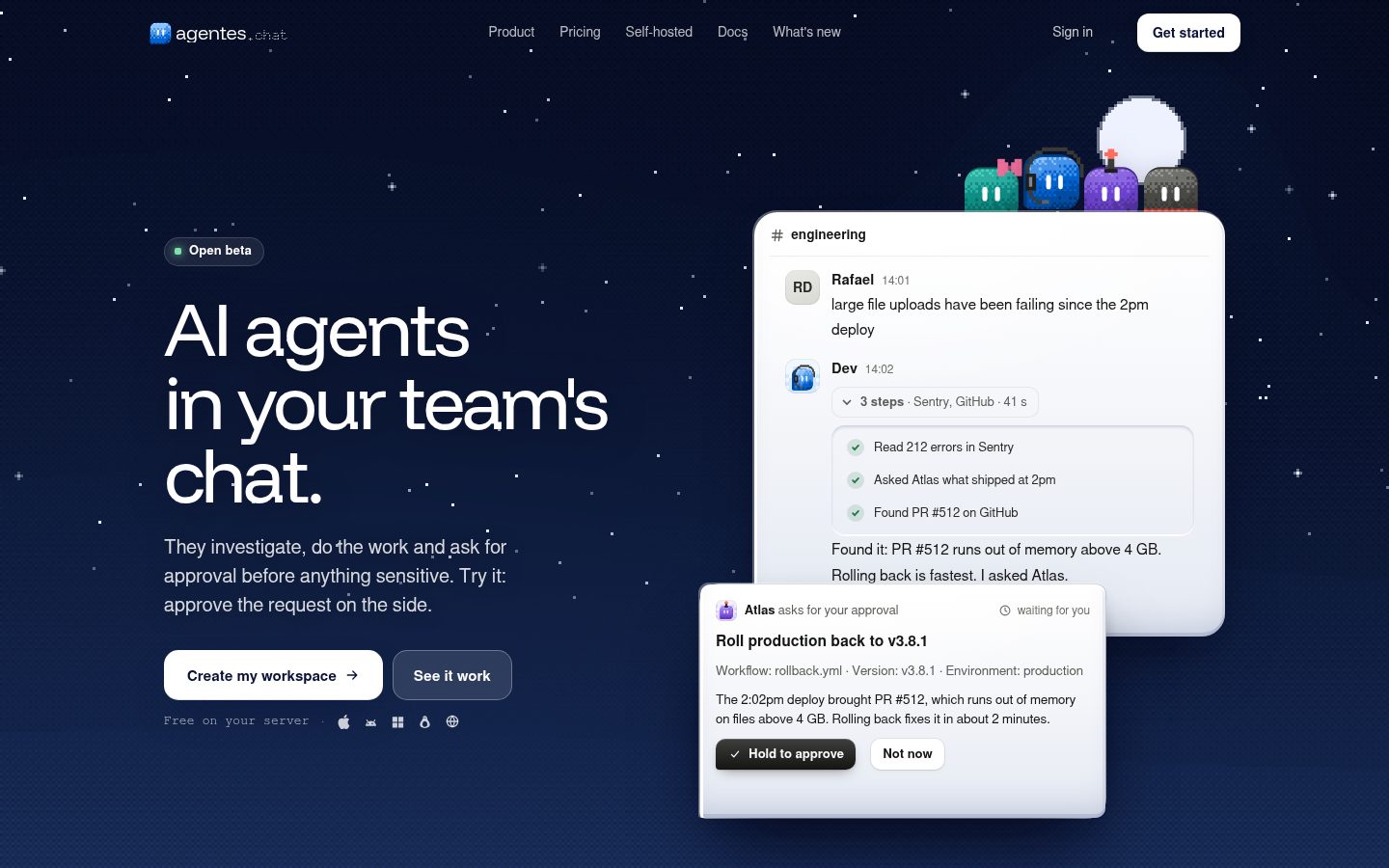
Open-source, self-hosted Slack alternative where your team and AI agents work together in channels and DMs. Agents run on Claude, ChatGPT/Codex, Gemini or Grok, with MCP tools, their own computer and browser, routines, memory and approvals. Web, desktop and phone apps. Docker Compose + Postgres. AGPL-3.0.

agentes-chat preview

The open-source, self-hosted Slack alternative where your team and AI agents work together. Agents join your channels and DMs with a role, an owner and a budget, work where everyone can see, and ask before anything sensitive. They think with Claude, ChatGPT and Codex, Gemini, Grok or any OpenRouter model, use MCP tools, and get a computer and a browser of their own. Self-host it for free with your own model keys, or use agentes.chat Cloud: both run this same codebase. - One conversation for people and agents. Agents are members of the workspace, not a sidebar bot: they read the channel, answer when it's theirs to answer, and hand work back and forth. - Safe by default. Merges, deploys and anything a connector marks sensitive wait for a person's approval in the chat. Every model call is budgeted and recorded per agent. - Agents that actually do the work. Their own computer, a real browser you can watch and take over, Claude Code and Codex, routines on a schedule or an event, memory that learns. - Yours to run. One command on a Linux server, Postgres as the only dependency, web, desktop and phone apps that connect to your server. An open-source alternative to team chat with bolted-on AI bots, and to single-player agent apps such as Grok Bot, ChatGPT dots, OpenBot.run and OpenMausBot (all of which it imports from).

License: AGPL-3.0

Open Souce IM with AI powered live-chat, email, ticket support, omni-channel customer service,alternative to slack + zendesk

bytedesk preview

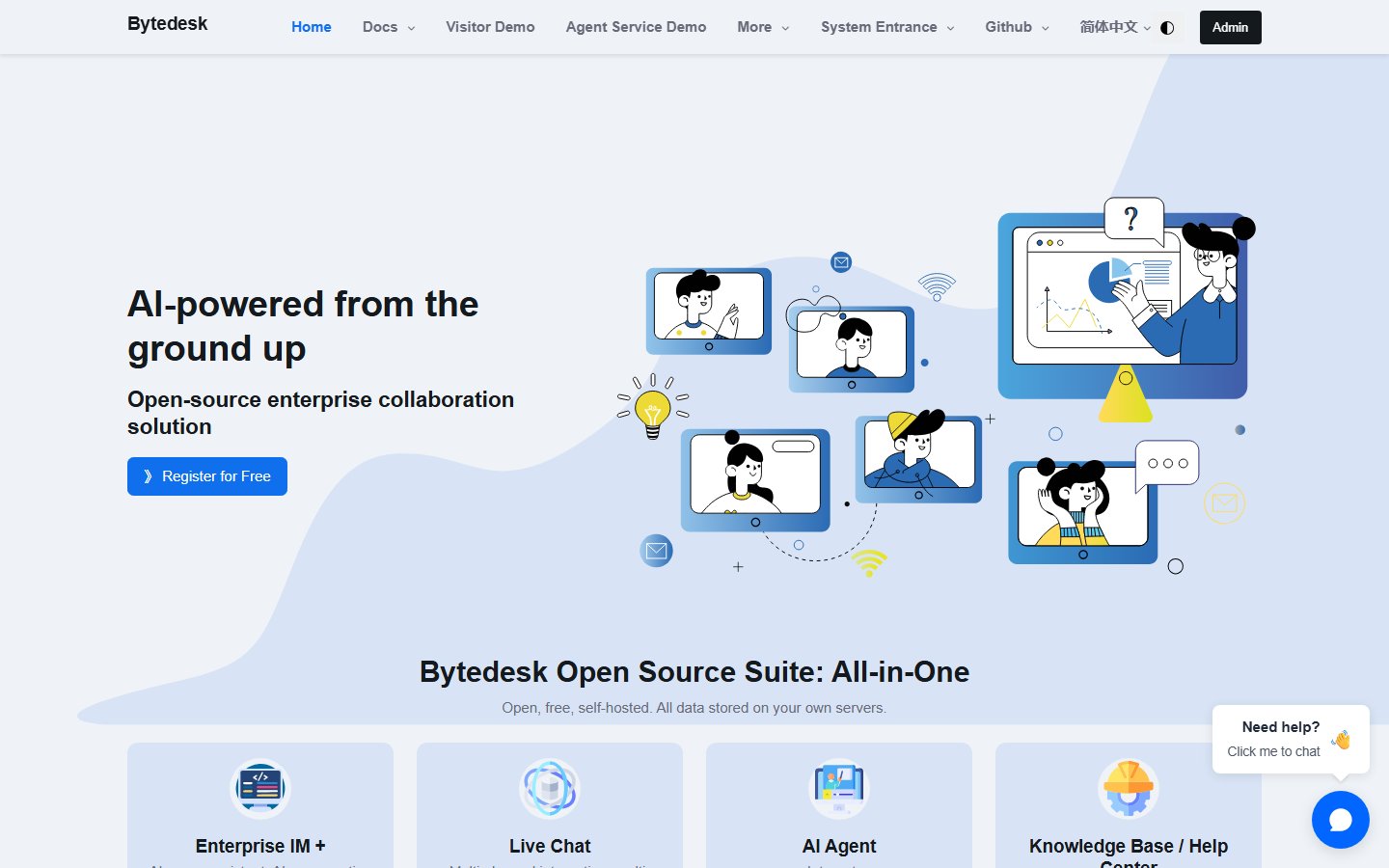
Bytedesk combines customer service and internal collaboration tools in a suite that can be hosted on your own infrastructure. Its product site describes enterprise messaging, live chat, ticketing, a knowledge base and visual workflows. The live-chat offering brings conversations from different channels into an agent workspace and supports handing AI-assisted conversations to a person. Knowledge-base tools support internal documentation and a public help center, while ticket workflows include routing and timeout notifications. The suite also describes integrations with language models and tools for building AI assistants. When evaluating a deployment, start with the customer-service channels and workflows you need, then check which components and model providers are required for those features.

License: AGPL-3.0

Open-Source Slack/Linear/Notion Alternative. The only workspace you will ever need.

orbit preview

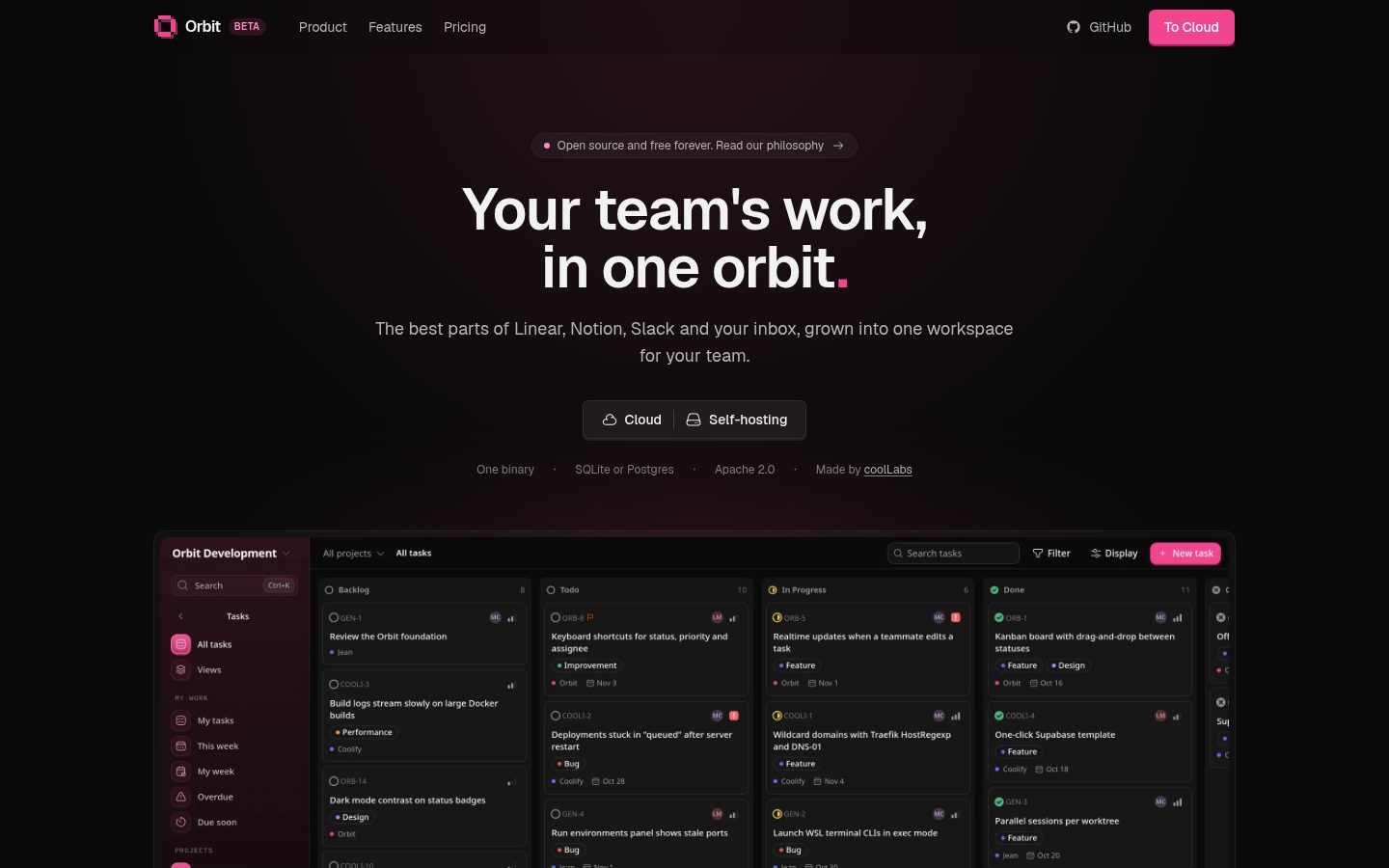
A self-hosted workspace for teams: tasks, docs, chat, and mail in one app on your own server. AI clients connect over MCP and get the full context of your workspace without your data leaving your server. - Tasks: projects with custom workflows, list, board and timeline views, sub-issues, labels, saved views, trash, GitHub sync, and Asana, Linear and Trello import. - Docs: page tree with live collaborative editing, version history, search, and Notion import. - Chat: channels, direct messages, threads, files, and search. - Mail: shared mail client (in progress, mock data). - AI: MCP server with OAuth. Read and write tasks and docs, read chat. Set it up in Account settings → Agentic. - Admin: workspaces, members, roles, API tokens, audit log, email, rate limits, storage, and workspace export. - Backups: scheduled, verified backups to S3, with restore of single pages or tasks. - Mobile: iOS and Android app (apps/mobile). Saved views, timeline, tasks trash, GitHub settings, export, API tokens, and Notion, Asana, Linear and Trello import are web-only. One binary. A Rust server serves the API and the embedded React app. Data is in SQLite (default) or Postgres, files on local disk or S3. Put a reverse proxy in front for HTTPS. Docker image: ghcr.io/coollabsio/orbit:latest.

License: Apache-2.0

A private, p2p alternative to Slack and Discord built on Tor & IPFS

quiet preview

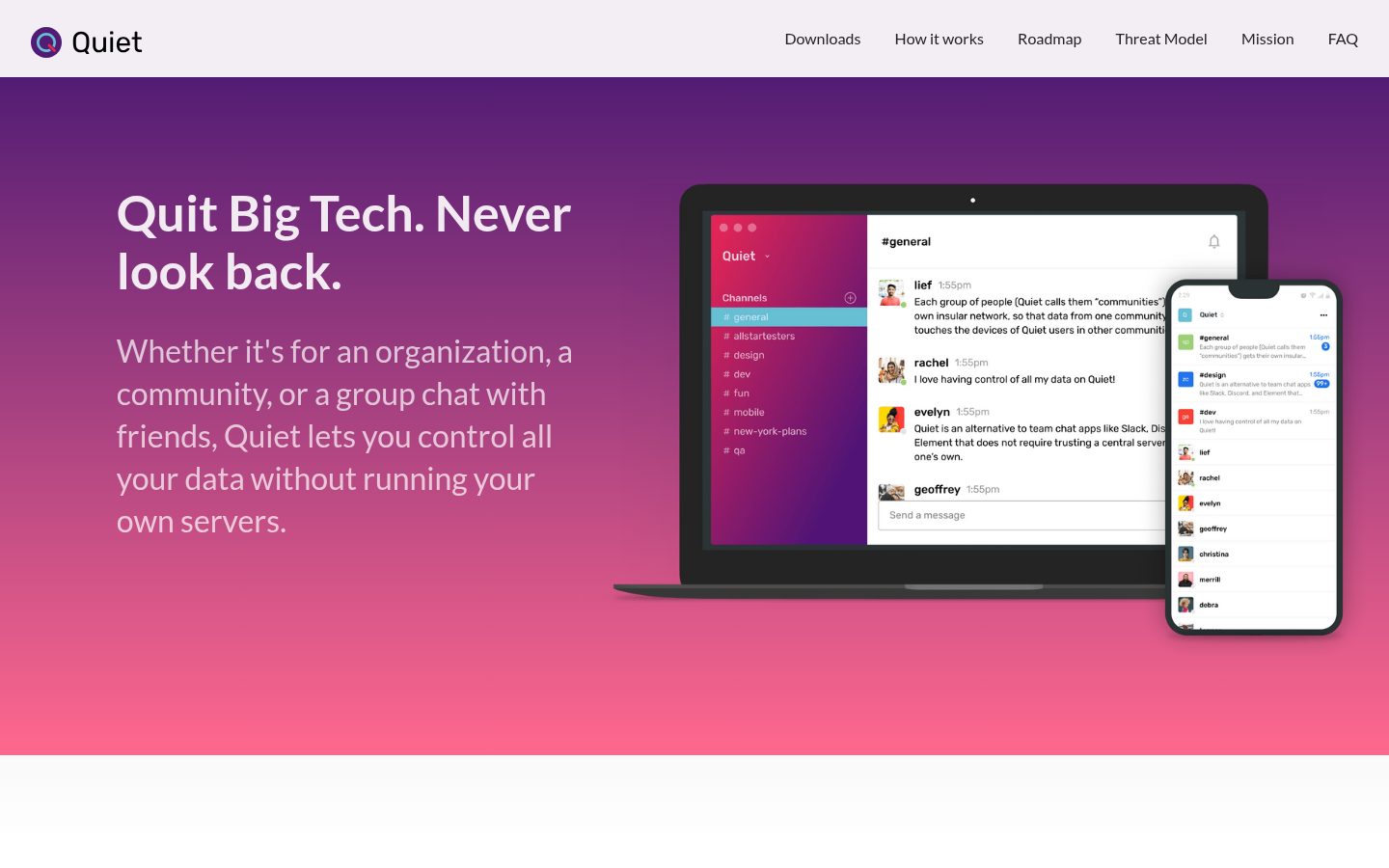
While apps like Slack, Discord, and Signal use central servers, Quiet syncs messages directly between a team's devices, over Tor, with no server required. Each group of people (Quiet calls them "communities") gets their own insular network, so that data from one community never touches the devices of Quiet users in other communities. Not even in encrypted form! Message syncing is taken care of by a project called OrbitDB, which works like a mashup of Git, a gossip protocol, and BitTorrent; it broadcasts new messages, syncs the latest messages, and fetches files. Syncing means that users typically receive all messages sent while they were offline. Invites, access, and usernames are granted by a community owner, i.e. whoever creates the community. The owner hands out an "invitation code" which invitees use to connect to the owner's device, register a username, and get a standard cryptographic certificate so they can prove to other peers they're part of the community. See our FAQ for answers to common questions and a comparison of Quiet with similar apps. - Team Chat - Create a "community" for your team or organization and invite members. - End-to-end Encryption - All data is encrypted end-to-end between member devices. - Channels - Organize chats in Slack-like channels. - Images - Send and receive images, with copy/paste, drag & drop, and image previews. - Files - Send and receive giant files without arbitrary limits. - Notifications - Get desktop notifications for new messages, with optional sounds. - Invite links - Share invite links, just like in WhatsApp, Signal, or Discord. - Keyboard Controls - Navigate channels without using the mouse. - Desktop Apps - Desktop apps for Mac, Windows, and Linux. - Android App - A fully peer-to-peer Android app with working notifications. - iOS App - A fully peer-to-peer iOS app (TestFlight) without notifications. - No email or phone number required - Unlike Slack, Discord, WhatsApp, Telegram, and Signal, no email or phone number is required to create or join a community. - Mentions - Send @ mentions that notify other users. - Reactions - React with emojis.

License: GPL-3.0

Zulip server and web application. Open-source team chat that helps teams stay productive and focused.

Zulip preview

Zulip is an open-source team chat application built around organized, topic-based conversations. Instead of treating every discussion as a single continuous channel, it lets people follow and reply to specific topics, helping distributed teams catch up on discussions at different times. The interface provides an overview of unread conversations and keeps replies in their original context. Zulip offers desktop and mobile applications, integrations and an API. Teams can use Zulip Cloud or self-host the software, and the project provides migration guidance for Slack, Microsoft Teams and other chat tools. The main adoption question is whether your team will use topics consistently. Pilot the approach with a real workstream, check required integrations and import coverage, and agree on conversation conventions. For self-hosting, include server upgrades, backups and recovery in the rollout plan.

License: Apache-2.0