Open-source Microsoft Teams alternatives
Microsoft Teams can be a chat application, a meeting space, and an entry point to a wider Microsoft 365 workflow. An open-source chat alternative does not automatically replace all of those roles. Separate what your organization uses before deciding whether you need one replacement or a combination of tools.
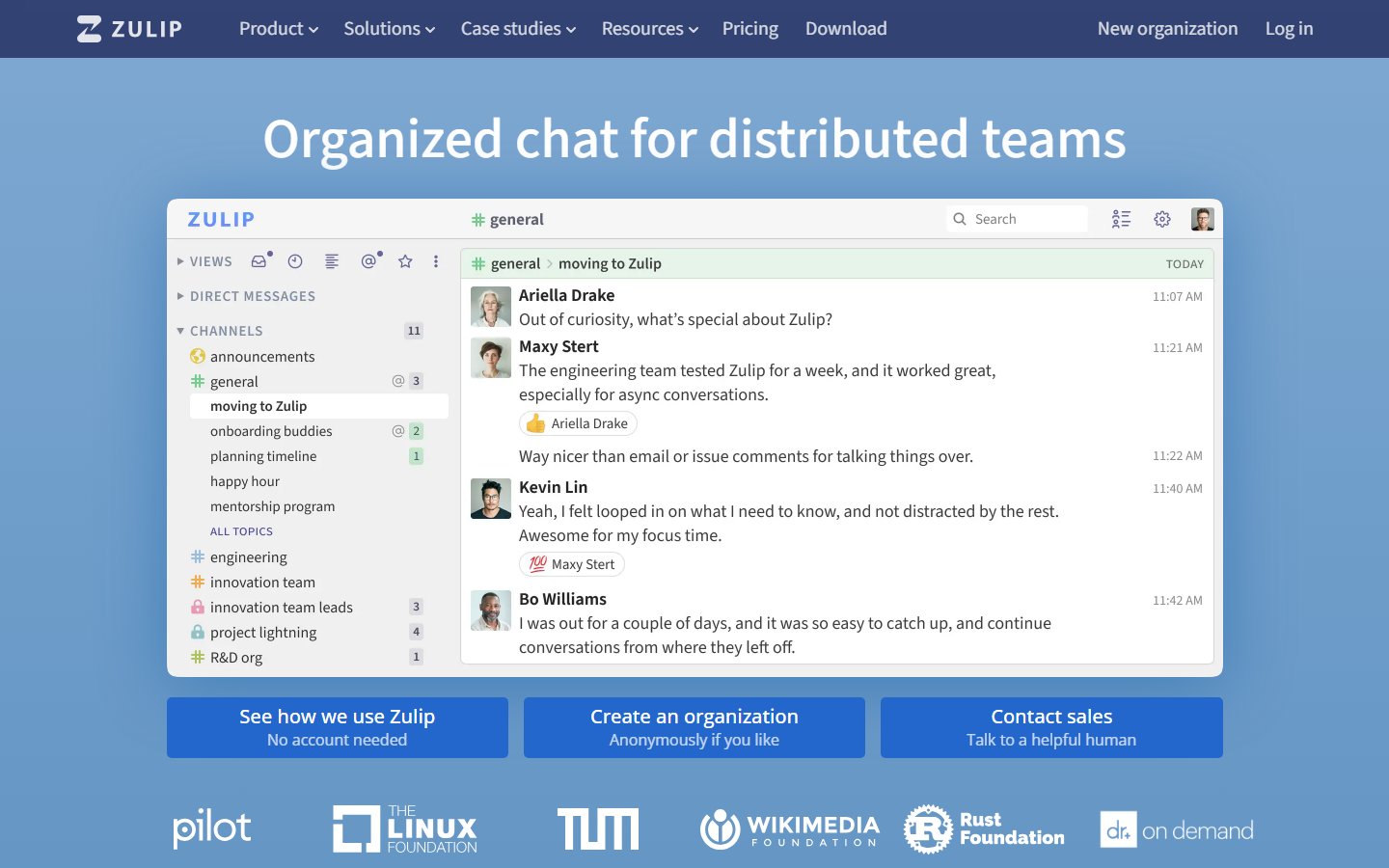
Zulip is the current project in our shortlist for the team-messaging part of that decision. It is a candidate for persistent, organized discussions, not a promise to reproduce the complete Microsoft Teams and Microsoft 365 environment.
By OSS Hunter · An editorial starting point, with project facts in the live directory below.
Zulip: when to consider it
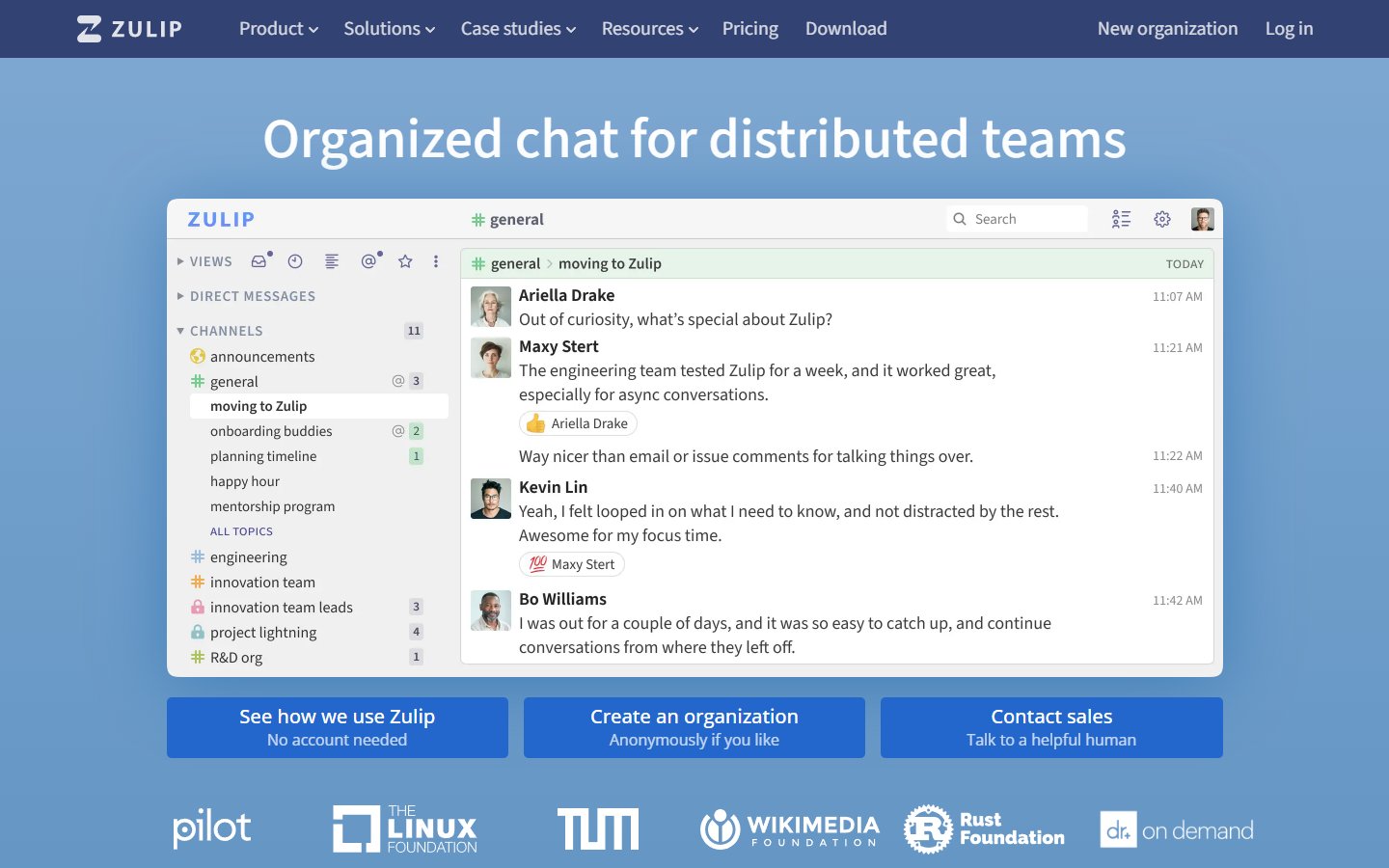
Zulip uses topics within channels to organize ongoing conversations. Evaluate that model if your goal is to make team discussions easier to follow over time. Keep meetings, document collaboration, identity, and business processes in a separate requirements list so they do not disappear from the comparison.
Explore Zulip: repository, license, and website
What to compare before replacing Microsoft Teams
Scope of replacement
List chat, meetings, calendars, documents, guest collaboration, and business apps separately. Mark what would move, what would remain, and what would need another tool.
History and access
Zulip documents a Microsoft Teams import workflow. Review the permissions and supported data in that guide, then test an authorized sample before scheduling the real migration.
Identity and administration
Have your administrator evaluate user onboarding, offboarding, access policies, and operational ownership for the deployment you are considering.
Cross-team work
Include a project that spans departments or external collaborators. Verify that people can find the right discussion without losing access to the files and meetings they still need.
Tradeoffs to plan for
Replacing chat while retaining other Microsoft services may be a sensible boundary, but it introduces more than one place to work. Explain that boundary clearly. Compare the coordination cost with the benefits you expect from a different conversation model and greater control of the messaging service.
A practical migration pilot
Choose a project whose chat can move without disrupting critical meetings or documents. Create a simple map of where each type of work happens. Trial Zulip conversations, review imported sample data, and gather feedback from both frequent and occasional users before expanding the rollout.
Agree on a small set of acceptance criteria before the trial. Give each requirement an owner, record the gaps you find, and keep a rollback path until the new workflow is proven. Our software migration guide can help you structure that decision.
Frequently asked questions
Does Zulip replace every Microsoft Teams feature?
Treat it as a messaging candidate and evaluate other requirements separately. A successful chat trial does not establish a replacement for your meeting and document workflows.
Can Teams data be imported?
There is an official Zulip import guide. Check its supported data and permission requirements against your environment, and verify a sample before planning a full transfer.
How can we avoid fragmenting collaboration?
Define which conversations move, which services remain, and where shared decisions are recorded. Give users one clear policy rather than leaving each person to guess.
How we approach this comparison
We start with the projects currently in the OSS Hunter directory and explain where to investigate fit. Inclusion is not a certification of security or a guarantee of feature parity. We link to the project and its documentation so you can inspect the source and verify the requirements that matter to you. Paid placements are disclosed; a placement is not a comparative score.
Official documentation
Continue your research
Choosing an open-source alternative · Self-hosting readiness checklist
GitHub alternatives · Google Analytics alternatives · Figma alternatives · Slack alternatives