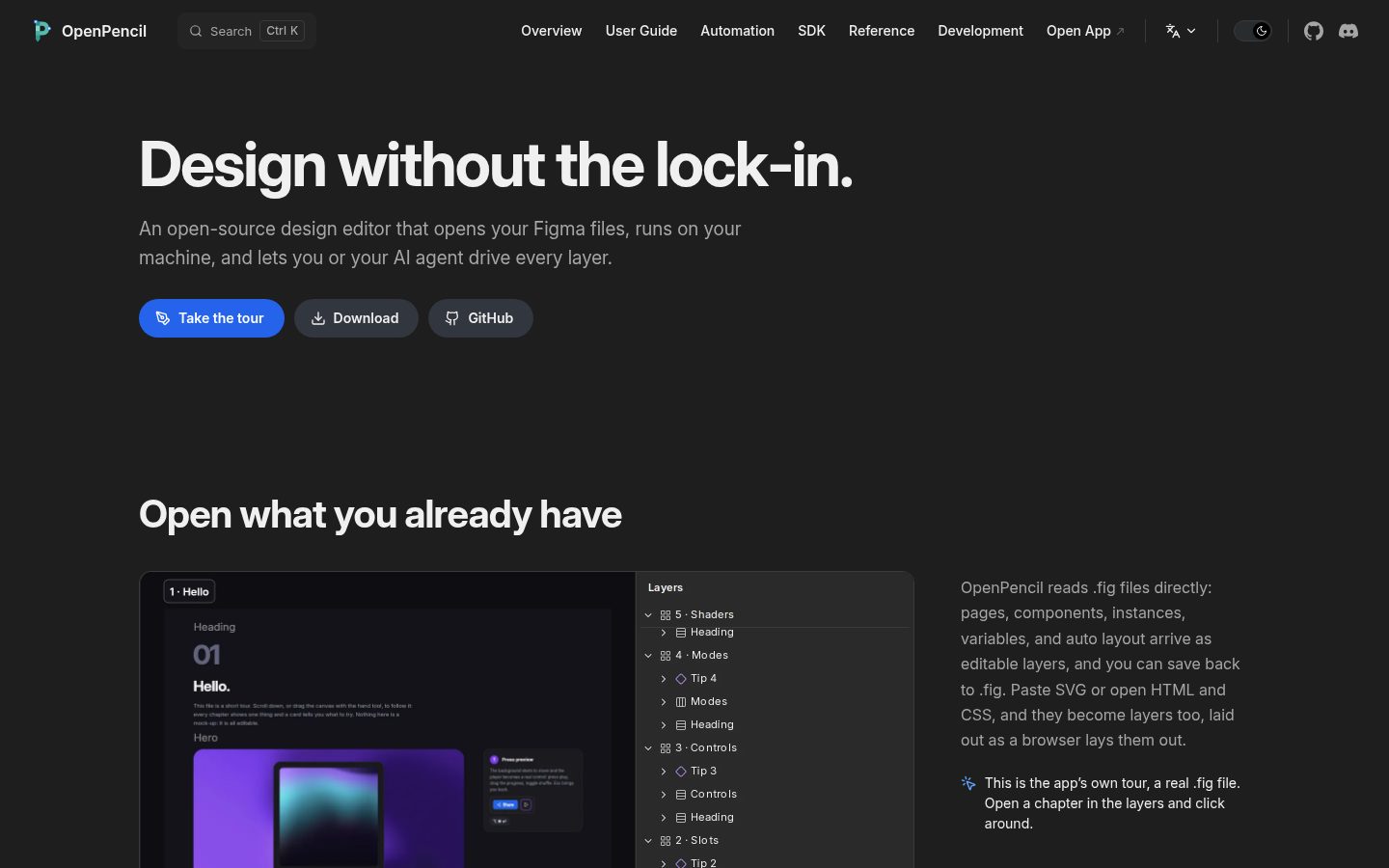
Open-source Figma alternatives
Choosing a Figma alternative is a team workflow decision. A design tool needs to support the way designers build components, the way reviewers give feedback, and the way developers implement the result. The best trial uses a real piece of your product, including the awkward cases that do not appear in a polished demo.
Penpot is our current starting point for an open-source interface design and prototyping tool. Use this guide to assess fit for your team; one listed project is not a claim that every other option is unsuitable.
By OSS Hunter · An editorial starting point, with project facts in the live directory below.
Penpot: when to consider it
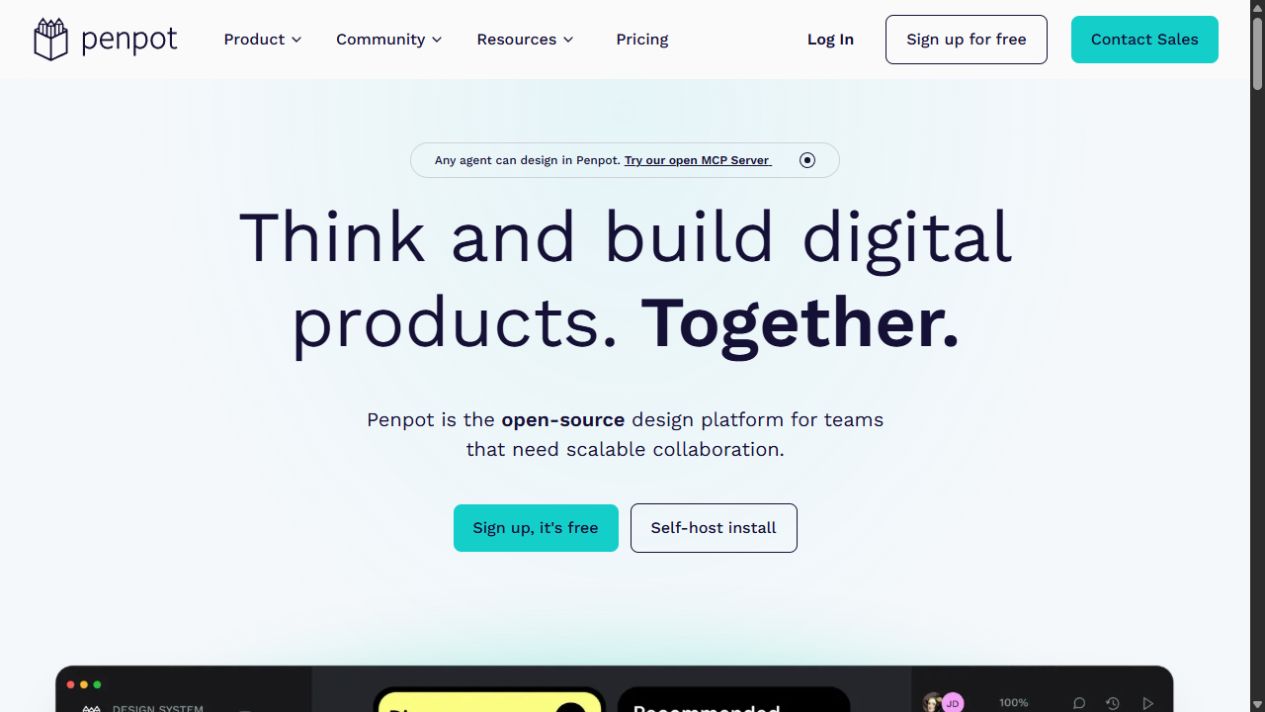
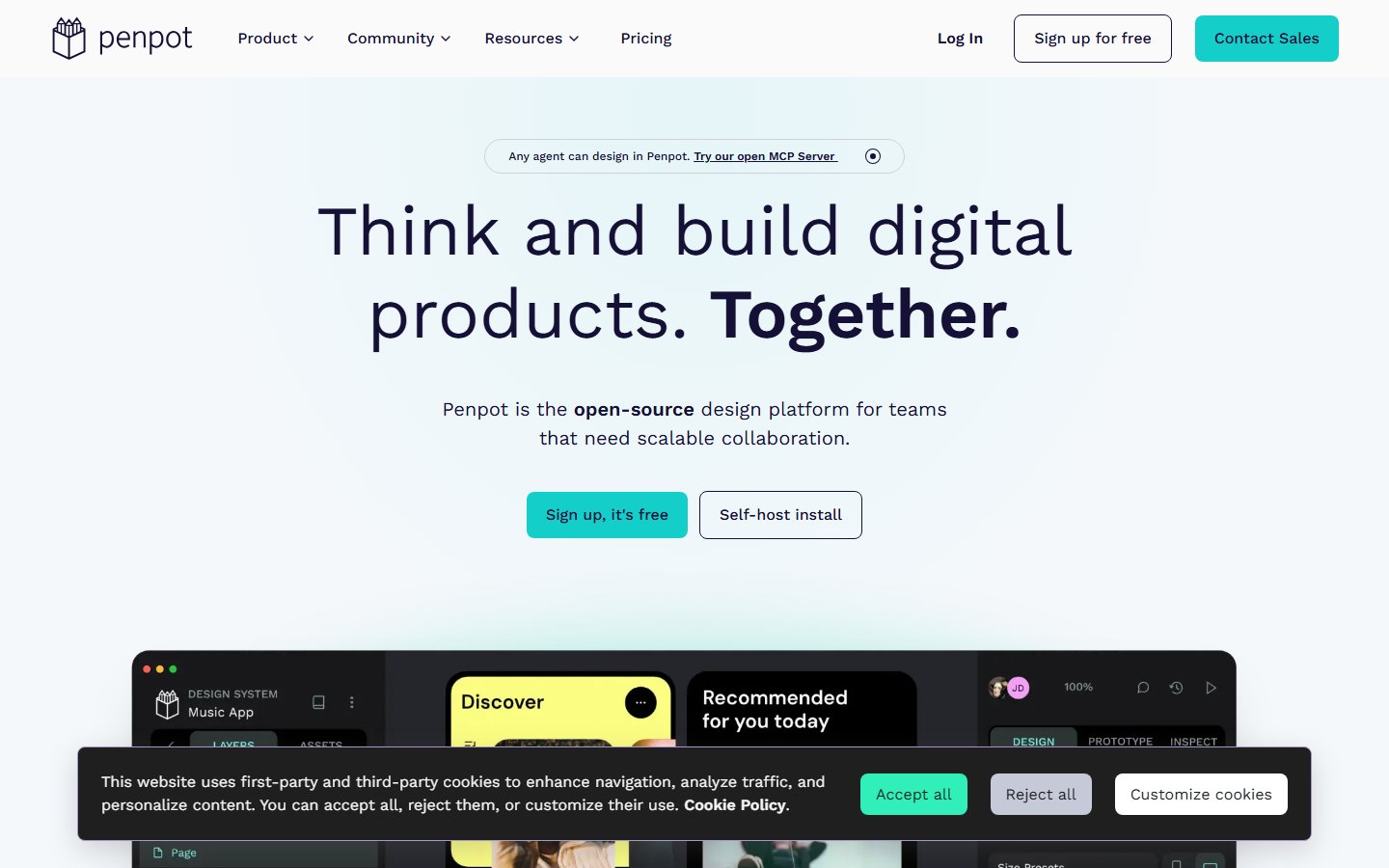
Penpot focuses on collaborative product design with open web standards. Its open-source approach makes it relevant to teams that care about control and portability as well as everyday design work. The important question is whether your design system and review process work comfortably in it.
Explore Penpot: repository, license, and website
What to compare before replacing Figma
Design system
Rebuild a representative component with its variants, typography, spacing, and responsive behavior. Check whether shared assets remain understandable to the next designer.
File portability
Penpot documents export and import of its own files and shared-library options. That is not proof of lossless Figma conversion. Test your actual assets and record what requires rebuilding.
Review and handoff
Ask a reviewer to leave feedback and a developer to implement one screen. Assess the information they need rather than comparing feature names in isolation.
Plugins and integrations
List the plugins, automation, and external assets your team uses. Confirm a workable replacement for each essential dependency before moving a production project.
Tradeoffs to plan for
Switching design tools can create costs in training and reconstruction even when the software is open source. A small team starting a fresh design system may face a different decision from a large team with years of shared assets. Keep those situations separate when estimating effort.
A practical migration pilot
Choose one contained feature and work through design, review, prototype testing, and handoff in Penpot. Export the result, import it into a separate test project, and inspect the shared assets. Keep the original design files and agree on which tool owns new work during the transition.
Agree on a small set of acceptance criteria before the trial. Give each requirement an owner, record the gaps you find, and keep a rollback path until the new workflow is proven. Our software migration guide can help you structure that decision.
Frequently asked questions
Can we move every Figma file without changes?
Do not assume that. Evaluate your import route with real files, including components, fonts, interactions, and shared libraries, and budget for manual work where needed.
What should developers test?
Have them implement a representative layout using the information available in the trial. Capture any missing context before the design team commits to a move.
How should we judge a successful trial?
Use agreed acceptance criteria: a complete review cycle, a usable handoff, recoverable files, and a design system the team can maintain. A matching screenshot is only one part of that test.
How we approach this comparison
We start with the projects currently in the OSS Hunter directory and explain where to investigate fit. Inclusion is not a certification of security or a guarantee of feature parity. We link to the project and its documentation so you can inspect the source and verify the requirements that matter to you. Paid placements are disclosed; a placement is not a comparative score.
Official documentation
Continue your research
Choosing an open-source alternative · Self-hosting readiness checklist
GitHub alternatives · Google Analytics alternatives · Slack alternatives · Microsoft Teams alternatives