
Morrow
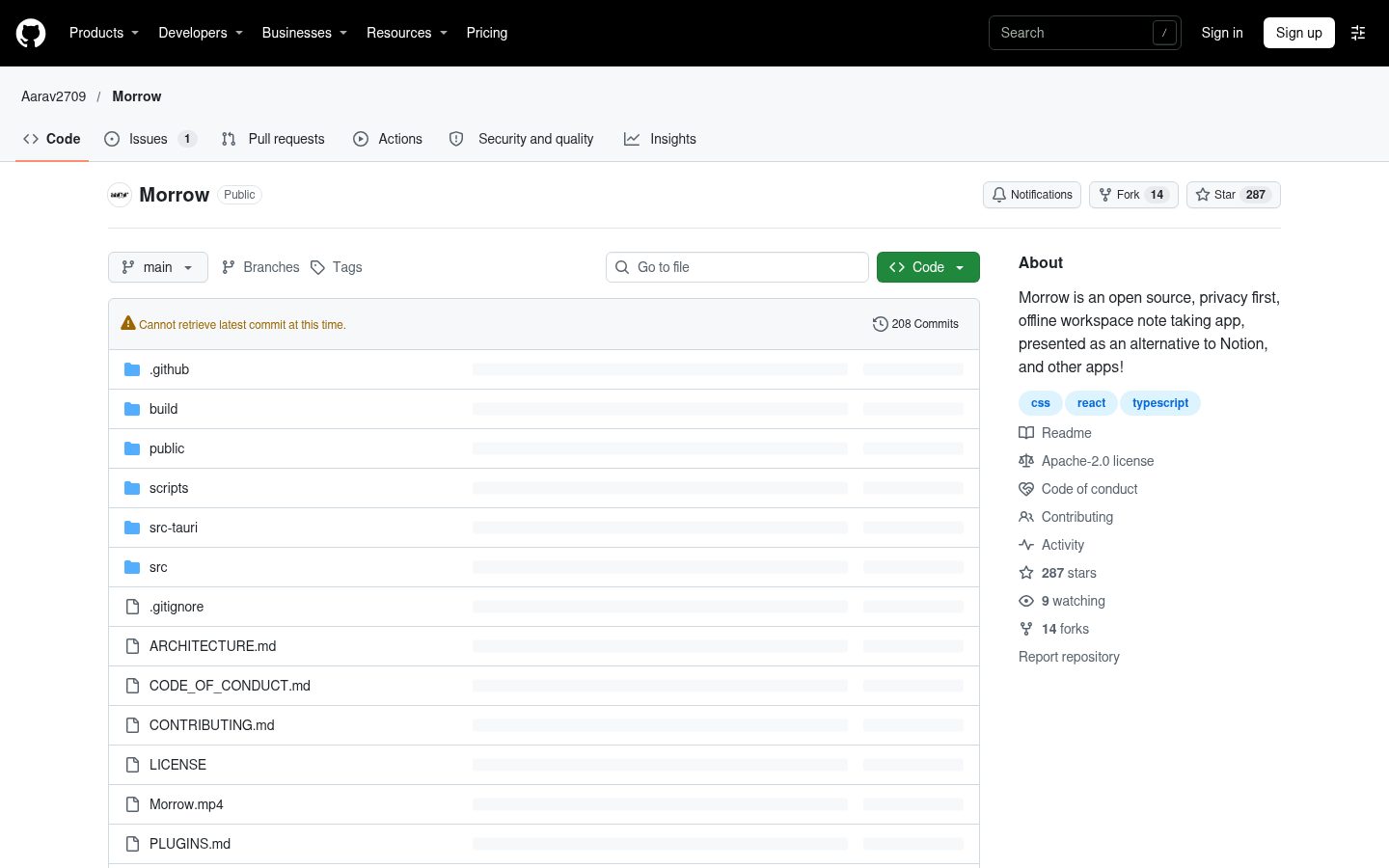
Morrow is an open source, privacy first, offline workspace note taking app, presented as an alternative to Notion, and other apps!
Automatically checked · GitHub checked 2026-11-13
Open-source alternative to
 Notion
Overview
Morrow
Morrow is a free, open source, local first workspace for your notes, databases and ideas. Every page is a plain Markdown file in a folder you choose. No account, no subscription and no cloud, and no AI unless you bring your own. Just a calm place to write and think, on your own computer.
Why Morrow
- Yours. Your notes are a folder of Markdown files. Open them in any app, sync them with Syncthing, iCloud, Dropbox or git, and keep them forever. Edits made elsewhere show up in Morrow straight away. Nothing is sent anywhere: no accounts, no telemetry, no ads. It works with the network cable unplugged.
- Calm. A focused writing surface with careful typography, and only the features that earn their place.
- Trustworthy. Morrow only rewrites a file you changed in Morrow. Every change is saved as you type, failed writes are retried, earlier versions of every page are kept, a file changed elsewhere while you were editing is kept in page history, and deleted pages go to the system trash.
- Compatible. Wiki links, callouts, tags, properties, maths and canvases use the same formats as Obsidian, so an existing vault opens as it is. Notion exports, databases included, import in one step.
- Everything built in. Databases, canvases, graph, sync, encryption and flashcards come with Morrow, with nothing to install or configure.
- AI free unless you want it. Morrow has no AI of its own and sends nothing anywhere. An optional assistant can be turned on in Settings with your own API key; it is off until you do.
Features
- Pages in a sidebar tree with icons, drag and drop, favourites and a trash
- A rich editor: headings, lists, checklists, quotes, callouts with titles and folding, toggles, tables, columns, a table of contents, highlights, maths, syntax highlighted code, Mermaid diagrams, images, and audio, video and PDF files that play right on the page
- Date mentions: type
@for@today,@fridayor any day, linked to that day's note - Links:
[[to link pages, with aliases and headings, live titles, backlinks, links to pages that do not exist yet, and links that follow renames. Link to one block with[[Page#^id]]or a section with[[Page#Heading]], or show just that part with![[…]], the same way Obsidian does. Copy link to block in a block's menu makes one - Databases: table, board, calendar, list and gallery views of pages, with
text, number, select, multi-select, date, checkbox, link, relation and
formula properties, filters, sorts and grouping, checklist progress on cards,
and inline databases shown inside any page. Row values are readable
frontmatter, relations are
[[links]]. Turn a folder of notes into a database in one step, with their frontmatter as columns - Properties: a page's frontmatter, like the properties of an Obsidian note, shown and edited at the top of the page. Moving a page into a database turns its properties into columns, matched whatever their case, and moving it out turns them back
- Canvases: an infinite whiteboard of cards, pages, images and groups joined
by arrows, with a pen, highlighter and eraser for freehand drawing, saved as
open JSON Canvas files. Show one inside any page with
![[Canvas]]or/Inline canvas, and drag its corner to size it - Graph: every page and link as a network, or the neighbourhood of one page
- Tags from properties or
#tagsin text, with nested tags and a tag index - Templates with
{{date}},{{time}}and{{title}}, and a daily note template - Daily notes first: Morrow opens on today's note (or home, or where you left off), with the notes either side, a calendar of every day, and the pages you made that day listed under it. A Tasks view gathers every checklist item
- Search across every page from the command palette, or in a full view with
every match:
"exact phrases",-wordto leave pages out and#tagfilters - Vaults: open any folder, switch between folders, keep work and home apart
- Sync between your computers on the same network: pair once with a code, no server, no account, every transfer encrypted, both versions kept when a page changed on both
- Or sync through a cloud folder: Settings finds your Dropbox, iCloud Drive, Google Drive, OneDrive, Syncthing or Nextcloud folder and moves the vault into it. Their own apps do the syncing, and the conflicted copies they make are marked so you can compare them side by side
- Encrypted pages: lock any page with a password, AES-256 on disk, never a plain copy in history or backups
- Flashcards: write
question :: answeranywhere and review with spaced repetition - Embedded pages with
![[Page]], kept live as the other page changes - Quick capture from any app with Ctrl/Cmd + Alt + M, straight into today's note
- Colour: eight accent themes, coloured text and highlights, page covers, coloured tags and icons, and a home page with your writing streak, "On this day" and a page to rediscover
- Publish a page or the whole vault as a static website, free
- Page history with a view of what changed since each version
- Tabs and split panes: back and forward in every tab (Alt + ← and →, or Cmd + [ and ] on a Mac, or the mouse's side buttons), Ctrl/Cmd + click to open a page in a tab behind the one you're on, Alt + click to open it beside the page you are on, Ctrl/Cmd + Shift + T to reopen a closed tab and Ctrl/Cmd + 1 to 9 to jump
- Drag a page from the sidebar into another page to link it
- An optional assistant that searches, reads and edits your pages in Morrow's own Markdown, with Claude, ChatGPT, Gemini, OpenRouter or a local model through Ollama or LM Studio. You bring the key, every change is shown for approval, kept in page history and can be undone, and locked pages are never sent
- An MCP server so Claude Desktop, Cursor, VS Code and other MCP apps can search, read and write your pages. Turn it on in Settings, Assistant and paste the setup it shows into the app. It runs on your computer, started by that app
- In your language: English, Spanish and Portuguese, chosen in Settings, General
- Export as PDF, and edit as Markdown to work on a page's source directly
- Updates when you want them: turn on update checks in Settings, About. Installed Windows copies and Linux AppImages download, verify and install the new version themselves
- Obsidian Bases: a
basecode block, or/base, shows the pages it finds as a live table, cards or a list, with filters, formulas and sorting written the way Obsidian writes them - Plugins: JavaScript in your vault's
.morrow/pluginsfolder can add commands,/items and more. They stay off until you turn them on, see PLUGINS.md - Custom CSS kept in the vault as
.morrow/style.css - A full emoji picker for page icons, drawn the same on every system
- Find and replace, Markdown shortcuts, Markdown paste, an outline of each page, focus mode
- Import from Notion (pages and databases) or any folder of Markdown files, export to Markdown, full backups
- Light and dark themes, a choice of sans, serif or mono writing fonts
- A detailed guide on first run that shows every feature working
- Keyboard first: press Ctrl/Cmd + / to see every shortcut
Status
Version 2.1.0. Morrow is now built with Tauri and Rust instead of Electron: it uses the web view your system already has, so it is a fraction of the size, starts quicker and uses far less memory. Pages are files in a folder you choose. Releases are built for Windows (x64 and ARM64), macOS (Apple silicon and Intel) and Linux (x64).
There is also a first Android app, built from the same code, as an APK on the release page. It is early: your notes live in the app's own storage and get there from a computer over LAN sync. The APK is signed with Morrow's own key, so updates install over each other. It is not on Google Play, so Android asks once before it lets your browser or file manager install it.
Coming from Obsidian
Choose Open a folder and pick your vault. Morrow reads it as it is: folders,
wiki links, embeds, callouts, tags, properties, aliases, maths and canvases.
Nothing in .obsidian is touched, and files you do not edit in Morrow are never
rewritten.
Your properties show at the top of each page and can be edited there. To get
Notion style databases from a folder of notes, open the folder's menu and choose
Turn subpages into a database: each note becomes a row and its properties
become columns, with types worked out from their values. A property such as
date fills a database's Date column, and keeps its own spelling in the file.
Coming from Notion
In Notion, open Settings, Export, choose Markdown & CSV and include subpages. In Morrow, choose Import in the sidebar and pick the zip file. Pages keep their nesting, links between pages and images, databases become Morrow databases with their properties, and Notion's callouts become Morrow callouts.
Where your data lives
In the folder you chose, as Markdown files: one file per page, subpages in a
folder named after their page, canvases as .canvas files, images and files in
attachments/, trashed pages in .trash/. Metadata lives in frontmatter, and
database rows keep their values as readable properties. Morrow's own small
.morrow folder in the vault remembers page order, favourites and page history;
deleting it never touches a page. Morrow's settings and automatic backups live
in %APPDATA%\Morrow on Windows, ~/Library/Application Support/Morrow on
macOS and ~/.config/Morrow on Linux. If you turn on the assistant, its API key
is kept there too, encrypted by your system's keychain (or only until Morrow
closes when the system has none).
Contributing
Bug reports, ideas and code are all welcome. CONTRIBUTING.md explains how to set up and what to check before a pull request, and ARCHITECTURE.md is a map of the code.
How Morrow was made
Morrow is built with the help of AI coding tools. I laid the foundation and did most of the frontend, while AI helped research features, wrote most of the backend and the code connecting it to the interface, built larger features such as databases, canvas drawing and the welcome guide, and handled most debugging and optimisation. I decide what goes into Morrow and test every change myself. Morrow itself has no AI and sends nothing anywhere. The optional assistant only runs when you turn it on and add your own key.
Big thanks to all the contributors, and reporters, your insights made this app how it is today.
Also, a SUPER DUPER big thanks to Gleyce Cruz, for testing my app, the insane amount of bugs reported single handedly by her, and also for the fabulous suggestions and insights.
Licence
Morrow is licensed under the Apache License 2.0. The licences of the
open source packages it bundles are written to THIRD_PARTY_LICENSES.txt in
every build.