#1
Bring projects, wikis, and teams together with AI. AppFlowy is the AI collaborative workspace where you achieve more without losing control of your data. The leading open source Notion alternative.
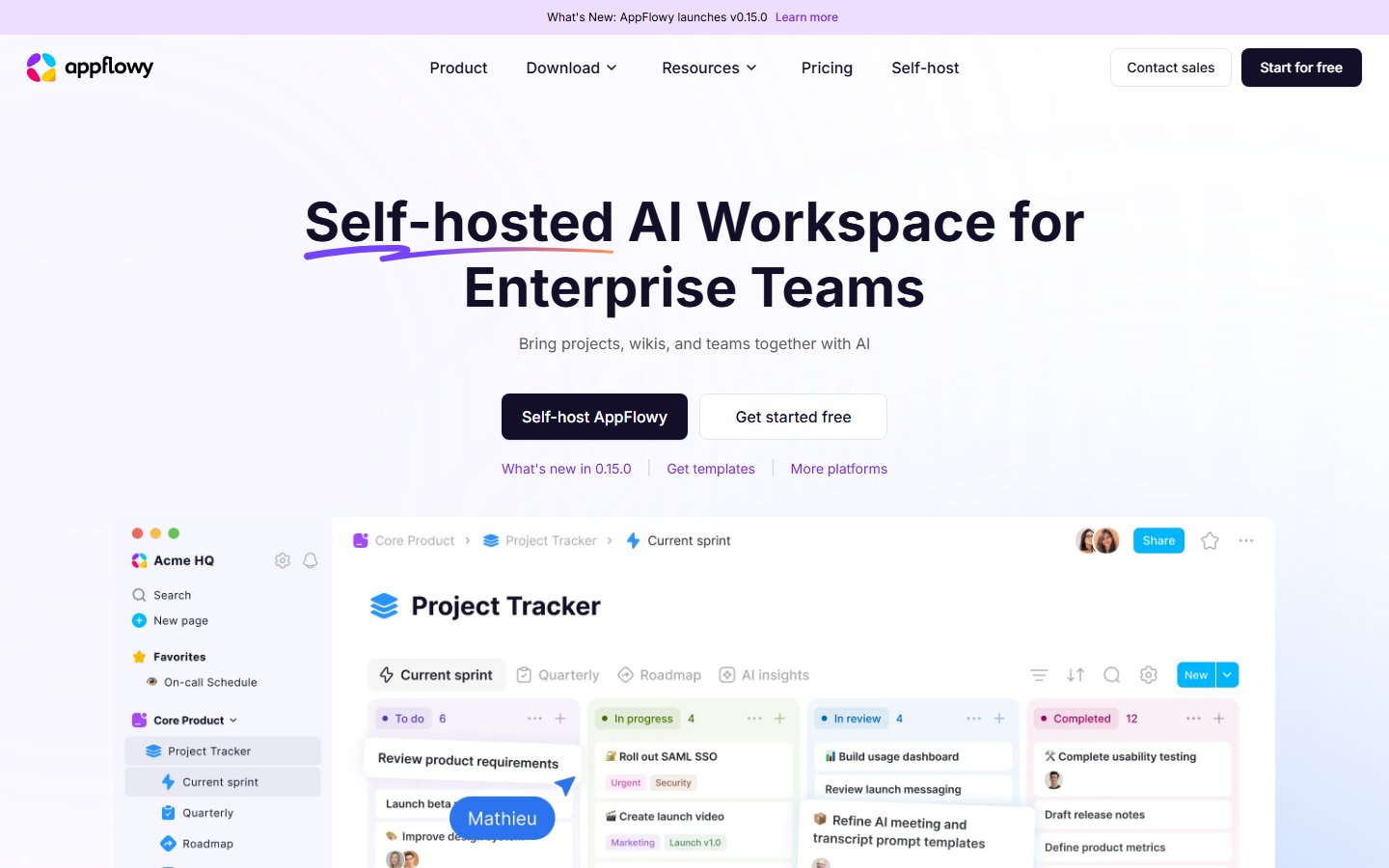
AppFlowy brings documents, shared knowledge, and project organization into a workspace. Its product site describes collaborative document editing, asynchronous comments, project management, and AI-assisted search and meeting notes. These capabilities are presented as parts of a workspace rather than separate disconnected applications.
The project offers applications for desktop, mobile, and the web. It also promotes self-hosted deployments, including environments that use locally operated language and embedding models. The website identifies the product as open core and describes additional enterprise administration and integration capabilities.
When evaluating AppFlowy, compare the features in the edition you intend to run with the broader product offering. Test your document and project workflows first, then assess the hosting and AI infrastructure required for the deployment you choose.
License: AGPL-3.0
#2
Self-organizing AI second brain for Obsidian + Claude Code. Drop any source and Claude reads, links, and files it into one connected knowledge graph of plain Markdown you own. AI note-taking, personal knowledge management (PKM), and an open-source Notion alternative. Based on Karpathy's LLM Wiki pattern.
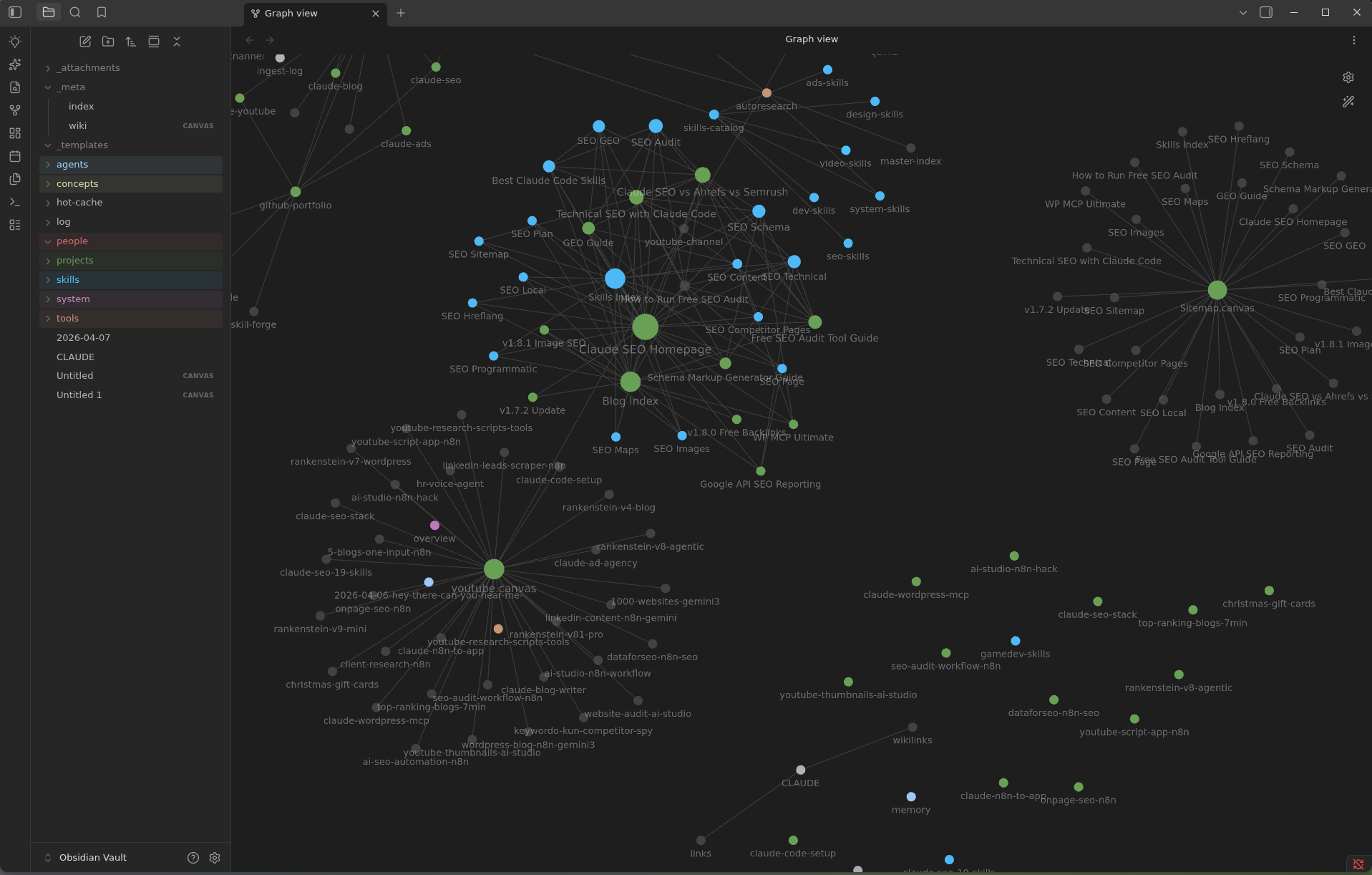
Your AI second brain for Obsidian, built for Claude Code. Drop in sources. Get a connected wiki that grows every time you use it.
claude-obsidian turns the things you read into a knowledge base that keeps getting more useful. Drop a paper, an article, a transcript or your own notes into the vault, and Claude reads them, writes linked notes with sources, and files everything into one connected knowledge graph you can explore in Obsidian.
- Capture. Put sources in inbox/. The originals are kept, untouched, so every summary can point back to where it came from.
- Connect. Claude writes linked pages, indexes and maps of content, so new ideas join the graph instead of piling up.
- Ask. Get answers from what your vault already knows, with citations, without changing a single file.
- Save. Keep the answers worth keeping as notes, one at a time, when you ask.
- Check. A health check finds dead links, orphan pages and gaps before they spread.
Everything stays as plain Markdown files on your computer. No cloud database, no lock-in, no telemetry. Apart from the AI tool you chat with, nothing leaves your machine unless you say so.
1. Capture. Sources go into inbox/. claude-obsidian keeps an untouched copy of each one, named by its content, before anything is summarized.
2. Ground. Each important claim in a note is linked to the source that supports it. Weak or conflicting evidence stays visible instead of being smoothed over.
3. Compound. Ask, research, search and lint use what the vault already knows, so every session starts from your notes instead of from zero.
The idea follows Andrej Karpathy's LLM Wiki pattern: let the AI maintain a wiki you can read, instead of a black box you cannot.
From a clone of this repo, the same core is available as a portable command line: python3 scripts/claude-obsidian.py. Commands that change files show a plan first and only apply with the plan's hash.
Run python3 scripts/claude-obsidian.py --help, or add --help to any command, to see every option.
License: MIT
#3
The most convenient way to render and deploy a folder containing markdown files. Previewing and searching markdown files has never been that easy. Your alternative to Notion and Obsidian. No need for AI everywhere nor a second brain, you already have a fine one!
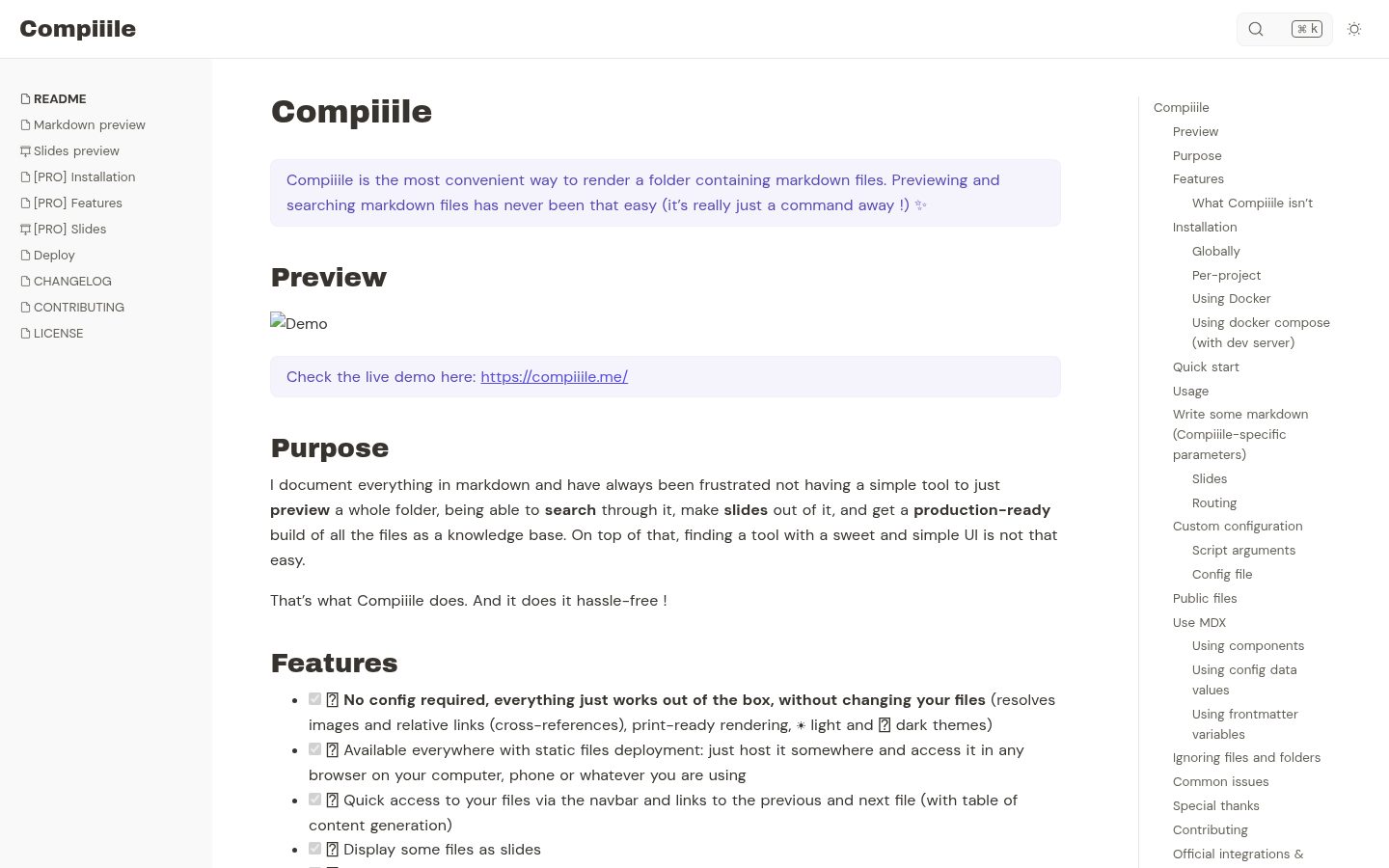
I document everything in markdown and have always been frustrated not having a simple tool to just preview a whole folder, being able to search through it, make slides out of it, and get a production-ready build of all the files as a knowledge base. On top of that, finding a tool with a sweet and simple UI is not that easy.
- [x] 📦 No config required, everything just works out of the box, without changing your files (resolves images and relative links (cross-references), print-ready rendering, :sunny: light and :first_quarter_moon_with_face: dark themes)
- [x] 🌱 Available everywhere with static files deployment: just host it somewhere and access it in any browser on your computer, phone or whatever you are using
- [x] :link: Quick access to your files via the navbar and links to the previous and next file (with table of content generation)
- [x] :tv: Display some files as slides
- [x] :mag: Full-text quick search with content preview
- [x] :zap: Hot-reload content preview as you edit it
- [x] :tada: Supports MDX files: add your own components to your documentation
- [x] :bulb: Can serve as knowledge base, and handles symlinks to reuse content
- [x] :wrench: Customizable by env variables or config file, it's up to you
- [x] :star2: You get it, it simply does the job, period.
- It's not a markdown editor, there are already plenty available, just choose the one that works best for you, even the simplest text editor will do.
- It's not like VuePress, VitePress, Docusaurus or Notion. Compiiile's goal is to stay simple and stupidly easy without any configuration.
You can run the command you want in your terminal while being in the desired folder.
- Make sure that the absolute path to the folder where you are running Compiiile doesn't contain any special character as it could prevent the project initialization.
License: GPL-3.0
#4
Open-source alternative to Notion and AppFlowy – documents, databases, whiteboards and a daily journal.
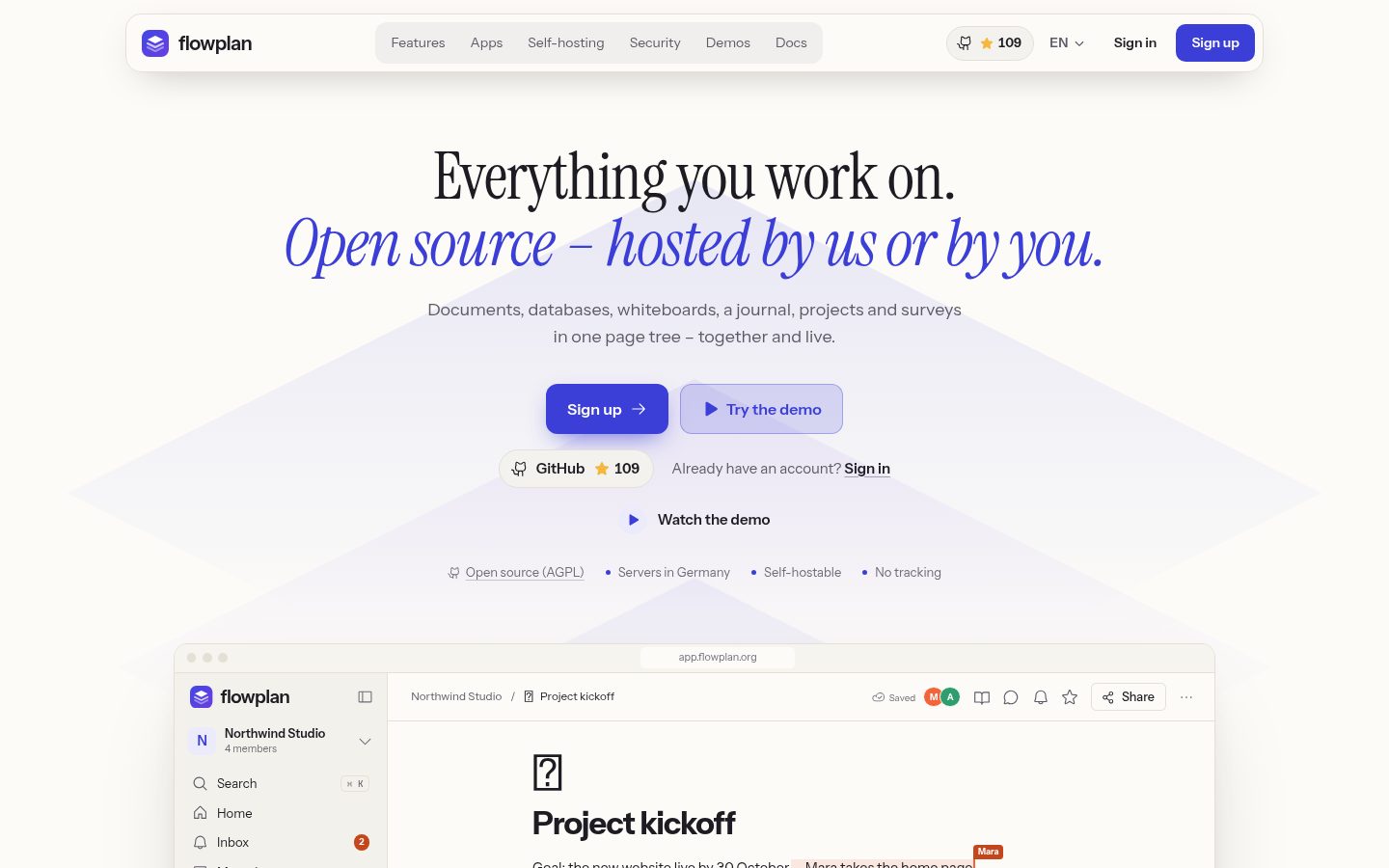
Open-source alternative to Notion and Confluence – documents, databases, whiteboards and a daily journal for teams, self-hosted in one container or hosted in Germany.
📝 DocumentsA block editor with the / menu, Markdown shortcuts, formulas, Mermaid, footnotes and version history. 🗂️ Databases and views23 property types with relations and formulas – as table, board, calendar, timeline, gallery, chart and more. 🧩 WhiteboardsSticky notes, connectors, mind maps and shape libraries – and server racks with cabling.
📔 JournalOne page per day with templates, trackers, monthly reviews and an optional PIN lock. 🎯 Projects and sprintsTickets like WEB-123, epics, sprints with burndown, automations and a Git connection. 📋 Forms and surveysForms on any database and surveys with 19 question types – every answer is a record.
🔎 Collections and searchFull-text search with OCR for PDFs and Office files; keep searches and filters as collections. ✨ AI, optionalOff until an admin turns it on – locally with Ollama or with your own OpenAI, Anthropic or Gemini key. 🔄 Import and exportIn from Notion, Confluence, AFFiNE, AppFlowy, Obsidian, Evernote and more; out as Markdown, CSV, PDF or Word.
📱 AppsAn installable web app that works offline, desktop apps, and apps for iPhone, iPad and Android. 🔐 SecuritySSO with OIDC, LDAP and SCIM, two-factor sign-in, passkeys and end-to-end encrypted spaces. 💾 Self-hosting and backupsOne container with SQLite or PostgreSQL and a cluster, continuous backup to S3 with Litestream, scheduled encrypted backups, a Helm chart.
🔀 WorkflowsFlows of nodes on a canvas, without code: a trigger – a record, page, form, schedule, mention, webhook or e-mail – then conditions, loops, waits and approvals, and actions on records and pages, notifications, AI and HTTP. Test runs, run history, versions, templates and an AI builder; a workflow never does more than the person who activated it.
- E-mail and password, passkeys (WebAuthn), two-factor sign-in with an authenticator app (enforceable for everyone or admins only)
- Single sign-on with OpenID Connect; SSO groups control roles and groups in workspaces
- Permissions per space, page and record; guests; audit log; session management
- n8n community node (n8n-nodes-flowplan)
License: AGPL-3.0
#5
Morrow is an open source, privacy first, offline workspace note taking app, presented as an alternative to Notion, and other apps!
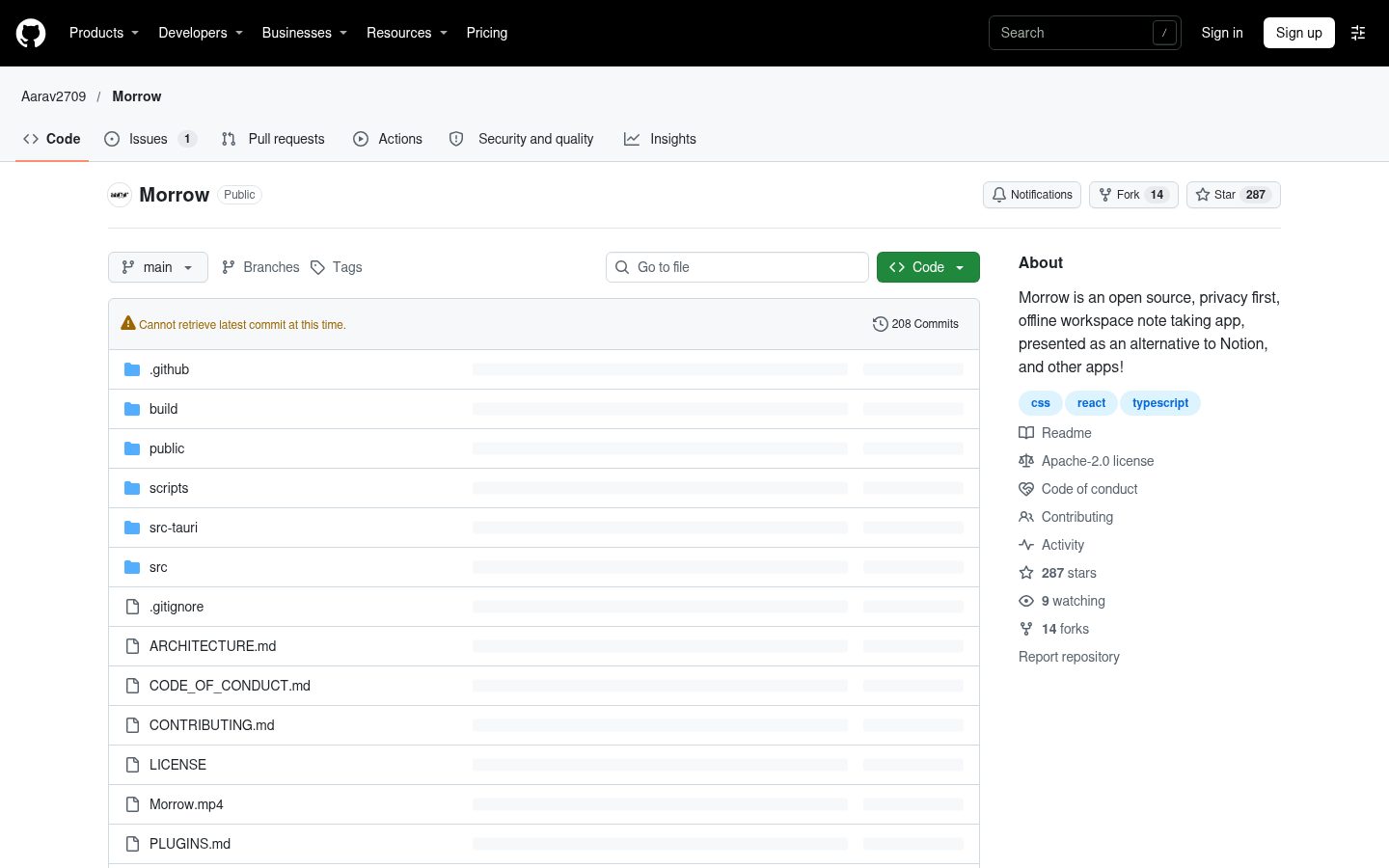
- Pages in a sidebar tree with icons, drag and drop, favourites and a trash
- A rich editor: headings, lists, checklists, quotes, callouts with titles and folding, toggles, tables, columns, a table of contents, highlights, maths, syntax highlighted code, Mermaid diagrams, images, and audio, video and PDF files that play right on the page
- Date mentions: type @ for @today, @friday or any day, linked to that day's note
- Links: [[ to link pages, with aliases and headings, live titles, backlinks, links to pages that do not exist yet, and links that follow renames. Link to one block with [[Page#^id]] or a section with [[Page#Heading]], or show just that part with ![[…]], the same way Obsidian does. Copy link to block in a block's menu makes one
- Databases: table, board, calendar, list and gallery views of pages, with text, number, select, multi-select, date, checkbox, link, relation and formula properties, filters, sorts and grouping, checklist progress on cards, and inline databases shown inside any page. Row values are readable frontmatter, relations are [[links]]. Turn a folder of notes into a database in one step, with their frontmatter as columns
- Properties: a page's frontmatter, like the properties of an Obsidian note, shown and edited at the top of the page. Moving a page into a database turns its properties into columns, matched whatever their case, and moving it out turns them back
- Canvases: an infinite whiteboard of cards, pages, images and groups joined by arrows, with a pen, highlighter and eraser for freehand drawing, saved as open JSON Canvas files. Show one inside any page with ![[Canvas]] or /Inline canvas, and drag its corner to size it
- Graph: every page and link as a network, or the neighbourhood of one page
- Tags from properties or #tags in text, with nested tags and a tag index
- Templates with {{date}}, {{time}} and {{title}}, and a daily note template
- Search across every page from the command palette, or in a full view with every match: "exact phrases", -word to leave pages out and #tag filters
License: Apache-2.0
#6
Open-Source Slack/Linear/Notion Alternative. The only workspace you will ever need.
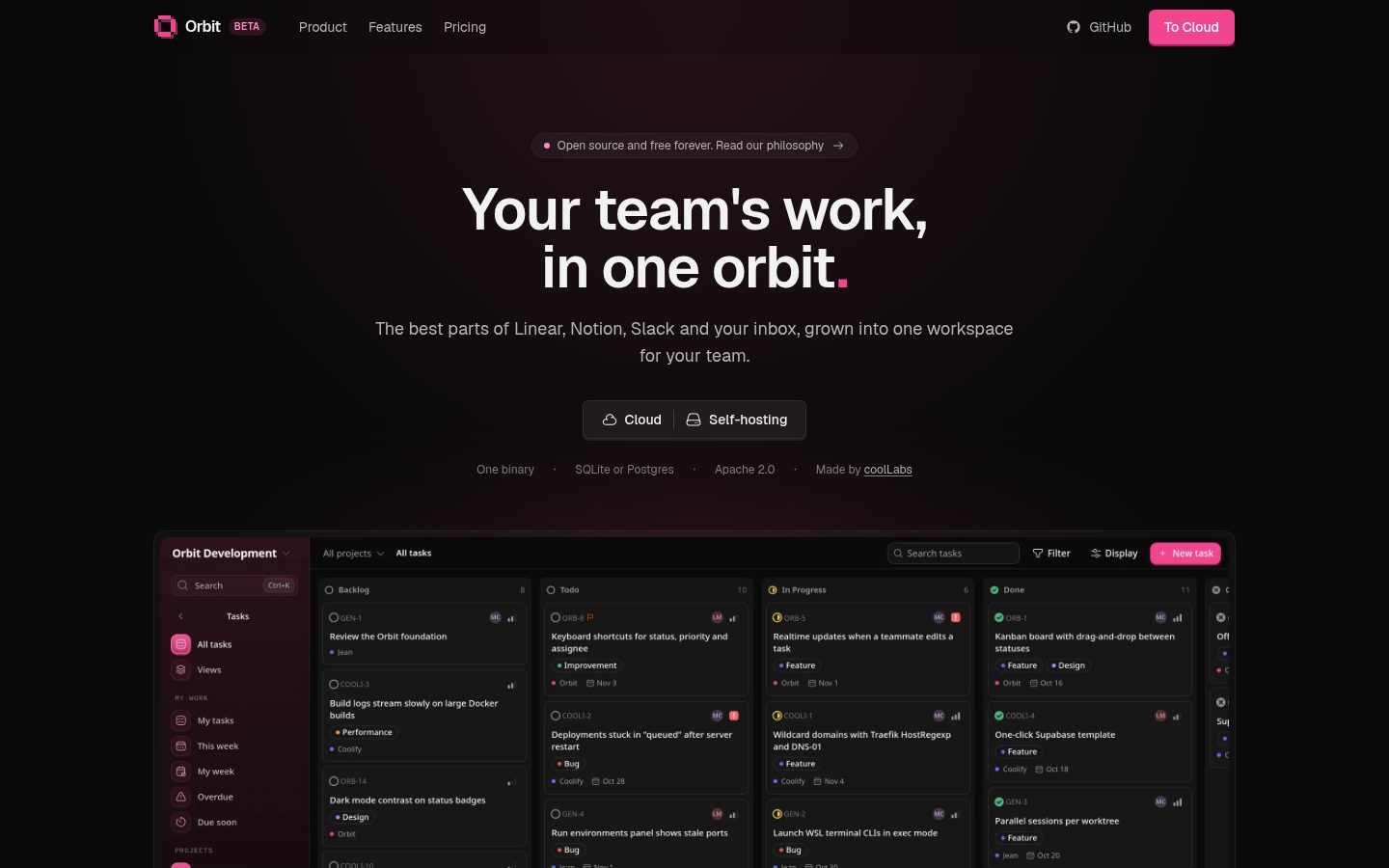
A self-hosted workspace for teams: tasks, docs, chat, and mail in one app on your own server. AI clients connect over MCP and get the full context of your workspace without your data leaving your server.
- Tasks: projects with custom workflows, list, board and timeline views, sub-issues, labels, saved views, trash, GitHub sync, and Asana, Linear and Trello import.
- Docs: page tree with live collaborative editing, version history, search, and Notion import.
- Chat: channels, direct messages, threads, files, and search.
- Mail: shared mail client (in progress, mock data).
- AI: MCP server with OAuth. Read and write tasks and docs, read chat. Set it up in Account settings → Agentic.
- Admin: workspaces, members, roles, API tokens, audit log, email, rate limits, storage, and workspace export.
- Backups: scheduled, verified backups to S3, with restore of single pages or tasks.
- Mobile: iOS and Android app (apps/mobile). Saved views, timeline, tasks trash, GitHub settings, export, API tokens, and Notion, Asana, Linear and Trello import are web-only.
One binary. A Rust server serves the API and the embedded React app. Data is in SQLite (default) or Postgres, files on local disk or S3. Put a reverse proxy in front for HTTPS. Docker image: ghcr.io/coollabsio/orbit:latest.
License: Apache-2.0