
zmNinjaNg
ZoneMinder client for iOS, Android, Windows, macOS, Linux and web. Live camera view, event review, montage, timeline, push notifications. Rewrite of zmNinja.
Automatically checked · GitHub checked 2026-11-13
Overview
zmNinjaNg - ZoneMinder Client


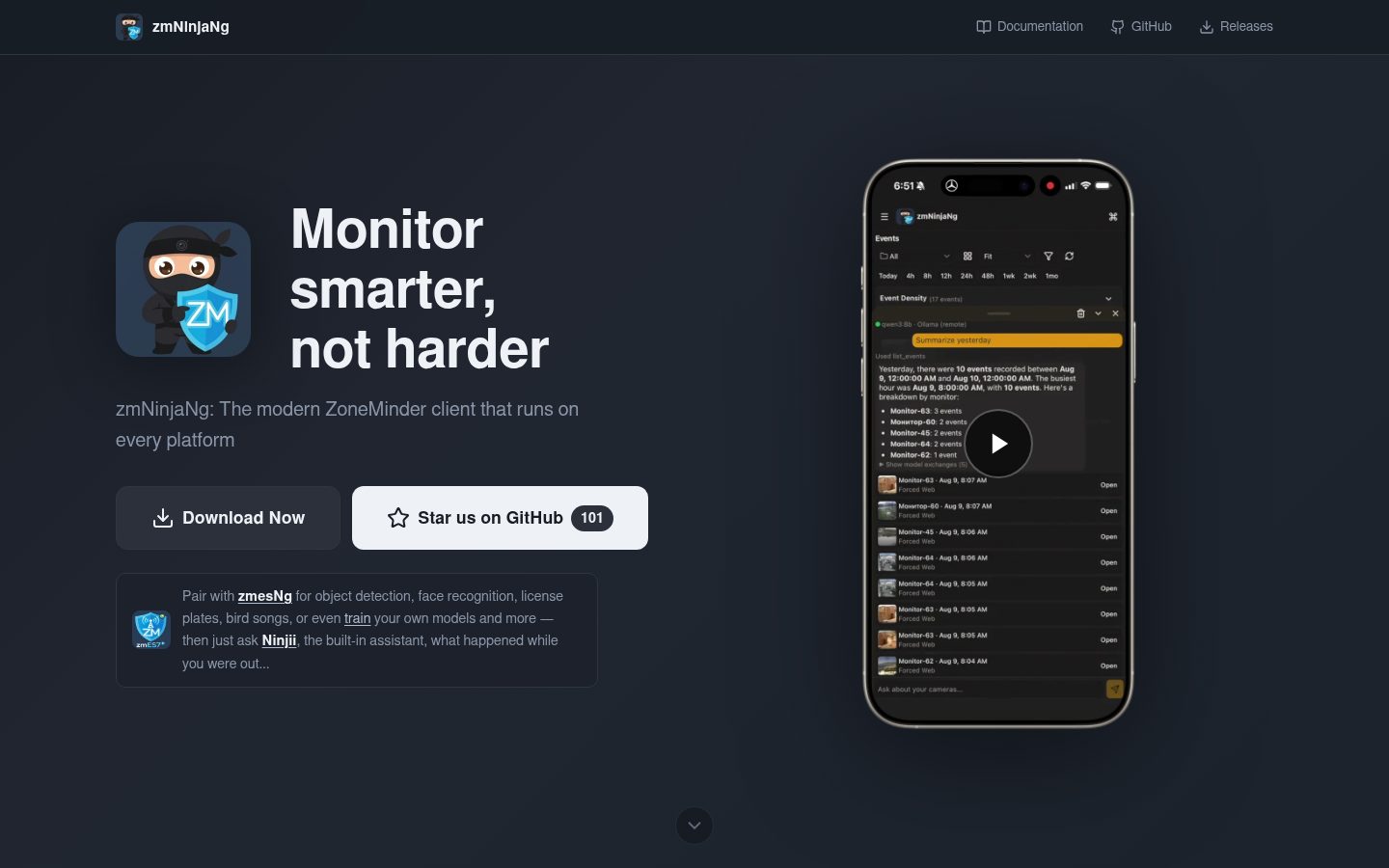
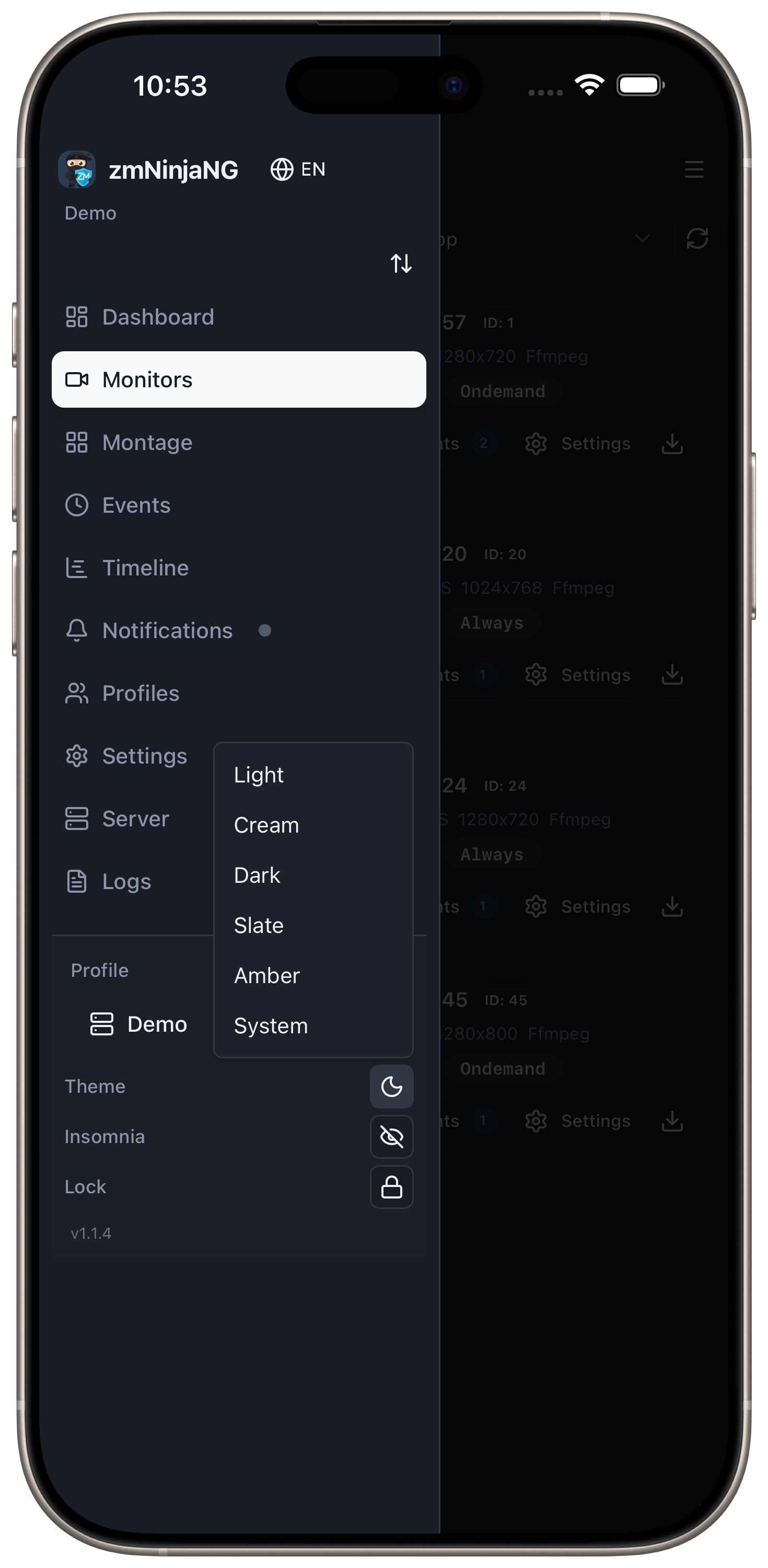
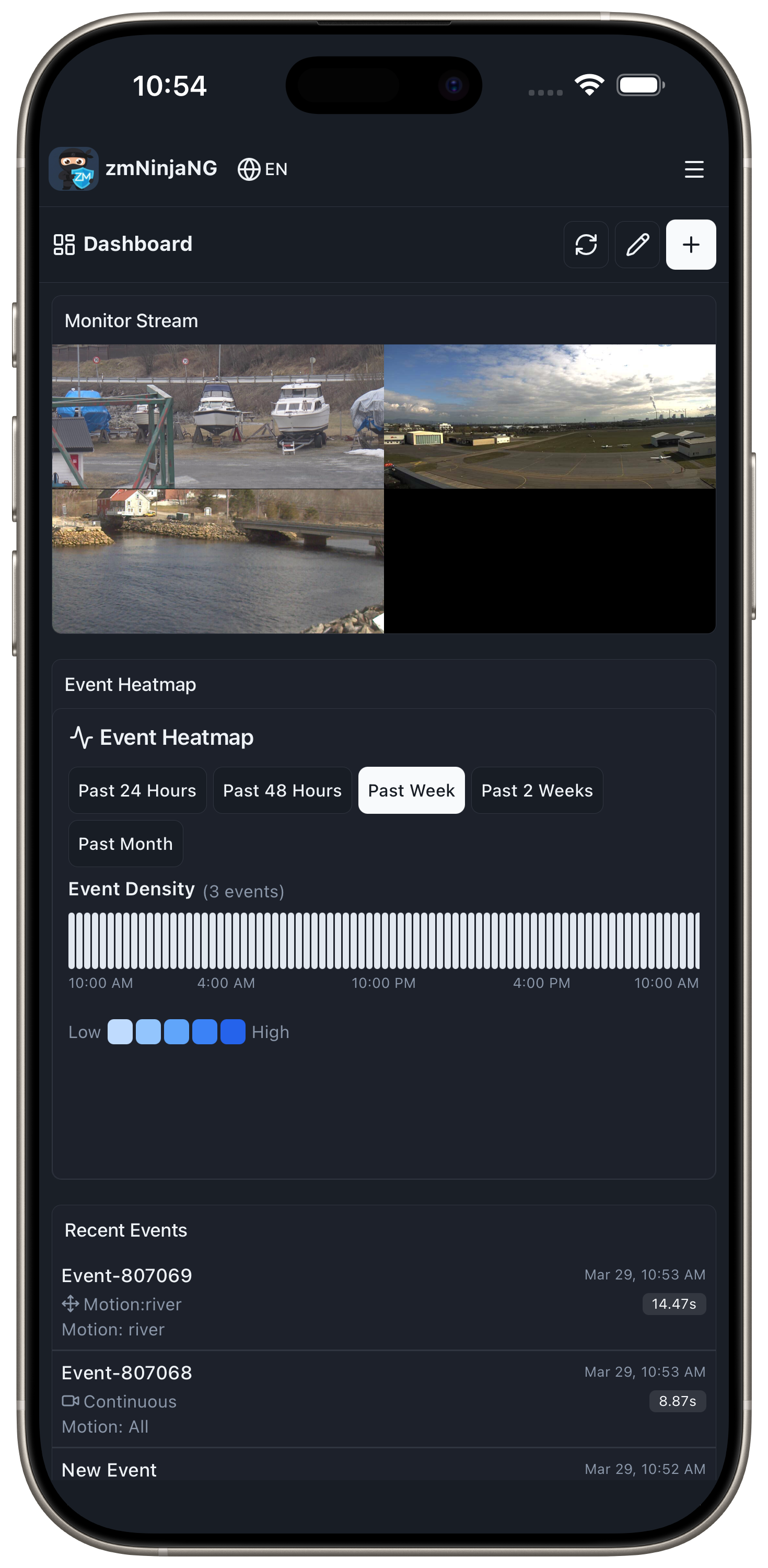
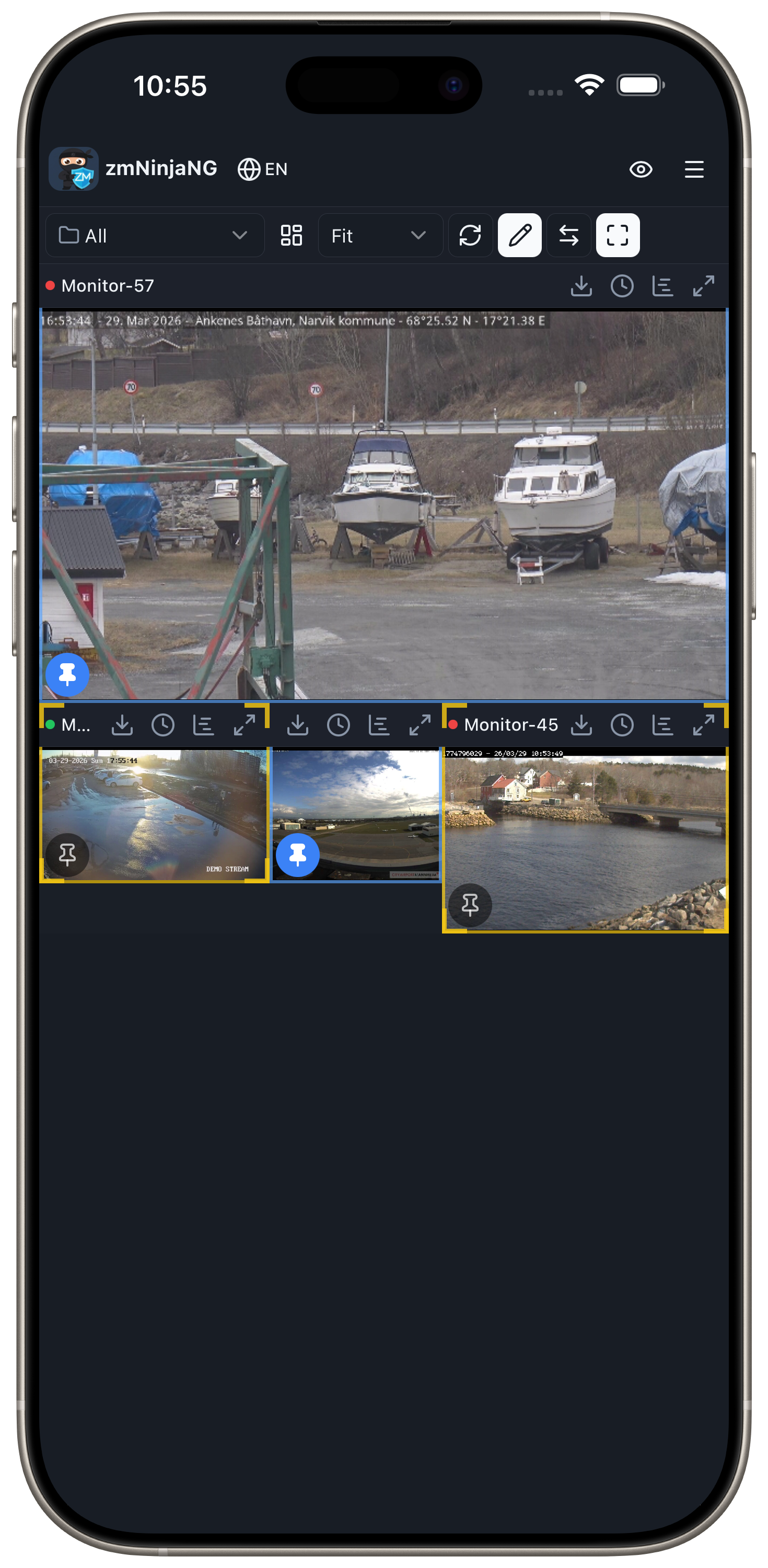
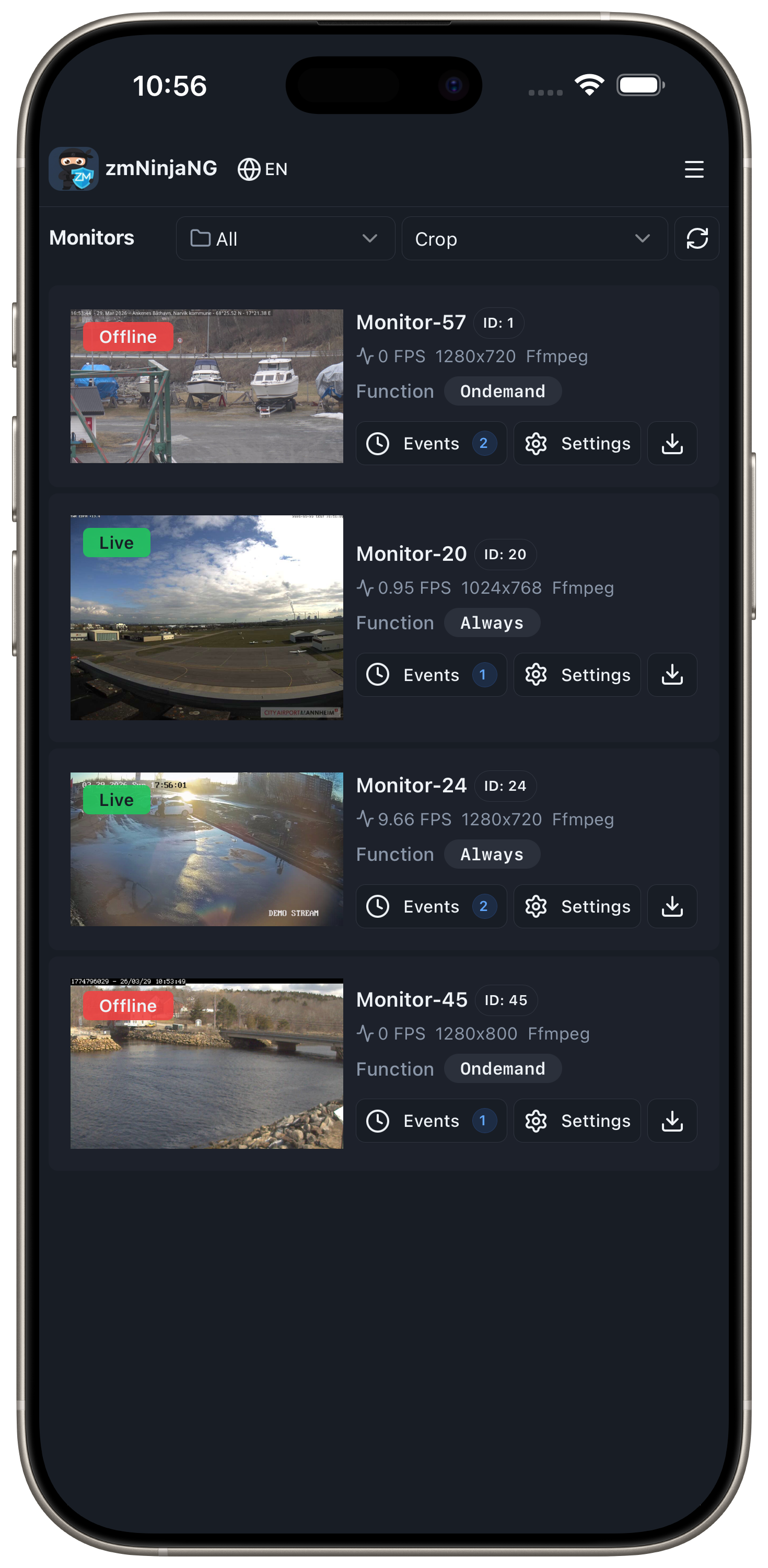
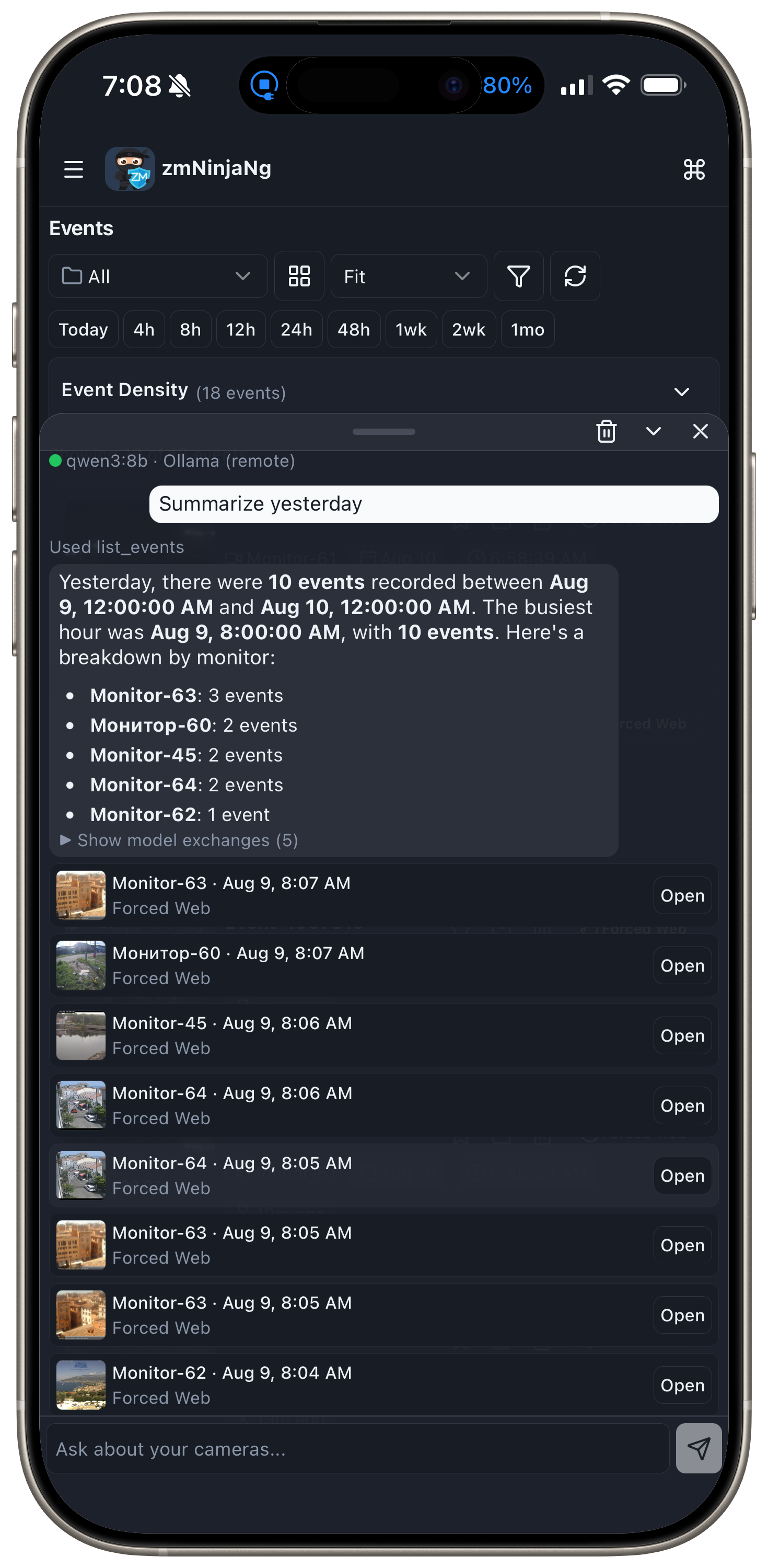
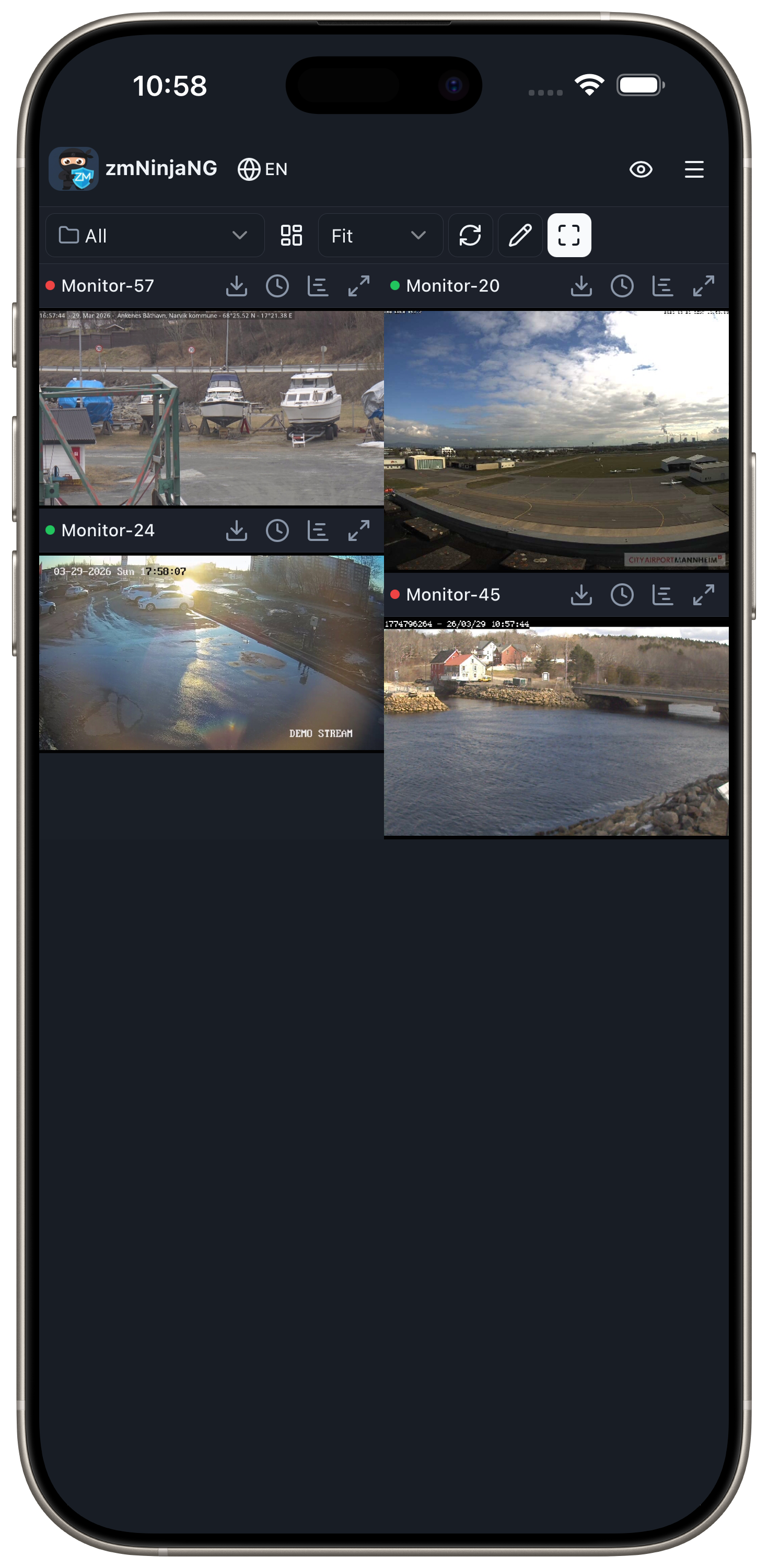
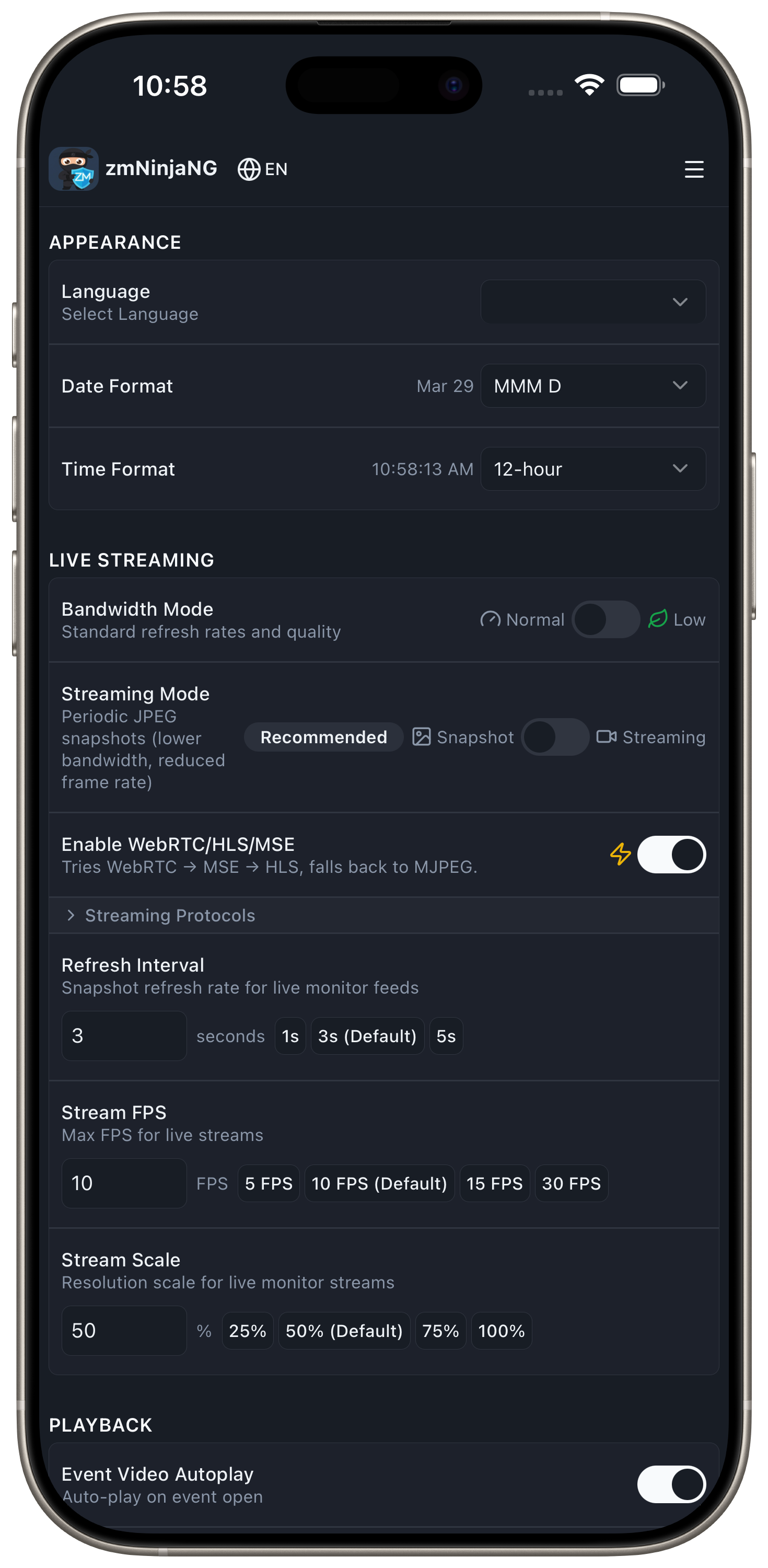
A ZoneMinder client for web, desktop, iOS, and Android. It shows live camera feeds, a montage of many cameras at once, and events on a timeline, and has an AI chat agent you can ask about your cameras. It is a rewrite of the original zmNinja, built on React, TypeScript, Capacitor, and Electron.
Demo
Notes
- zmNinjaNg supports self-signed certificates on iOS and Android. Turn it on in Settings > Advanced. On desktop, add your CA to the system trust store. I still recommend a proper certificate (for example Let's Encrypt).
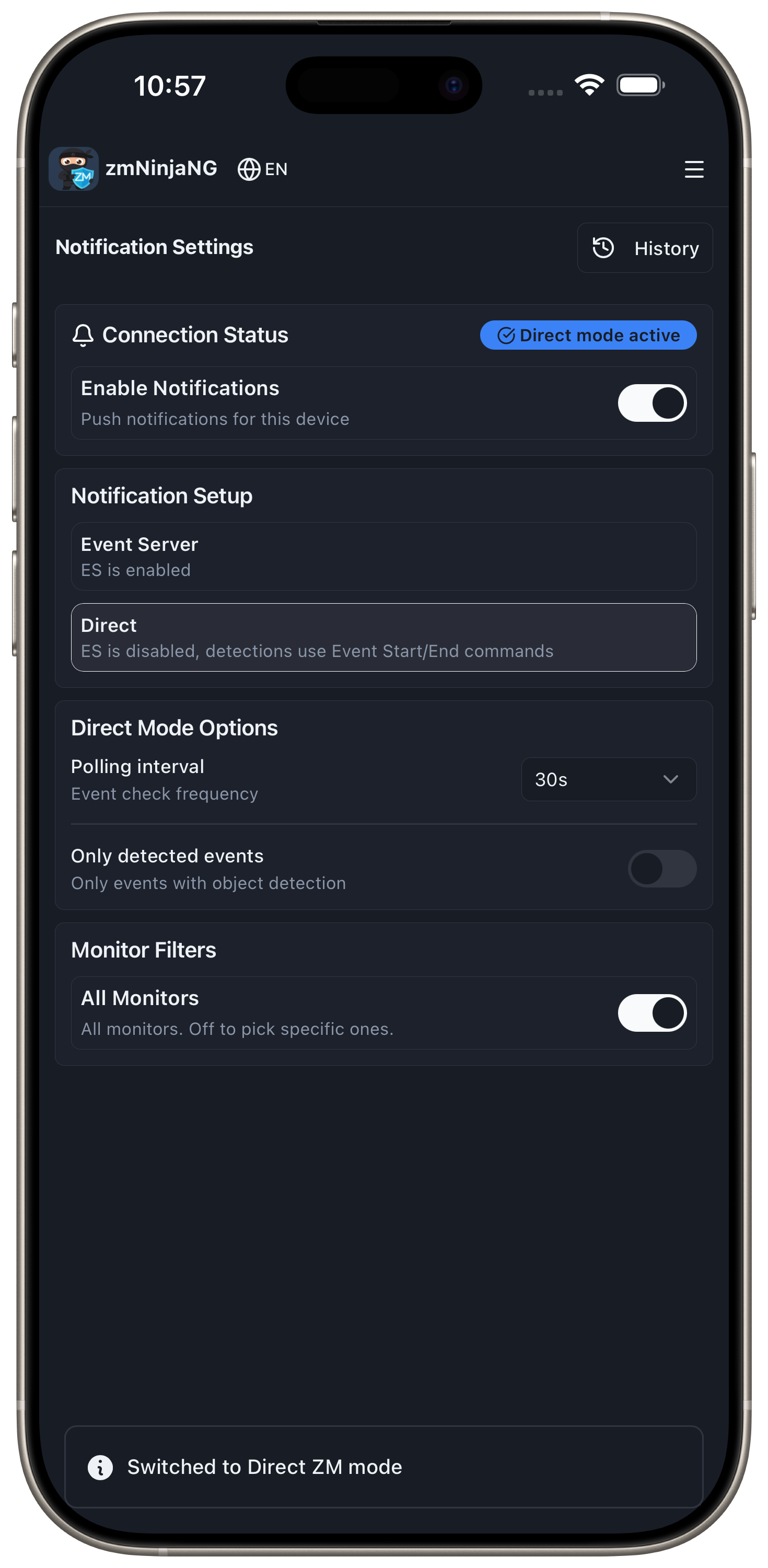
- zmNinjaNg has been tested with zmesNg, and I recommend switching to it. Push notifications require it.
- For the AI agent, I recommend
qwen3:8bon your Ollama server, or Qwen3 4B on device. The models built into phones (Apple Intelligence, Gemini Nano) scored lower in our evals.
Support
I (Pliablepixels) don't plan to support zmNinjaNg with any urgency. Please don't ping me and expect quick answers. ZoneMinder however does plan to offer limited support, just like it did with zmNinja.
Agentic AI
Claude Code agents write most of the code in zmNinjaNg, zmesNg, and pyzmNg. That is how I was able to rewrite zmNinja, and I don't plan to change it, because I wouldn't have time to keep extending the app otherwise. I read and review the design as changes land, and I've spent a lot of time with Claude writing the rules the agents follow.
Pull requests
I'm happy to accept PRs, including ones written by agents, as long as they aren't AI slop. Coding agents often write custom code where the codebase already has a helper, and they make mistakes, so every PR has to follow these rules:
- Point your agent at AGENTS.md and AGENTS.project.md. The contracts there name the one approved way to do each thing, such as HTTP requests, logging, and settings. Scripted gates catch some bypasses, and review catches the rest.
- Run
npm run gatesfromapp/and make sure it passes before you open a PR. Chapter 14 explains how agents work in this repo. - Run a code review before you open a PR (an agent review is fine). If a rule seems wrong, propose a change to the rule in the PR instead of working around it.
Quick start
Binaries
- Download from the zmNinjaNg site.
- GitHub workflows build the release binaries for specific platforms. If a binary doesn't work on your Linux distribution, build from source.
Build from source
Prerequisites
- Node.js 22 or newer, and npm (download)
GitHub Actions setup (for automated releases)
If you're setting up automated builds via GitHub Actions, you need to enable write permissions:
- Go to your repository on GitHub
- Navigate to Settings → Actions → General
- Scroll down to Workflow permissions
- Select Read and write permissions
- Check Allow GitHub Actions to create and approve pull requests (optional)
- Click Save
This allows the workflows to create GitHub releases automatically when you push a tag.
Desktop development
git clone https://github.com/ZoneMinder/zmNinjaNg
cd zmNinjaNg/app
npm install

# Desktop development
npm run electron:dev   # Electron shell (Chromium)
Desktop production builds
Desktop builds use Electron (bundles its own Chromium).
npm run electron:build # -> desktop_release_builds/electron/
On macOS, the build signs with the Developer ID and notarizes when APPLE_ID, APPLE_PASSWORD, and APPLE_TEAM_ID are set in the environment. Append :nosign for an unsigned build:
npm run electron:build:nosign
The target folder is wiped at the start of each build.
Web production build
npm run build          # Output: app/dist/
npm run preview        # Preview the production build
Deploy the web build (app/dist/) to Netlify, Vercel, GitHub Pages, AWS S3, etc.
Mobile builds
Testing
The project has unit tests and end-to-end (E2E) tests for web and devices. All testing commands run from app/.
Unit tests
npm run test:unit              # Run all unit tests
npm run test:unit -- --watch   # Watch mode
npm run test:coverage          # With coverage report
Web E2E tests
Uses Playwright with Gherkin .feature files against a real ZoneMinder server. Configure credentials in app/.env.
npm run test:e2e                                    # All web E2E tests
npm run test:e2e -- tests/features/dashboard.feature  # Single feature
npm run test:e2e -- --headed                          # See the browser
npm run test:all                                      # Unit + web E2E
Device E2E tests
Tests run on the Android emulator and iOS simulators (phone + tablet). Each platform uses shell scripts that handle building, booting, and running tests.
bash scripts/test-android.sh          # Android emulator (Playwright via CDP)
bash scripts/test-ios.sh phone        # iPhone simulator (WebDriverIO + Appium)
bash scripts/test-ios.sh tablet       # iPad simulator (WebDriverIO + Appium)
bash scripts/test-all-platforms.sh    # All platforms sequentially
Device tests require one-time setup (Xcode, Android Studio, Appium, etc.). Run npm run test:platform:setup to verify your machine is ready. See app/tests/README.md for setup instructions and docs/developer-guide/06-testing-strategy.rst for the full testing guide.
Documentation
pip install -r docs/requirements.txt sphinx-autobuild && cd docs && make clean && make html && sphinx-autobuild . _build/html
Making releases
- See
scripts/make_release.sh. It tags the current state and triggers release builds - After tagging,
make_release.shoffers to publish to the App Store and Google Play in one prompt. Both land as drafts, so nothing reaches users until you release them in the respective console.scripts/upload-ios.shandscripts/upload-android.shalso run on their own to publish a release tagged earlier. Setup is in the iOS and Android build guides app/package.jsonis the source of truth for the version number- From the repo root, run
npm run notice <version>to draft a short in-app "what's new" notice from the closed issues since the last release (Claude writes it, you approve it). It only writesdocs/notices.jsonfor you to test; nothing is committed. To discard a test draft, rungit checkout -- docs/notices.json. On minor/major releasesmake_release.shoffers to generate one for you. Details in the release notices guide.