
Wegent
Plan, build, and deliver with an open-source, self-hostable AI workspace for coding, collaboration, and automation.
Automatically checked · GitHub checked 2026-11-17
Overview
Wegent
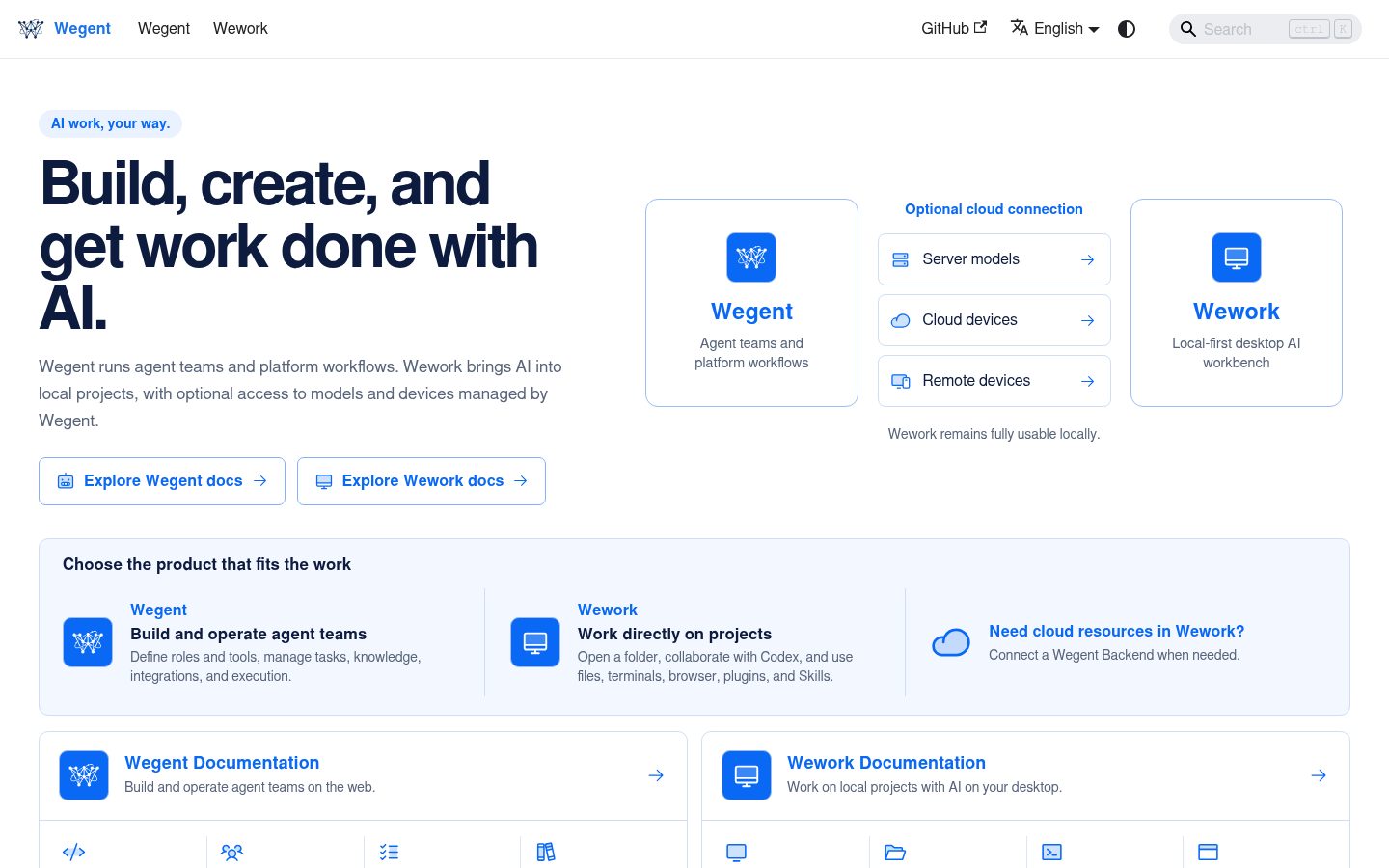
An open-source work system where people and AI move projects forward together.
English | 简体中文




Wegent brings team members, AI agents, and personal stand-ins together around the same Issue: describe a goal, assign work, execute tasks, and deliver results. Discussions, execution records, and deliverables stay connected. Work on a local coding project on your own, or hand work across your team in a shared project space.
Download the latest Wegent Desktop · Quick start · Documentation · Contributing
One Issue, the whole team

Watch the full demo (90 seconds, English)
Start with “Build an interactive three-column iteration board.” Here is how the work can move forward:
- Describe the goal — Create an Issue and choose a team member, agent, or collaboration group to handle it.
- Assign the work — A configured AI lead can delegate planning and implementation to the appropriate roles. Members receive notifications and open the same Issue.
- Execute and deliver — Members create linked tasks in Wework, use AI to work with files, commands, and tests, then select results to deliver back to the Issue.
- Discuss and hand off — Add feedback and reassign from the discussion. The next member or agent continues with the existing plan and files.
- Let a stand-in help, then confirm — A configured personal stand-in handles work according to its intake scope and processing policy, then hands it back for your confirmation.
Assignment is not completion, and AI output is not personal confirmation. The Issue connects ownership, execution, discussion, and deliverables so the team can inspect progress, ask questions, and continue the work.

Organize work in a project space with task boards, shared files, and execution status.
Core capabilities
- People and AI working together — Assign, discuss, and hand off Issues among team members, agents, and collaboration groups in one project.
- Task execution and delivery — Create linked tasks from Issues, inspect execution, and deliver selected files and notes back to the project.
- Personal stand-ins (Beta) — Receive work from authorized project sources according to configured responsibilities and processing policies, with execution records and human-intervention controls.
- Project management and automation — Organize projects with task boards, shared files, execution records, and deliverables. Configure automatic processing rules and execution queues.
- Local coding workbench — Use Codex directly with project code, files, commands, and development environments. Review tool activity, tests, and diffs together.
- Reusable agents and execution targets — Combine models, prompts, Skills, knowledge, and tools. Run tasks locally, on remote work machines, or with server-managed executors.
- Self-hosting — Deploy Wegent Web and Backend so your team can manage access, permissions, models, scheduling, knowledge services, and remote devices.
Personal stand-ins require source authorization, model configuration, and an available execution device. Automatic processing follows project permissions and operation approvals; it does not mean work continues on a powered-off computer. See the project lead guide for AI lead conversation and automatic-processing requirements; lead conversations currently require experimental features to be enabled. See Personal stand-in and scenario roles for configuration.
Quick start
Personal use: complete a task in a local project
- Download the latest Wegent Desktop installer and install it.
- Open the app, follow model setup, and add or select a local project. Local work does not require Wegent Backend login.
- Create a task describing what to analyze, change, or verify.
- Inspect agent activity, command output, test results, and file diffs to review the outcome.
Team collaboration: start with one Issue
- Create a collaboration project. For shared team access, connect to Wegent Backend and create or join a cloud collaboration project.
- Add project members. For AI execution, explicitly add agents and configure an available execution environment and model.
- Create an Issue, describe its goal, and assign it to a member, agent, or collaboration group.
- Create a linked task from the Issue and deliver the results after execution. Use comments to give feedback and hand work to the next owner.
- To let a personal stand-in help, configure its project sources, responsibilities, and processing policy in My stand-in, then handle human questions and confirmations as needed.
New projects do not automatically add agents or enable stand-ins. See Creating Issues in Collaboration and the personal stand-in guide for detailed controls.
Self-host Wegent Web and Backend
To start the self-hosted web application and Backend in standalone mode with Docker:
curl -fsSL https://raw.githubusercontent.com/wecode-ai/Wegent/main/install.sh | bash -s -- --standalone
Open http://localhost:3000 and follow the setup flow to create the administrator password and configure a model. See the Installation Guide and Standalone Mode for other deployment options.
Products
Wework / Wegent Desktop
Wework is the Wegent desktop workbench, connecting project collaboration to execution. It retains the full local coding workflow: organize conversations by project and task, work directly with files, run commands and tests, and review changes and diffs in one workbench. Connect to Backend to use shared project spaces, cloud models, and remote execution devices.

Running and reviewing a local coding task in Wegent Desktop.
Wegent Web and Backend
Wegent Web provides browser-based project collaboration, remote agents, knowledge, automation, and administration. Agents use configured models, knowledge, Skills, and tools. Backend provides shared project resources, access permissions, APIs, scheduling, and execution-device management. Teams can self-host Web and Backend to manage their services and data.

A Wegent remote agent uses tools to generate a Gantt chart.
Development
Requires Node.js 22.15+ (22.x) or 23.8+ (Node.js 24 recommended), and pnpm:
pnpm install
pnpm --filter wework dev
To run the macOS desktop app:
pnpm --filter wework dev:mac
See wework/README.md for desktop development, build, and release instructions. wework/ is the current desktop application source directory.
In the desktop architecture, Electron provides system capabilities and process management, DeepSeek Harness (DSH) hosts the product UI and plugins, and Executor manages tasks and sessions while driving Codex execution. See the DSH application host for plugin extension points and Cloud project collaboration architecture for shared-resource and execution boundaries.
Repository map
Products and services
| Directory | Responsibility |
|---|---|
wework/ | Wegent Desktop (Electron, Vite, React) |
wework-mobile/ | Independent Expo application for iOS and Android |
frontend/ | Wegent Web (Next.js, React) |
backend/ | Default public API, business logic, and data models |
backend-rs/ | Rust hybrid gateway and APIs that have completed migration |
executor/ | Rust task executor, local-device runtime, and Codex integration |
executor_manager/ | Server-side executor scheduling, sandboxes, and orchestration |
chat_shell/ | Lightweight chat and agent runtime |
knowledge_runtime/ | Knowledge indexing and retrieval API |
knowledge_doc_converter/ | Document parsing and asynchronous conversion service |
Shared code and developer tools
| Directory | Responsibility |
|---|---|
knowledge_engine/ | Reusable Python kernel for parsing, indexing, vector stores, and retrieval |
shared/ | Python models, protocols, utilities, and telemetry shared by services |
packages/ | TypeScript chat and collaboration modules shared by Web and Desktop |
sdk/ | Plugin authentication, build, creation, and DingTalk workspace SDKs |
wegent-cli/ | Python CLI for managing Wegent CRD resources |
Infrastructure, tests, and documentation
| Directory | Responsibility |
|---|---|
docker/ | Service images, standalone resources, and the docker/telemetry/ observability stack |
scripts/ | Installation, release, acceptance, repository-policy, and development automation |
tests/ | Cross-service Playwright integration tests and installation tests |
docs/ | English and Chinese user docs, developer docs, architecture, and historical designs |
patches/ | Third-party dependency patches used by pnpm patchedDependencies |
LICENSES/ | Third-party license texts required for repository distribution |
.github/ | CI, release workflows, composite actions, and repository automation |
Root entry points
| File | Responsibility |
|---|---|
start.sh, install.sh | Local startup and self-hosted installation |
build_image.sh, build_image_mac.sh | Multi-architecture and host Docker image builds |
docker-compose*.yml | Default, build, and E2E Compose orchestration |
package.json, pnpm-workspace.yaml | JavaScript/TypeScript workspace definition |
pyproject.toml, uv.lock | Repository-level Python tooling and lock metadata |
AGENTS.md, CLAUDE.md | Contributor rules and compatibility symlink |
Documentation
- Wegent Desktop documentation
- Desktop development and release
- Wegent quick start
- Installation and deployment
- Core concepts
- Developer guide
- Troubleshooting
Contributing
Bug reports, documentation improvements, code contributions, and new ways of using Wegent are all welcome.
- Contributing Guide
- Security Policy
- GitHub Issues
- DingTalk Community: “wework社区交流”, group ID
190890002451 - Discord Community
- License
Contributors
Thanks to everyone who helps Wegent grow.




Made with ❤️ by WeCode-AI Team