
VTCode
VT Code is a terminal-first coding agent for your repo, in the CLI and native macOS app.
Automatically checked · GitHub checked 2026-11-14
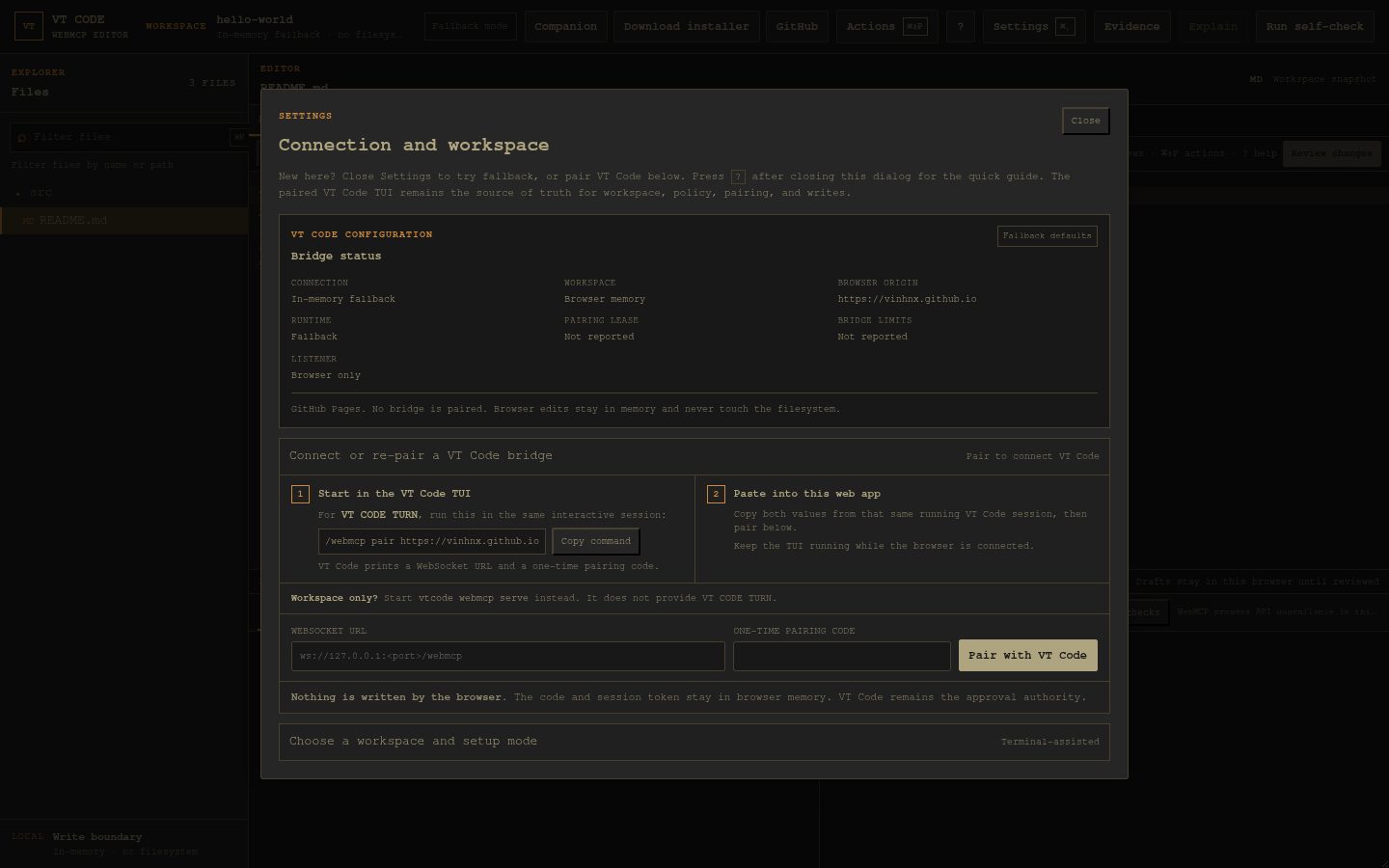
Overview

Terminal-first coding agent. Desktop-ready on macOS.
Explore, plan, edit, and verify with your model of choice.





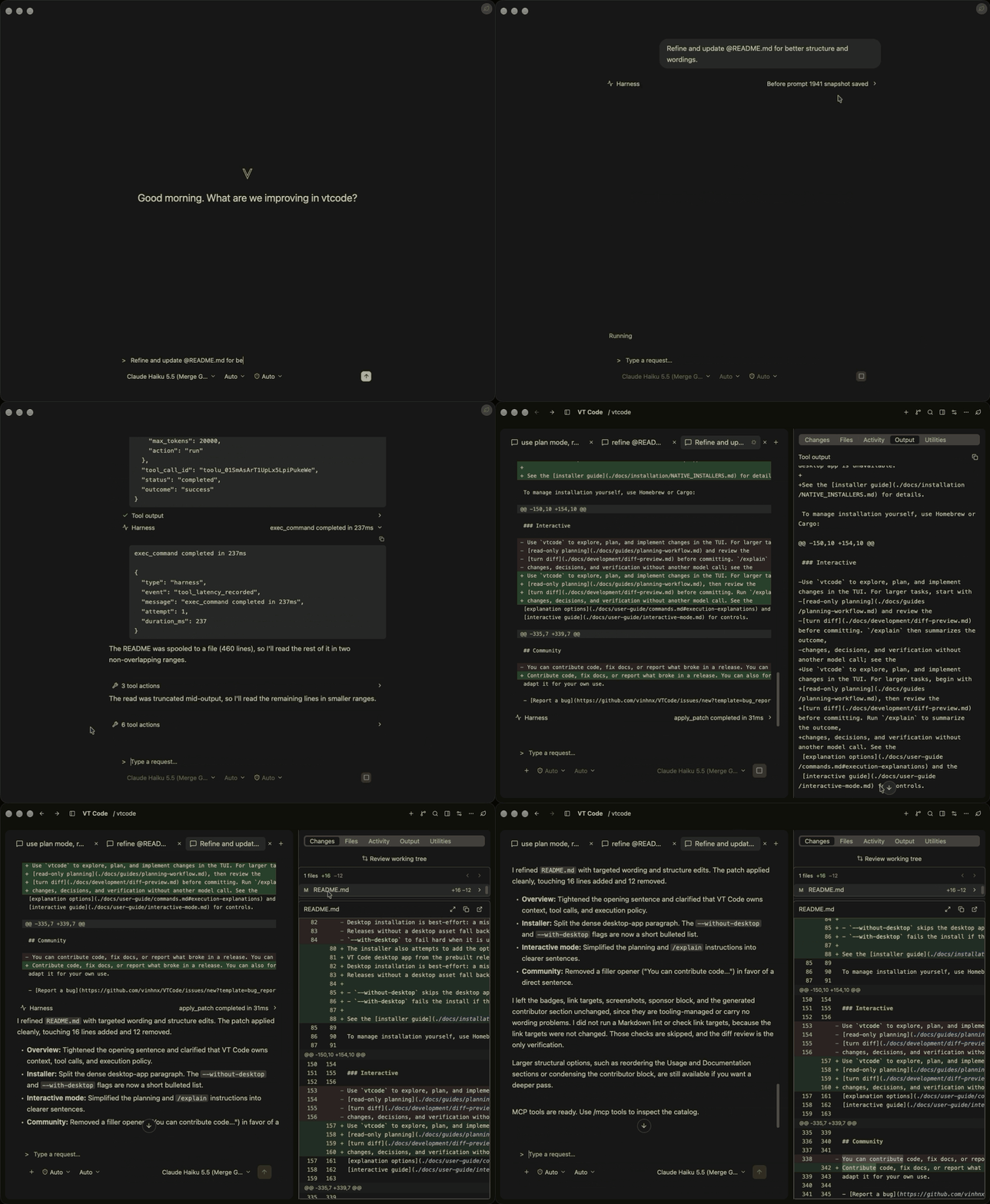 Desktop app
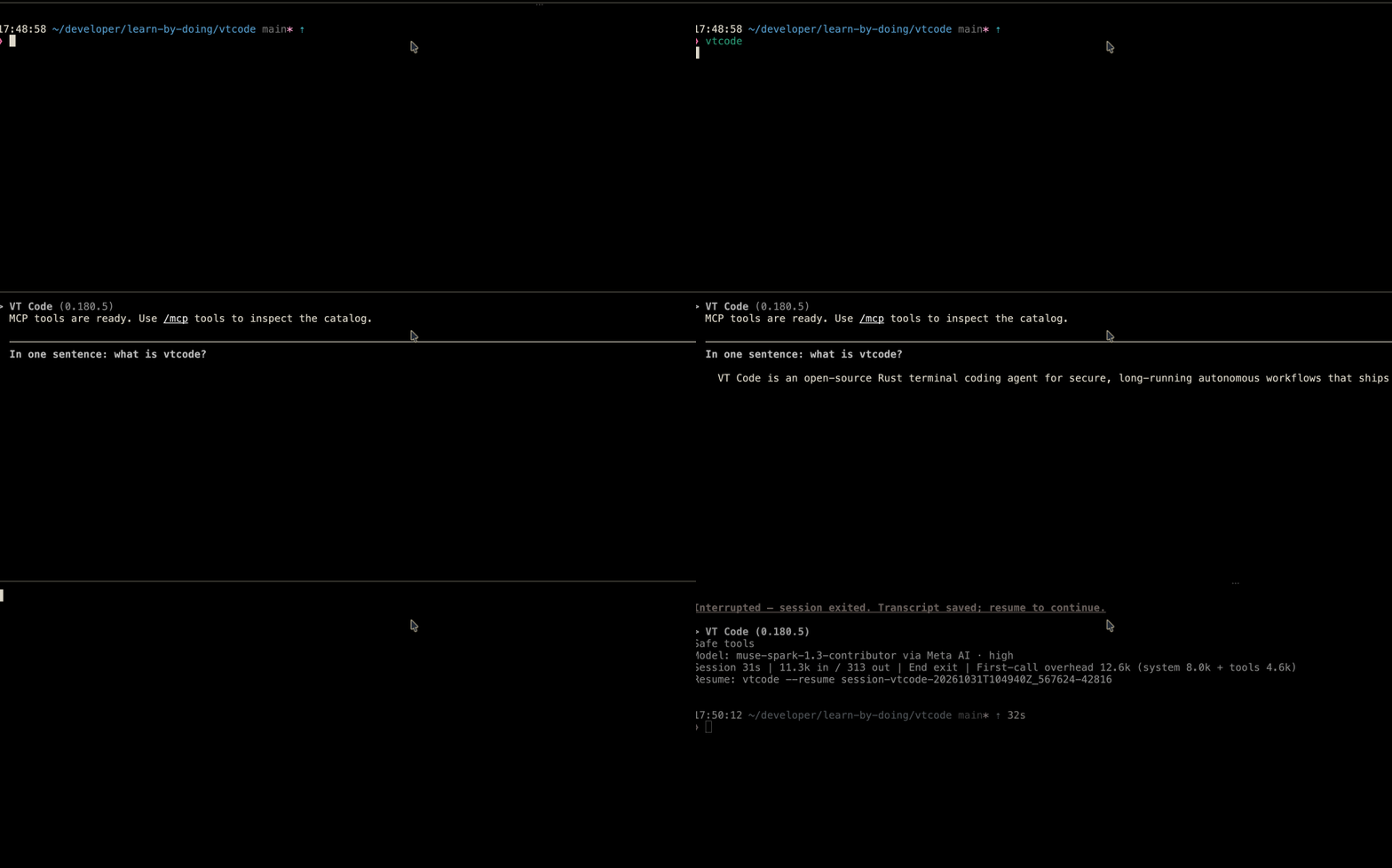
Terminal TUI
Overview
VT Code runs an auditable, resumable agentic coding loop in your repo — terminal TUI and native macOS app, open source under MIT OR Apache-2.0 (see Contributing and License).
| At a glance | What you get |
|---|---|
| Plan | Plan read-only, review turn diffs. |
| Safety | Auditable command policy with sandboxing. |
| Long runs | Headless exec with resume; snapshots, subagents. |
| Extend | MCP, skills, plugins, editor bridges. |
| Models | Hosted or local providers per task. |
Full map in Documentation.
Quick start
Three steps on macOS, Linux, or Windows/WSL. Windows artifacts are best effort; source builds need Rust 1.100.0+ (edition 2024). See the installation guide for all methods.
1. Install
# Review the installer script before running it: https://github.com/vinhnx/vtcode/blob/main/scripts/install.sh
curl -fsSL https://raw.githubusercontent.com/vinhnx/vtcode/main/scripts/install.sh | bash
Or with Homebrew or Cargo:
brew trust vinhnx/tap
brew install vinhnx/tap/vtcode

# Or from crates.io (see the installation guide)
cargo install vtcode
Desktop app: see Desktop app.
On Windows:
irm https://raw.githubusercontent.com/vinhnx/vtcode/main/scripts/install.ps1 | iex
Verify with vtcode --version.
2. Configure your project
From your project directory:
cd path/to/your/project
vtcode init # scaffolds vtcode.toml, .vtcode/, and AGENTS.md; review before committing
vtcode secret add openai # replace `openai` with your provider
Keys stay in secure storage (OS keyring or encrypted file); env vars, workspace .env, or vtcode login
work where supported. See getting started and
provider guides. ChatGPT: vtcode login openai (or --from-codex);
Copilot uses the official copilot CLI — see OAuth authentication.
Caution: Keep API keys out of Git and
vtcode.toml, and never commit a workspace.envfile.
3. Run your first task
vtcode # open the interactive TUI
Ask one focused question, review the changes and test results, then commit. See Usage for automation and session commands.
Usage
Common commands (full list in command reference):
| Goal | Command |
|---|---|
| Start the TUI | vtcode |
| Ask without tools | vtcode ask "explain Rc vs Arc" |
| Run a task headlessly | vtcode exec "refactor main.rs" |
| Review pending changes | vtcode review |
| Schedule recurring work | vtcode schedule create --prompt "..." --every 1h |
| Resume the last session | vtcode continue |
| Resume a headless run | vtcode exec resume --last "prompt" |
| Roll back a snapshot | vtcode snapshots / vtcode revert |
| Inspect a run log | vtcode trajectory |
For larger tasks, start read-only, review the turn diff, and use /explain for a summary
without another model call. See interactive mode.
Modes
askis tool-free: prints one reply and exits.execruns the full tool loop and needs workspace trust: approve the TTY prompt, or setVTCODE_TRUST_WORKSPACE=full-autofor non-TTY runs (denyrefuses instead of prompting). Allow/deny lists and execution policy still apply.reviewinspects uncommitted changes without the agent loop.
Scheduled work reuses the exec runtime. Resume with vtcode continue (or --session-id <id>);
resume headless runs with vtcode exec resume --last "<prompt>". See exec mode
and full automation.
Desktop app
Native macOS app (macOS 15+) sharing the CLI runloop, providers, tool policy, sandboxing, sessions, config, and credentials. Configure a provider first (see Quick start).
Install (macOS 15+)
brew trust vinhnx/tap
brew install --cask vinhnx/tap/vtcode-desktop
Update cask installs with brew upgrade --cask vinhnx/tap/vtcode-desktop. Without Homebrew, download the
latest release or run vtcode desktop --install,
then launch with vtcode desktop or from Finder. The cask ships Apple Silicon builds; Intel Macs install
from source with vtcode desktop --install (see installation guide).
[!WARNING] First launch needs one-time approval for ad hoc-signed builds (Homebrew cask included): open the app once from Applications, click Open Anyway in System Settings › Privacy & Security, then reopen from Finder (or
vtcode desktop). The button expires about an hour after a blocked launch — reopen the app to bring it back. Notarized releases skip this. See desktop workspace.
Documentation
Start from the documentation index or Wiki:
Start
- Installation and getting started
- Providers and OAuth login
- FAQ and compatibility
Use
Automate
Extend
- Skills, plugins, and MCP (interop)
- Editors (ACP), WebMCP (deployment), A2A, and Companion
Develop
Development
25-crate workspace sketch (full list in the architecture guide; default-members builds
only the root binary, vtcode-core, and vtcode-ui):
graph LR
    BIN["vtcode binary"] --> CORE["vtcode-core harness"]
    CORE --> LLM["vtcode-llm"]
    CORE --> SAFETY["vtcode-safety"]
    CORE --> EVENTS["vtcode-exec-events (crates/common)"]
    CORE --> MEMORY["vtcode-memory"]
    CORE --> UI["vtcode-ui"]
Build with Rust 1.100.0+ (edition 2024; workspace version 0.182.4):
git clone https://github.com/vinhnx/vtcode.git
cd vtcode
./scripts/run-debug.sh     # build and launch a debug binary
./scripts/check-dev.sh     # fast gate: clippy, fmt, check (add --test for tests)
cargo nextest run          # tests via nextest (see testing guide)
CI uses --locked and RUSTFLAGS="-D warnings"; match locally with
RUSTFLAGS="-D warnings" cargo check --locked. See development and
testing.
Release binaries and notes live on GitHub releases.
Contributing
VT Code is open source and community-driven. Code, docs, evals, and fixes are welcome —
include vtcode trajectory output in bug reports where possible. Before a PR, read
contributing and start with a good first
issue or help
wanted item. Forks: keep license and third-party notices
intact (see License).
Security
Report vulnerabilities privately via GitHub private vulnerability reporting. See the security policy.
Community
The Code of Conduct keeps review constructive. Contact: vinhnguyen2308 [at] gmail [dot] com.
Thanks to our contributors
Thank you to everyone below. You are the reason this project keeps moving.
View all contributors (31)
Security Advisors


Main Contributor

Core Contributors


Contributors


Want to see your avatar here? Every bit counts: a one-line fix, a bug report, or a thoughtful comment. Not sure where to begin? Say hello on a good first issue and we will figure it out together.
Resources
Support VT Code
Current sponsors: Codemod and CodeRabbit.


If you like VT Code, please star the repo and share it — starring helps discovery and brings in new users, contributors, and sponsors. Thank you for growing the community.
License
First-party code is MIT OR Apache-2.0, available under either LICENSE-MIT or LICENSE (Apache-2.0). You are welcome to fork, use, copy, modify, merge, publish, distribute, sublicense, and sell copies of the code, for personal or commercial use, under either license. Keep the license and copyright notices when you distribute copies. Third-party code keeps its original licenses, listed in THIRD-PARTY-NOTICES.