
voicebox
The open-source AI voice studio. Clone, dictate, create.
Automatically checked · GitHub checked 2026-11-23
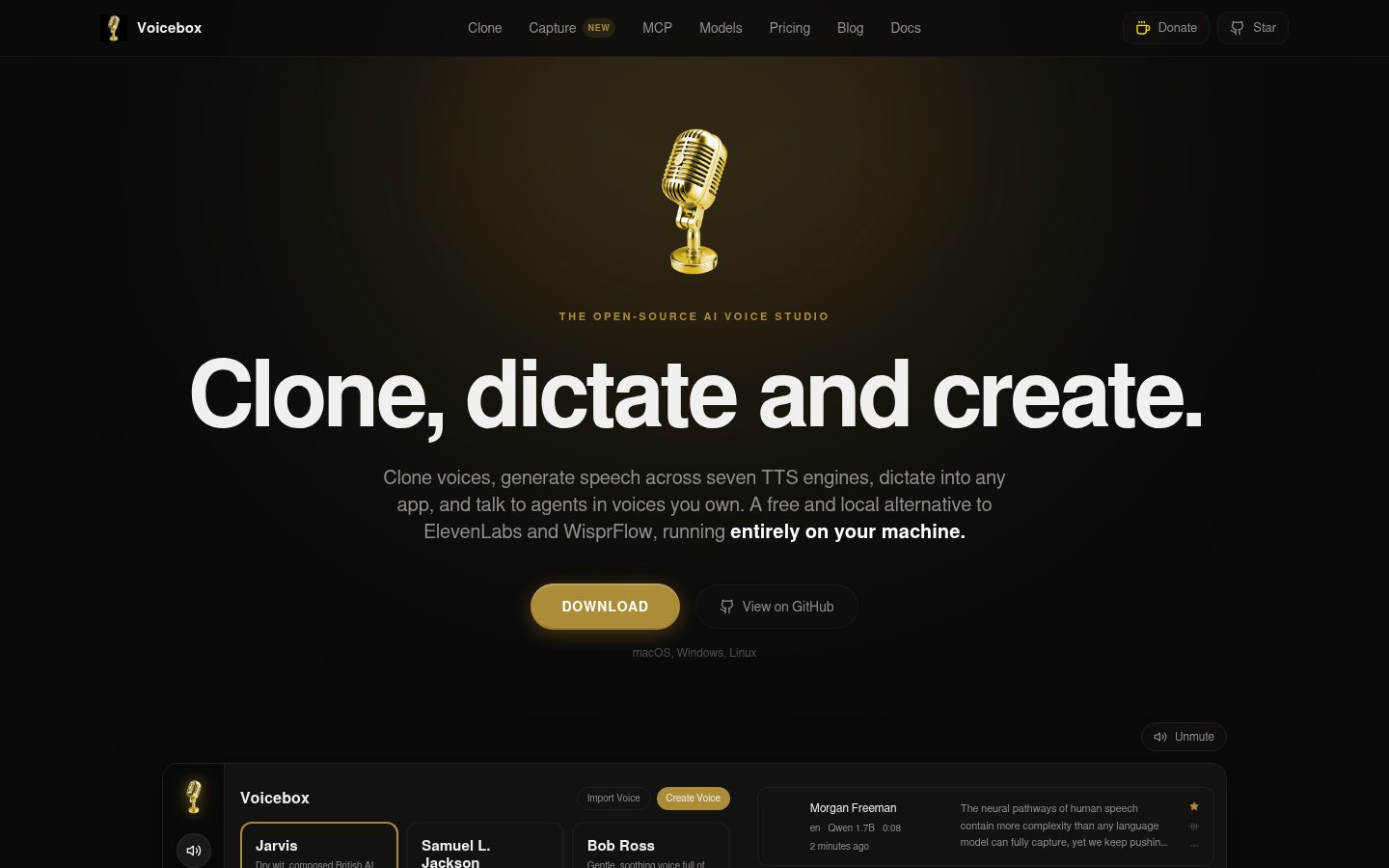
Overview

Voicebox
The open-source AI voice studio.
Clone any voice. Generate speech. Dictate into any app. Talk to agents in voices you own.
The full voice I/O stack, running locally on your machine.


voicebox.sh • Docs • Download • Features • API • Troubleshooting
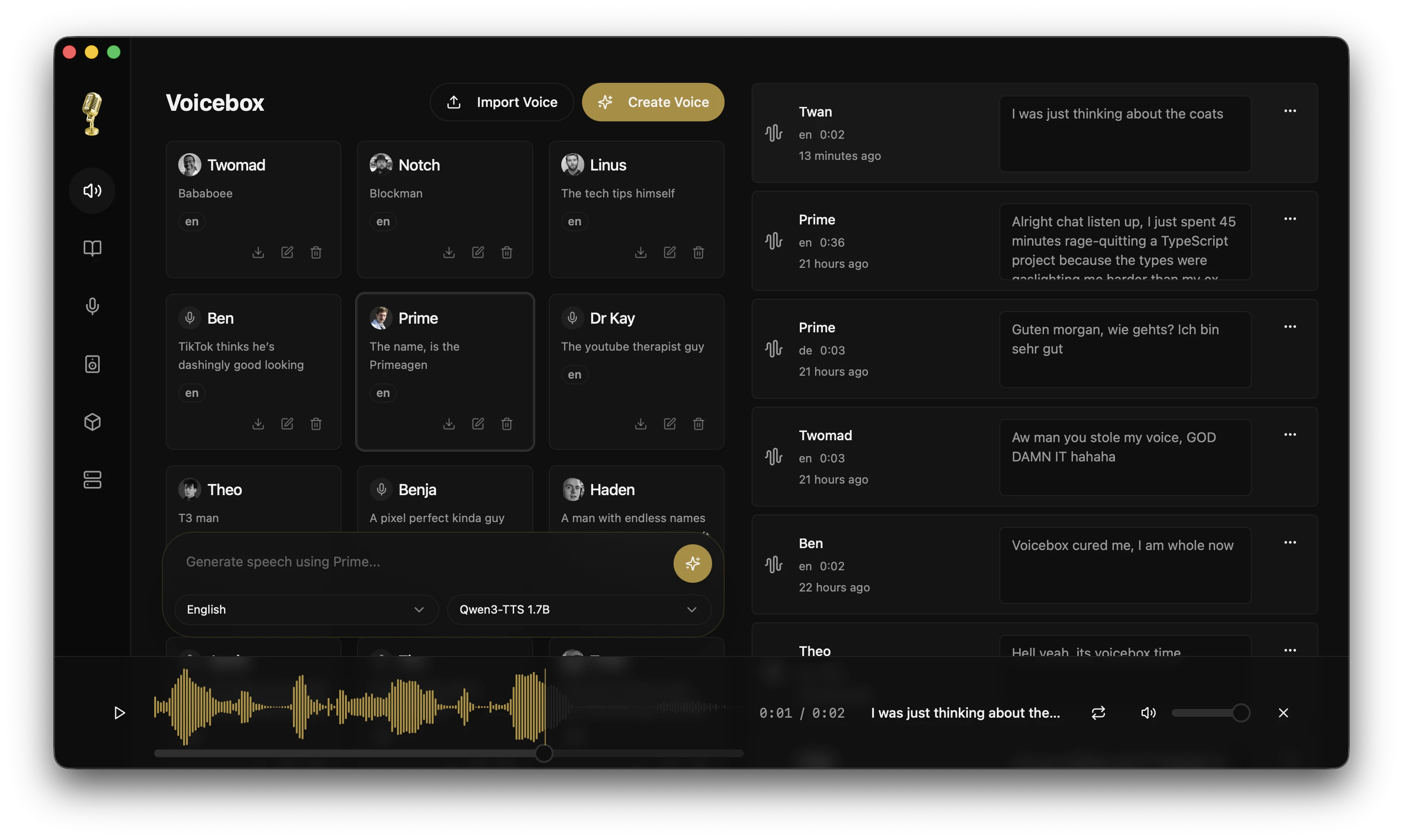
Click the image above to watch the demo video on voicebox.sh
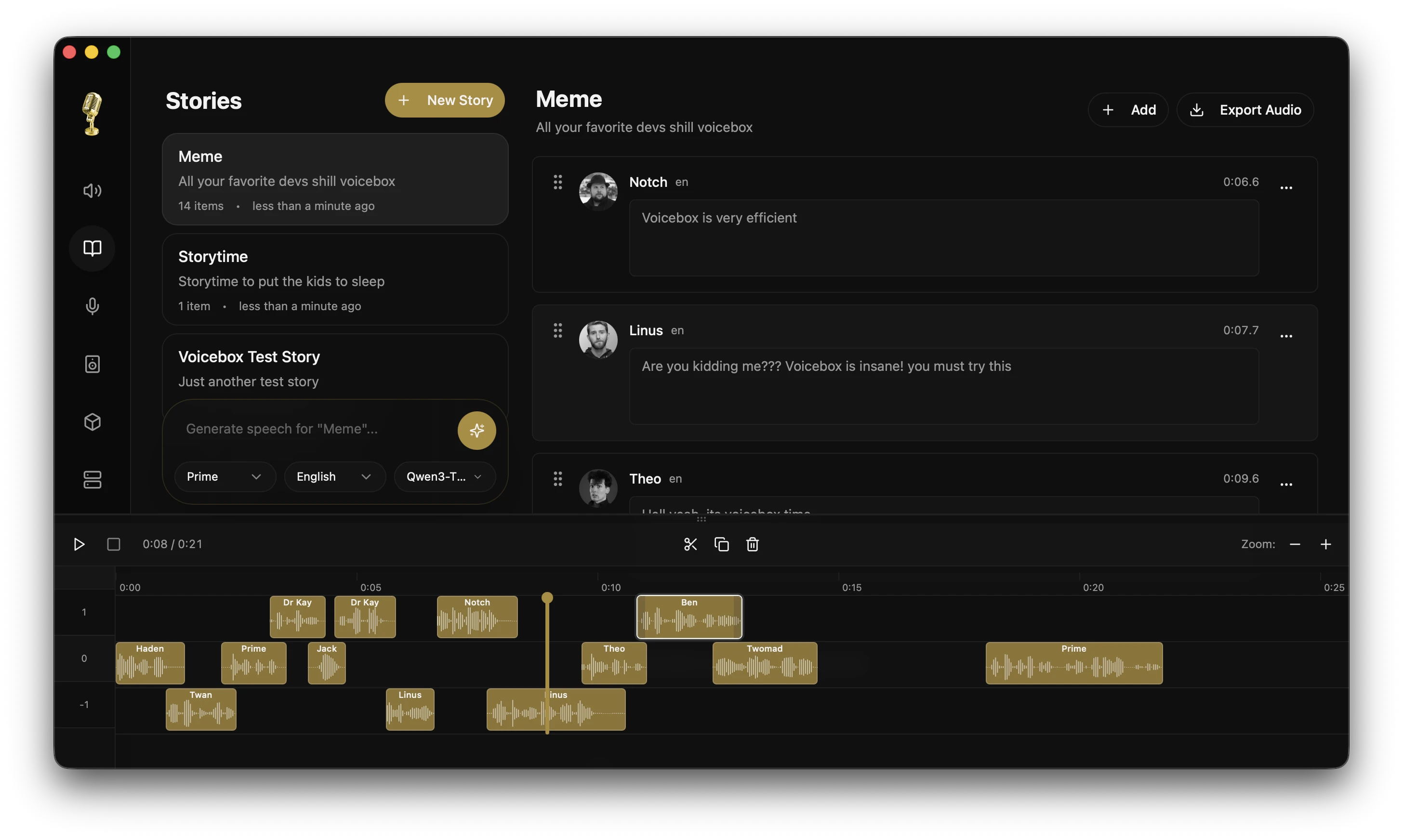
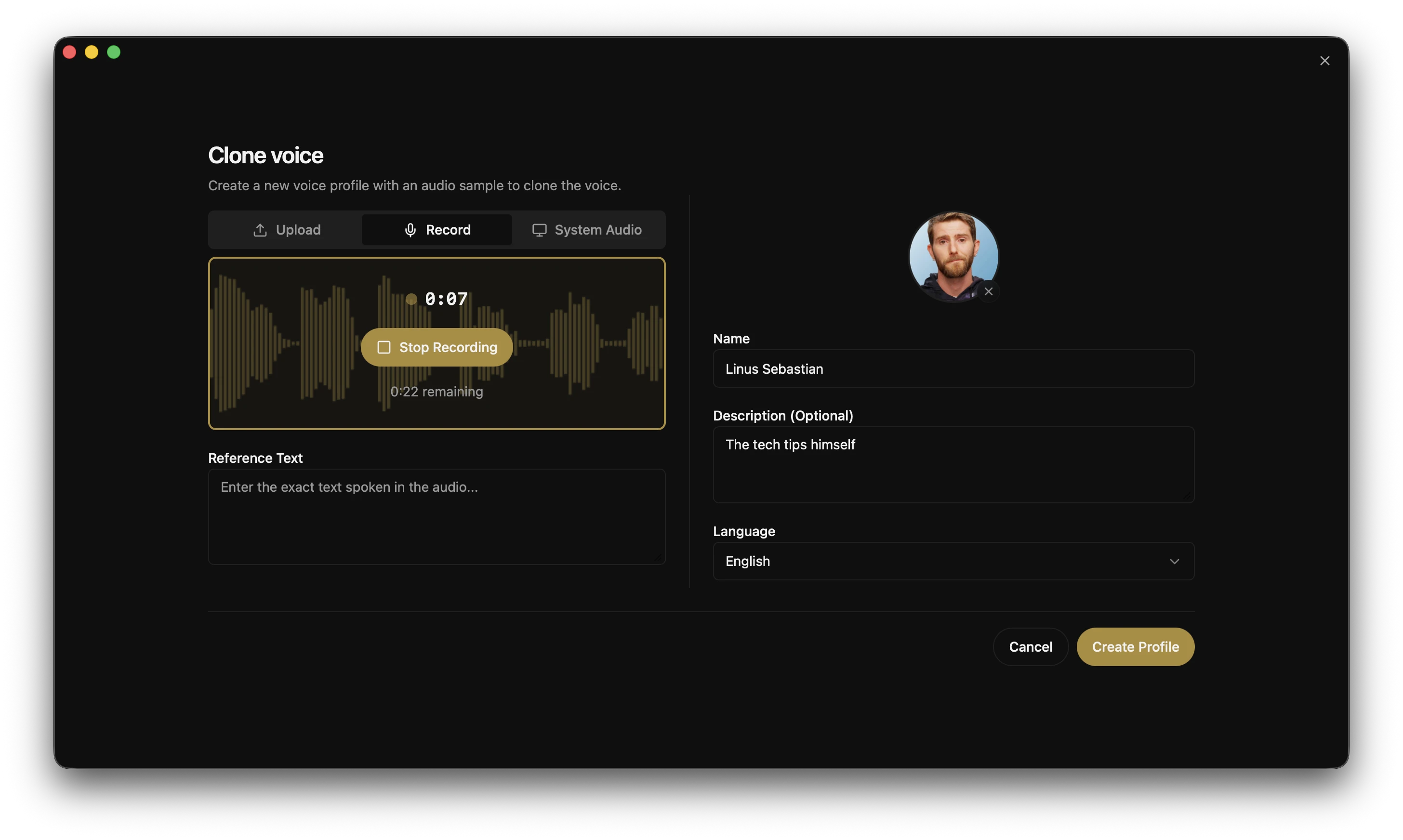
Built with Capy

Voicebox is built and maintained with Capy. A Capy Captain thread directs the project day to day, and its crew threads test, rebase, and review each contributor pull request on Linux and on a Mac Studio before Jamie merges it. Voicebox stays free and open source under the MIT license, with no splash screens, banners, or interruptions in the app.
Try Capy → · How Voicebox is built
What is Voicebox?
Voicebox is a local-first AI voice studio — a free and open-source alternative to ElevenLabs and WisprFlow in one app. Clone voices from a few seconds of audio, generate speech in 23 languages across 8 TTS engines, dictate into any text field with a global hotkey, and give any MCP-aware AI agent a voice of your choosing.
The two cloud incumbents sit on opposite halves of the voice I/O loop — ElevenLabs on output, WisprFlow on input. Voicebox does both, bridges them with a bundled local LLM for refinement and per-profile personas, and runs the whole thing on your machine.
- Complete privacy — models, voice data, and captures never leave your machine
- 8 TTS engines — Qwen3-TTS, Qwen CustomVoice, Qwen VoiceDesign, LuxTTS, Chatterbox Multilingual, Chatterbox Turbo, HumeAI TADA, and Kokoro
- Voice cloning and preset voices — zero-shot cloning from a reference sample, or 50+ curated preset voices via Kokoro and Qwen CustomVoice
- 23 languages — from English to Arabic, Japanese, Hindi, Swahili, and more
- Post-processing effects — pitch shift, reverb, delay, chorus, compression, and filters