
trina-ax
Set up Claude Code once. Your whole company gets it. Self-hosted Claude Code and Codex with your company files, team skills, MCP and per-person folder permissions.
Automatically checked · GitHub checked 2026-11-13
Overview

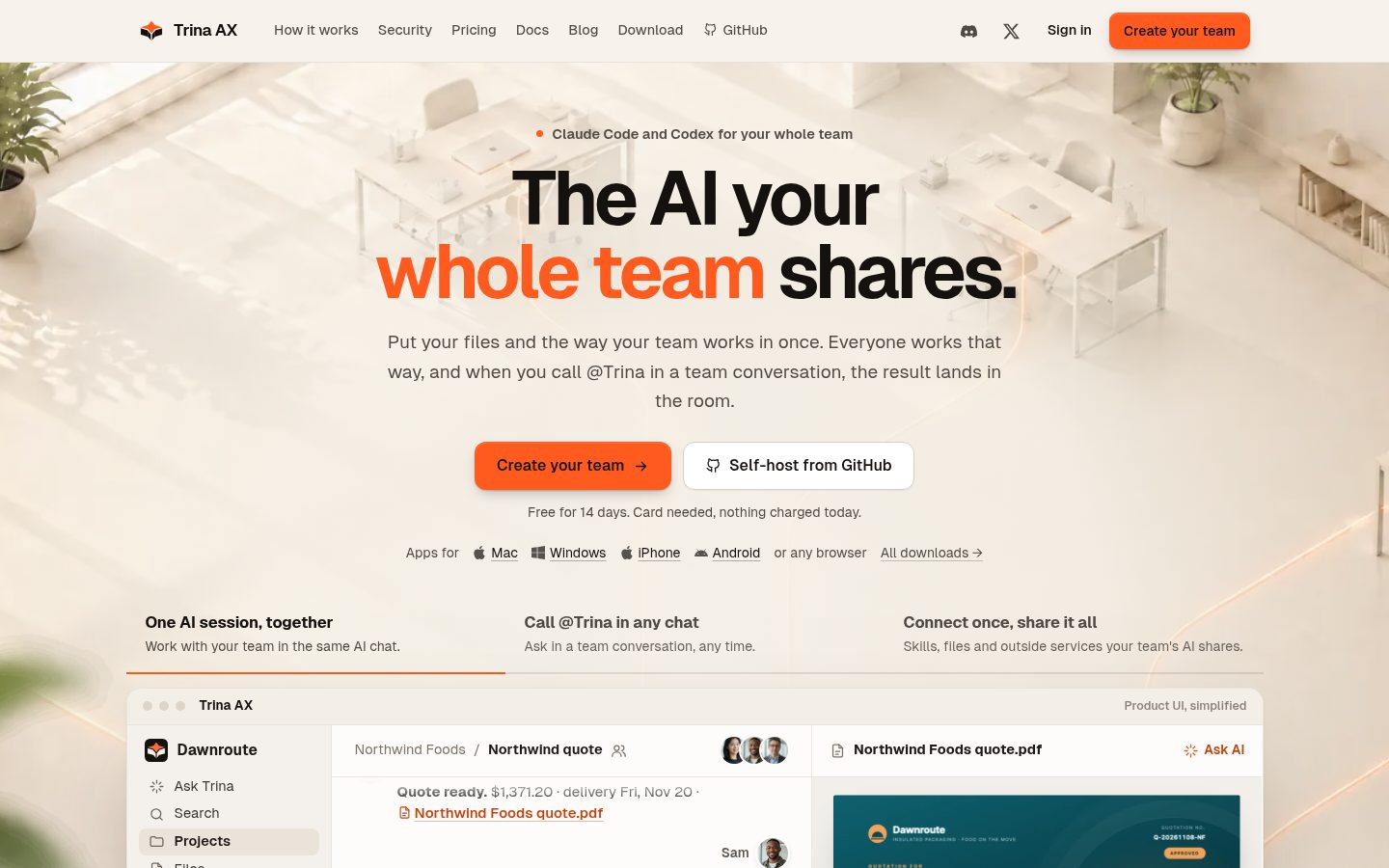
The AI your whole team shares.
Trina AX puts your team's files, skills and tools on one server. Everyone's AI starts from them,
and every file it opens is checked as the person who asked.


Website · Download for Mac and Windows · Docs · Discord
English · 한국어 · 日本語 · Español · 简体中文
What your team gets
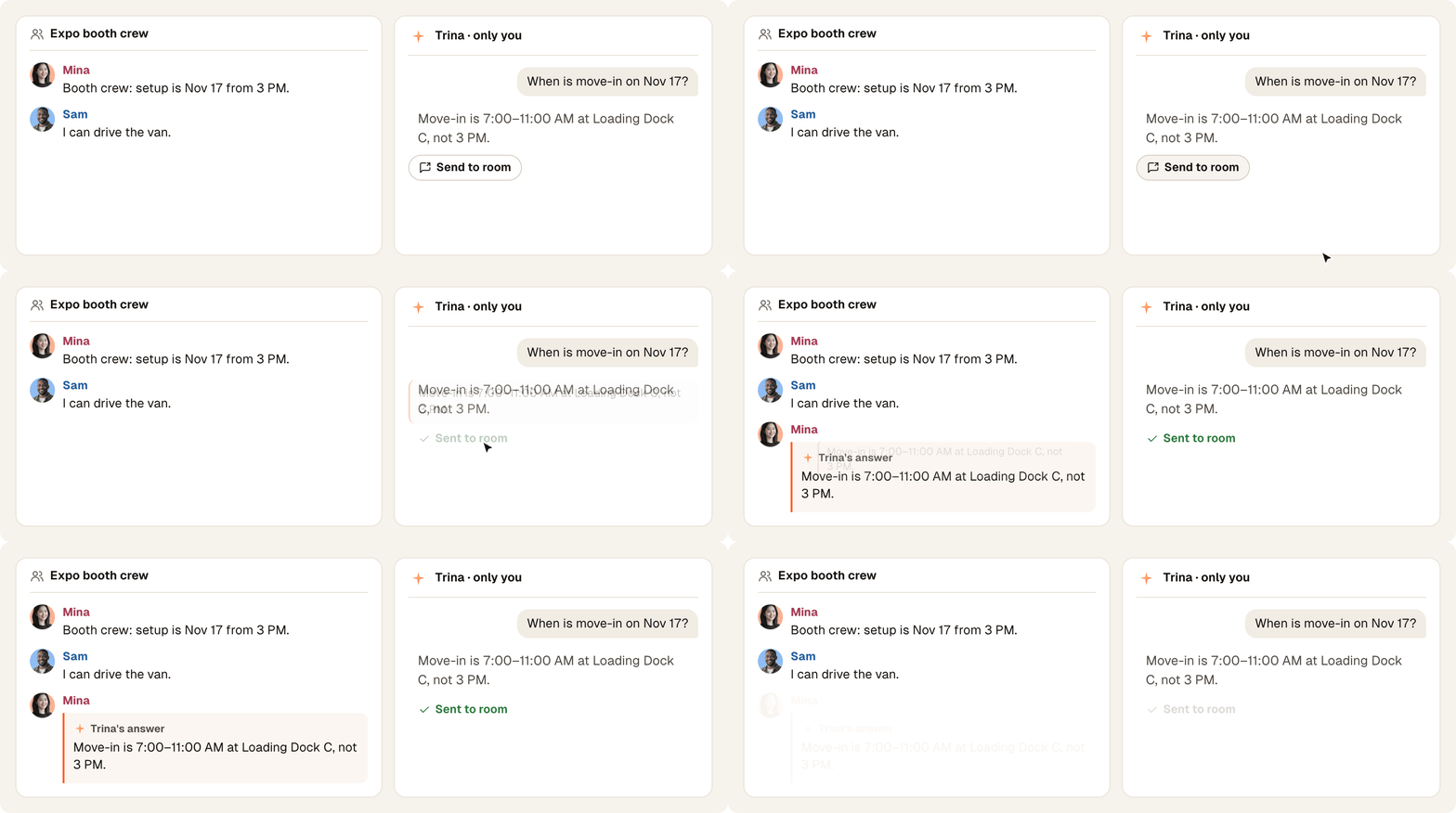
Ask beside any room, send in one click. A side chat only you see; one click sends Trina's answer into the room.
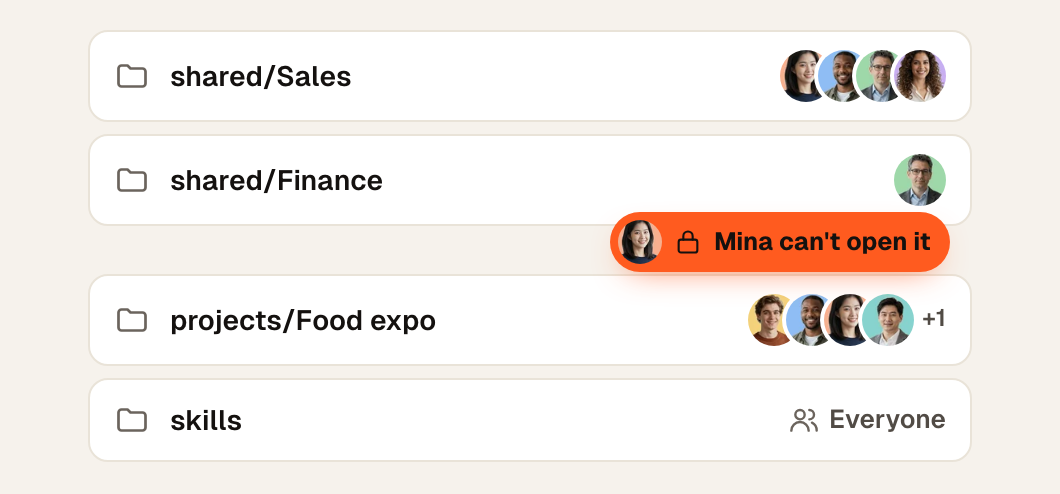
Each person sees only what they may open. Mina can't open Finance, so neither can her AI. How permissions work
- 🤝 Pick up a teammate's AI chat. Continue their project chat; your turns run with your access.
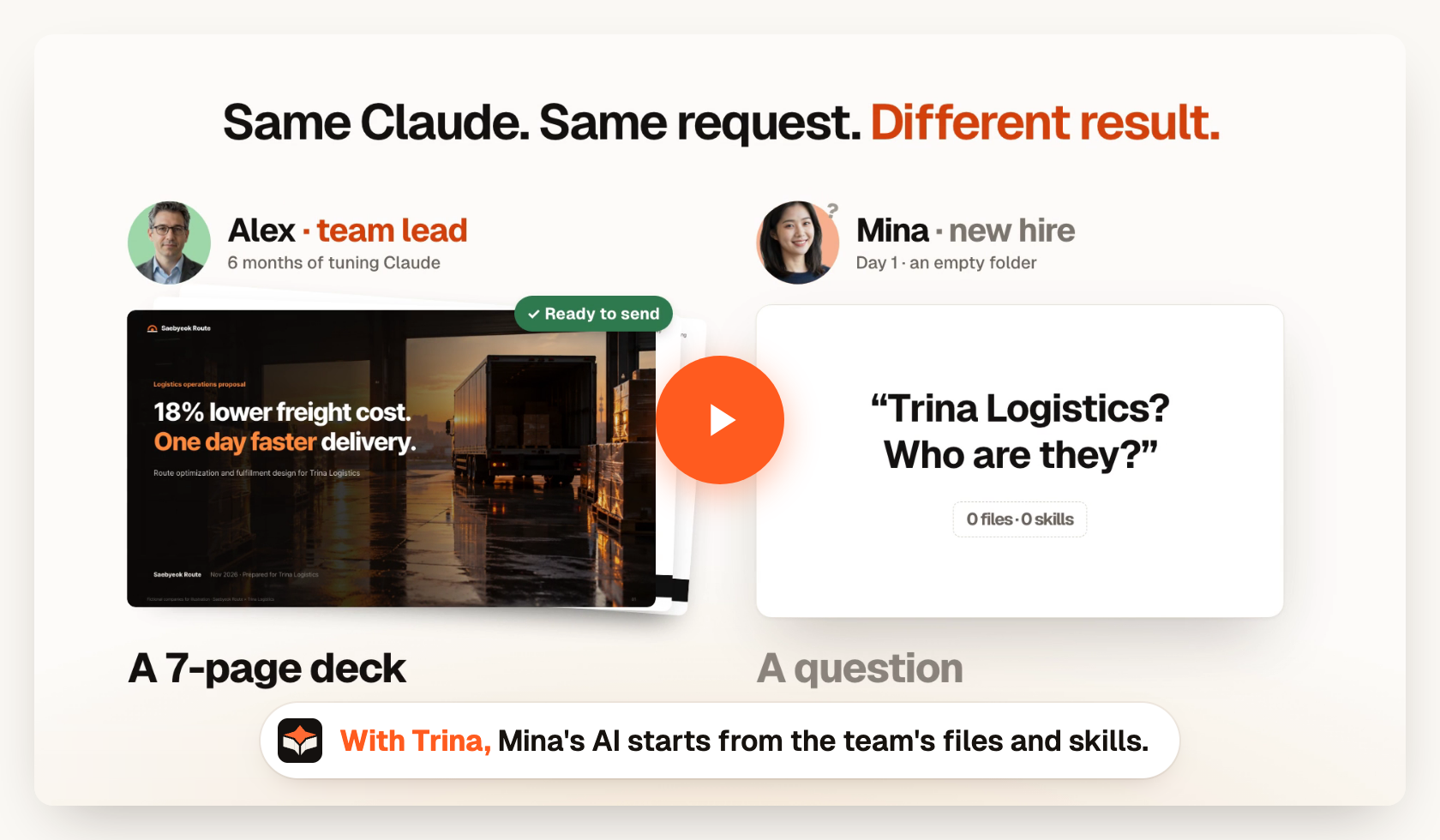
- 📋 Team skills. Write down how your team works once; everyone's AI follows it.
- 🔌 Your tools. Any MCP server, Google Drive, Slack and your company API, checked per person.
- 🕘 Every change is kept. By a person or their AI; bring back any version.
- 📱 Every device. Mac, iPhone, Android, Windows and any browser.
Get started
- Trina hosting: no server to run. 14-day free trial, then a monthly plan. Pricing
- Apps: Mac, iPhone, Android and Windows, or any browser.
- Self-host: your own Linux server, Docker or an office Mac. Free. Linux · Docker · Office Mac · Install with your AI agent
Try it on your computer in 10 minutes (fictional team, AI off)
git clone https://github.com/trina-app/trina-ax.git && cd trina-ax
bun install --frozen-lockfile && bun run demo   # → http://127.0.0.1:19760 · alice / teamax-demo-1
Needs Bun 1.3.12 and Go 1.27+. Not a production install. Walkthrough
Trina provides the workspace, not the AI: connect Claude or OpenAI accounts and plans authorized for your use. AI usage is billed by the account you connect.
Data, limits and what we don't promise
What we don't promise
- Self-hosting is not offline: the context a request needs goes to the AI provider you connect, and configured integrations receive their requests. Each Codex web search sends the conversation so far to OpenAI's search service. With OpenRouter for speech, allowed by an admin, the sound of video and audio files goes to OpenRouter. The server asks
updates.trina.appfor its own public address every 30 minutes (MYCEL_EXIT_ADDRESS_CHECK=offturns that off). Details - Server operators can read stored files and chats, including Trina operators for hosting. App admins don't get a browser for everyone's private conversations.
- Removing folder access does not erase earlier answers. The wider-sharing check is not universal data-loss prevention.
- No security certification, perfect answers, guaranteed savings or automatic legal, financial or HR decisions. Review outputs and deployment boundaries.
- Linux servers run no OCR: the AI sees photos and scanned pages as images, but they are not text-searchable. Office Macs cannot read video yet.
- HWP/HWPX text works for every team; previews and making Hangul documents need the optional HWP Preview plugin (macOS, or Linux with glibc 2.39+; not Debian 12).
- Connections: a person's own eligible connection comes first, then one assigned to the person, a group, then the whole team. On fresh Trina teams, one company connection can serve the whole team by default; existing saved choices persist. This software setting does not grant permission under Anthropic's or OpenAI's terms. Connection details
- Linux self-hosting needs Debian 12/13 or Ubuntu 24.04, systemd with cgroup v2, amd64 or arm64, 4 GB RAM and 20 GB disk. Your IT team installs, updates and restores backups.
Community
Discord · X · Releases · Changes · Support · Contributing · Security · Development · Configuration · llms.txt
The app speaks English, Korean, Indonesian, Japanese, Spanish and Simplified Chinese. Fictional company and people in every picture.
License
Free to use, including commercially, under AGPL-3.0-only. If you offer a modified version over a network, offer its source to those users. The cloud protocol is MIT (license). Notices · Third-party notices
Claude Code and Codex have their own terms; this project is not endorsed by Anthropic or OpenAI. Claude is a trademark of Anthropic.