
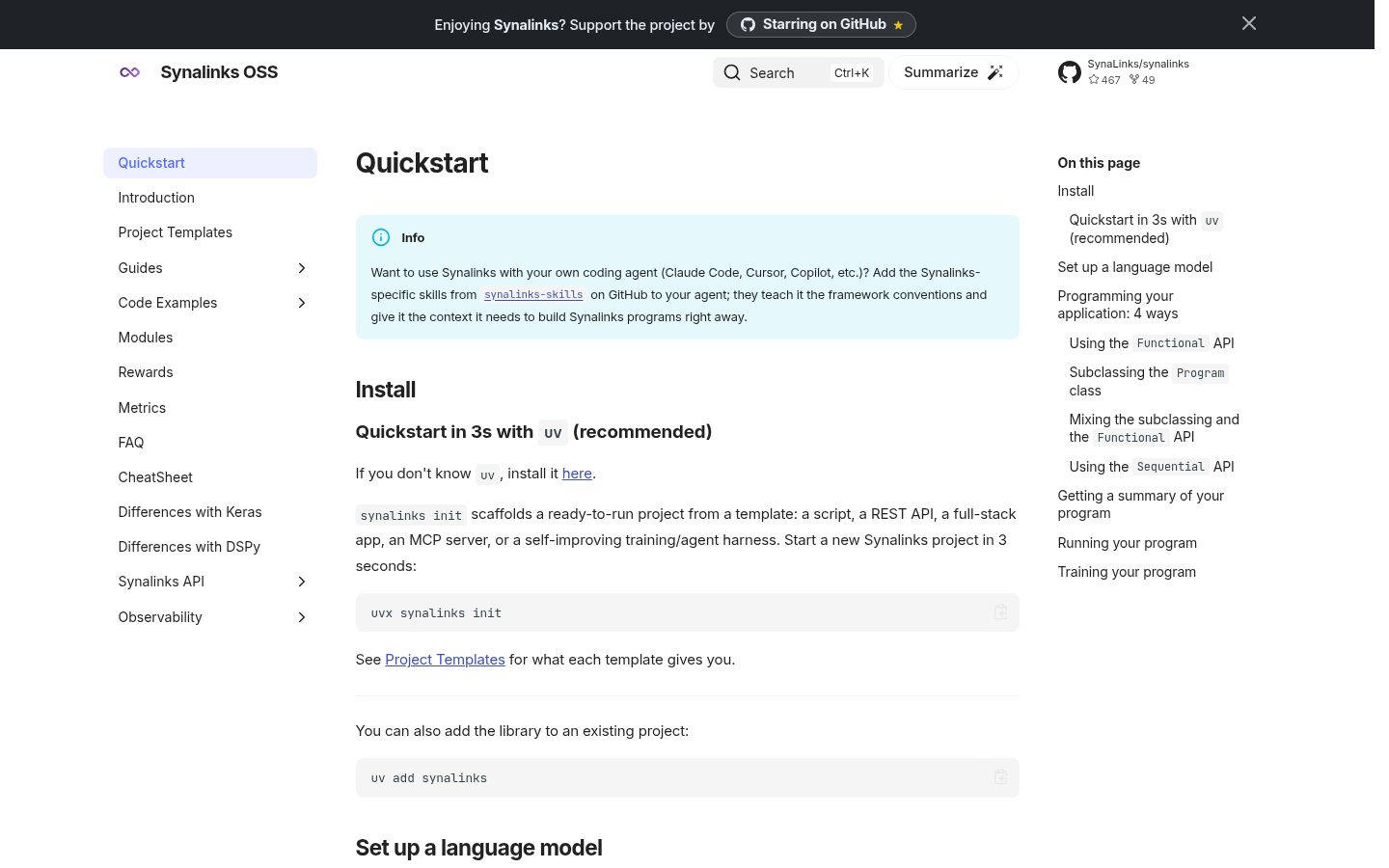
synalinks-skills
This repository contains skills for coding agents that read the open Agent Skills format (SKILL.md): Claude Code, Codex, OpenCode, pi, and others.
Automatically checked · GitHub checked 2026-11-14
Overview
Agent Skills for Synalinks

This repository contains skills for coding agents that read the open Agent
Skills format (SKILL.md): Claude Code, Codex, OpenCode, pi, and others.
Quick install
Install it as a plugin in one command:
# Claude Code (2.1.275 or later)
/plugin install synalinks --marketplace SynaLinks/synalinks-skills

# Codex
codex plugin marketplace add SynaLinks/synalinks-skills
codex plugin add synalinks@synalinks-skills

# OpenCode
opencode plugin github:SynaLinks/synalinks-skills
Any other agent (Cursor, Gemini CLI, Copilot, pi, ...):
npx skills add SynaLinks/synalinks-skills --skill synalinks
Details, global installs and Claude.ai uploads are in Install.
What are Agent Skills?
Agent Skills are reusable instructions, in a plain SKILL.md file, that teach a
coding agent how to perform a task the way you want it done. The format started
at Anthropic and is now an open standard read by agents across the ecosystem, so
one skill works in every agent that supports it, unmodified.
What is the goal of Synalinks skills?
The goal of Synalinks skills is to teach coding agents to use the Synalinks framework correctly. Synalinks is Keras-inspired, so without guidance LMs tend to mix Keras / LangChain / DSPy syntax, producing plausible-looking but broken code. These skills constrain the agent to idiomatic Synalinks usage.
The synalinks skill
This repo ships a single skill, synalinks, that covers the whole
framework. The agent auto-activates it based on its SKILL.md description. The
SKILL.md is a scannable overview, organized into one section per slice of the
framework, each pointing to a runnable script (and its captured run log) and a
deep-dive reference doc:
| Section | What it covers |
|---|---|
| Core | DataModel, Field, Input, JSON operators (+ & | ^ ~), synalinks.ops, configuration, LanguageModel/EmbeddingModel basics, DecisionModel |
| Programs | Program class, four building APIs (Functional / Sequential / Subclassing / Mixed), multi-input/output graphs, build/call lifecycle, save/load, summary, get_module, plot_program, custom serialization |
| Modules | Generator, ChainOfThought, SelfCritique, Identity, PythonSynthesis, SequentialPlanSynthesis, custom modules via subclassing |
| Control flow | Decision, MultiDecision, Branch, parallel branches, self-consistency, XOR input/output guards, And/Or modules, branch merging |
| Decision models | DecisionModel (TypeSafe jev), fields as questions, the decision_model argument, min_confidence/threshold abstention, tuning thresholds with KerasTuner |
| Agents | FunctionCallingAgent, RLM, DeepAgent, Tool definitions, MCP integration (MultiServerMCPClient), subagents, trajectories |
| Knowledge | KnowledgeBase (DuckDB), EmbedKnowledge, UpdateKnowledge, RetrieveKnowledge, RAG/KAG, hybrid search, Entity/Relation graphs |
| Training | compile() / fit() / evaluate() / predict(), callbacks, ProgramCheckpoint, training workflow |
| Rewards | ExactMatch, CosineSimilarity, LMAsJudge, ProgramAsJudge, RubricsAsJudge and its presets (Faithfulness, Toxicity, TaskCompletion, ...), AgentAsJudge, DeepAgentAsJudge, RLMAsJudge, ComposableReward, BatchReward, F1Score, custom rewards/metrics, masking |
| Optimizers | RandomFewShot, OMEGA, Dominated Novelty Search, mutation/crossover, quality-diversity tuning |
| Providers | Provider prefixes (openai, anthropic, groq, openrouter, cohere, deepseek, together_ai, bedrock, doubleword, hosted_vllm, ...), local OpenAI-compatible servers (LMStudio/vLLM/ollama), OpenAI-compatible setups (e.g. OpenRouter embeddings via api_base) |
| Datasets | Built-in datasets (gsm8k, hotpotqa, arcagi), custom iterable datasets, visualization (plot_program, plot_history, plot_metrics_*) |
The skill folder contains:
SKILL.md: frontmatter + scannable usage guide for the whole frameworkscripts/: runnable example scripts (each docstring states itsUsage:andRun log:)references/: deep-dive reference docs plus the captured run logs (*.log)
Install
Pick the route that matches your agent:
| Agent | Install with |
|---|---|
| Claude Code, Codex, OpenCode | the plugin (recommended) |
| Any other agent (Cursor, Gemini CLI, Copilot, pi, ...) | npx skills |
| Claude.ai (web) and Claude Desktop | a .skill upload |
The skill content is identical in every case: one SKILL.md, no per-agent
variants to maintain.
As a plugin
This repo is a plugin marketplace for Claude Code and Codex, and an OpenCode plugin. The agent fetches the skill itself: no Node.js, no copied files.
Claude Code (2.1.275 or later):
/plugin install synalinks --marketplace SynaLinks/synalinks-skills
Then run /skills: synalinks should appear.
Codex:
codex plugin marketplace add SynaLinks/synalinks-skills
codex plugin add synalinks@synalinks-skills
Start a new Codex session to load it.
OpenCode:
opencode plugin github:SynaLinks/synalinks-skills           # this project
opencode plugin github:SynaLinks/synalinks-skills --global  # every project
This adds the plugin to .opencode/opencode.json (or your global config). You
can also list it yourself:
{
  "$schema": "https://opencode.ai/config.json",
  "plugin": ["github:SynaLinks/synalinks-skills"]
}
The plugin registers the repo's skills/ directory as a skill source, so
OpenCode discovers the skill without copying files. Restart OpenCode to load it,
then check with opencode debug skill.
With npx skills
For any other agent, use the official skills CLI
(npx skills). It clones this repo, discovers the synalinks skill, and wires
it into your agent's skills directory: no manual cloning, copying, or zipping
required. It needs Node.js (the npx that ships with it); nothing else. It also
works for Claude Code, Codex and OpenCode if you prefer it to the plugin.
synalinks is a skill for the synalinks Python library, so the natural place
to install it is the project where you use synalinks, so the agent
gets idiomatic-synalinks guidance exactly where you write synalinks code. Project
scope is also the CLI default, so just run this from your project root:
npx skills add SynaLinks/synalinks-skills --skill synalinks
The CLI detects the agents installed on your machine and installs into the
current project (each agent reads it from its own directory, e.g.
<repo>/.cursor/skills/ or <repo>/.agents/skills/). Commit the generated
skills-lock.json (see Updating) so teammates and CI resolve the
same skill content.
Want it in every project instead of per-project? Install globally:
npx skills add SynaLinks/synalinks-skills --skill synalinks --global
That installs to the agent's user-level skills directory. By default the CLI
symlinks the skill; pass --copy to copy the files instead.
Target one agent (or all) explicitly with -a/--agent:
npx skills add SynaLinks/synalinks-skills --skill synalinks -a cursor        # Cursor
npx skills add SynaLinks/synalinks-skills --skill synalinks -a gemini-cli    # Gemini CLI
npx skills add SynaLinks/synalinks-skills --skill synalinks -a pi            # pi
npx skills add SynaLinks/synalinks-skills --all                              # everything, all agents
The CLI supports 70+ agents. Passing an unknown name prints the full list of valid agent slugs, which currently includes claude-code, codex, opencode, github-copilot, windsurf, zed, crush, goose, junie and roo, among others.
List what's in the repo without installing anything:
npx skills add SynaLinks/synalinks-skills --list
Run npx skills add SynaLinks/synalinks-skills with no flags for an
interactive picker, and npx skills list to see what is installed.
Agents auto-activate the skill for your task based on the SKILL.md
description field, so there is nothing to select manually.
Claude.ai (web) and Claude Desktop
Web/Desktop uploads expect a single .skill archive (a zip of the skill folder
with SKILL.md at the root). Clone the repo and build the archive:
git clone https://github.com/SynaLinks/synalinks-skills.git
cd synalinks-skills/skills
zip -r ../synalinks.skill synalinks
Then in the Claude interface, click the skill icon (🧩), choose "Upload
skill", and upload the .skill file. See Using skills with Claude
for the latest UI walkthrough.
Updating
The synalinks skill is not semver-versioned: it tracks the main branch
of this repo. "Latest" always means the current main (the CLI installs from
the default branch's HEAD; there is no version tag to pin). Update with:
npx skills update                      # update every installed skill to latest
npx skills update synalinks            # just this skill
Use -g/--global or -p/--project to scope the update. The CLI re-fetches
this repo, recomputes the skill's content hash, and re-installs only if it
changed from what's recorded.
Lockfile (reproducible installs)
Installing writes a skills-lock.json in your project that pins each skill to a
source repo + a SHA-256 content hash, e.g.:
{
  "version": 1,
  "skills": {
    "synalinks": {
      "source": "SynaLinks/synalinks-skills",
      "sourceType": "github",
      "skillPath": "skills/synalinks/SKILL.md",
      "computedHash": "<sha256-of-the-skill>"
    }
  }
}
Commit skills-lock.json so teammates get the exact same skill content.
npx skills update advances the recorded hash to the latest main; to restore
the pinned state instead of updating, use:
npx skills experimental_install # reinstall skills from skills-lock.json
For Claude.ai / Desktop (which take a .skill archive rather than the CLI),
regenerate the archive and re-upload it:
cd synalinks-skills/skills && zip -r ../synalinks.skill synalinks
Uninstall
npx skills remove synalinks
Add -g/--global to remove a globally-installed skill. For Claude.ai /
Desktop, remove the skill from the skill icon (🧩) menu.
License
These skills are licensed under Apache 2.0, like Synalinks framework.
See the LICENSE file for full details.
Contributing
Contributions are welcome! Please feel free to submit a Pull Request.
Every push and pull request runs the CI workflow,
which validates each skills/*/SKILL.md against the Agent Skills spec and
installs the skills into every agent the skills CLI supports, so a broken
frontmatter or a missing file is caught before it reaches users. On main it
also re-installs from GitHub (the exact command users run) and uploads the
.skill archives as a workflow artifact.
Acknoledgement
These skills have been created by Ramiro Salas the CTO of Hexatropian an active early member of Synalinks community.
Synalinks Project
- Synalinks Framework: the neuro-symbolic AI framework these skills are designed for