sylvakru
A cross-platform music player for local and self-hosted libraries, built with Flutter
Automatically checked · GitHub checked 2026-11-12
Overview
Sylvakru (森露)
“A private music oasis in the digital world.”
Sylvakru is a cross-platform music player for local libraries and self-hosted media services, supporting Android, iOS, Windows, Linux, and macOS.
Currently supports:
- Local
- WebDAV
- Navidrome
- Emby
- Feiniu Music (Special thanks to huya688zdx for the contribution)
Formerly known as Particle Music.
[!Note] The iOS version is now available on the Apple App Store!
USB Exclusive Mode(Android)
Special thanks to huya688zdx for maintaining USB Exclusive Mode support.
If you need USB Exclusive Mode, please check out this fork
Supported Formats
| File Format | Metadata Format(s) |
|---|---|
| AAC (ADTS) | ID3v2, ID3v1 |
| Ape | APE, ID3v2*, ID3v1 |
| AIFF | ID3v2, Text Chunks |
| FLAC | Vorbis Comments, ID3v2* |
| MP3 | ID3v2, ID3v1, APE |
| MP4 | iTunes-style ilst |
| MPC | APE, ID3v2*, ID3v1* |
| Opus | Vorbis Comments |
| Ogg Vorbis | Vorbis Comments |
| Speex | Vorbis Comments |
| WAV | ID3v2, RIFF INFO |
| WavPack | APE, ID3v1 |
* The tag will be read only, due to lack of official support
Audio Processing
- audio_tags_lofty — for reading and writing audio tags (based on lofty)
- media_kit — for audio playback (based on mpv/FFmpeg)
Run & Build
Install Flutter by following the official Flutter installation guide.
Ubuntu/Debian
# Flutter dependencies:
sudo apt install clang lld cmake ninja-build pkg-config libgtk-3-dev liblzma-dev libsecret-1-dev

# audio lib
sudo apt install libmpv-dev

git clone https://github.com/AfalpHy/sylvakru.git
cd sylvakru
# check the development environment
flutter doctor -v
# run in debug mode
flutter run
# run in release mode
flutter run --release
# build
flutter build linux
# if you want to generate a .deb package
flutter build linux && ./generate_deb.sh

# if you want to generate a .rpm package
sudo apt install rpm
flutter build linux && ./generate_rpm.sh
Windows
Install Visual Studio.
git clone https://github.com/AfalpHy/sylvakru.git
cd sylvakru
# check the development environment
flutter doctor -v
# run in debug mode
flutter run
# run in release mode
flutter run --release
# build
flutter build windows
macOS & iOS
Install Xcode and the Xcode Command Line Tools by following the official Apple Developer download page.
git clone https://github.com/AfalpHy/sylvakru.git
cd sylvakru

# install CocoaPods
brew install cocoapods

# check the development environment
flutter doctor -v
# run in debug mode
flutter run
# run in release mode
flutter run --release
# build
flutter build macos

# build an unsigned ipa
flutter build ios --release --no-codesign && \
mkdir -p Payload && \
cp -r build/ios/iphoneos/Runner.app Payload/ && \
zip -r sylvakru.ipa Payload && \
rm -rf Payload
Android
Install Android Studio and Android SDK Command-line Tools
git clone https://github.com/AfalpHy/sylvakru.git
cd sylvakru
# accept the SDK licenses
flutter doctor --android-licenses
# check the development environment
flutter doctor -v
# run in debug mode
flutter run
# run in release mode
flutter run --release
# build
flutter build apk
# split abi
flutter build apk --split-per-abi
# build TV
flutter build apk --dart-define=TV=true
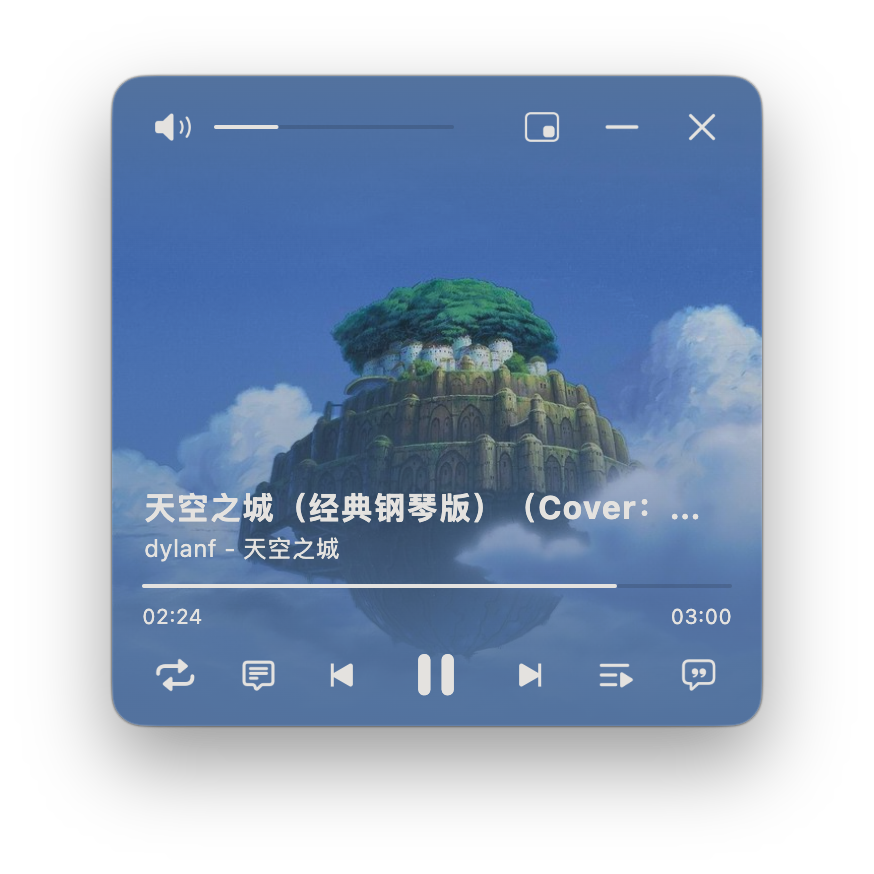
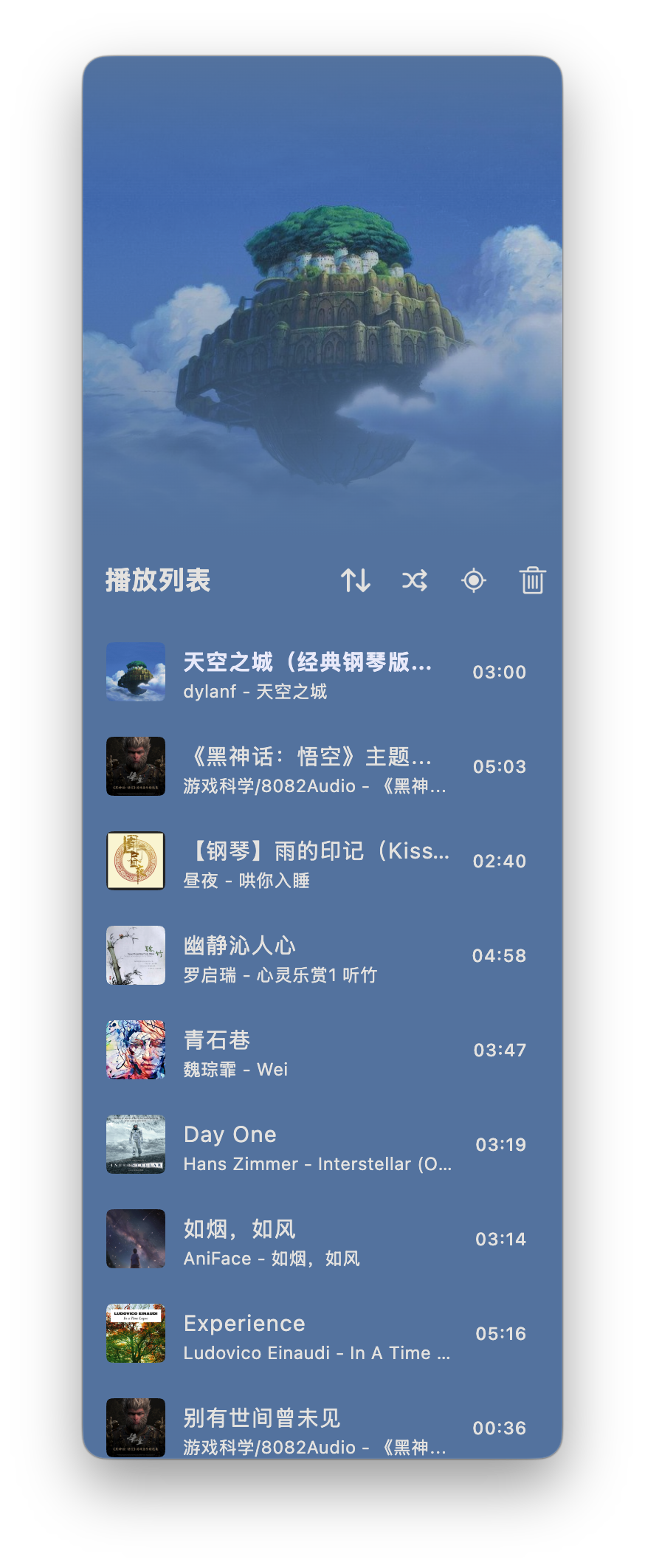
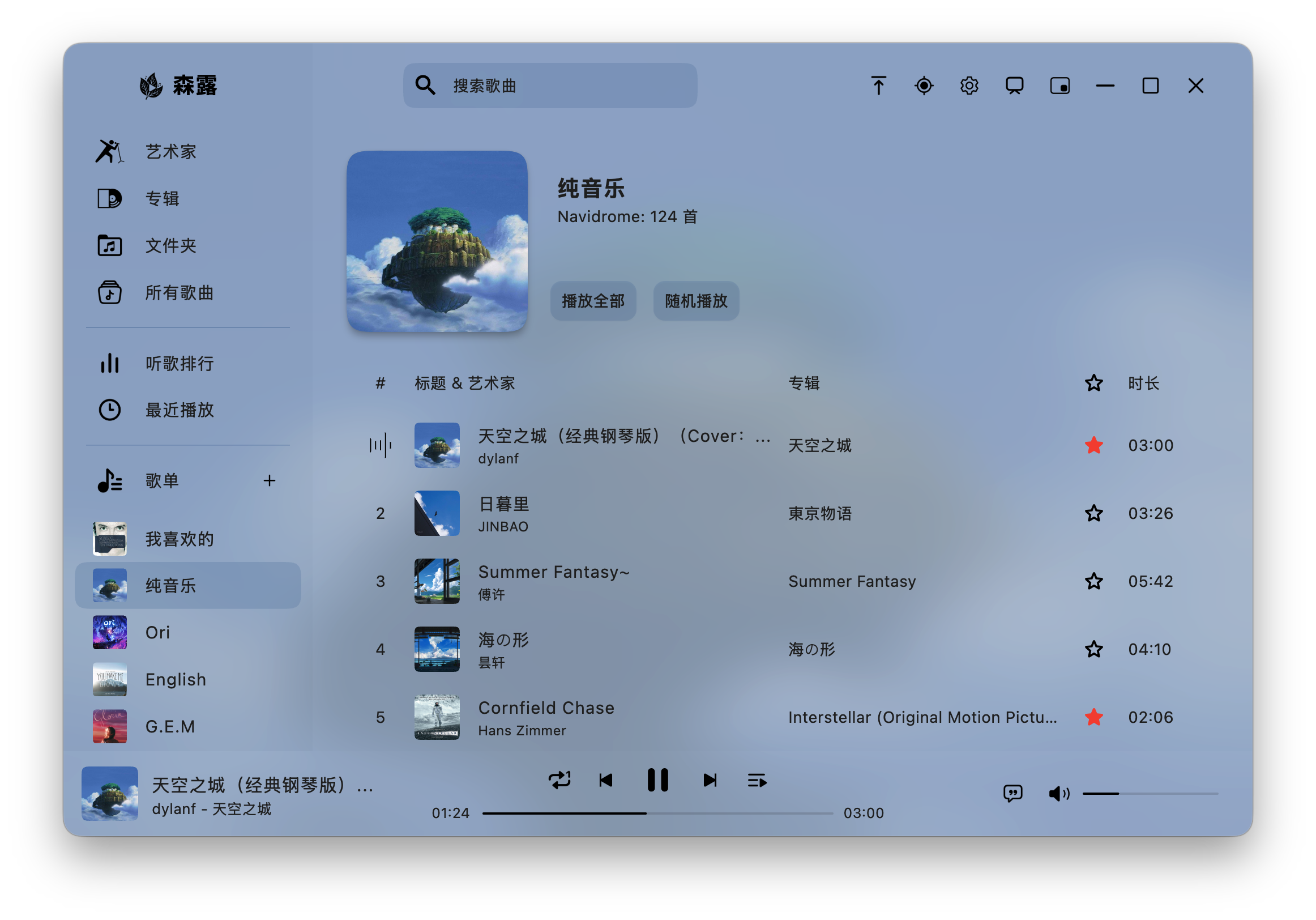
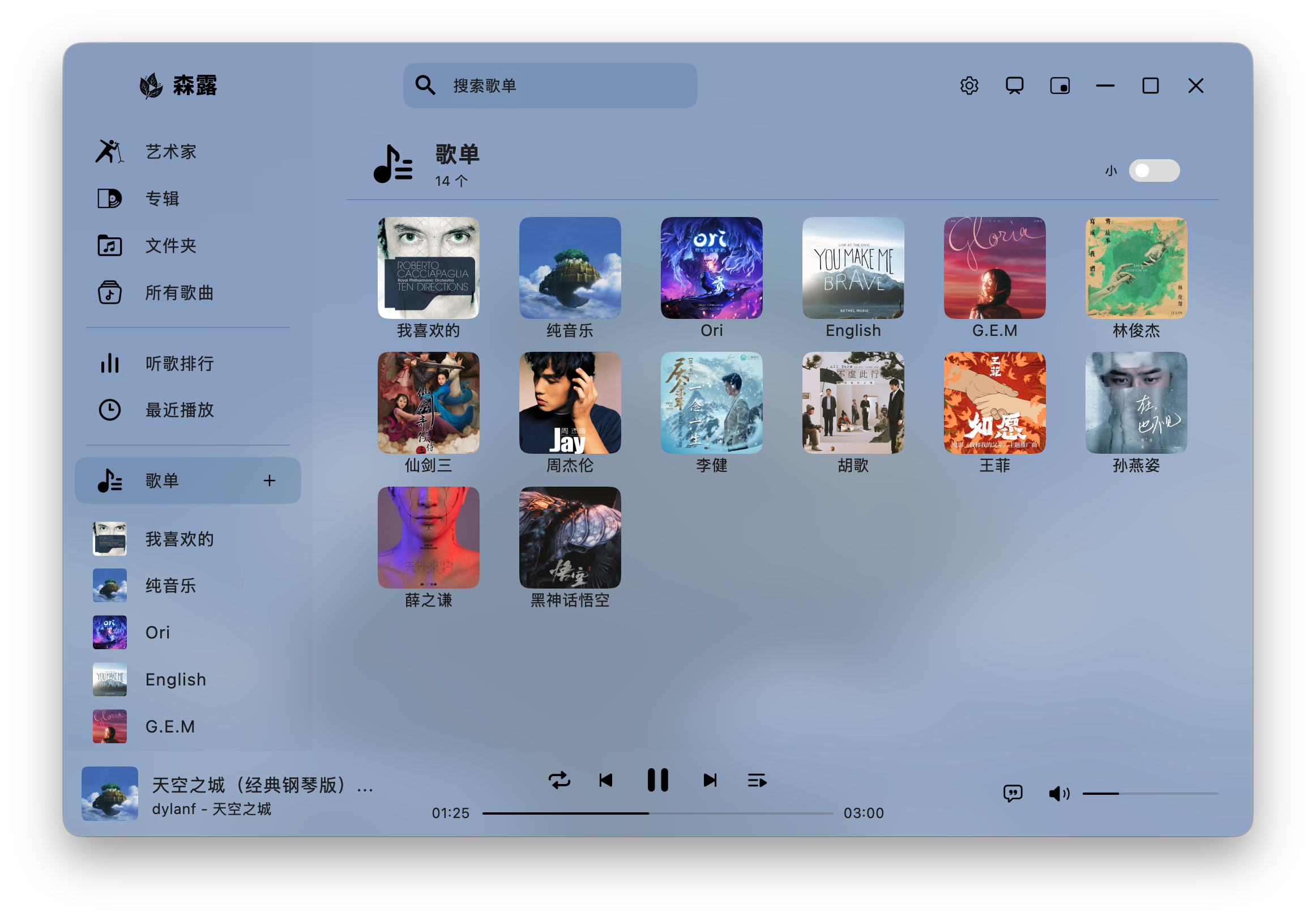
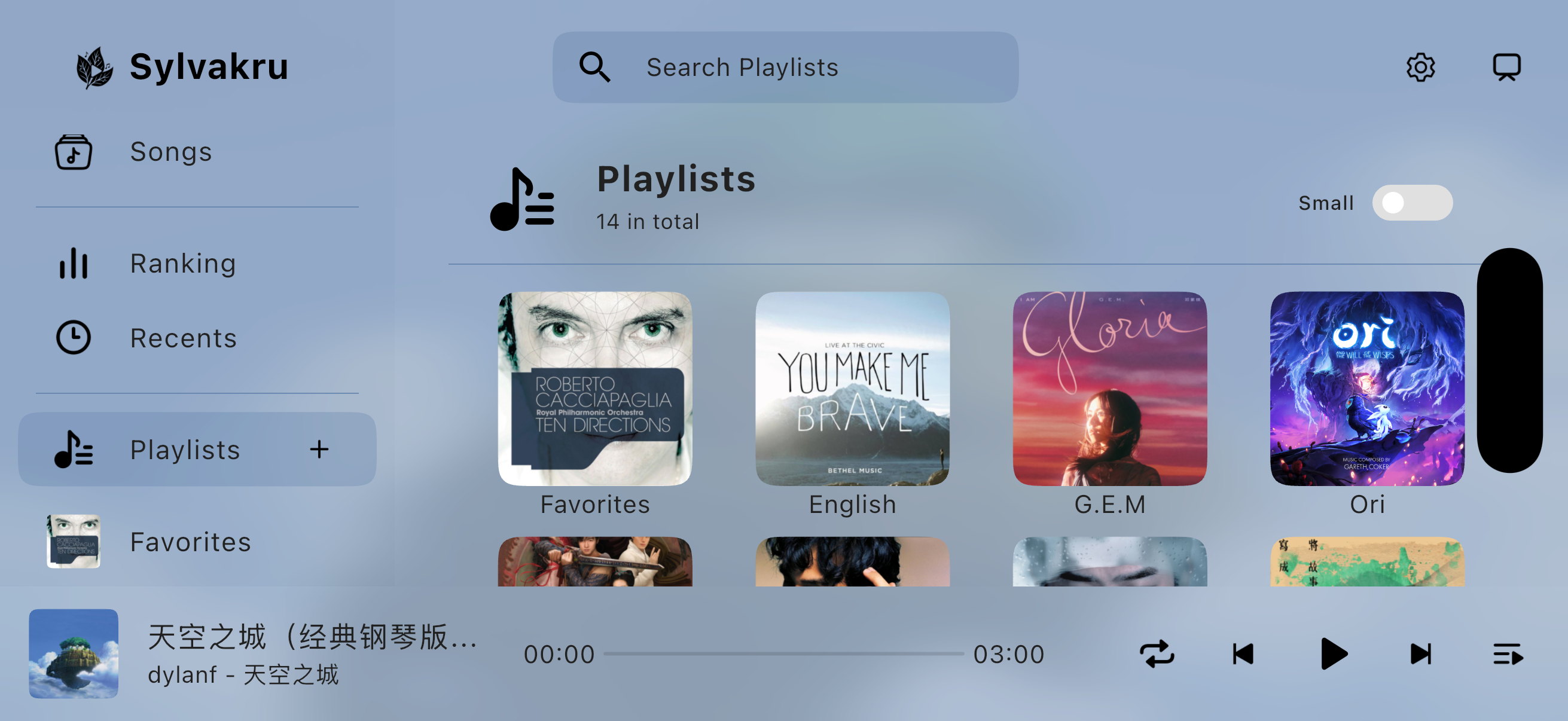
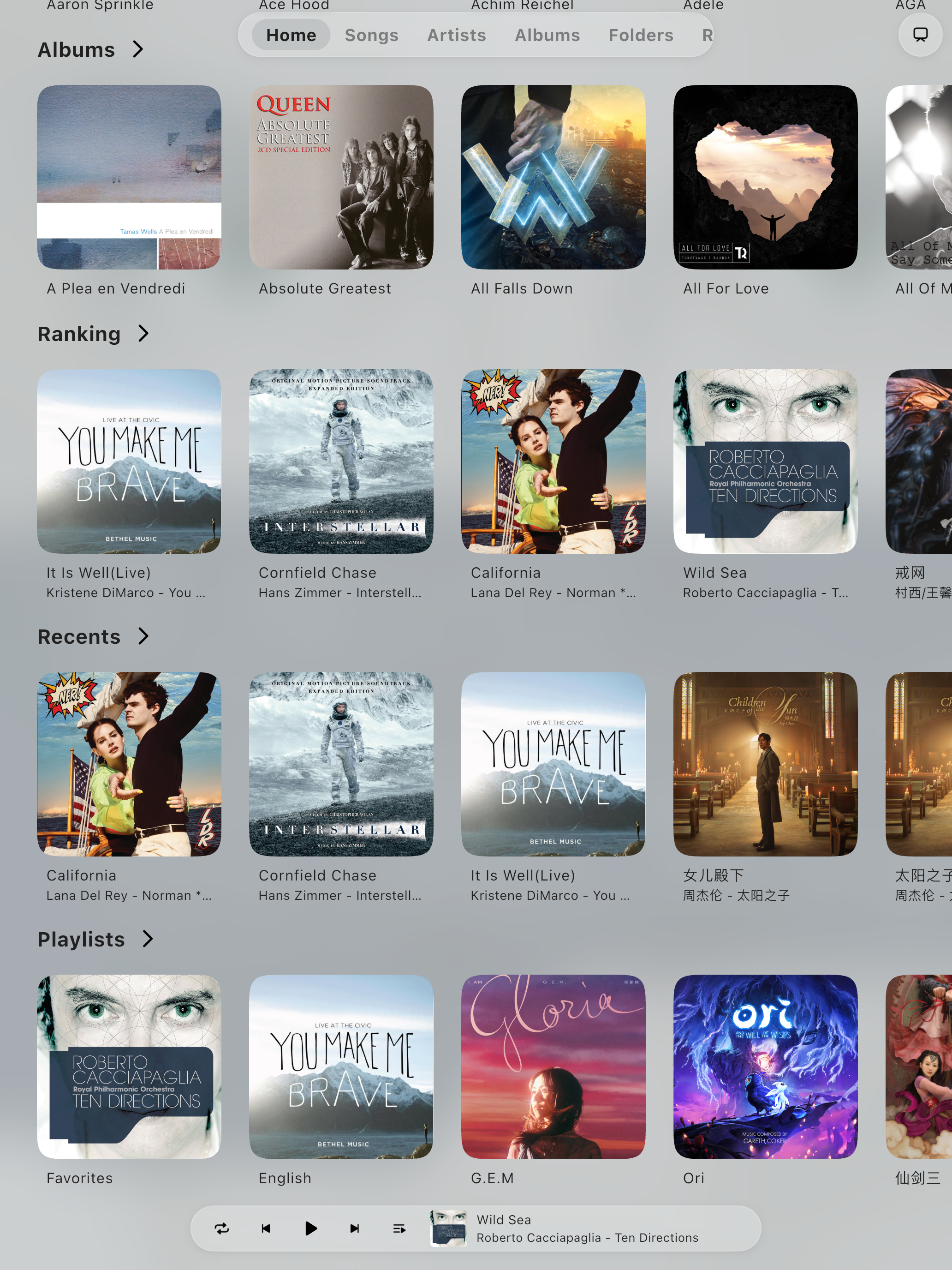
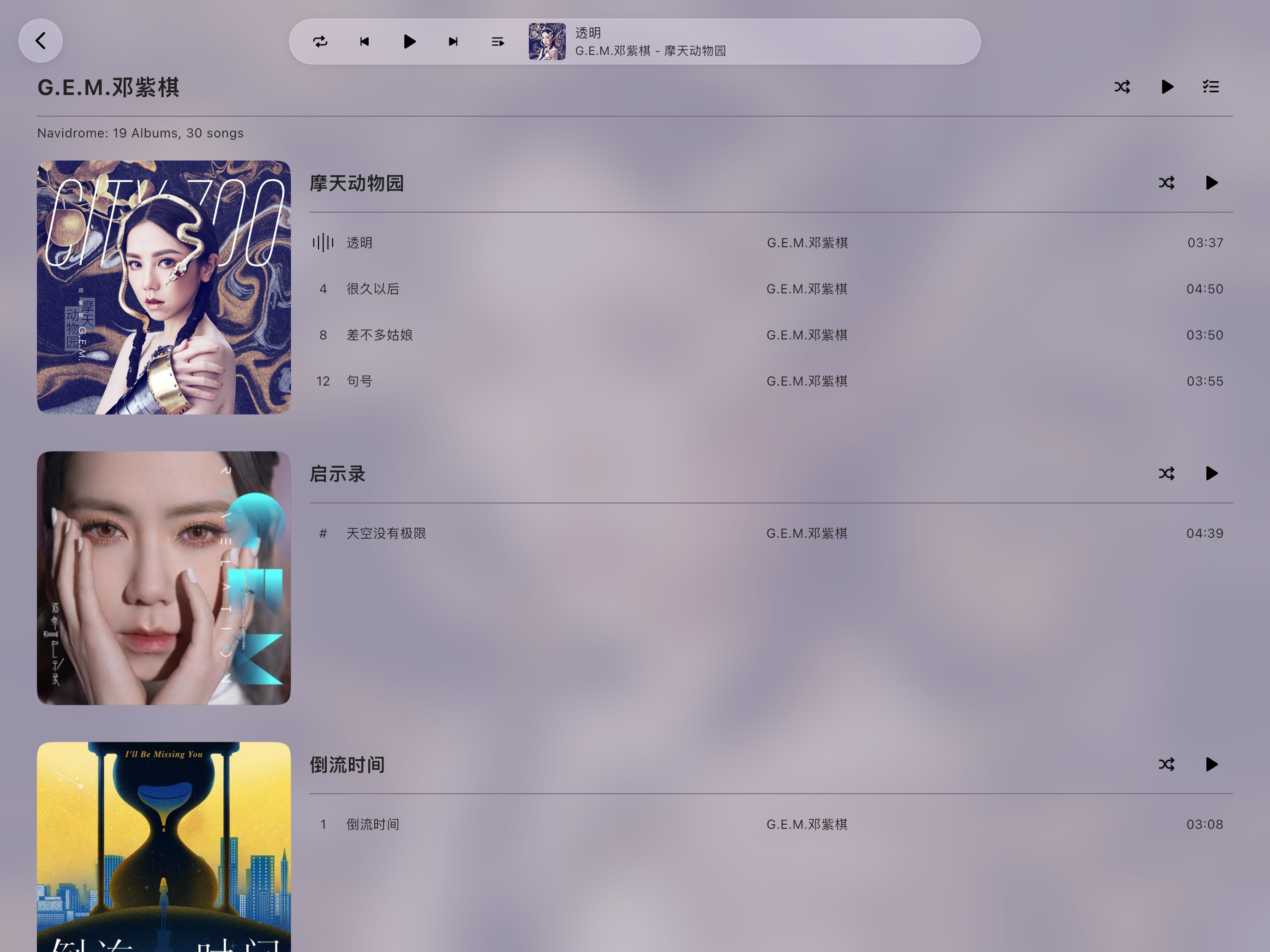
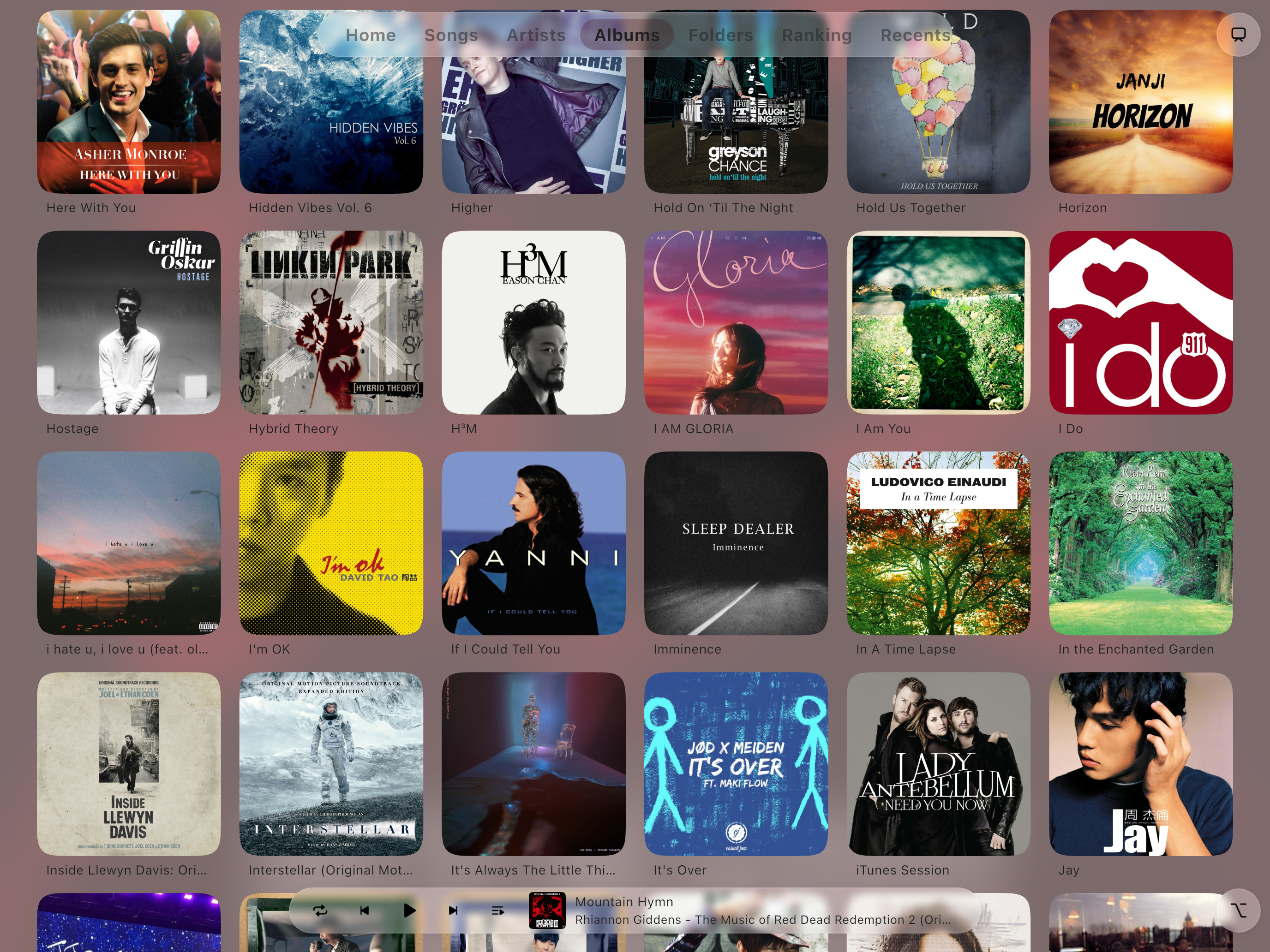
Screenshots
On Mobile
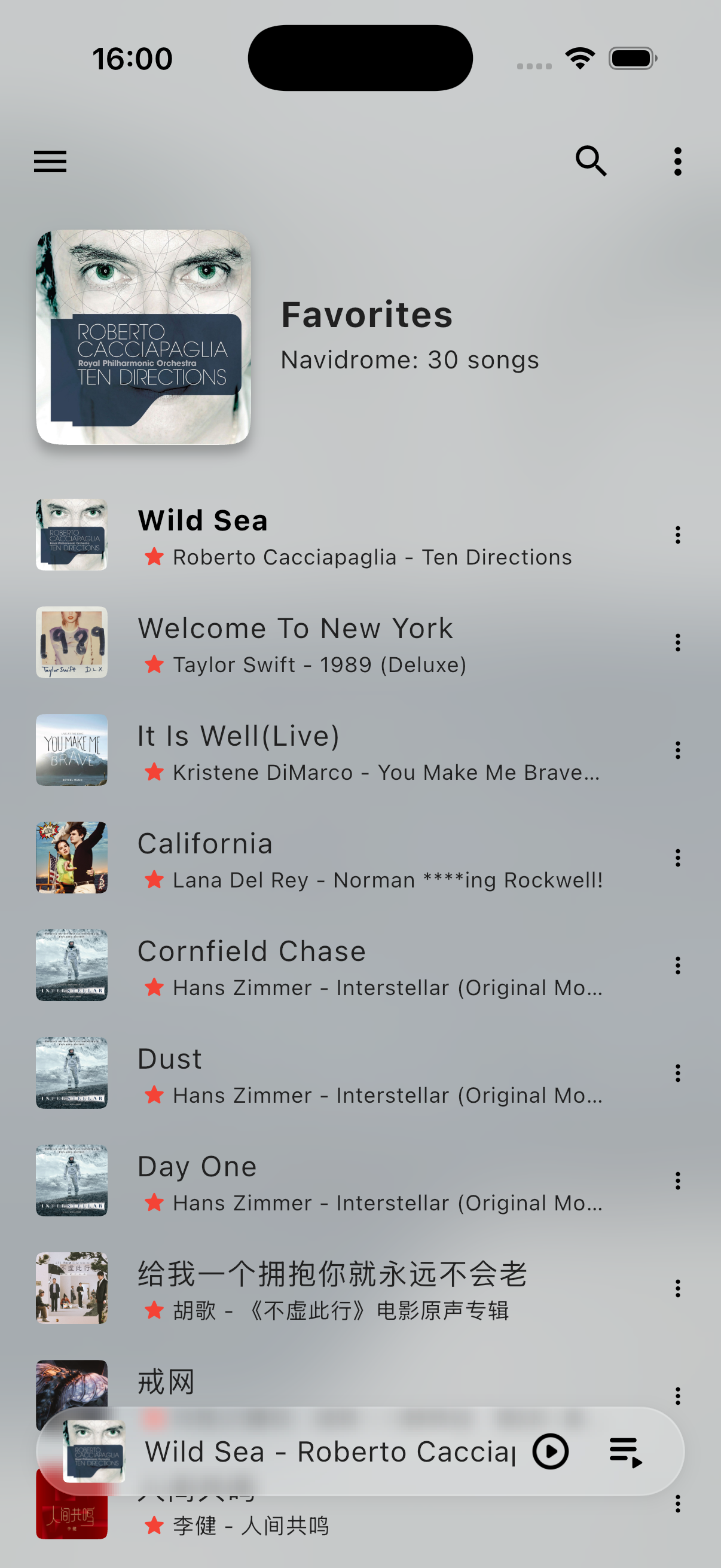
- iPhone
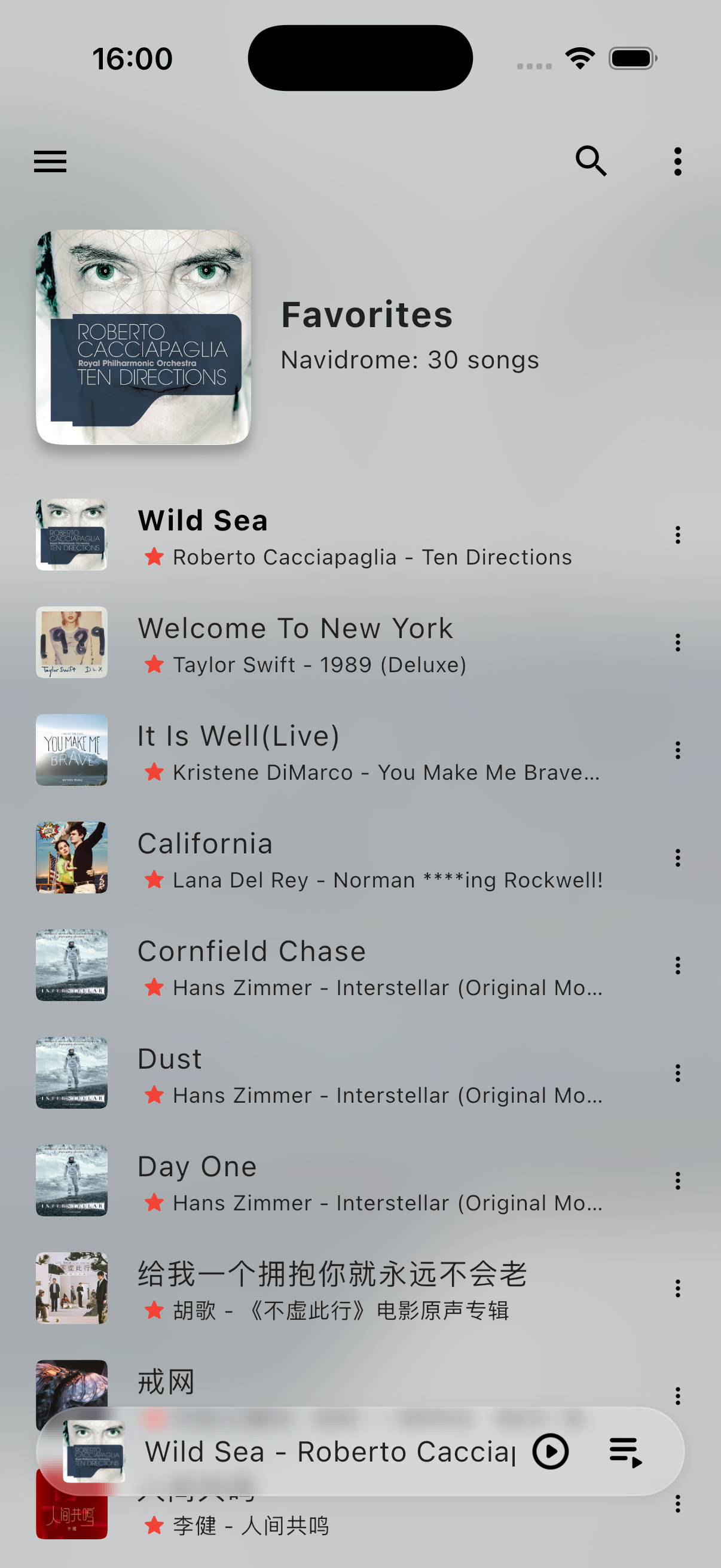
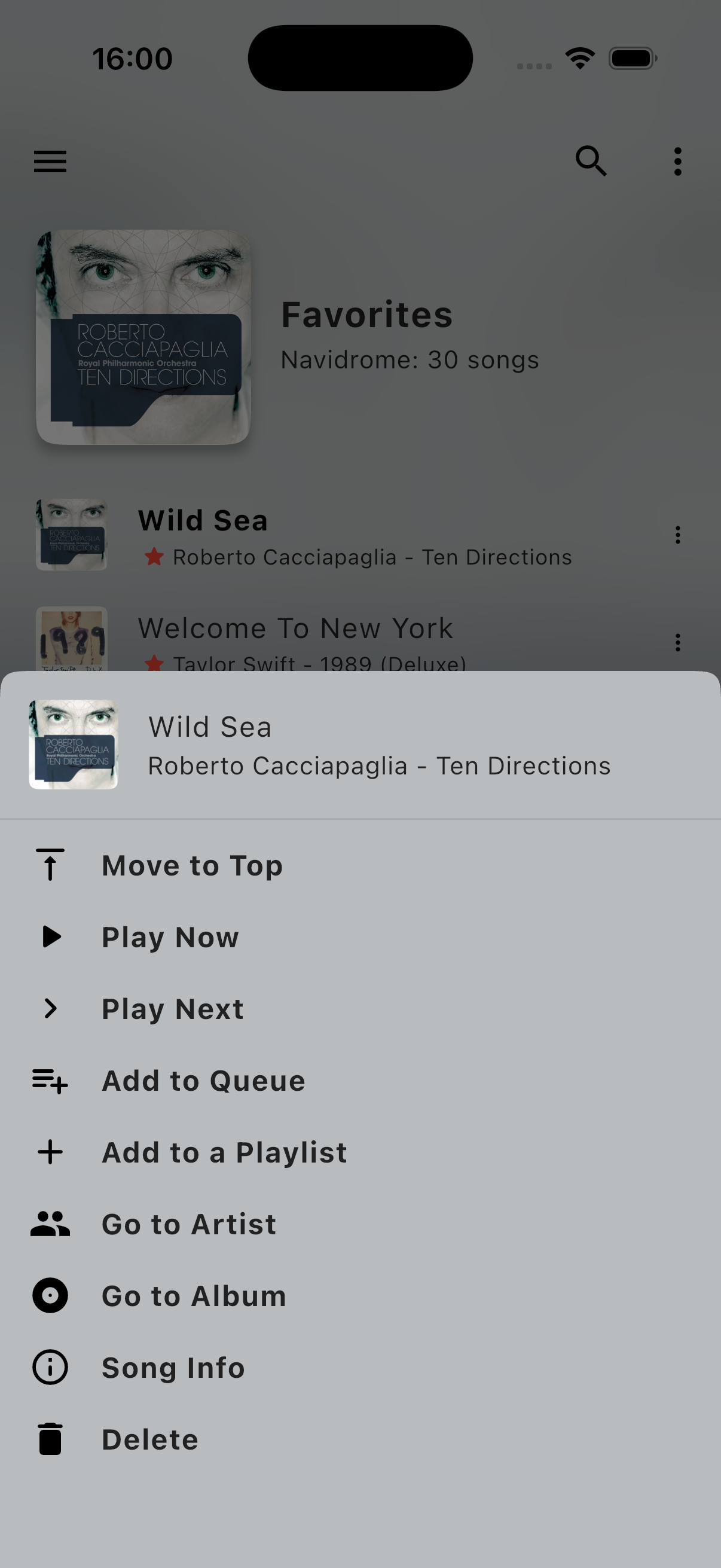
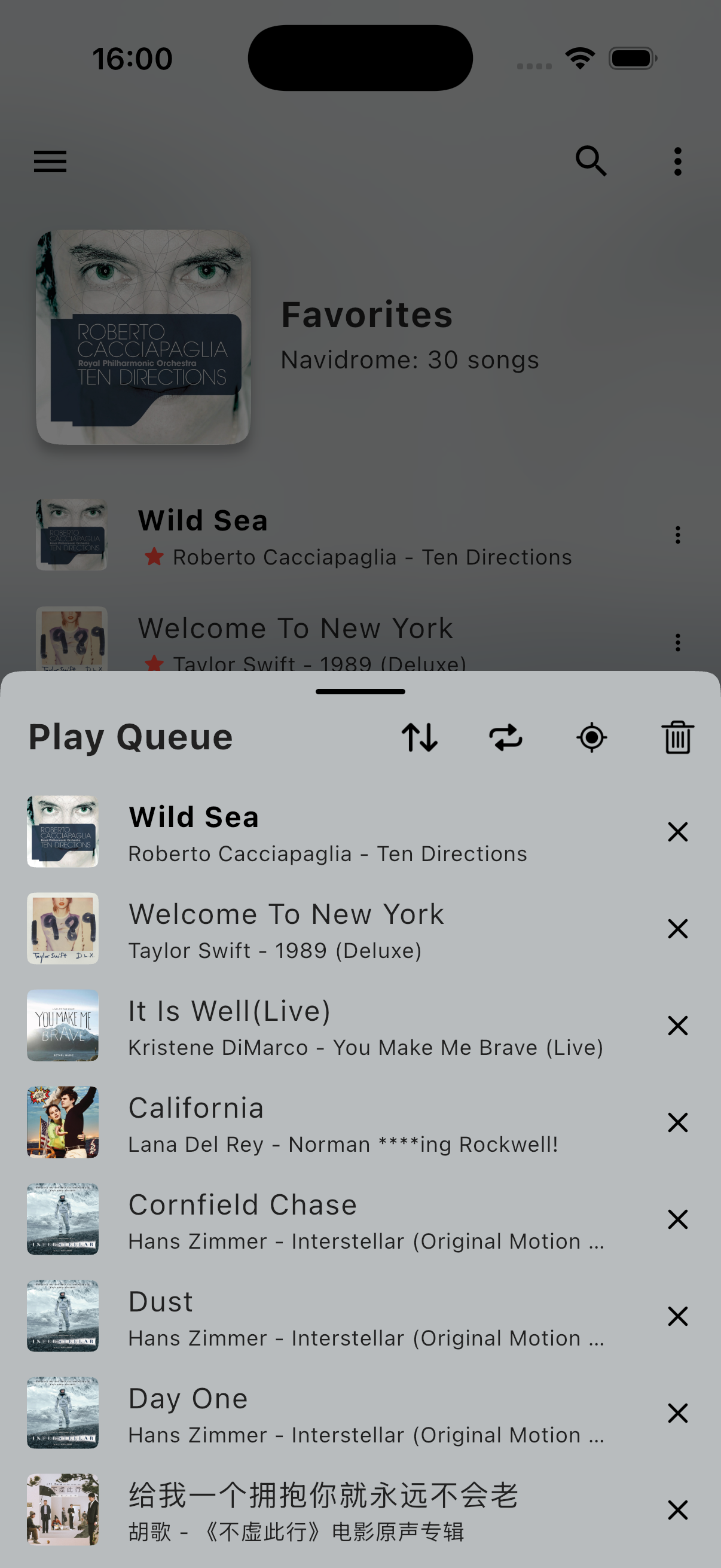
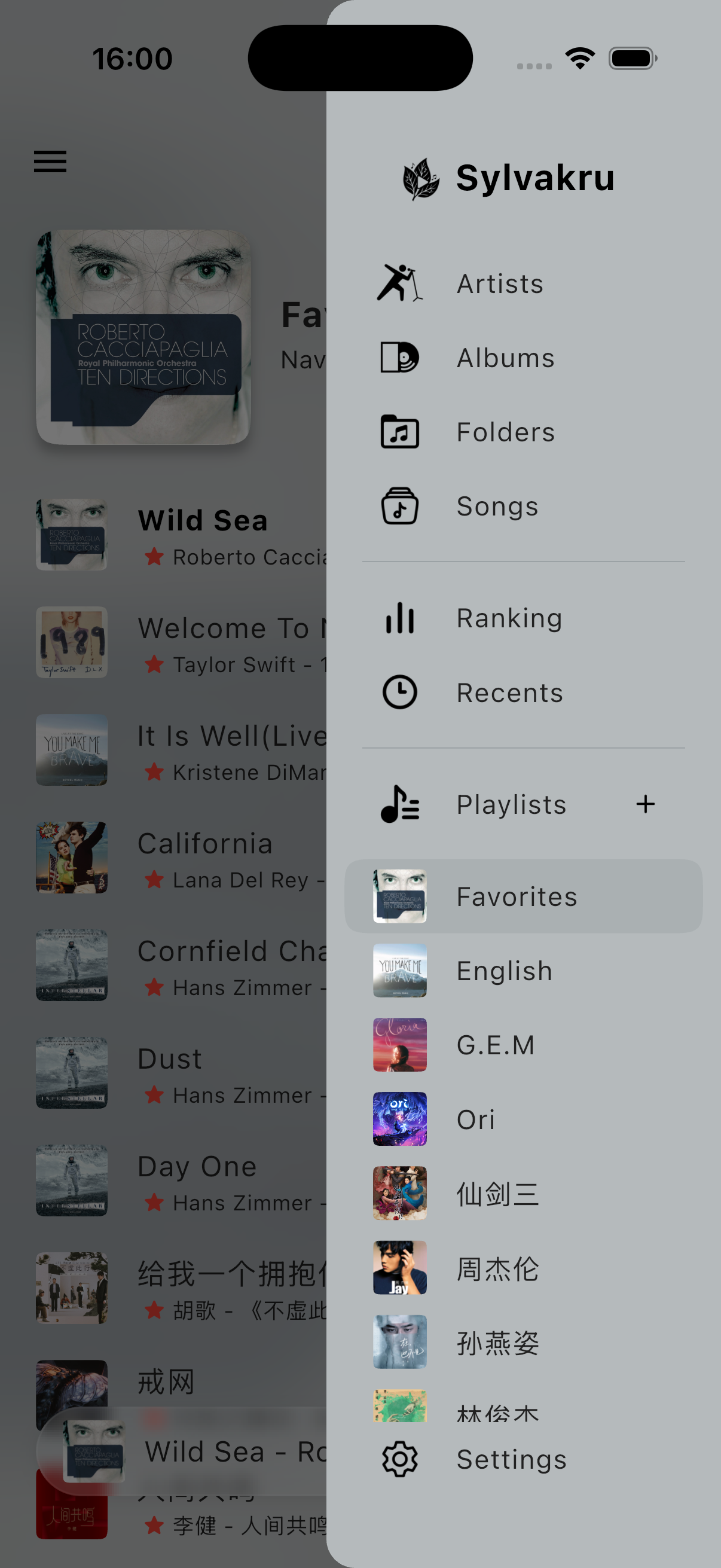
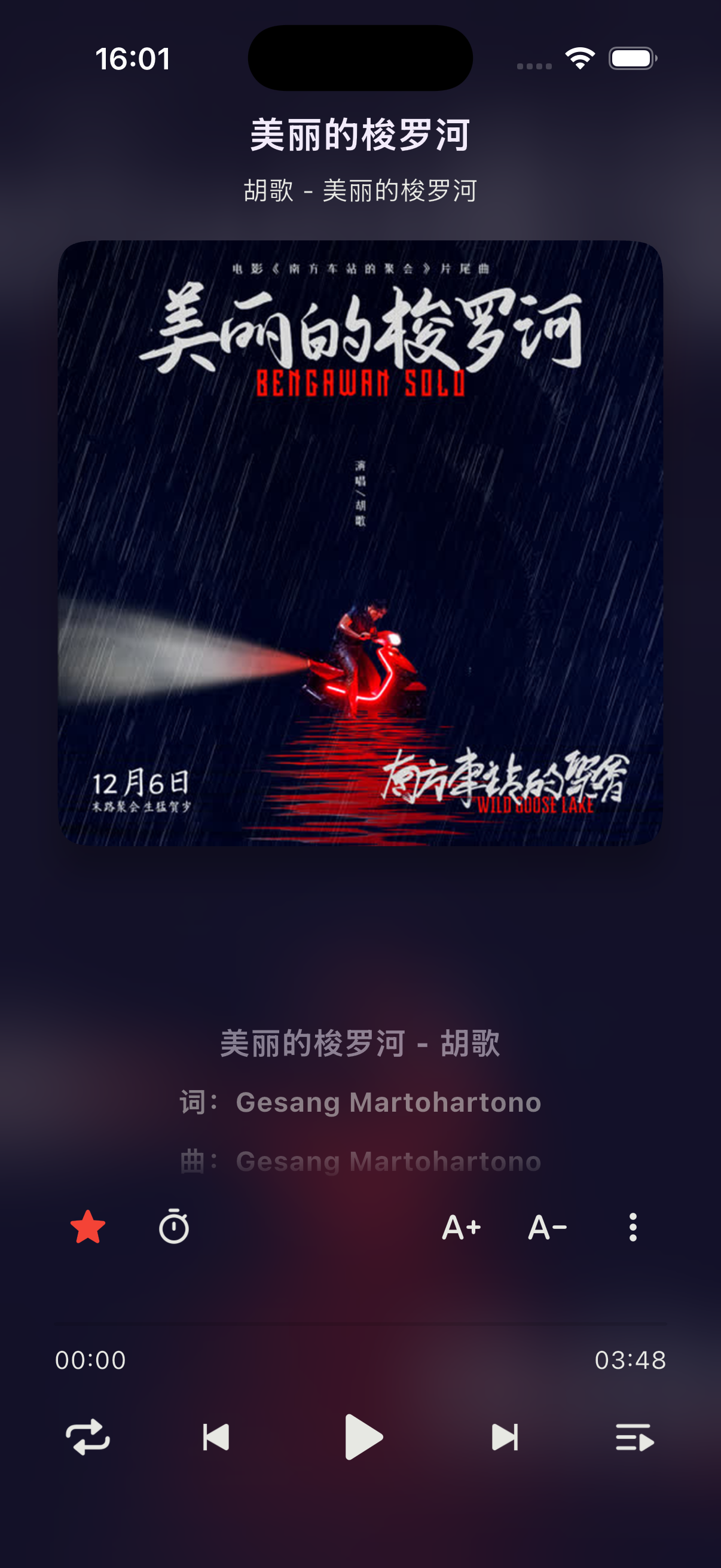
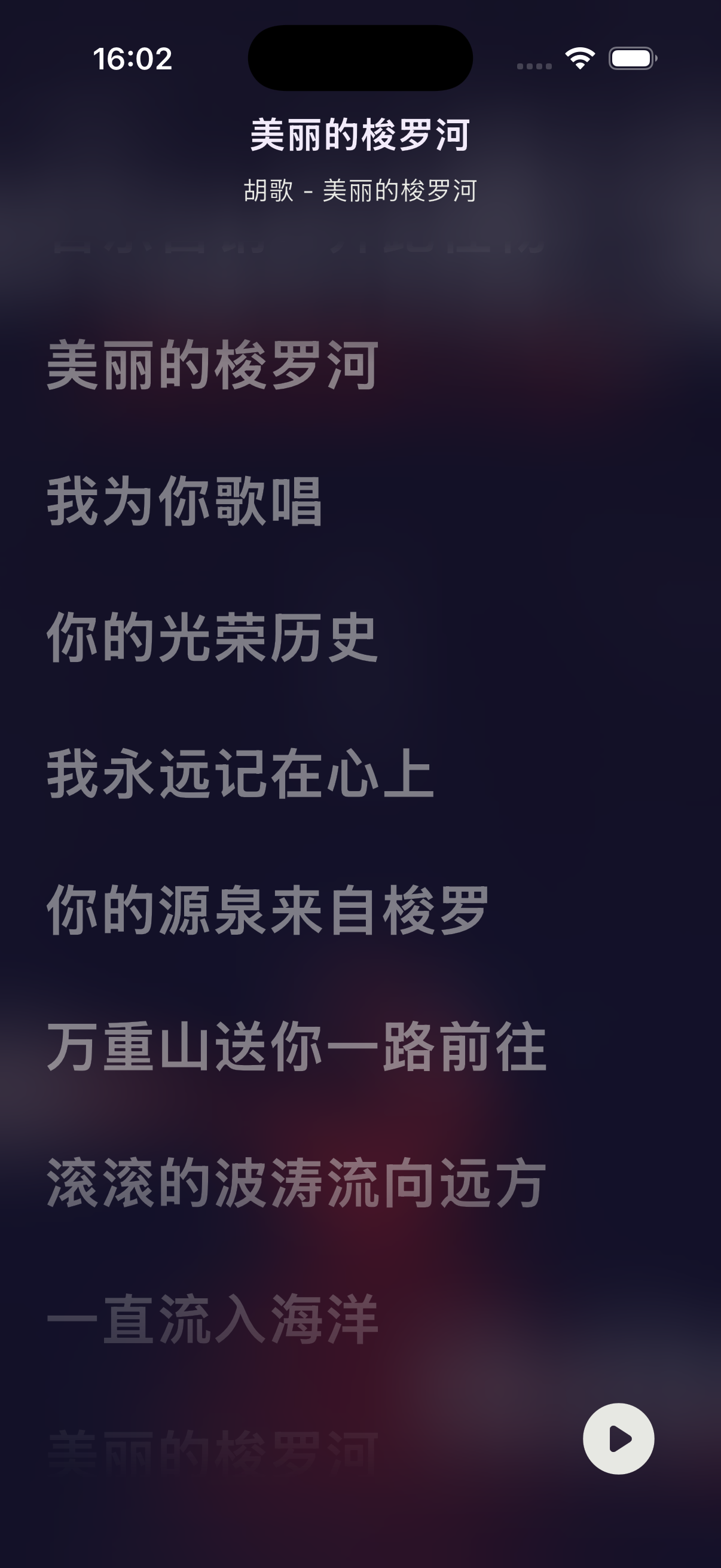
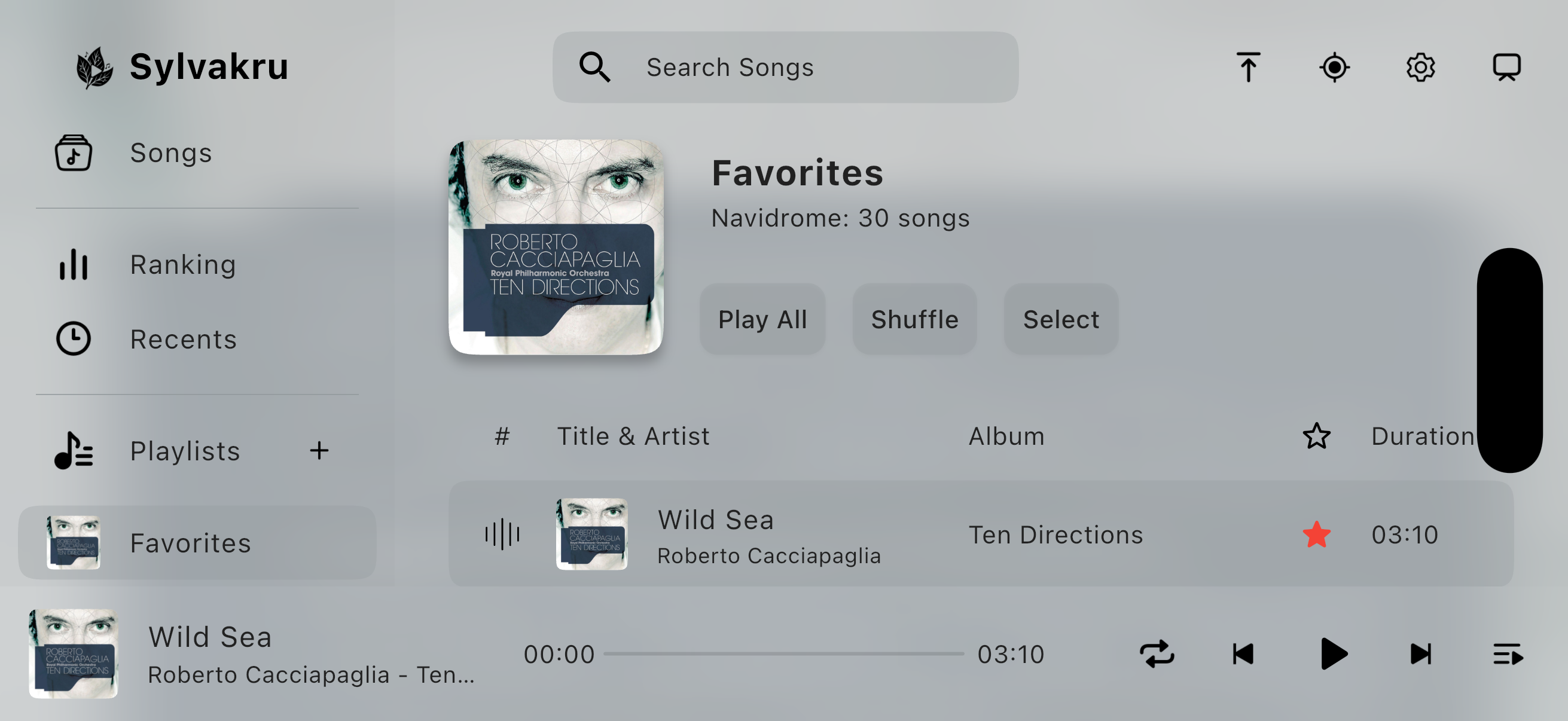
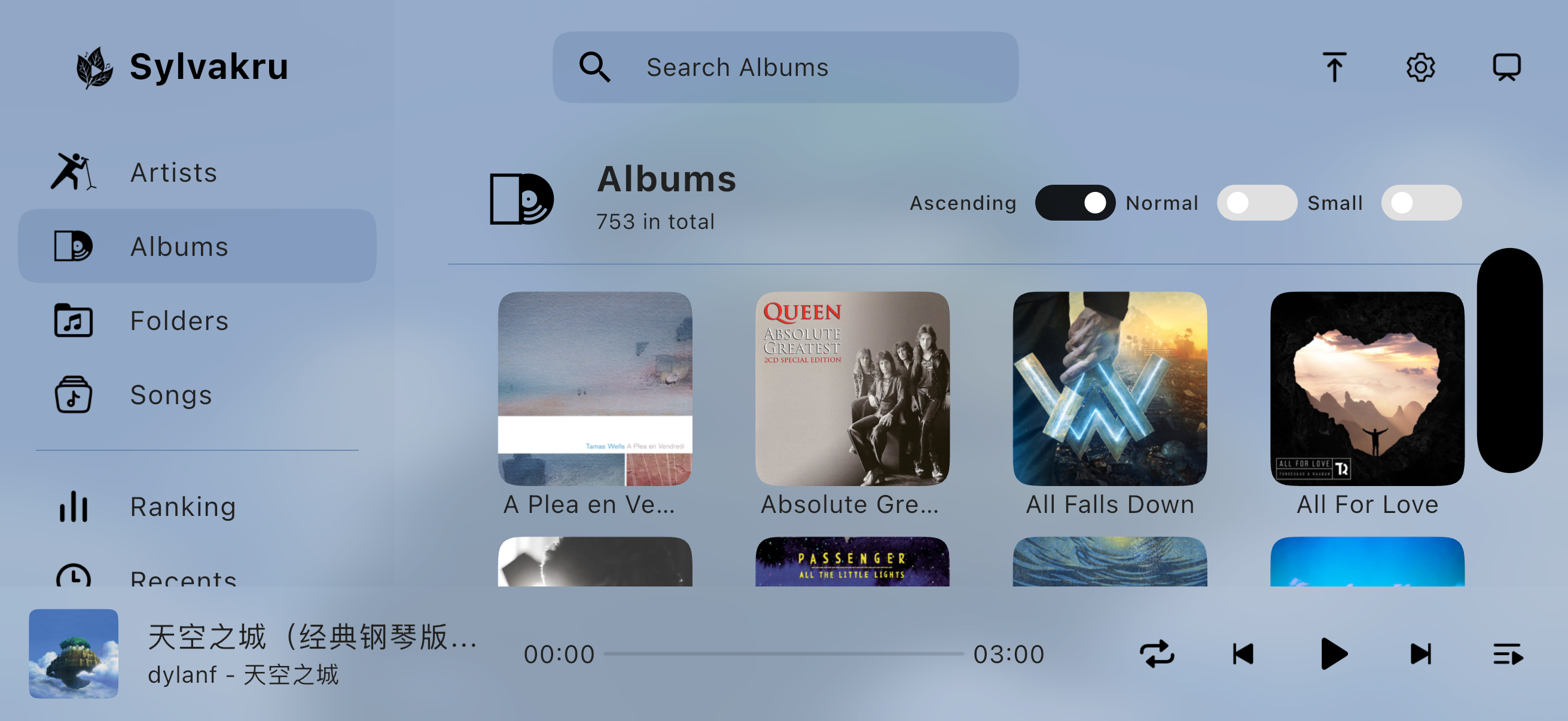
- iPad
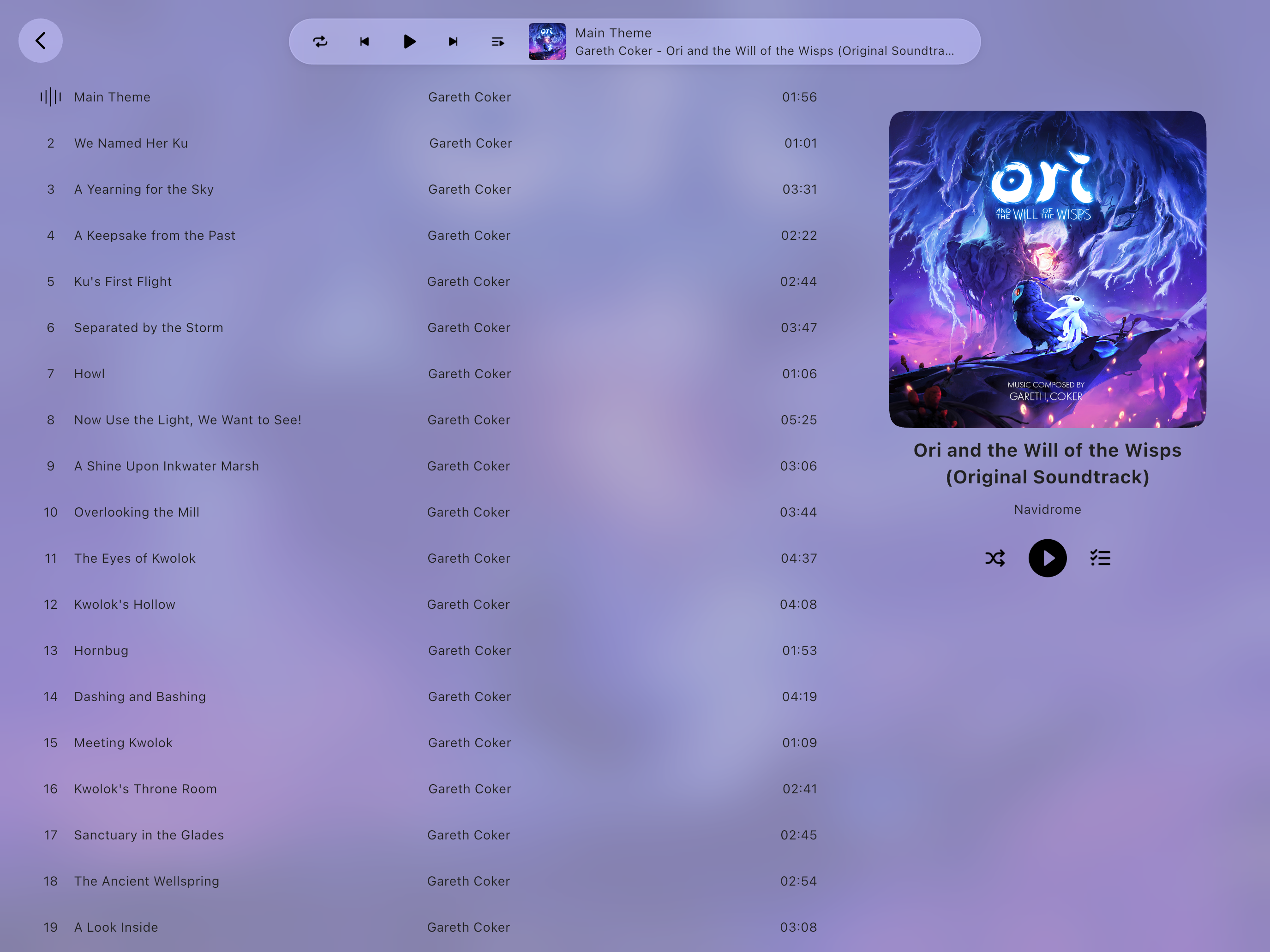
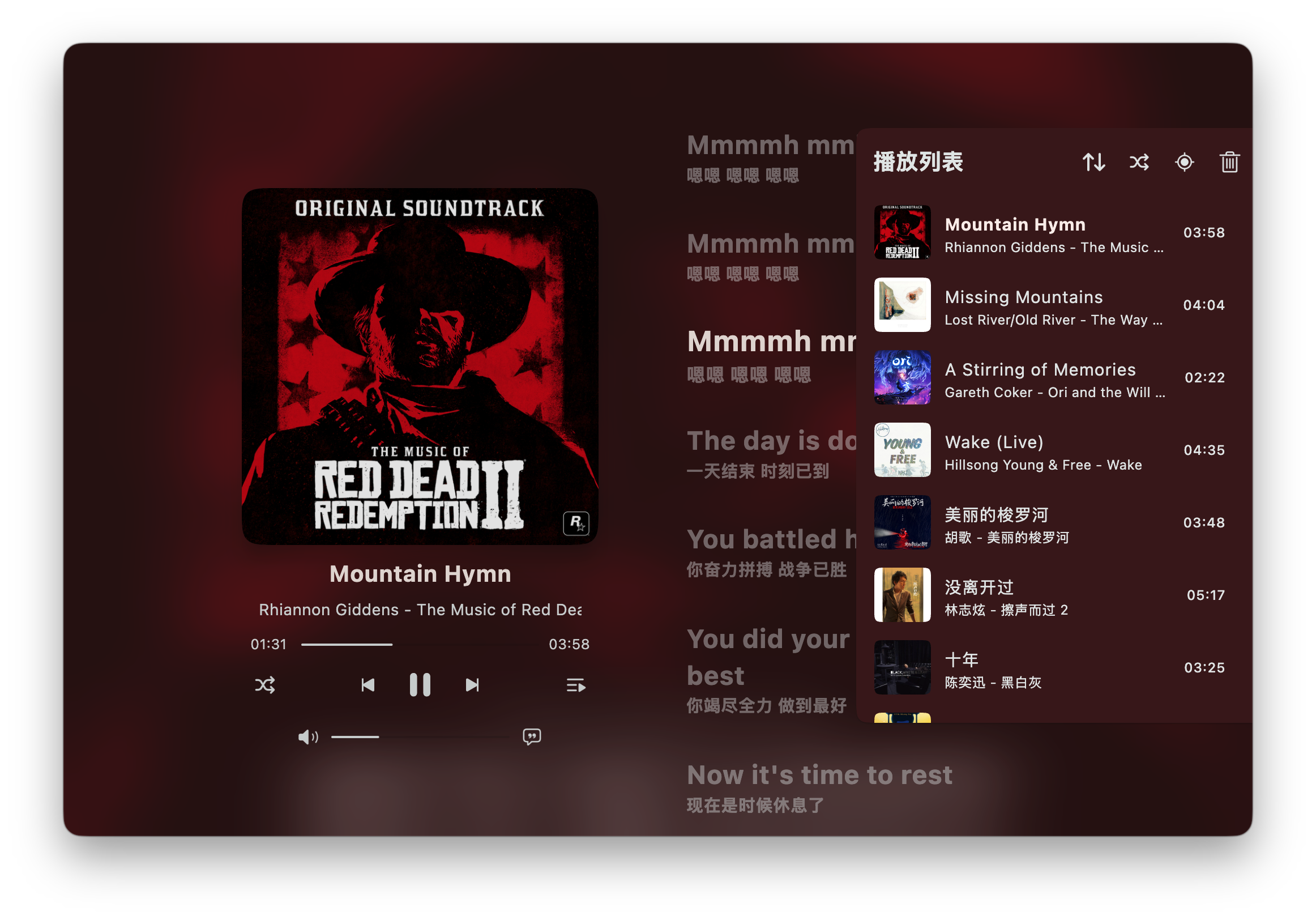
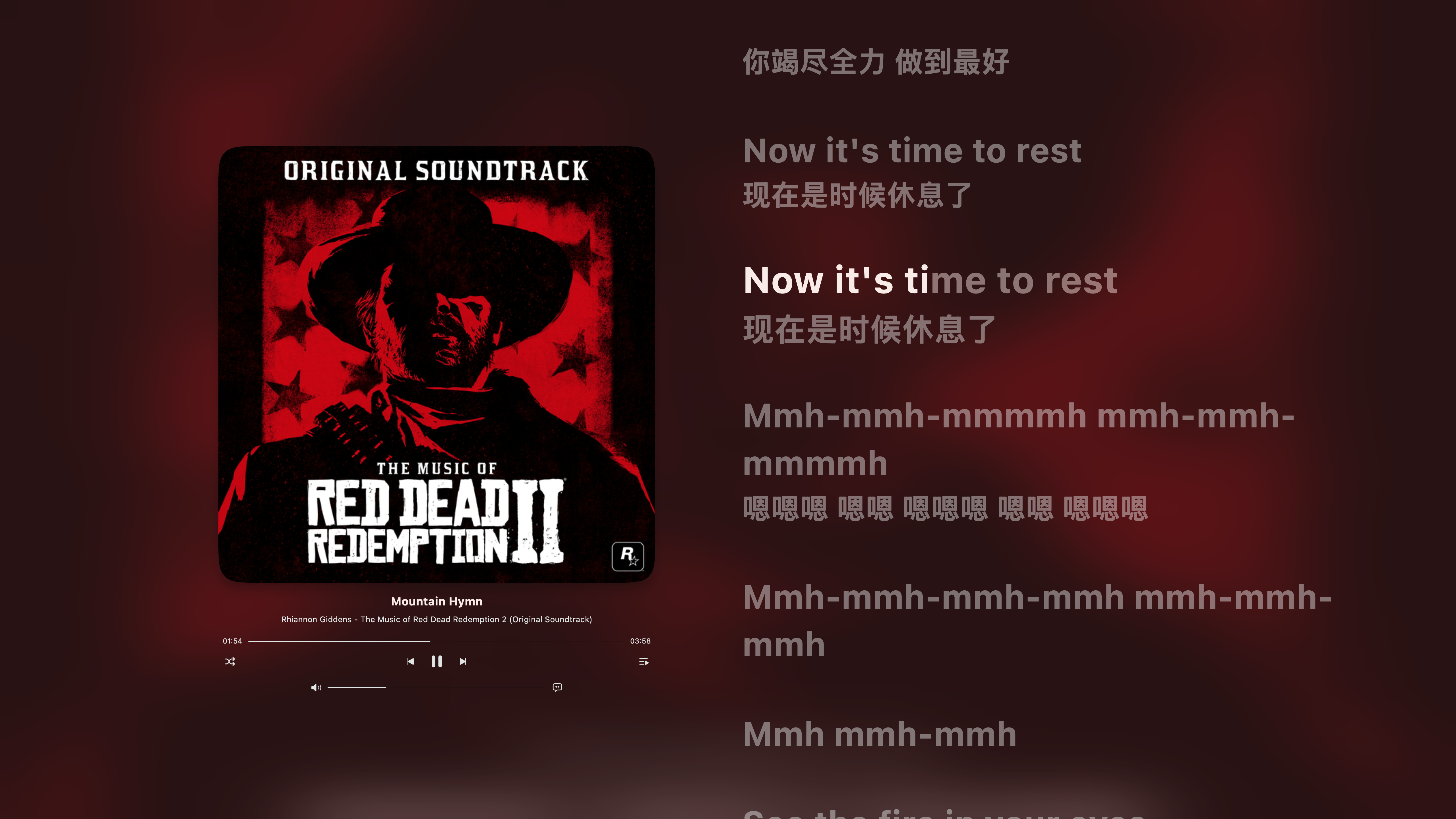
On Desktop