
SwifterSwift
A handy collection of more than 500 native Swift extensions to boost your productivity.
Automatically checked · GitHub checked 2026-11-15
Overview
SwifterSwift


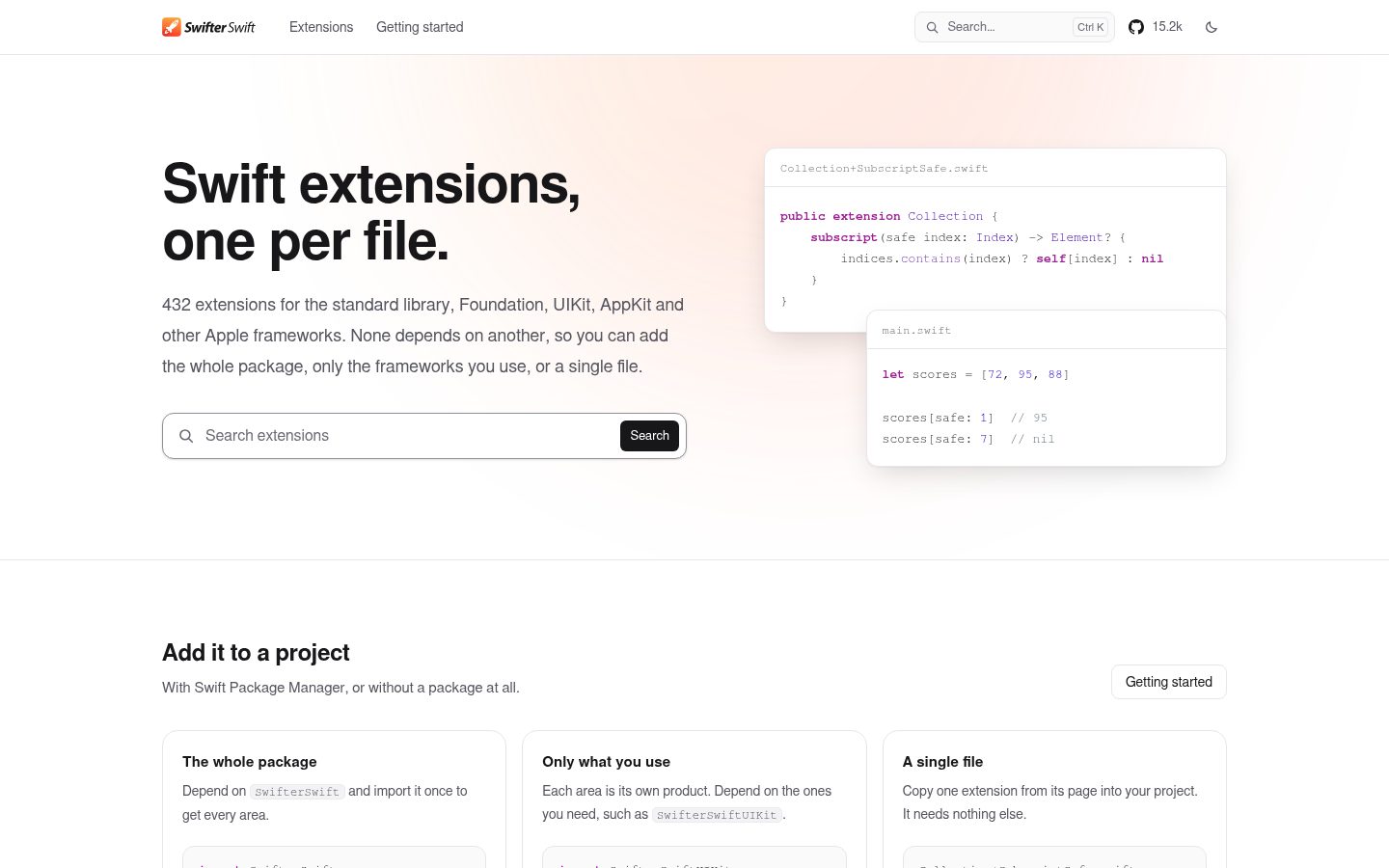
Small, self-contained Swift extensions for the standard library, Foundation, UIKit, AppKit and other Apple frameworks.
Each extension lives in its own file and depends only on the standard library and Apple's frameworks, never on another part of SwifterSwift. Use the whole library, pick the areas you need, or copy a single file into your project.
Highlights
- Self-contained. One extension per file, with no shared helpers, so any file can be copied on its own.
- Tested. Every extension has its own Swift Testing suite, including edge cases such as empty input, Unicode, other locales and time zones.
- Documented. Every extension has a documentation comment with an example, and the full reference is built with DocC.
- Modular. One product per area, plus a
SwifterSwiftproduct that includes them all. - Cross-platform. Apple platforms, plus Linux, Android, WebAssembly and Windows for the areas available there.
Requirements
| Minimum version | |
|---|---|
| Swift | 6.2 (Xcode 26) |
| iOS, iPadOS | 17 |
| macOS | 14 |
| Mac Catalyst | 17 |
| tvOS | 17 |
| watchOS | 10 |
| visionOS | 1 |
The standard library and Foundation areas also build on Linux, Android, WebAssembly and Windows.
Installation
SwifterSwift is distributed with Swift Package Manager.
Package.swift
Add the package to your dependencies:
dependencies: [
    .package(url: "https://github.com/SwifterSwift/SwifterSwift.git", from: "9.0.0")
]
Then add the products you need to your target:
.target(
    name: "MyApp",
    dependencies: [
        .product(name: "SwifterSwift", package: "SwifterSwift")
    ]
)
Xcode
Choose File › Add Package Dependencies…, enter https://github.com/SwifterSwift/SwifterSwift.git, and select the products to add to your target.
Quick start
import SwifterSwift

let numbers = [10, 20, 30]
numbers[safe: 3]  // nil

let url = URL(string: "https://example.com/search?q=swift")!
url.queryValue(for: "q")  // "swift"

let frame = CGRect(x: 0, y: 0, width: 100, height: 50)
frame.center  // (50.0, 25.0)
Products
| Product | Extends | Platforms |
|---|---|---|
SwifterSwift | Everything below | All |
SwifterSwiftStdlib | The Swift standard library | All |
SwifterSwiftFoundation | Foundation | All |
SwifterSwiftCoreGraphics | Core Graphics and Core Animation | Apple platforms |
SwifterSwiftUIKit | UIKit | iOS, iPadOS, Mac Catalyst, tvOS, visionOS, and watchOS where UIKit types exist |
SwifterSwiftAppKit | AppKit | macOS |
SwifterSwiftCoreLocation | Core Location | Apple platforms |
SwifterSwiftMapKit | MapKit | Apple platforms |
SwifterSwiftSpriteKit | SpriteKit | Apple platforms |
SwifterSwiftCryptoKit | CryptoKit | Apple platforms |
SwifterSwiftHealthKit | HealthKit | iOS, iPadOS, macOS, watchOS, visionOS |
Every product builds on every platform. Where a framework isn't available, its product is empty.
[!NOTE] The
SwifterSwiftandSwifterSwiftHealthKitproducts link HealthKit. If your app doesn't use HealthKit, add the individual products you need instead, because App Review can flag apps that link HealthKit without using it.
SwifterSwiftFoundation includes a privacy manifest that declares its use of UserDefaults. If you copy a UserDefaults extension into your project instead, declare the API in your app's own privacy manifest.
Copying a single extension
Every extension is in Sources/<Product>/<Type>/<Type>+<Name>.swift. For example, Collection[safe:] is in Sources/SwifterSwiftStdlib/Collection/Collection+SubscriptSafe.swift. Copy the file into your project and it compiles as is.
Documentation
The API reference for every product is on the Swift Package Index.
Contributing
Contributions are welcome. Read CONTRIBUTING.md for the rules every extension follows and how to test your changes. This project follows the Contributor Covenant code of conduct.
License
SwifterSwift is available under the MIT license. See LICENSE for details.