
slotstream
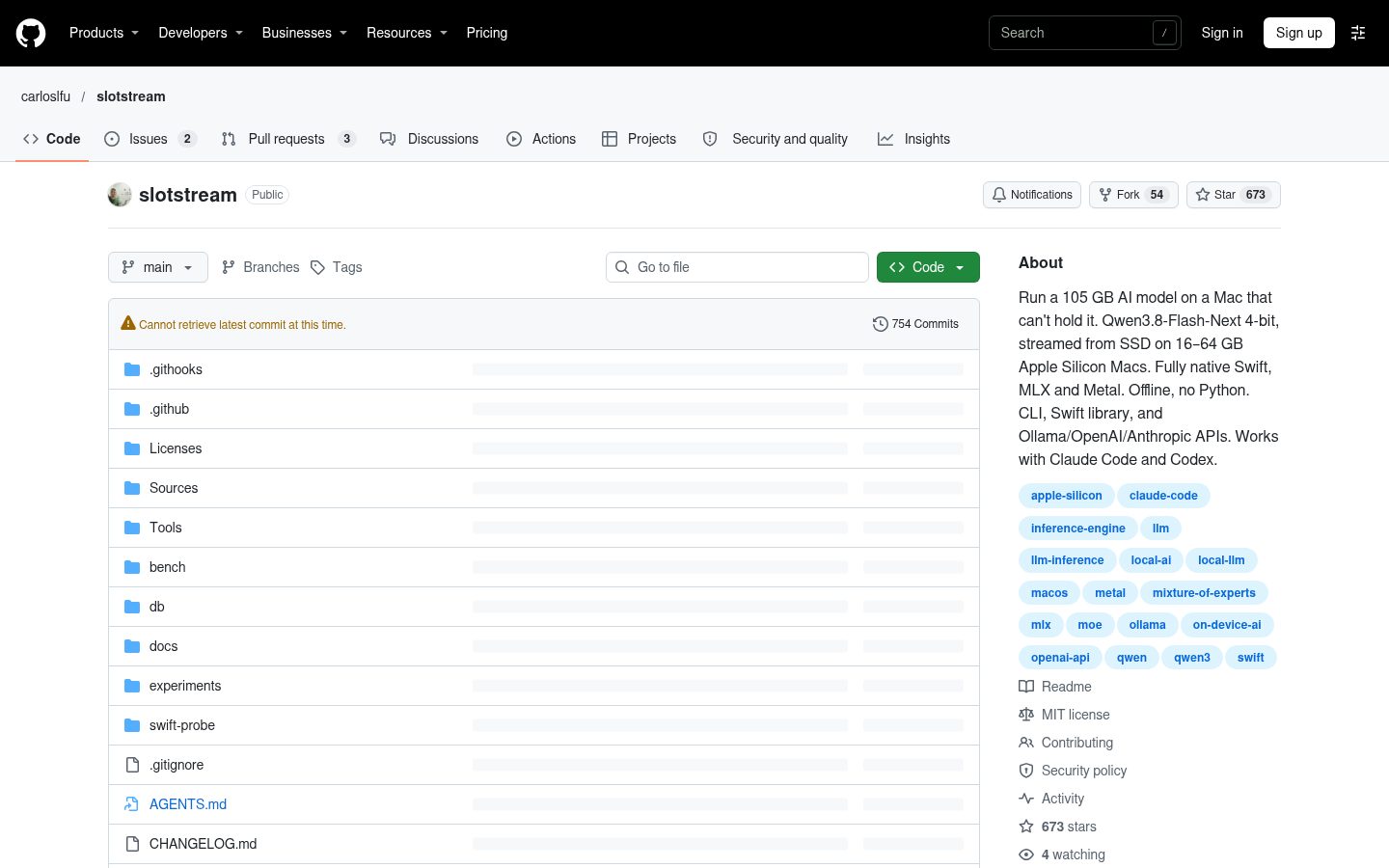
Run a 105 GB AI model on a Mac that can't hold it. Qwen3.8-Flash-Next 4-bit, streamed from SSD on 16–64 GB Apple Silicon Macs. Fully native Swift, MLX and Metal. Offline, no Python. CLI, Swift library, and Ollama/OpenAI/Anthropic APIs. Works with Claude Code and Codex.
Automatically checked · GitHub checked 2026-11-17
Overview
slotstream


Run a 105 GB AI model on a Mac that can't hold it.
Slotstream runs Qwen3.8-Flash-Next, a 125-billion-parameter open model, on Apple Silicon Macs with 16 to 64 GB of memory. It streams experts from SSD and caches them in RAM. The engine is fully native Swift on Apple's MLX and Metal, with no Python runtime or cloud account. Inference works offline after the model download.
Chat, ask about pictures, or connect a coding agent. Slotstream provides a CLI, Ollama-, OpenAI- and Anthropic-compatible APIs, and a Swift library.
Get started · Speed · Guides · About me
Requirements
An Apple Silicon Mac with at least 16 GB of memory, macOS 14 or later, and about 110 GB of free SSD space. Windows, Linux, Intel Macs and 8 GB Macs are unsupported. On 96 GB and larger Macs, engines that keep the model fully in memory report faster replies. See the hardware guide.
Install
Open Terminal and paste:
curl -fsSL https://raw.githubusercontent.com/carloslfu/slotstream/main/install.sh | sh
This installs the latest release, v0.2.30.
Run the same command to update. If slotstream isn't found, open a new terminal.
Use it
Check your Mac and ask for a first reply:
slotstream doctor
slotstream run --prompt "Why is the sky blue?"
The first run offers to download the model. It can take hours, but you only
need to do it once; interrupted downloads resume. doctor checks your Mac
without loading the model. See the step-by-step setup.
To use Claude Code on the local model, install Claude Code separately, then run:
slotstream launch claude
The same command works with codex, pi, opencode and hermes in place of
claude. It starts the server if needed and connects the agent. See the
coding agent guide for setup.
Speed
Development tests on October 5, 2026 measured 20.91–23.69 tok/s (tokens per second) across three workloads on a 48 GB M5 Pro, using the original 4-bit model at a 33 GB budget. These three-run medians used the archived Mac app's startup settings; they do not measure current CLI defaults or sustained speed. Loading and prompt processing add time; long prompts can take minutes before a reply starts.
See results on real Macs, speed estimates by memory and prompt-processing results for the tables, test conditions and limits.
How it works
The model uses a mixture-of-experts architecture: each token needs only a subset of its expert networks. Slotstream keeps shared weights in RAM and reads the needed experts from SSD into a cache. More cache means fewer disk reads, without removing experts from the model.
Swift owns the runtime, memory planner and cache; MLX and Metal do the GPU work. Auto mode chooses a memory budget and context window for your Mac, then adjusts the cache as other apps need room. The engineering guide explains the design.
Who made this
I'm Carlos Galarza. I build local AI and make it run efficiently on the computers people already own. Slotstream is written natively for the Mac and tuned as one system.
I also build AI agents and help teams with AI engineering, from integrating models into products to debugging agent workflows. For help or consulting, email me.
Guides
| What you want to do | Guide |
|---|---|
| Install, download the model or ask about a picture | Get started |
| Connect Open WebUI or another chat app | Chat apps |
| Use Claude Code, Codex, Pi, opencode, Hermes or fx | Coding agents, fx |
| Check speed, memory or context on your Mac | Hardware and speed |
| Use the APIs or Swift library, build or test | Engineering |
| Fix a problem, move the model or uninstall | Troubleshooting |
Apps and agents supply the interface and tools; install them separately. Release notes describe what's changed.
Status and limits
- One maintained model: Qwen3.8-Flash-Next 4-bit, with text, tools and pictures. Other checkpoints are unsupported.
- One generation at a time: connected apps share the running model.
- Long conversations take time and memory: see the context and memory plans.
- No broad quality comparison yet: image input and tool calling have integration tests, but no general image-accuracy benchmark or completed same-Mac comparison with other models.
The Mac app and Fast/Q2 models are archived. Current work focuses on the engine, CLI, serving APIs and Swift library.
FAQ
Does it work offline?
Yes, after the model download. Connected agents may still use internet services for their tools; their settings determine what those tools send.
Why doesn't Slotstream use all of my RAM?
The budget leaves room for macOS, other apps and temporary model work.
You can preview a different budget with slotstream doctor --memory-gb 40.
See memory defaults and overrides
before changing it.
Will this wear out my SSD?
Generation reads model files without rewriting them. macOS swap and conversation caching do write to disk. See the memory and disk guidance.
For other models or hardware, see related projects.
Why this exists
I wanted to run this model on my own Mac, but the standard loader exhausted memory before producing a reply. The measurements start with that failed load. The project was also discussed on Hacker News.
Support
Report a bug, share your Mac's results, or contribute. Hardware reports are credited to their authors.
Grants and sponsors

Slotstream was selected for Guillermo Rauch's personal grants for foundational open-source software. Thank you for supporting its development.
Star history

The badge shows the latest star count; this chart is updated weekly.
License
Slotstream is MIT-licensed. Model weights and included third-party code retain their own licenses, including the model's Qwen community license. See third-party notices and credits.