
sandboxd
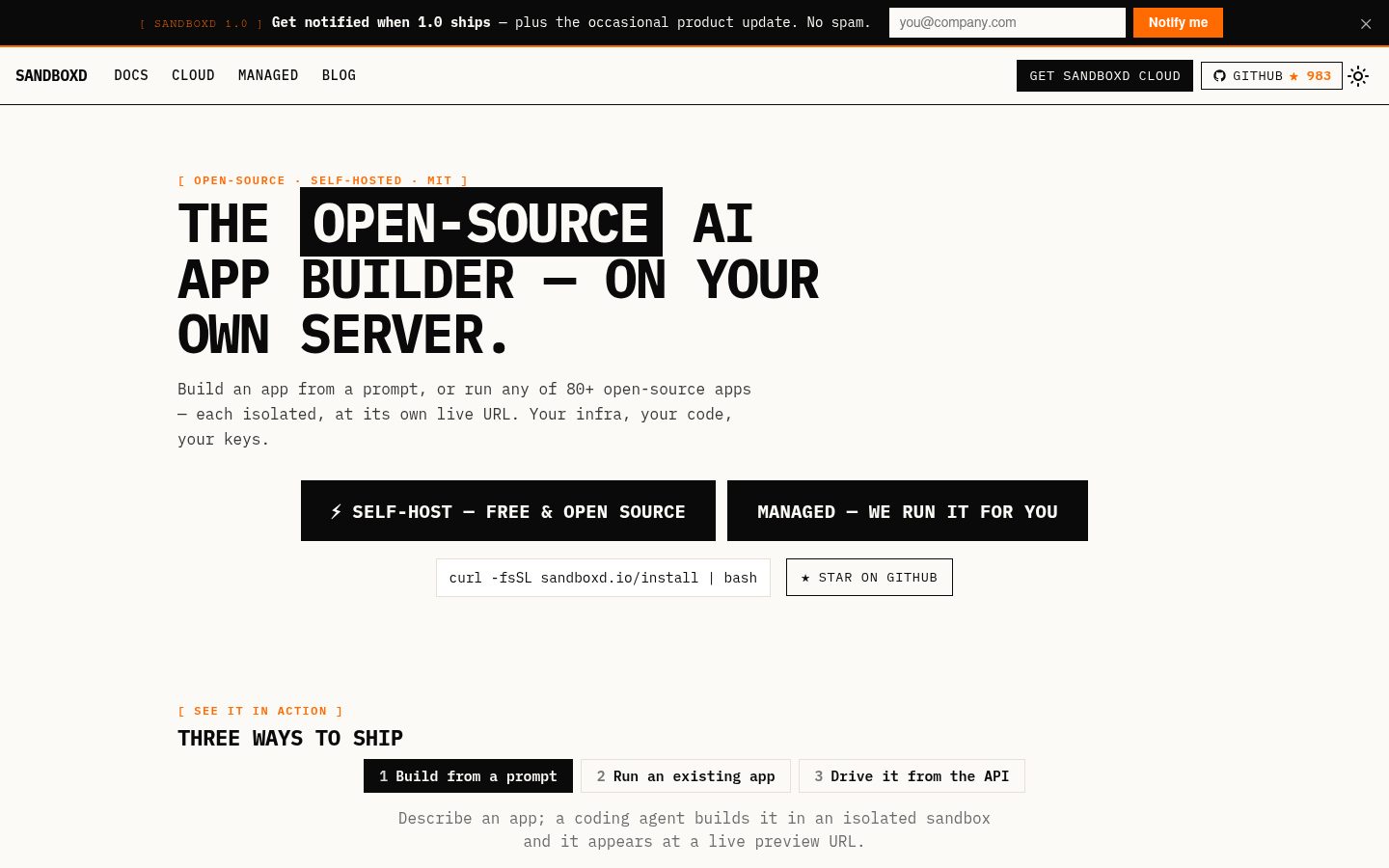
Open-source, self-hosted AI app builder — an agent builds real apps in isolated sandboxes on your own server, each live at a preview URL. Self-host in one command. MIT.
Automatically checked · GitHub checked 2026-11-12
Overview
sandboxd
Open-source, self-hosted AI app builder.
Prompt it and a coding agent builds real apps in isolated sandboxes on your
server — each live at a preview URL. You own the infra, code, and data. MIT.
🔥 Trend of the Day on Trendshift





Prompt → a real, running app on your server, at its own URL.
See it in action 👇
1 · Build from a prompt — an agent builds it in an isolated sandbox, live at a preview URL. | 2 · Or drive the API — every action is a /v1 call, headless & scriptable. |
▶ Try the live demo Click around a real console with sample data — no install. | |
📣 Stay in the loop
Self-hosting is MIT and free, forever — git clone and you're done.
Want the 1.0 release + occasional product updates, or a managed cloud so you don't run the box yourself? Two links:


No spam, one-click unsubscribe, and the cloud is optional — the self-hosted engine is always the full product.
What is sandboxd?
The apps where you type "build me a todo app" and a working site appears at its own link — Lovable, Bolt, v0, Replit. sandboxd is the open-source engine that makes that work, on your own server. One HTTP request and it:
- spins up a private, isolated container (its own filesystem + limits),
- runs an AI coding agent inside it against your prompt, and
- hands the app a live preview URL.
Idle sandboxes sleep and wake on demand, so one ordinary box holds many apps instead of a VM each. Under the hood it's deliberately small: one Go program driving Docker, Traefik for URLs, SQLite for state — no Kubernetes, no separate database, no queue.
Bring your own models. Apps are built by OpenCode, Claude Code, Codex or Pi: OpenCode's free models need no account, a Claude or ChatGPT subscription works as is, and OpenCode and Pi also run against local or remote OpenAI-compatible and Anthropic-compatible endpoints (Codex against OpenAI-compatible ones, such as OpenRouter). Add connections, model aliases and token limits in the console; provider keys stay encrypted on the control plane. Use your local model server or a LiteLLM gateway, including gateways routing to AWS Bedrock. Set up model connections →
Two ways to use it
- API-first — everything is a
/v1call, so you can build sandboxd into your own product. - Optional web console — the fastest, no-code way to use it hands-on:
create an app, chat to a coding agent, watch the live preview, edit files, and
review a git diff & push — all in a browser. It's a pure
/v1client; the engine runs perfectly headless without it.
New here? Start with the console. Building a product? Drive the API.
The console starts with your idea: describe an app, choose a stack and agent, then work in a persistent conversation beside preview, code, terminal and Git. Settings groups model connections, coding-agent accounts, Git credentials and security controls. Workspace menus expose secrets, versions, memory and runtime tools. See the console guide for the complete workflow.
What can you build?
Anything you can describe — no code needed. Open the console (or the desktop app) and:
- ✨ Describe it — "a habit tracker", "a landing page for my bakery", "a team dashboard". A coding agent builds it in its own sandbox.
- 👀 Watch it come alive — the app runs at a live preview URL while the agent works, and refreshes when each change lands.
- 💬 Keep shaping it — chat to change anything; every step is a checkpoint you can restore.
- 🚀 Make it yours — review the code, commit and push it to your own Git repository.
OpenCode's free models are built in, so you can start without an account; bring your own subscription or models whenever you like.
Base image, stacks & presets · Architecture
New: apps in one click, agents, and one assistant for everything
The desktop app (and the console) now goes beyond building your own apps:
- 🧩 Free apps — install popular open-source projects in one click, with no AI and no setup: a CAD modeler, a physics simulator (MuJoCo), a username finder (Sherlock), design, PDF and slide tools… A Trending strip on the home page shows what's hot on GitHub. Each is pinned to a tested release and runs in its own sandbox. Free apps →
- 🤖 Agents — open-source assistants that live next to your apps: Hermes, OpenClaw and OpenMausBot. They remember you, run scheduled jobs, browse, reach you on Telegram, and can create and change apps. Each runs in its own locked-down container, with no keys inside. Agents →
- 💬 Ask sandboxd — one assistant for all of it, at the top of the sidebar. Ask in plain words: "install JSON Crack from GitHub", "ask Hermes to watch flight prices", "what does Hermes remember about me?", "add a Researcher agent". It checks a project can run before installing it, hands tasks to your agents and brings their answers back, and deletes nothing without your yes. It runs on whichever AI you pick: the free model, your Claude or ChatGPT subscription, or a model connection. The sandboxd agent →
- 🖥️ Zero setup on Windows — the desktop app installs its own engine in one click (no Docker Desktop, no terminal), and keeps it updated. Desktop →
Dev → prod, never shorter: prompt an app into a sandbox, iterate on a live preview, then self-host it on your own server in one command.
Quick start
Needs Docker + the Compose plugin and git on Linux (macOS via Docker Desktop is best-effort). Runs natively on amd64 and arm64 — including Apple Silicon Macs and arm64 Linux hosts (e.g. AWS Graviton) — every image builds from multi-arch bases with no cross-compilation. Install in one line:
curl -fsSL https://raw.githubusercontent.com/tastyeffectco/sandboxd/main/install.sh | bash
On a clean stable release checkout with cosign installed, it pulls and verifies
the matching prebuilt images. Otherwise it builds from source. It starts the
stack with the web console, and prints your
console URL. Create your password on first visit, then connect an agent
under Settings, create an app, and build. No code needed.
- Build from source instead: run
./install.sh --build— a first-class, fully-supported path. Compiles every image locally so you audit exactly what runs. Prebuilt images are multi-arch, cosign-signed with build provenance by the release workflow. The installer verifies each pulled digest against that workflow's identity at the exact release tag before starting services../install.sh --pullrequires those checks to succeed;--buildand custom image names use local builds. No signing tools are downloaded by the installer. A failure falls back to source in automatic mode, or stops without starting the stack in--pullmode. - Console:
http://console.localhost— create your password on first visit. Run./console-login.shto show the URL or reset the password. - API:
http://127.0.0.1:9090(curl http://127.0.0.1:9090/healthz→ok) - Desktop (Electron): the same builder in a native macOS/Windows app, with
local or remote engine connections. Desktop installation is on by default on
macOS; on Windows, the app offers Install & open workspace to provision
its own local WSL engine.
install.ps1remains available for existing Docker Desktop/WSL setups. Opt out of CLI desktop installation with--no-desktop/-NoDesktoporSANDBOXD_DESKTOP=0. The initial signed desktop release must be published before automatic downloads are available; see desktop setup, source builds and release status. - Headless:
--no-console --no-desktop(Windows:-NoConsole -NoDesktop). - Upgrade later: run
./upgrade.sh— it backs up your database first, health-checks the new version, and rolls back automatically if it fails (Upgrading)../upgrade.sh --checkshows your version.
Prefer the API? Connect an agent once, create a sandbox, hand it a prompt:
API=http://127.0.0.1:9090
curl -s -XPOST $API/v1/agents/claude-code/api-key -d '{"api_key":"sk-ant-..."}'
ID=$(curl -s -XPOST $API/sandbox -d '{"ports":[3000]}' | sed -E 's/.*"id":"([^"]+)".*/\1/')
curl -s -XPOST $API/v1/sandboxes/$ID/tasks -d '{"prompt":"build a todo app on port 3000","agent":"opencode"}'
# open the result at  http://s-$ID-3000.preview.localhost
Full walkthrough → sandboxd.io/quickstart.
🚀 Deploy to a VPS in one click
sandboxd needs one Linux server with Docker — nothing else. Grab a server below (2 vCPU / 4 GB is plenty to start), paste our cloud-init file at creation, and it installs itself.
Disclosure: we earn a referral commission when you sign up through the provider links below, at no additional cost to you. It helps fund sandboxd's development.

Then on the new server (or paste deploy/cloud-init.yaml as user-data and skip this):
curl -fsSL https://raw.githubusercontent.com/tastyeffectco/sandboxd/main/deploy/bootstrap.sh | sudo bash
Full per-provider walkthrough: deploy/DEPLOY.md.
What you get
- Isolated sandboxes — a hardened container per app with a workspace + live preview URL; sleep/wake so idle apps cost nothing.
- Built-in coding agents — OpenCode, Claude Code, Codex & Pi. No credential ever enters a sandbox (a proxy injects it on the wire), and every task is checkpointed & revertible.
- Free apps, agents & Ask sandboxd — one-click open-source projects,
always-on assistants (Hermes, OpenClaw, OpenMausBot) with their own memory, and
one assistant that drives all of them. All through the same
/v1API. - Desktop app — the same builder as a native Windows/macOS app; on Windows it provisions and updates its own engine.
- Runtime presets — React/Vite, Next.js, Node/Express, FastAPI, Worker; boot to a preview and reload after agent edits.
- Files, Git & secrets — in-browser editor + diffs, commit & push, per-app config/secrets (encrypted, write-only).
- Snapshots / fork / restore, an activity timeline, per-process logs, and live lifecycle tuning.
Who's it for?
✅ Use it if you run many sandboxes for other people — an AI app-builder, an agent platform, a coding playground, per-user or per-branch preview environments, or team multi-app hosting.
❌ Skip it if you just need one or two containers for yourself — a shell
script or docker run is simpler.
(Why not just a script?)
Get a public URL — sandboxd Cloud
Out of the box, previews live on <ip>.sslip.io or localhost: fine on your
network, useless for sharing. sandboxd Cloud
gives the server you already run https://you.sandboxd.io (console, API and
*.preview.you.sandboxd.io) in one command — no domain, DNS, open ports or
certificates, and it works behind NAT, on a laptop, or on a $5 VPS. Your
compute and data stay on your machine. $9.99/server/month, 50% off at launch.
Prefer your own domain? Production / TLS.
Managed — we run it for you
Don't want to run the server yourself? We'll install, configure, and manage sandboxd on your own box — BYOC (your compute, your data, no lock-in). One-time setup + optional monthly management. See Managed →
Documentation
Full docs live at sandboxd.io:
In this repository: desktop · free apps · agents · the sandboxd agent · model connections · agent auth.
Building on it from your own agent? AGENTS.md is a
copy-pasteable runbook.
Roadmap & community
- 🗺️ Roadmap — what's shipped & next · public project board
- 💬 Discussions — ask & get self-hosting help
- 🤝 Contribute — good first PRs: add a framework recipe (one YAML file in
control-plane/internal/recipes/data) or a runtime preset (CONTRIBUTING.md) - 🔒 Security — report privately per
SECURITY.md
Beta · 0.x. Container isolation (not VMs), single-server, and API auth off by default — all fine for your own users; tighten before untrusted multi-tenancy. See Hardening. Expect the occasional breaking change before 1.0 — pin a version and update as you go.
⭐ If sandboxd is useful, star it
Stars are how other builders find sandboxd — it's the fastest way to support the project (and it keeps us going). Thank you 🙏
License
MIT. Use it, ship it, sell what you build on it.
Sponsors
sandboxd is free and MIT-licensed. Sponsors keep it maintained and fund the deploy roadmap — thank you to everyone who chips in.
No sponsors yet — be the first.