
RandPyPwMan
Random Python password generator and manager.
Automatically checked · GitHub checked 2026-11-13
Good fit for
Users exploring a small Python desktop password-management application.
Before you switch
Evaluate the storage and recovery design before relying on it for important credentials.
Overview
RandPyPwMan


What is RandPyPwMan
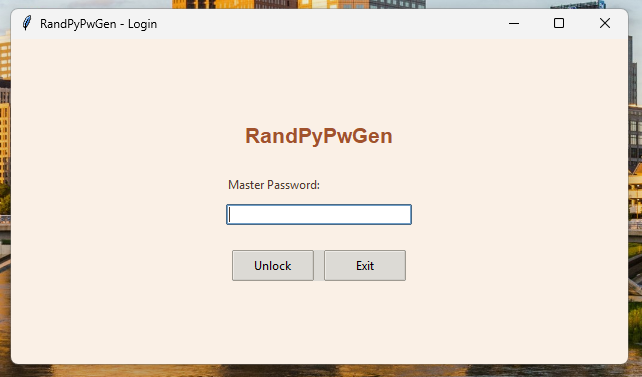
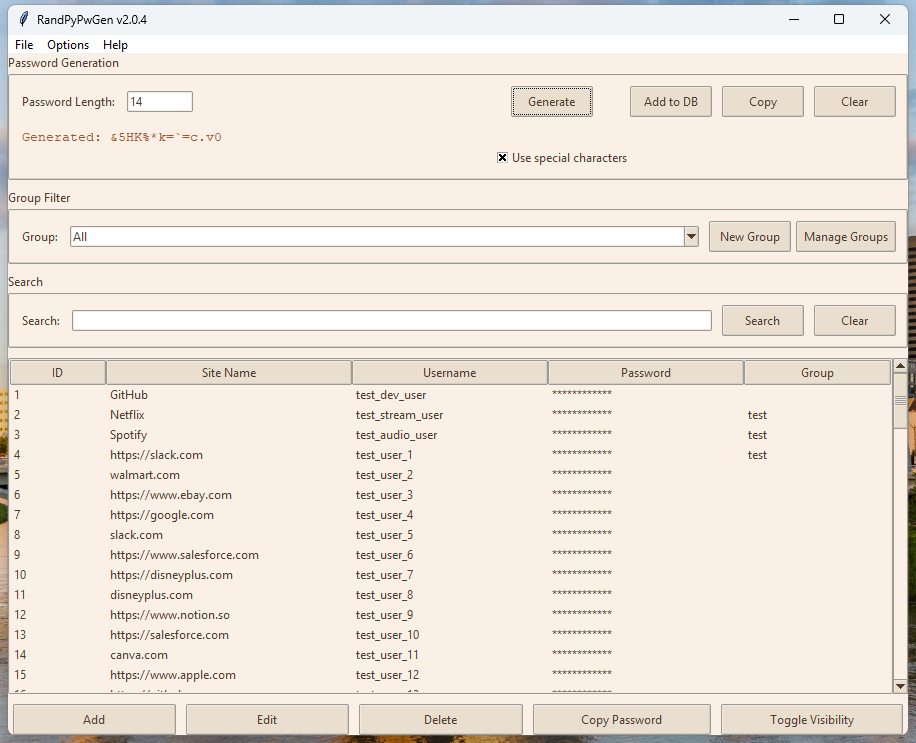
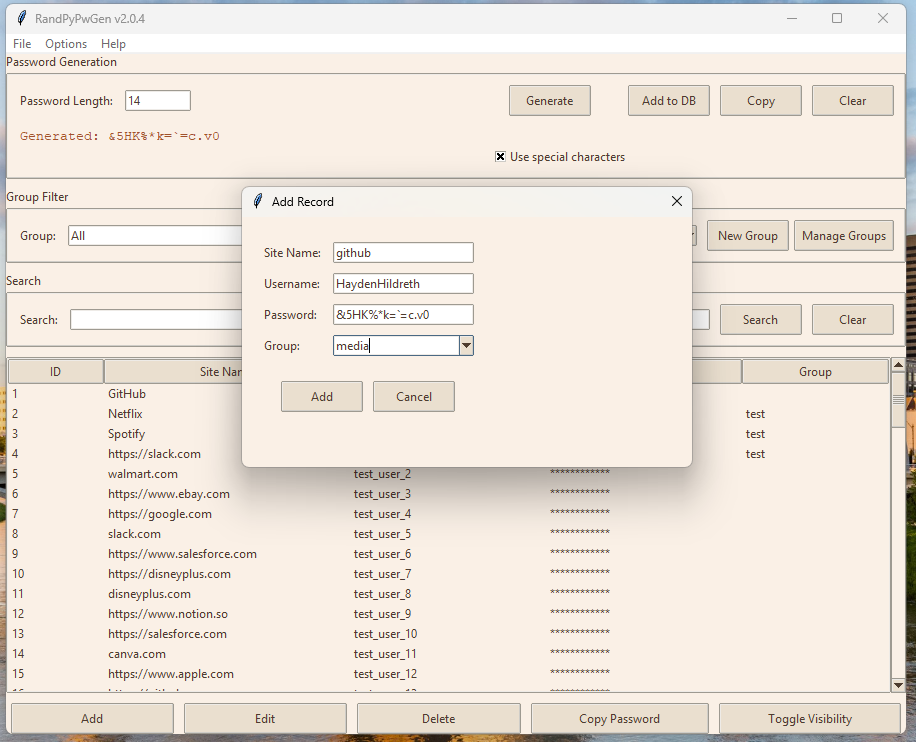
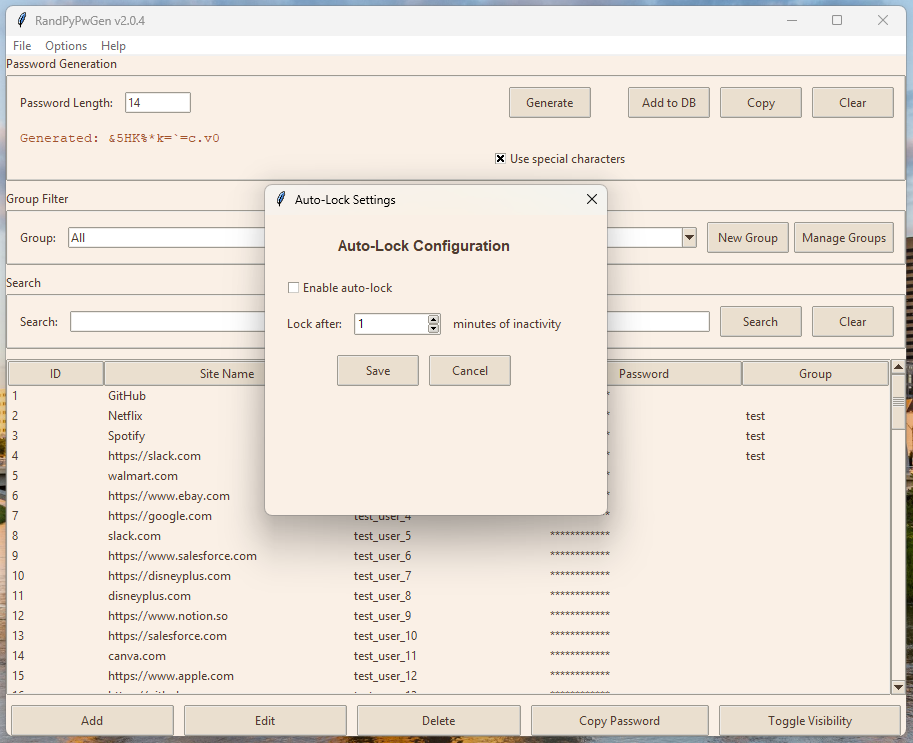
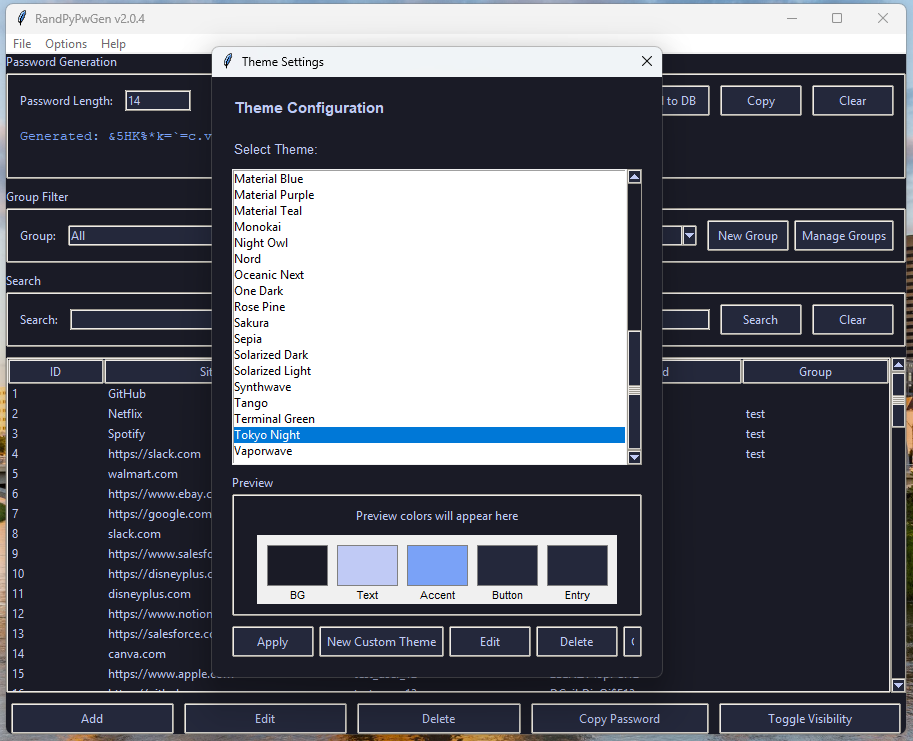
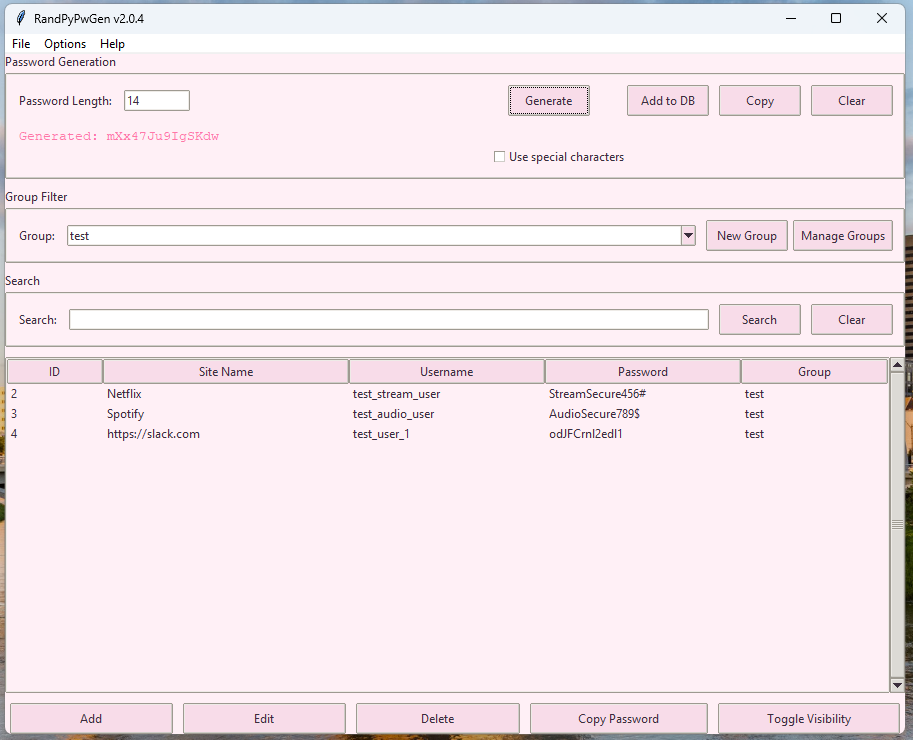
It is a simple and easy to use password generator/manager that is open-source and made in Python 3 using Tkinter. It is cross-platform, and able to ran on most major Operating Systems. Program screenshots are available below, or you can view the screenshot folder in the repository.
Screenshots
How to use it?
Windows
Make sure you have Python 3.10 or higher installed. You will also need to install sqlite3 for a database engine. Make sure you've added sqlite3 to your system PATH. Users can copy/download the repository and skip cloning the repository, or install git and follow the instructions below.
- Then clone the repository by using (alternatively you can simply download the files):
git clone https://github.com/HaydenHildreth/RandPyPwMan.git
- Open your terminal and change directory to the correct folder:
cd <path-to-repo>\
- Install dependencies:
py -m pip install -r requirements.txt
- Run main script:
python main.py
MacOS
-
Ensure Python 3.10 or higher is installed
-
Clone the repository:
git clone https://github.com/HaydenHildreth/RandPyPwMan.git
- Open your terminal and change directory to the correct folder:
cd <path-to-repo>\
- Make setup script executable:
chmod +x ./scripts/mac_setup.sh
- Run setup script:
./scripts/mac_setup.sh
- Activate virtual enviroment
source ./.venv/bin/activate
- Run main script:
python main.py
- (Optional) Deactivate virtual enviroment:
deactivate
Linux
-
Ensure Python 3.10 or higher is installed
-
Clone the repository:
git clone https://github.com/HaydenHildreth/RandPyPwMan.git
- Open your terminal and change directory to the correct folder:
cd <path-to-repo>\
- Make setup script executable:
chmod +x ./scripts/linux_setup.sh
- Run setup script:
./scripts/linux_setup.sh
- Activate virtual enviroment
source ./.venv/bin/activate
- Run main script:
python main.py
- (Optional) Deactivate virtual enviroment:
deactivate
Features
- Password Manager
- Password Generator
- Groups
- Themes
- Custom Themes
- Auto-Lock (Idle Lock)
- Importing/Exporting of passwords
- Multi-language Support (English, Spanish, Russian)
Release Notes
-
See CHANGELOG.MD for change notes.