
qxotic
AI sovereignty for the world's most trusted runtime.
Automatically checked · GitHub checked 2026-11-14
Overview
Quixotic AI
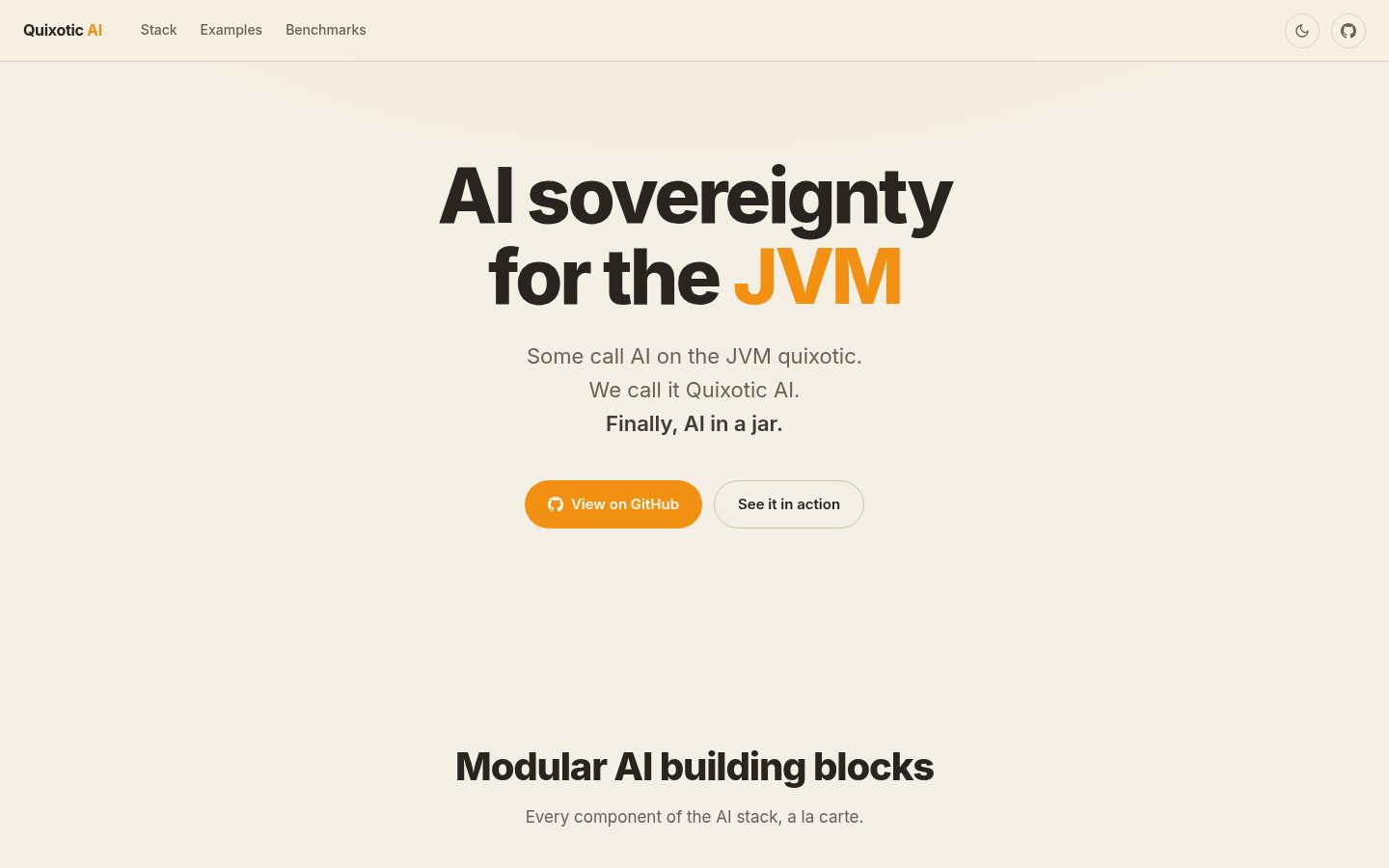
AI sovereignty for the JVM





Quixotic AI provides a complete, open stack for local AI on the JVM.
From tokenizers and model formats to a full inference engine with multi-modal capabilities.
No Python. No ONNX. No external services. Just AI, in a jar.
Highlights
- Designed from first-principles for the JVM. AI runs end-to-end on the JVM. No sidecar servers, no ONNX, no IPC, no Python.
- Write once, accelerate everywhere. A common tensor API for CPUs and GPUs.
- Optional native acceleration. Fast matrix multiplication routines, competitive with
llama.cpp. - GraalVM's Native Image. First-class support for GraalVM Native Image: self-contained binaries, with small footprint and millisecond startup.
Quixotic: Pure Java Inference at Native Speed
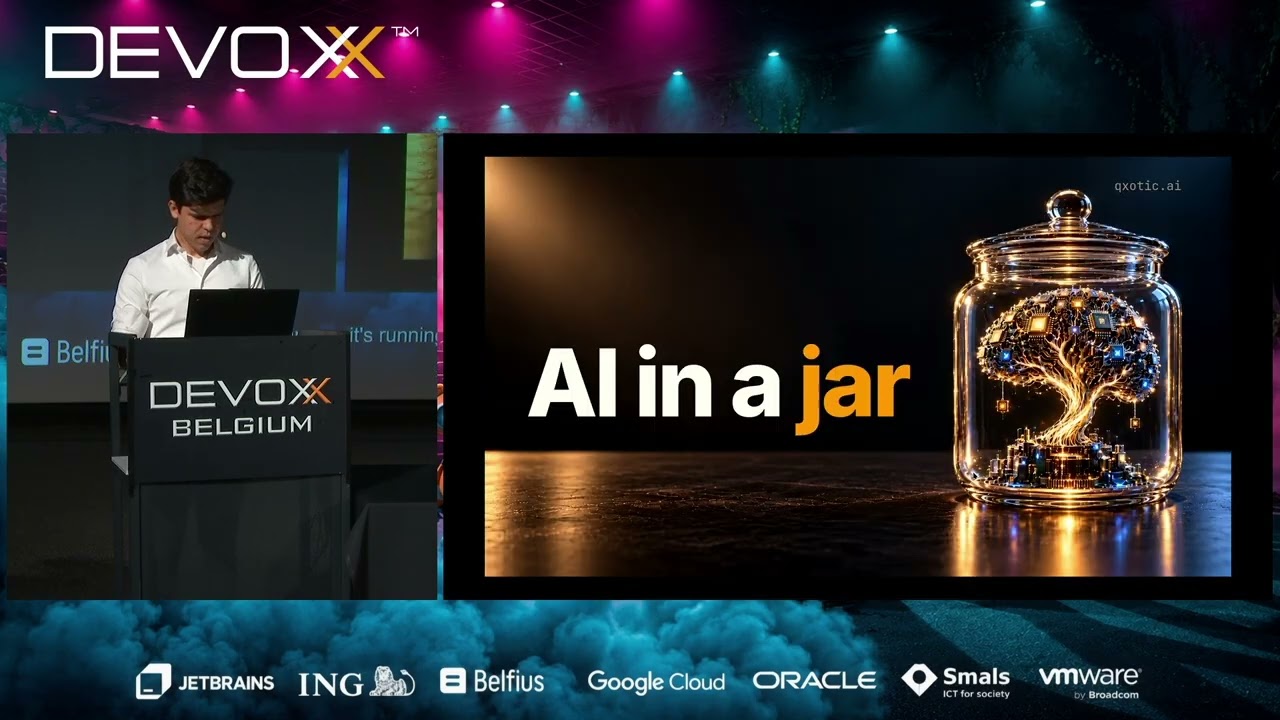
Presented at Devoxx Belgium 2026
The Quixotic AI stack
| Module | What it is | One-liner |
|---|---|---|
jinfer | AI inference engine | Local AI inference for the JVM. Chat, vision, audio, embeddings, reranking, decisions, text-to-speech |
toknroll | LLM tokenization | Token-perfect. Fast tokenizers for LLMs, pure Java, zero dependencies |
jam | Quantized matrix multiplication | Just a matmul. Native implementations for several CPU ISAs |
jota | Tensor engine | Write once, accelerate everywhere. Java, C, CUDA, HIP, Metal, OpenCL, Mojo |
gguf | GGUF reader/writer | llama.cpp's model format, pure Java, zero dependencies |
safetensors | Safetensors reader/writer | Hugging Face's model format, pure Java, zero dependencies |
json | JSON parser and printer | RFC 8259, ~25 KB, zero dependencies, zero reflection |
Demos
The demos need a JDK 25 and JBang. The first run downloads the CLI and the model.
Chat
jbang jinfer@qxoticai chat --model LiquidAI/LFM2.5-350M-GGUF:Q8_0
OpenAI-compatible server
jbang jinfer@qxoticai --model openbmb/MiniCPM5-2B-GGUF:Q4_K_M --context-capacity 16384 server
Then, from another terminal, any OpenAI client works against http://localhost:54154/v1:
curl -s http://localhost:54154/v1/chat/completions \
  -d '{"messages": [{"role": "user", "content": "What is the capital of France?"}]}'
Live transcription

Live transcription with jinfer-parakeet, running on the JVM.
Try it yourself. Run the command for your platform, start talking, and watch the words appear as you speak. ffmpeg captures the microphone:
# Linux
ffmpeg -nostats -loglevel error -f pulse -i default -ar 16000 -ac 1 -f s16le - \
  | jbang jinfer@qxoticai -m mudler/parakeet-cpp-gguf/tdt-0.6b-v3-q4_k.gguf transcribe - --raw-pcm

# macOS
ffmpeg -nostats -loglevel error -f avfoundation -i ":default" -ar 16000 -ac 1 -f s16le - \
  | jbang jinfer@qxoticai -m mudler/parakeet-cpp-gguf/tdt-0.6b-v3-q4_k.gguf transcribe - --raw-pcm
On Linux and macOS these use the system's default microphone. On Windows, ffmpeg has no default input, so it needs the microphone's name. List the devices first:
ffmpeg -hide_banner -list_devices true -f dshow -i dummy
Then put the name of the (audio) entry in audio="...", and run from cmd or PowerShell 7.4+:
ffmpeg -nostats -loglevel error -f dshow -i audio="Microphone (Realtek(R) Audio)" -ar 16000 -ac 1 -f s16le - ^
  | jbang jinfer@qxoticai -m mudler/parakeet-cpp-gguf/tdt-0.6b-v3-q4_k.gguf transcribe - --raw-pcm
Build and test
Requires a JDK 25 and Maven 3.9; cmake and a C compiler to build the native jam kernels.
make test-fixtures   # once after cloning: tokenizer vocabularies, golden truth, enwik8, Parakeet speech
make test            # the default suite: no models, no network
make ci              # what a pull request runs: formatting, the suite, the corpus tests, the release shape
make help lists the rest.
The suites that need models or hardware are opt-in; each module's README describes how to run them.
See CONTRIBUTING.md before opening a pull request.