
opensteer
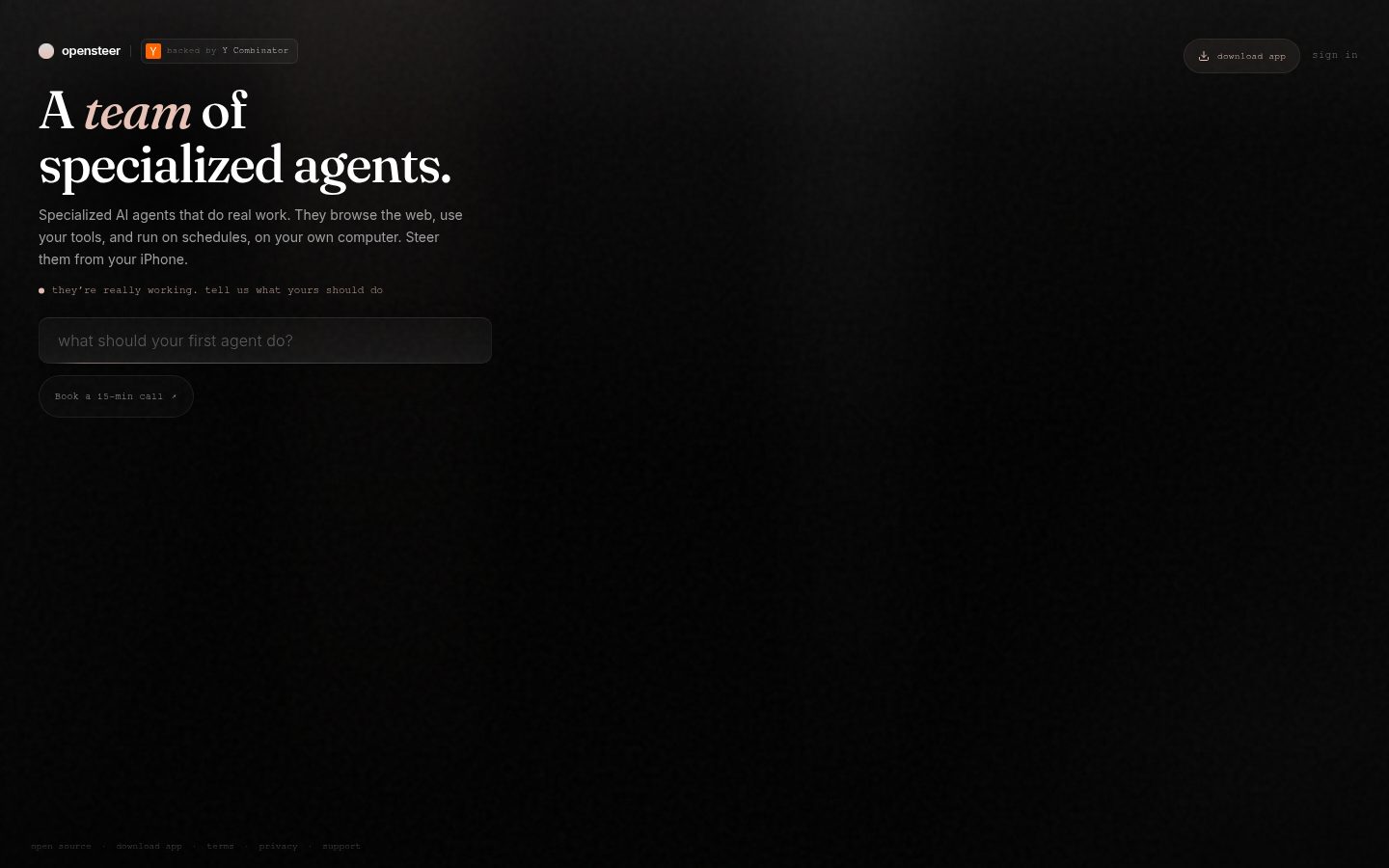
Opensteer turns your computer into an AI agent workstation that you can control from anywhere.
Automatically checked · GitHub checked 2026-11-13
Overview
Opensteer
Opensteer turns your computer into an AI agent workstation that you can control from anywhere.
- Bring your own agents. Claude Code, Codex, Cursor, Grok, OpenCode, Pi or models on your own hardware, signed in with the subscriptions you already have. No API bills.
- Already signed in. Agents use your Chrome sessions, saved logins, apps and files. No new accounts or integrations to set up.
- Steer from anywhere. Phone, voice, web, Slack or iMessage.
- Multiplayer agents. Your agents and your coworkers' agents work side by side in shared channels and threads. Everyone sees the work, and each person steers their own.
- It knows what your team knows. One knowledge base for the whole team. Each person and agent sees only what they're allowed to.
- Open source and self-hostable. MIT licensed. It runs on your computer, and your work and data stay with you.
Get started
On your Mac. Download Opensteer from Releases (macOS 13 or later, Apple silicon). Open it, connect Chrome and sign in to an agent. Your phone pairs in one scan.
On Windows. There's no download yet, so run it from source for now.
For your team. Run a team server on a spare Mac or your own Linux server. Everyone joins from their own Opensteer. See Run a team.
From source. Install the Node and pnpm versions in package.json, Go and Docker, then run
pnpm install --frozen-lockfile
pnpm setup:local
pnpm dev
Bring your team
Bring your team, and everyone's agents work side by side in one shared chat, each on its owner's computer. Channels, DMs and threads, like the team chat you already use. Anyone can hand a thread to their own agent. The work runs on their computer, and the answer lands back in the channel.
- Everyone brings their own. Each person's agents run on their own computer, with their own logins and AI subscription.
- Only you can wake yours. A teammate's message, or a pasted email, can't start work on your computer.
- The server holds the chat, not the work. Your team server keeps channels, files and knowledge. It runs no agents and stores no passwords.
More in Teams. To run your own team server, follow the team server guide: it runs the published images with Docker Compose.
Security
Agents can do what you can do on your computer. New tasks start in Full access, so agents act without asking first. Pick a stricter access mode for a task when you want its agent to ask before it acts. If you find a security problem, please tell us privately. See SECURITY.md.
Why we're building this
You should be able to work from anywhere, through your voice, on your phone, on the go. Opensteer is designed to be multimodal, and we plan to support AR and other new form factors soon.
We start on your computer because it already has everything your agent needs, including your browser that's already signed in to everything, the apps you use, your IP, your local devices, and even home devices like a Ring camera. Agents run on top of everything that's already set up, so there's no need to install and log into all your plugins manually.
We believe this is the best way for teams as well. Each employee brings their own agents from their own computer. The team server connects everyone's agents so they can work together in secure workspaces. We also believe in a central company knowledge base that updates in real time, so every employee has the most up-to-date, accurate facts about the company.
This is an early product, but we hope to improve quickly.
Contributing
See CONTRIBUTING.md.
Acknowledgments
Opensteer builds on T3 Code and other open source projects. See THIRD_PARTY_NOTICES.md.