
oh-my-cpa
Self-hosted control plane & usage observability console for CLIProxyAPI (CPA) — AI providers, client keys, streaming telemetry, and model cost snapshots.
Automatically checked · GitHub checked 2026-11-12
Overview


Centralize APIs, OAuth and routing, observe requests, quota and cost
Management · Routing · Observability · Agent & MCP






Live Demo · Documentation · API Reference · Quick Start · Features · 简体中文
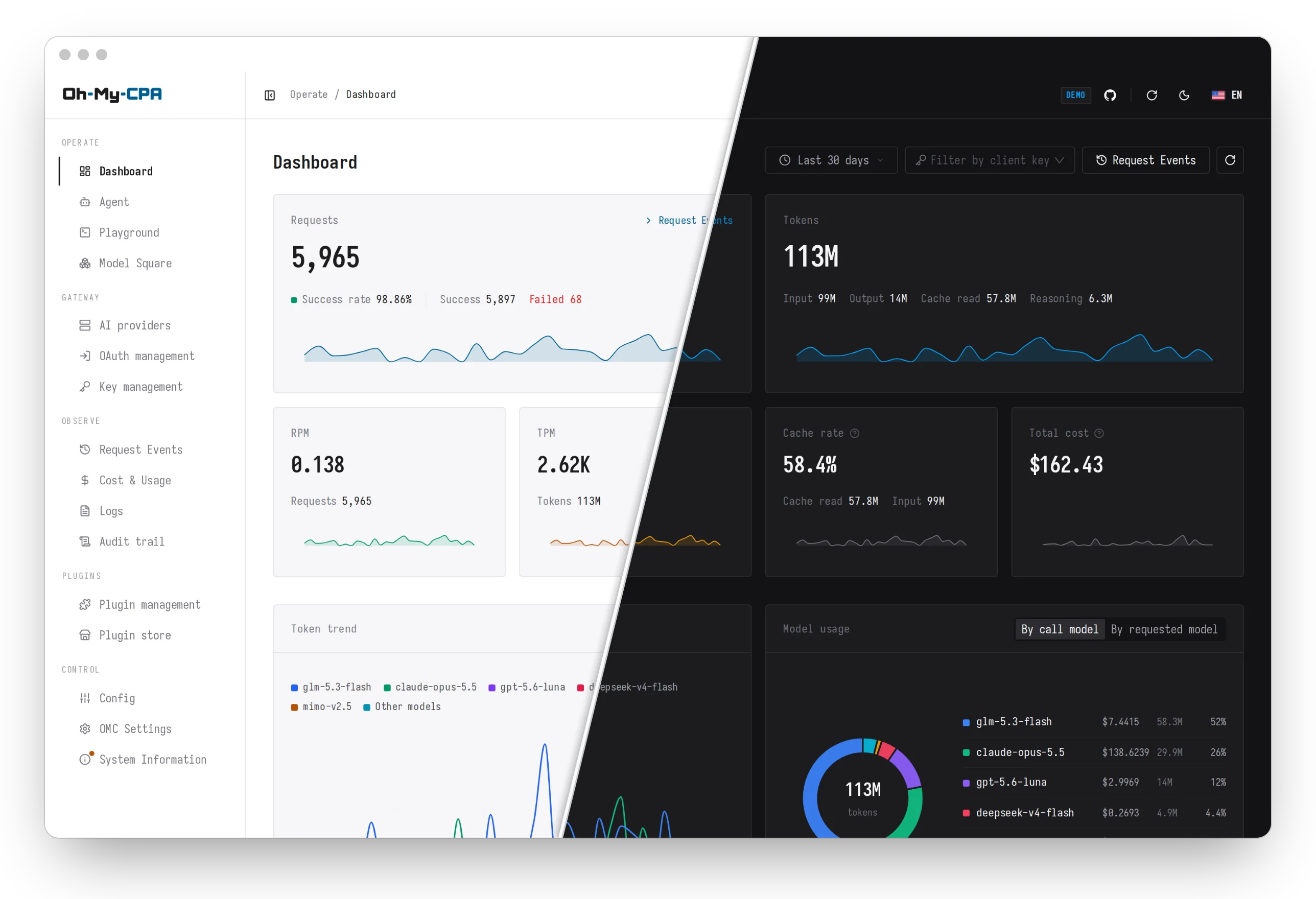
Oh My CPA (OMC) is a self-hosted web console and observability layer for
CLIProxyAPI v8+, built on shadcn/ui
with desktop and mobile layouts. OMC centralizes providers, OAuth accounts, visual
routing, a plugin ecosystem, live request records, OpenRouter-backed pricing analytics,
quota window warmup, and built-in Agent/MCP workflows—protected by AES-GCM encryption,
audit logging, and automatic pre-write configuration backups.
[!TIP] Explore the Live Demo, browse the Documentation Site, or inspect the API Reference.
Highlights
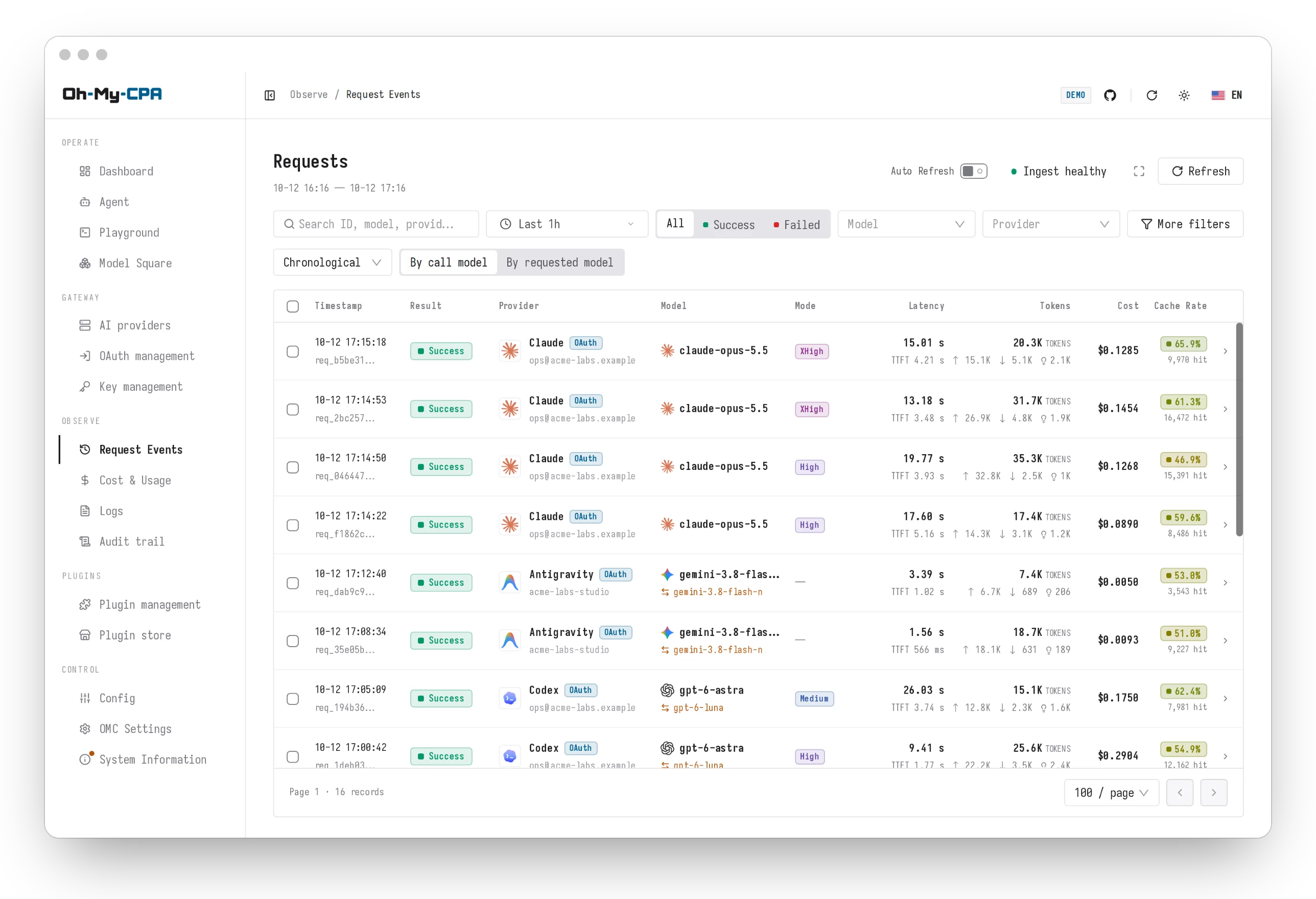
Request records |
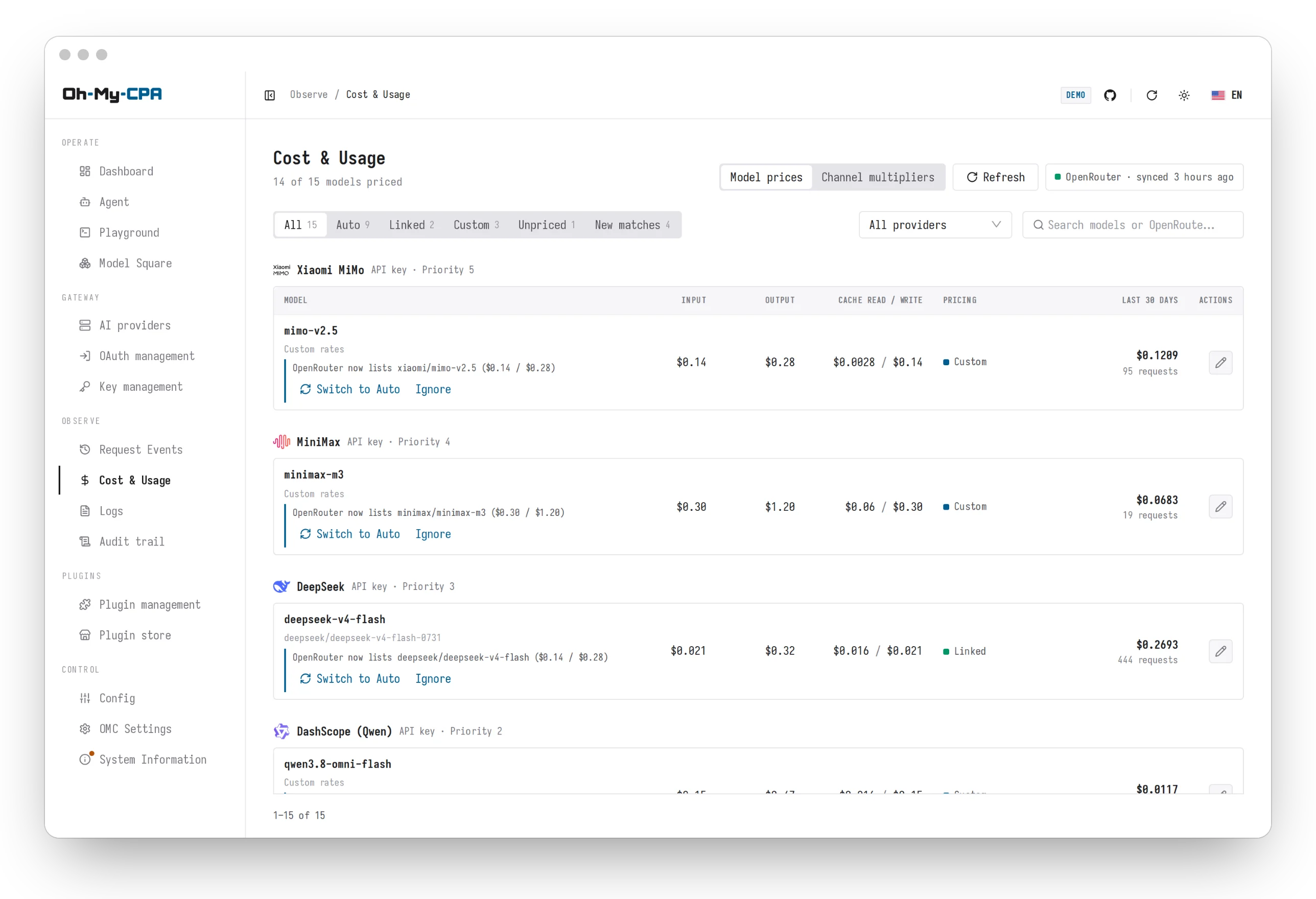
Model pricing |
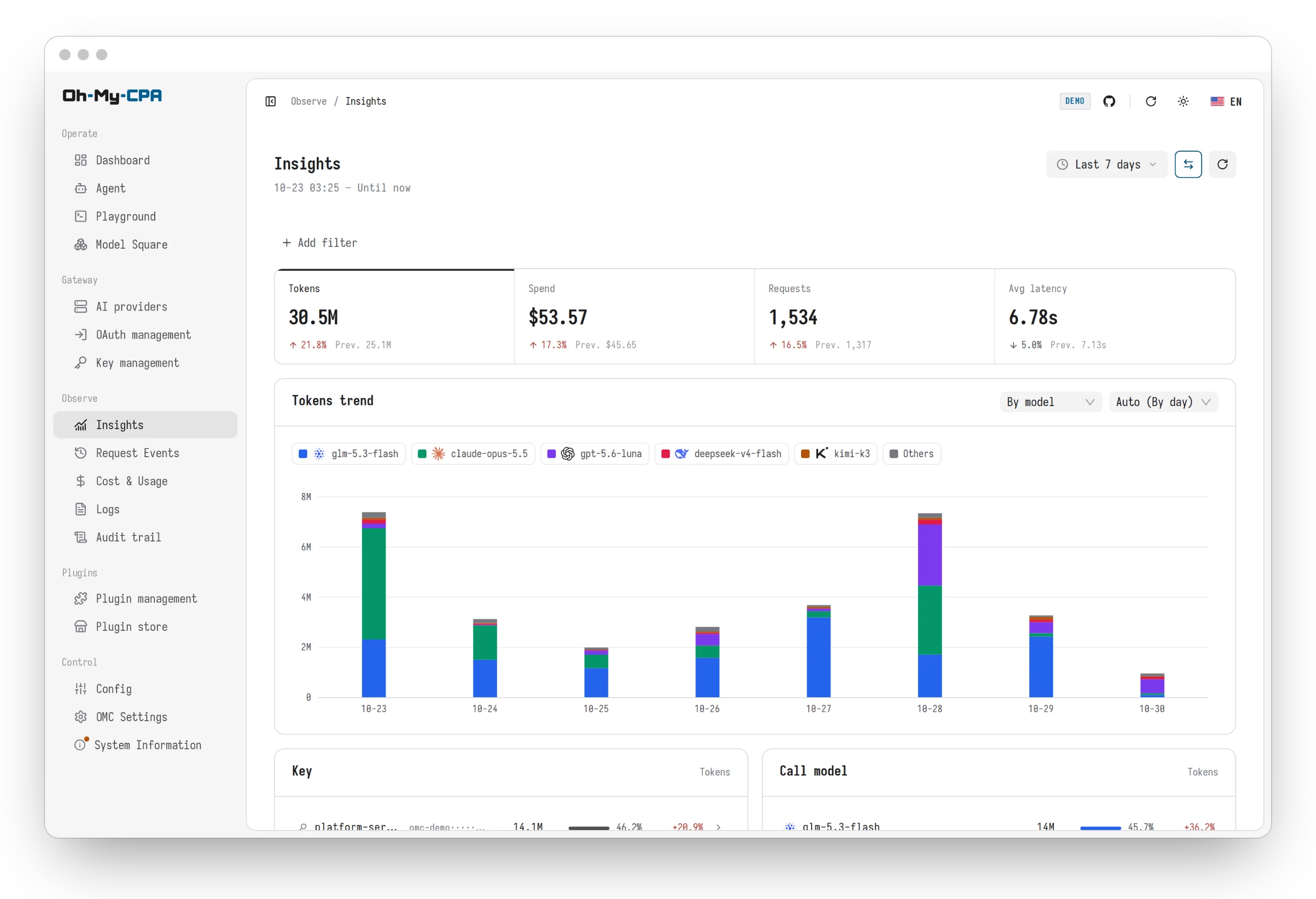
Insights |
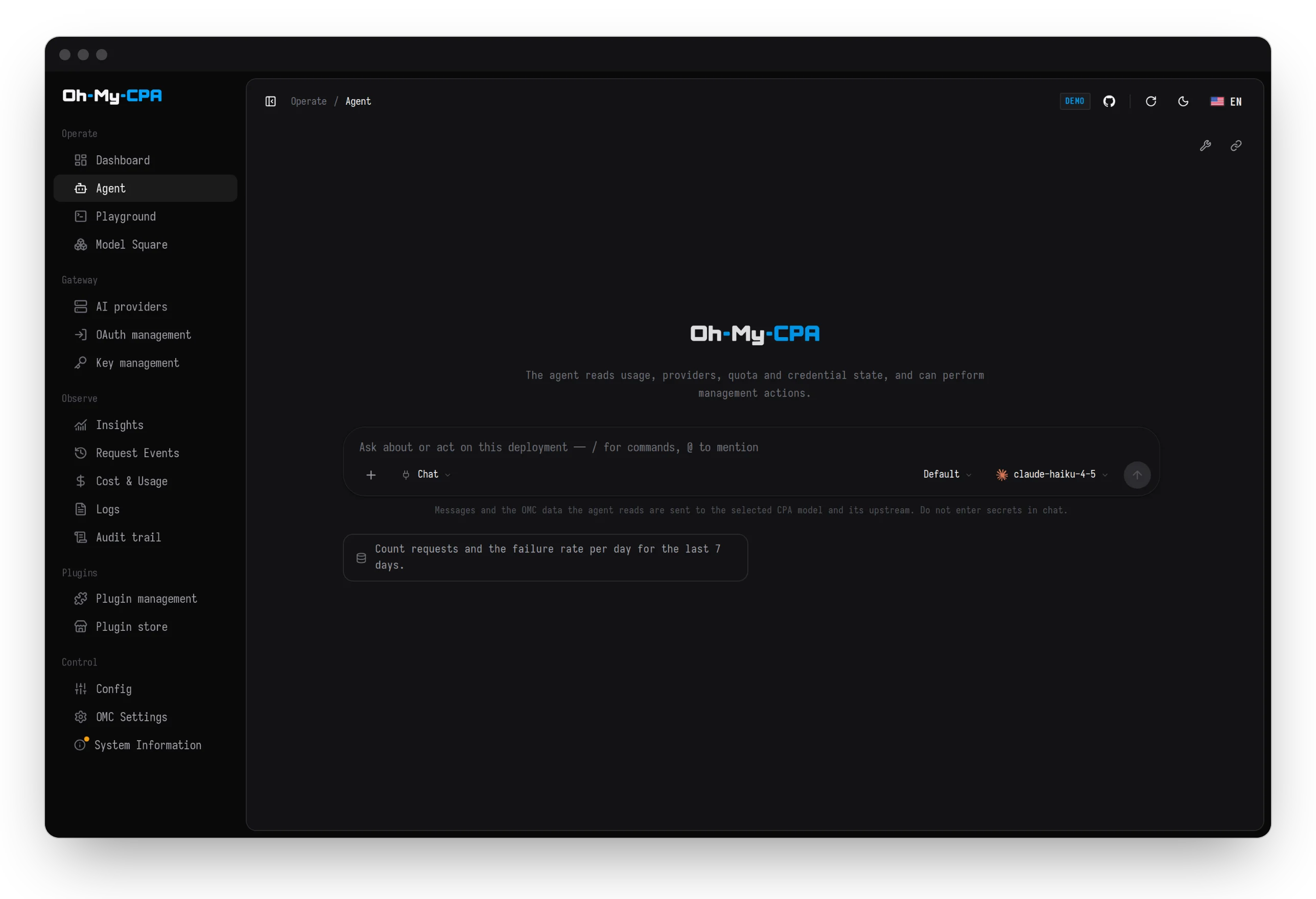
Agent & MCP |
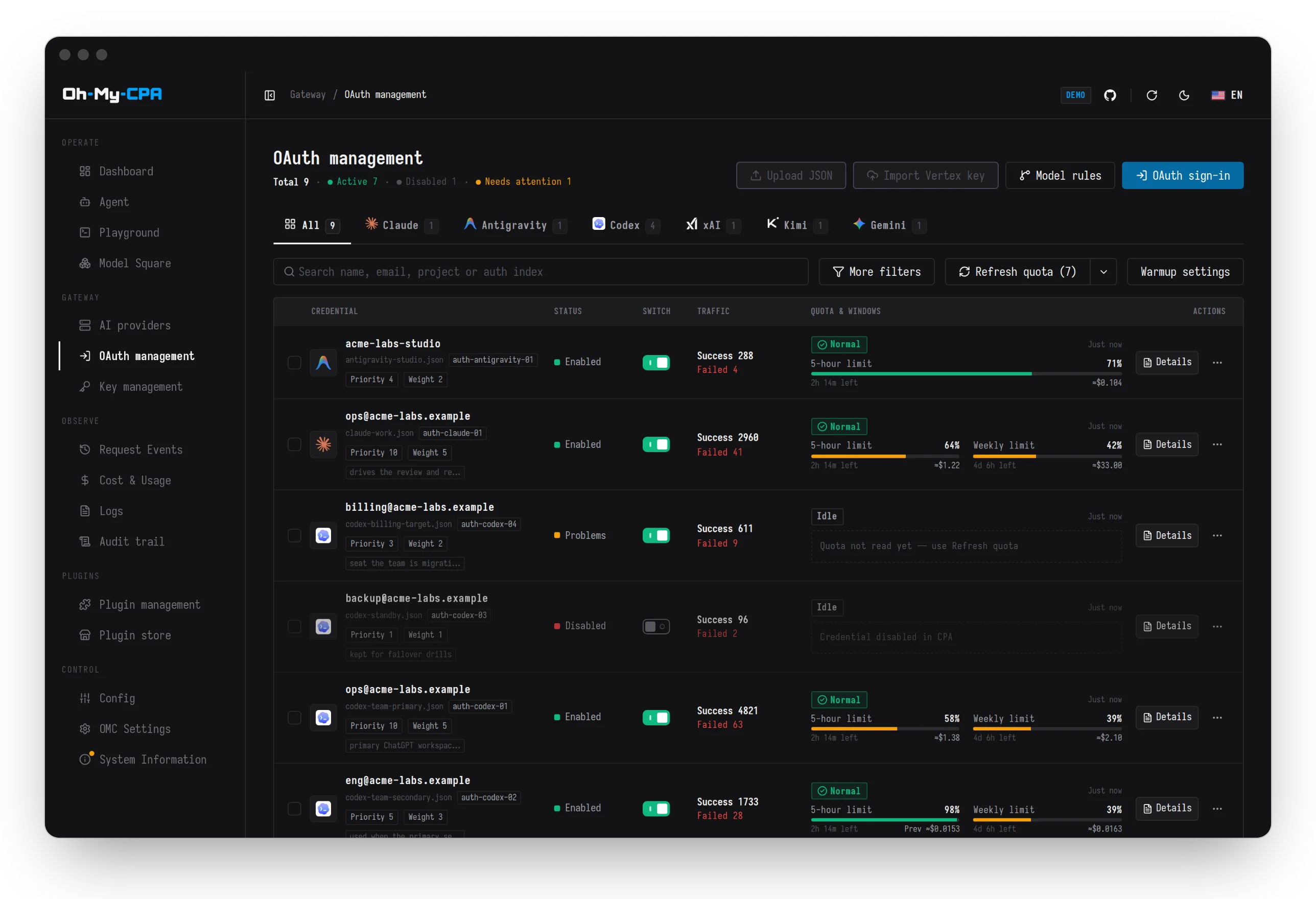
OAuth & quota warmup |
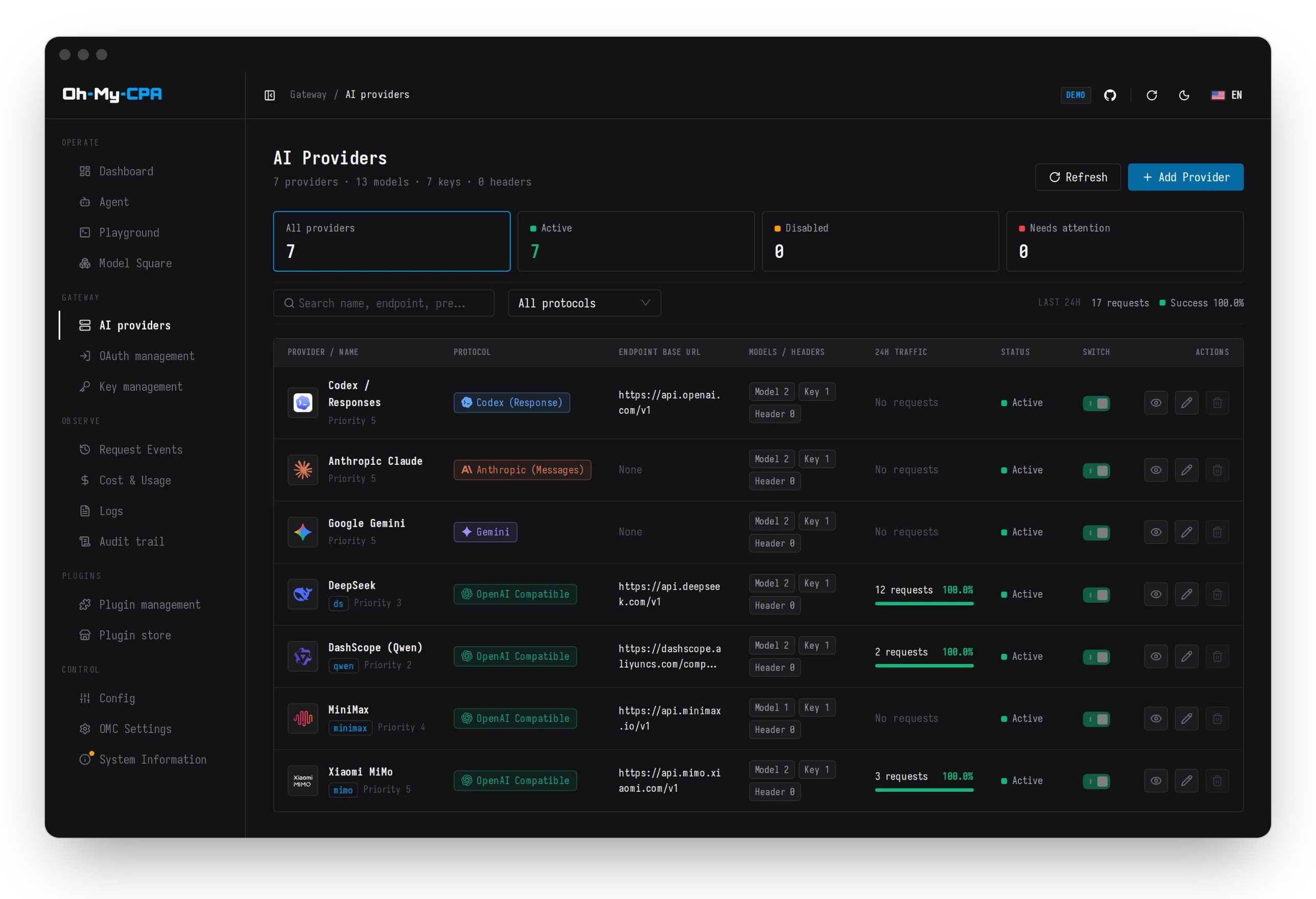
AI providers |
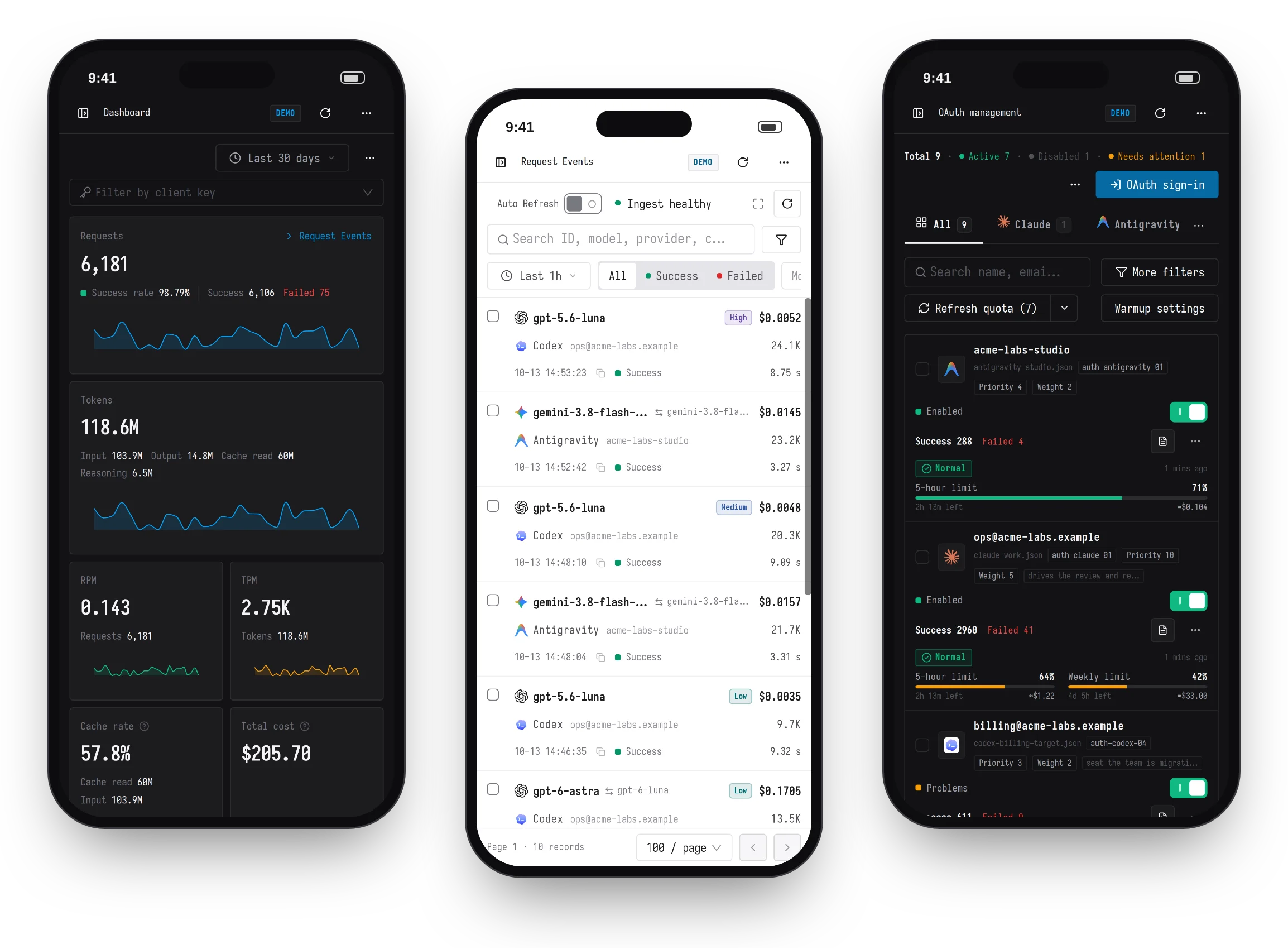
Desktop & mobile
Responsive operator layouts across every console route
Quick Start
Install with a coding agent
Paste this prompt into Claude Code, Codex, Cursor, or another agent:
Install Oh My CPA for me by following
https://raw.githubusercontent.com/WizisCool/oh-my-cpa/main/docs/install-for-agents.md
New stack with Docker Compose
Deploys CLIProxyAPI v8+, Oh My CPA (10001:10001, read-only rootfs), and the isolated
container updater:
mkdir -p oh-my-cpa && cd oh-my-cpa
curl -fsSL https://github.com/WizisCool/oh-my-cpa/releases/latest/download/compose.full.yml -o compose.yml
curl -fsSL https://github.com/WizisCool/oh-my-cpa/releases/latest/download/cpa.config.example.yaml -o config.yaml
printf 'CPA_MANAGEMENT_KEY=%s\nOMCPA_MASTER_KEY=%s\n' "$(openssl rand -hex 24)" "$(openssl rand -hex 32)" > .env
chmod 600 .env
docker compose up -d
Open http://127.0.0.1:8080/ and sign in with CPA_MANAGEMENT_KEY from .env.
Clients send model traffic to CPA at http://127.0.0.1:8317.
Beside an existing CLIProxyAPI
Deploy OMC without modifying or restarting your running CPA instance (compose.omc.yml),
download standalone native binaries (macOS, Windows, Linux, FreeBSD on amd64/arm64),
or configure ports, reverse proxies, and host mounts in the Installation Guide.
[!IMPORTANT] Back up
.env.OMCPA_MASTER_KEYencrypts stored credentials and database secrets.
Features
- Gateway & Routing: Manage Codex, Claude, Gemini, Meta Muse, xAI, Vertex AI, DeepSeek, and OpenAI-compatible providers, client API keys, OAuth accounts with quota capacity & window warmup, visual routing tiers, Model Playground, and the OMC Community plugin registry.
- Observability & Pricing: Live SSE request streaming and routing map, permanent usage facts, multi-period Insights, OpenRouter price matching with time/tier/channel multipliers, 11 display currencies, and full audit trails.
- Configuration & Security: Dual-mode form/Monaco YAML config editor with pre-write encrypted backups, AES-GCM secret storage, custom palettes & fonts, and safe Agent/MCP capability approvals.
Architecture
Browser ──▶ Direct listener / HTTPS ingress ──▶ Oh My CPA (:8080)
                                                 ├─ Embedded React SPA (/)
                                                 ├─ SQLite WAL (/data)
                                                 └─ Usage collector ──▶ CLIProxyAPI (:8317)
- Single binary: Embedded SPA + Go control plane, one replica per local SQLite WAL directory.
- Isolated updater: Only
oh-my-cpa-updatermounts the Docker socket and pulls Ed25519-signed manifests by digest.
Documentation
Read online at omc.junze.dev/docs or directly in the repository (docs/README.md):
| Guide | Topics |
|---|---|
| Quickstart | Run CPA, OMC and the updater with Docker Compose in about three minutes |
| Install with an agent | One prompt for Claude Code, Codex or Cursor |
| Install | Beside an existing CPA, Compose, native binaries, source, HTTPS, upgrades and troubleshooting |
| Operations | Ports and storage, updates, backup and restore, keys and time zone |
| Features | Agent and MCP, routing, quota and warmup, pricing, playground, plugins |
| Reference | Environment variables, CPA v8 contract, agent capabilities |
| API Reference | Interactive Swagger 2.0 / OpenAPI documentation |
| Contributor Guides | Architecture · Design · Testing · Releasing · Demo Ops |
Contributing
Development requires Go 1.26+, Node.js 22+, and pnpm 11+:
pnpm install --frozen-lockfile
cp .env.example .env
pnpm dev
See CONTRIBUTING.md for local verification (pnpm test:fast, pnpm verify) and SECURITY.md for private vulnerability reporting.
Acknowledgements & License
Built on CLIProxyAPI. Thanks to the Linux.do community. Released under the MIT License.