
networking-toolbox
🛜 100+ offline-first networking tools and utilities
Automatically checked · GitHub checked 2026-11-12
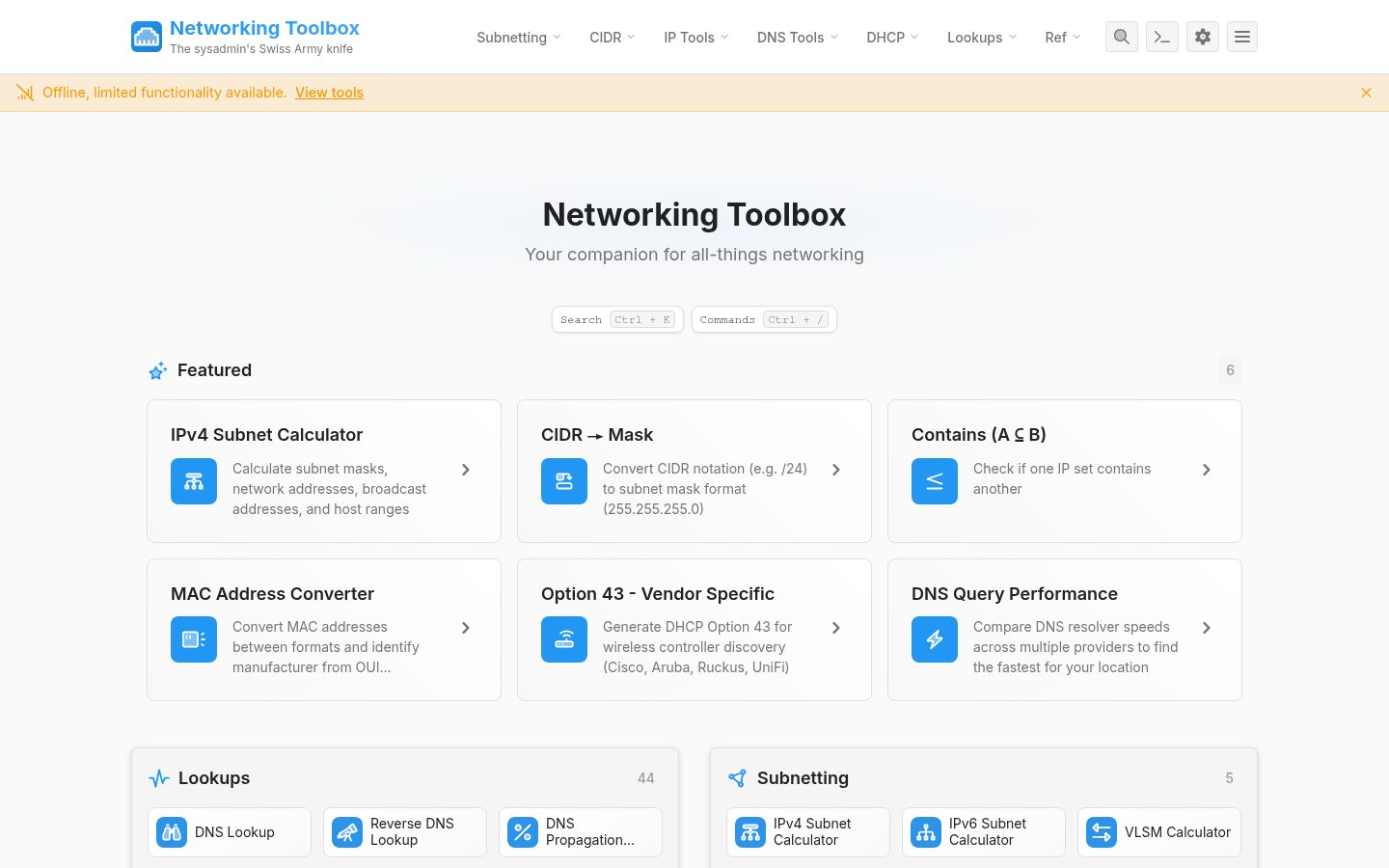
Overview
Fork the repo, and import into Vercel, Netlify or any static hosting provider of your choice. Follow the dev steps below. Then run npm run build:node to compile output. You can then start the server with node build. Fork the repo. Head to the Actions tab, find the "Deploy to GitHub Pages" workflow, and trigger it. Then go to Settings > Pages > Source and select the gh-pages branch. Visit https://.github.io/networking-toolbox/ to see your deployed app. Follow the dev steps below. Then run npm run build:static to compile output. And upload the contents of ./build to any web server, CDN or static host. Follow the dev steps below. Then run docker build -t networking-toolbox . to build the image. You can then start the container with docker run -p 3000:3000 networking-toolbox. You can build the app from source for a variety of platforms. This is done via SvelteKit adapters. First, follow the dev steps below. Then, simply set the DEPLOY_ENV environmental variable, to one of vercel, node, docker, netlify, static or just auto, and build the app For example: DEPLOY_ENV='node' npm run build Before merging, code must pass all unit and end-to-end tests, as well as linting, type checks, svelte check and build checks.