
N-Zik
A multilingual YouTube Music frontend for Android, focused on performance, UI/UX refinements, feature expansion, and long-term support.
Automatically checked · GitHub checked 2026-11-12
Overview
🌐 Official Website
N-Zik is a multilingual, open-source Android music app.
A desktop companion is available: N-Zik Desktop Compagnon controls your library and playback from a Windows or Linux PC.
N-Zik is a side project I originally built for myself and friends, not chasing glory. It's grown a bit since then, which is cool.
I use generative AI to assist with code, structured with the BMAD Method, but everything gets reviewed and tested before it's pushed. I'm not shipping blind.
If AI-assisted development isn't your thing, no hard feelings, there are plenty of great alternatives.


📲 Installation

📦 Available Builds
- Release64 & Beta64 (
com.nevar.nzik): Complete build with all components, 64-bit devices only (arm64-v8a + x86_64). - Release32 & Beta32 (
com.nevar.nzik): Complete build with all components, 32-bit devices only (armeabi-v7a + x86). - Minified64 (
com.nevar.nzik): Lightweight R8-shrunk build, recommended for low-end devices, 64-bit devices only. - Minified32 (
com.nevar.nzik): Lightweight R8-shrunk build, 32-bit devices only. - FOSS (
com.nevar.nzik.foss): Complete build without auto-updater, suitable for alternative stores, runs on every architecture (universal APK). - Dev64 & Dev32 (
com.nevar.nzik.dev): Development builds from latest commits, for testing only (Dev64 64-bit only, Dev32 32-bit only).
ℹ️ The
64/32in a build name is an honest ABI label, not a feature cutoff.

⏳ Only  days remaining until Android Lockdown
Starting in September 2026 January 2027 See why the date changed here, Google will require identity verification for all Android developers, including those distributing applications outside of Google Play.
As a Free and Open Source Software (FOSS) project, N‑Zik and his developer opposes this requirement due to its impact on developer privacy, independent distribution, and software freedom.
📖 Learn more · ✍️ Sign the petition
📚 Wiki

🌍 Community
Join the N-Zik Discord:

🎧 Features
- 🌍 Multilingual Support: Available in English, Italian, German, Russian, French, Spanish, Czech, Turkish, Romanian, and more. Contributions are always welcome!
- 🔊 High Quality Audio - Premium streaming quality is unlocked automatically - just connect your YouTube Music Premium account.
- 🎨 Modern and Intuitive UI
- 🫧 Glass Effect (BETA, optional): Configurable glass and contour presentation, disabled on fresh installations.
- 💾 Smart Offline Caching: Automatically cache songs for offline playback with customizable cache limits.
- 📥 Downloads: Download individual tracks or entire playlists for permanent offline access, with a dedicated download quality (Auto/High/Low) and a batch "Update downloads" action.
- ▶️ Background Playback: Keep your music playing while using other apps.
- 🎵 NZik Radio: Algorithmic radio mode that auto-queues related songs based on the current track.
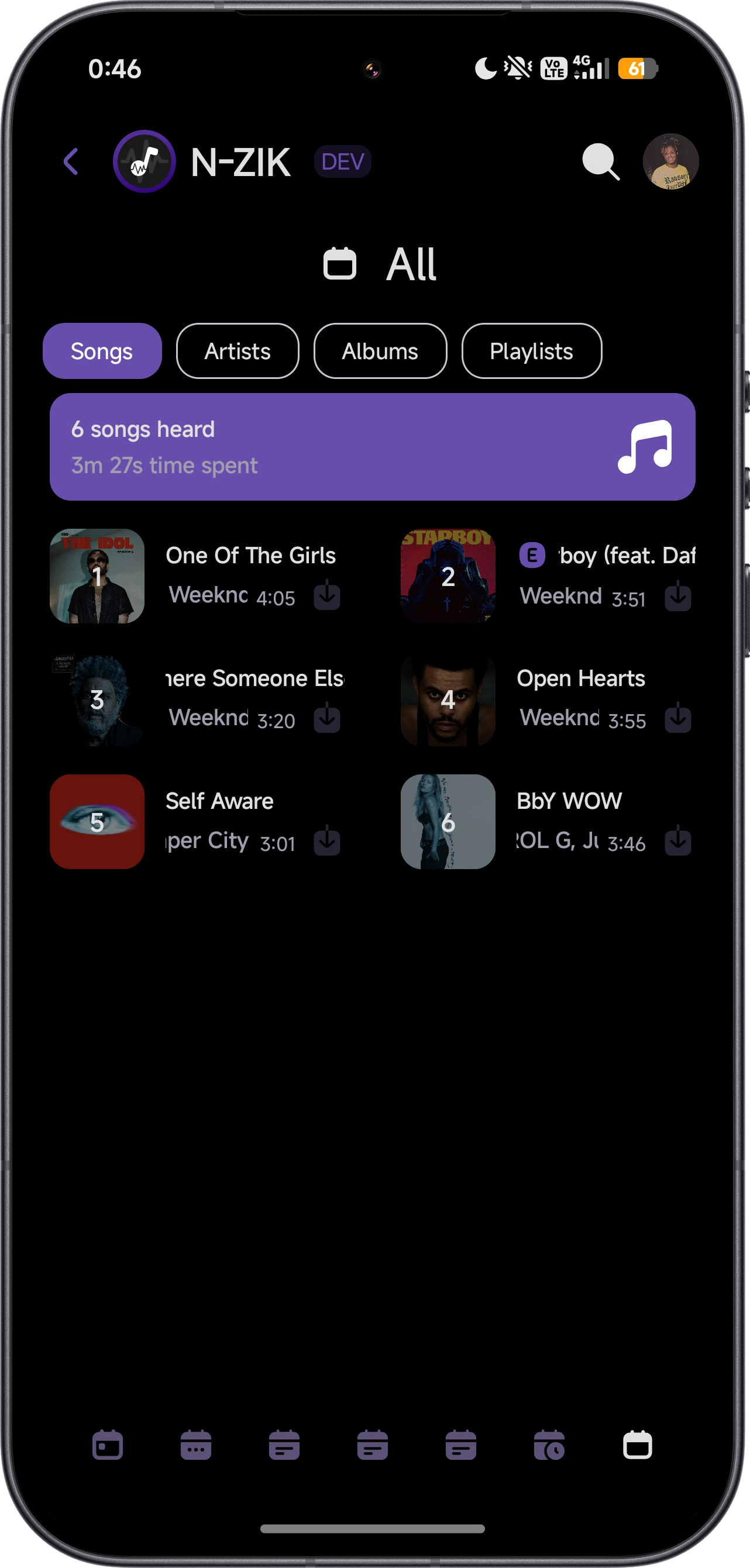
- 📊 Listening Statistics: Track your habits, favorite artists, and playback trends.
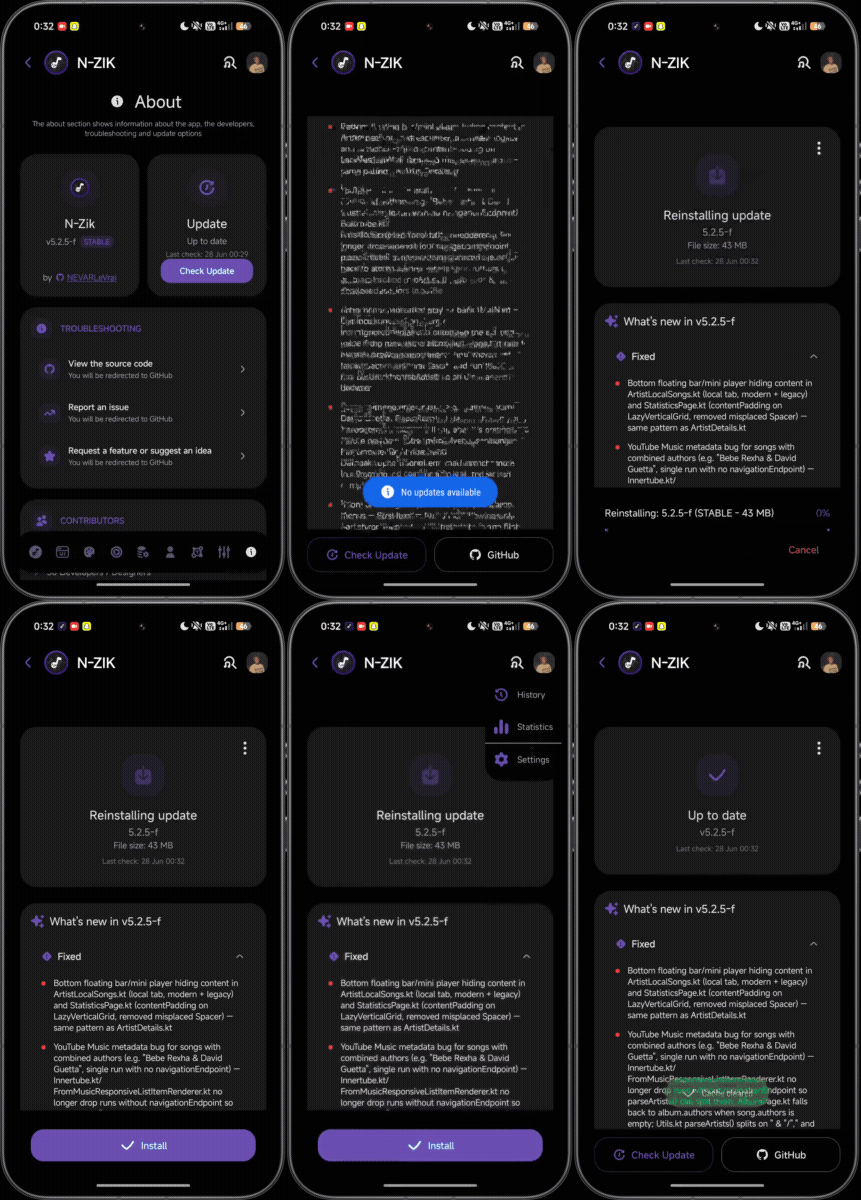
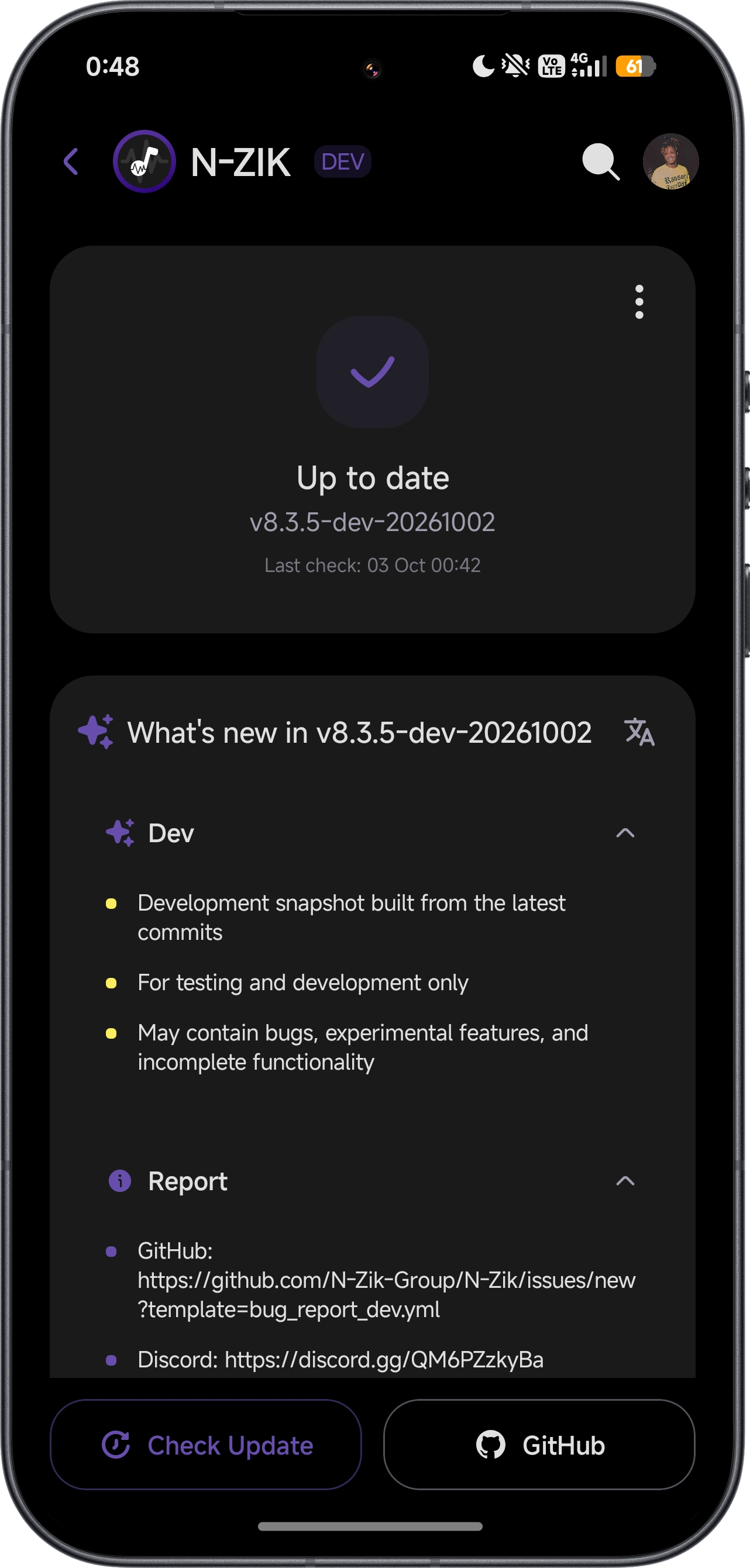
- ⬇️ OTA Updates: Receive automatic in-app updates without needing to reinstall manually.
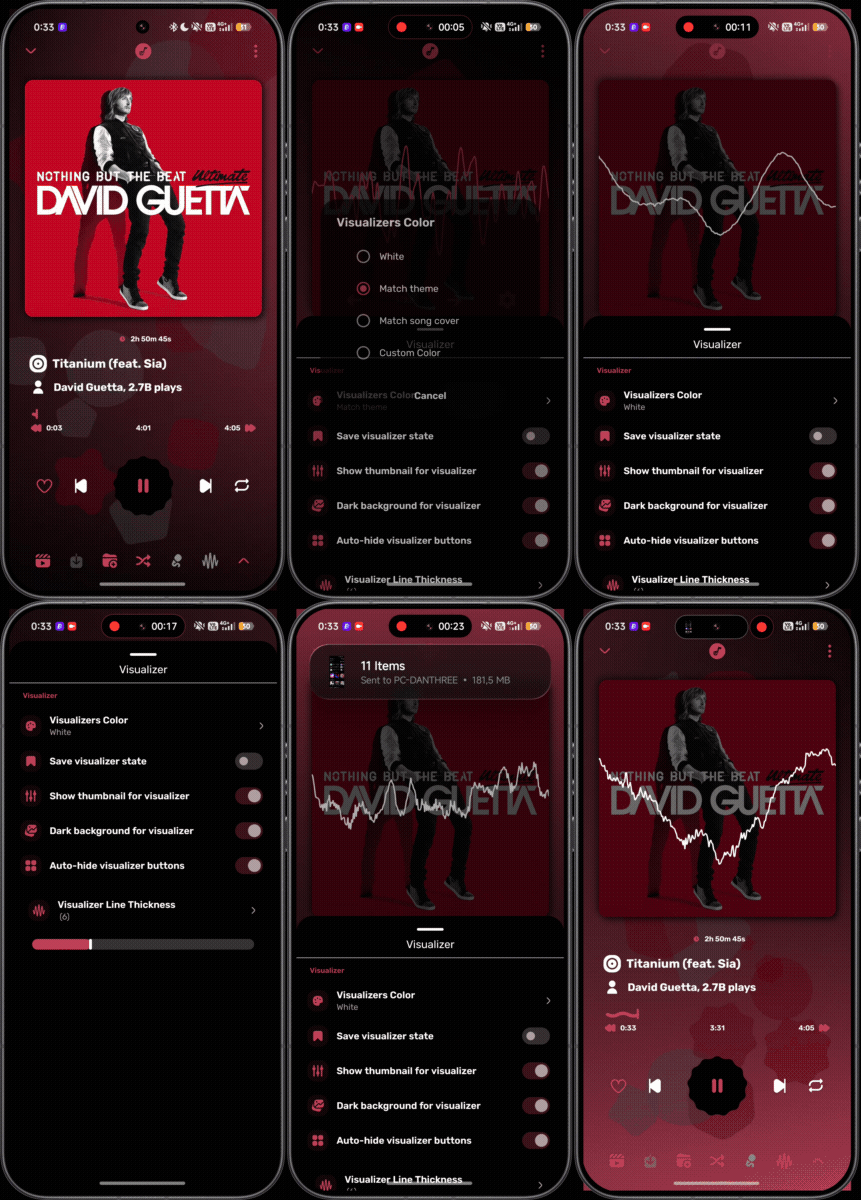
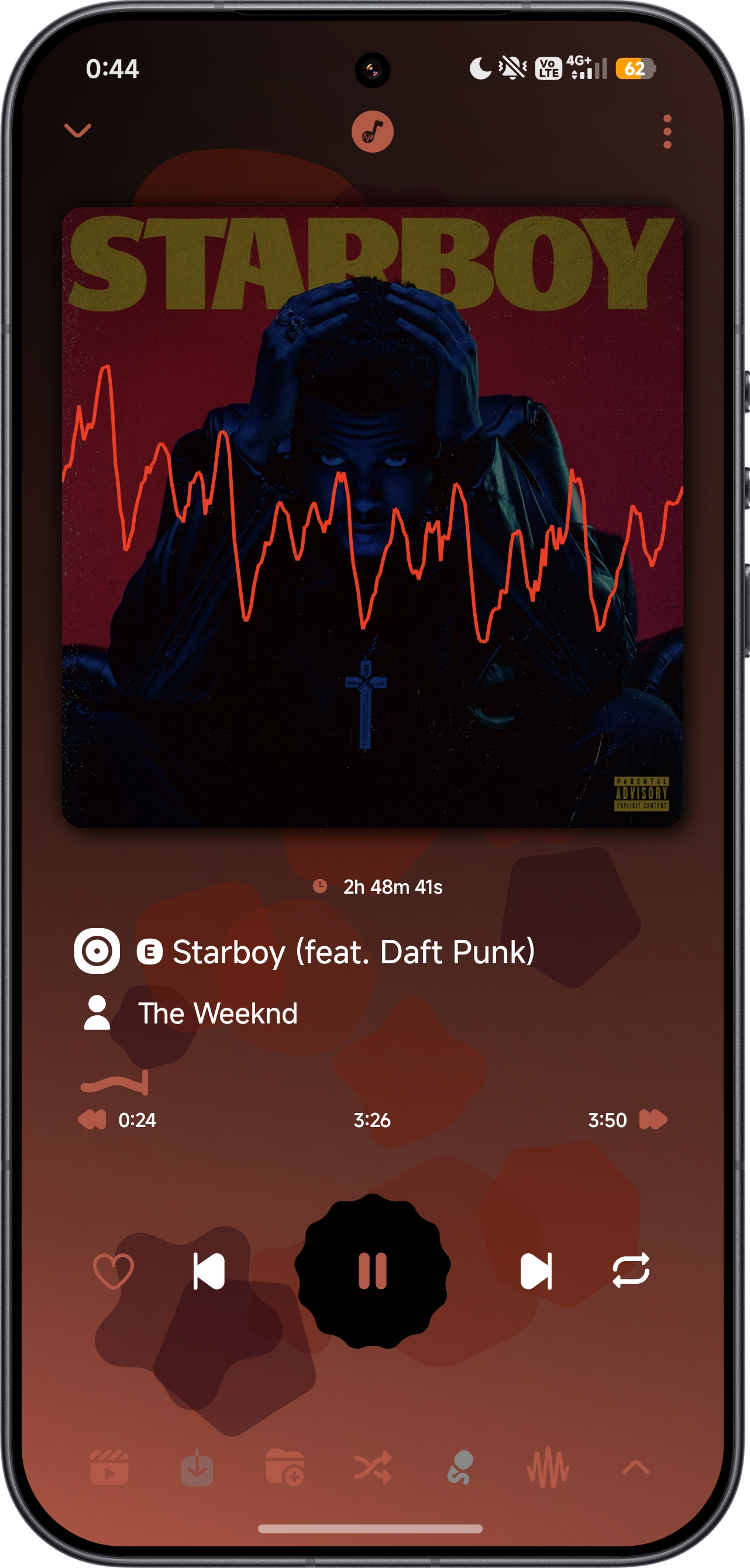
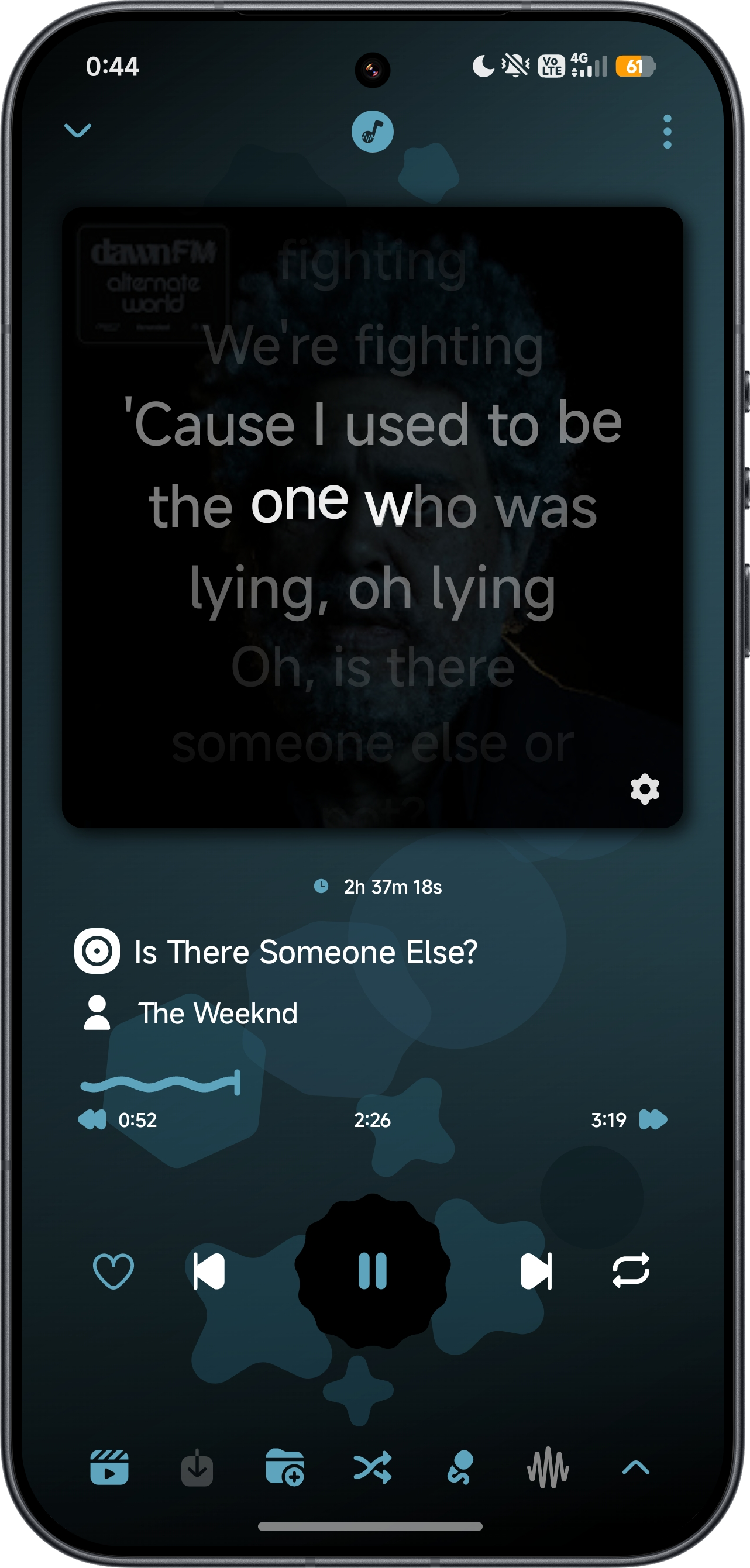
- 🌈 Audio Visualizer: Enjoy real-time visual effects synchronized with your music.
[!NOTE] 🎤 The audio visualizer requires microphone permission and must be enabled in the settings.
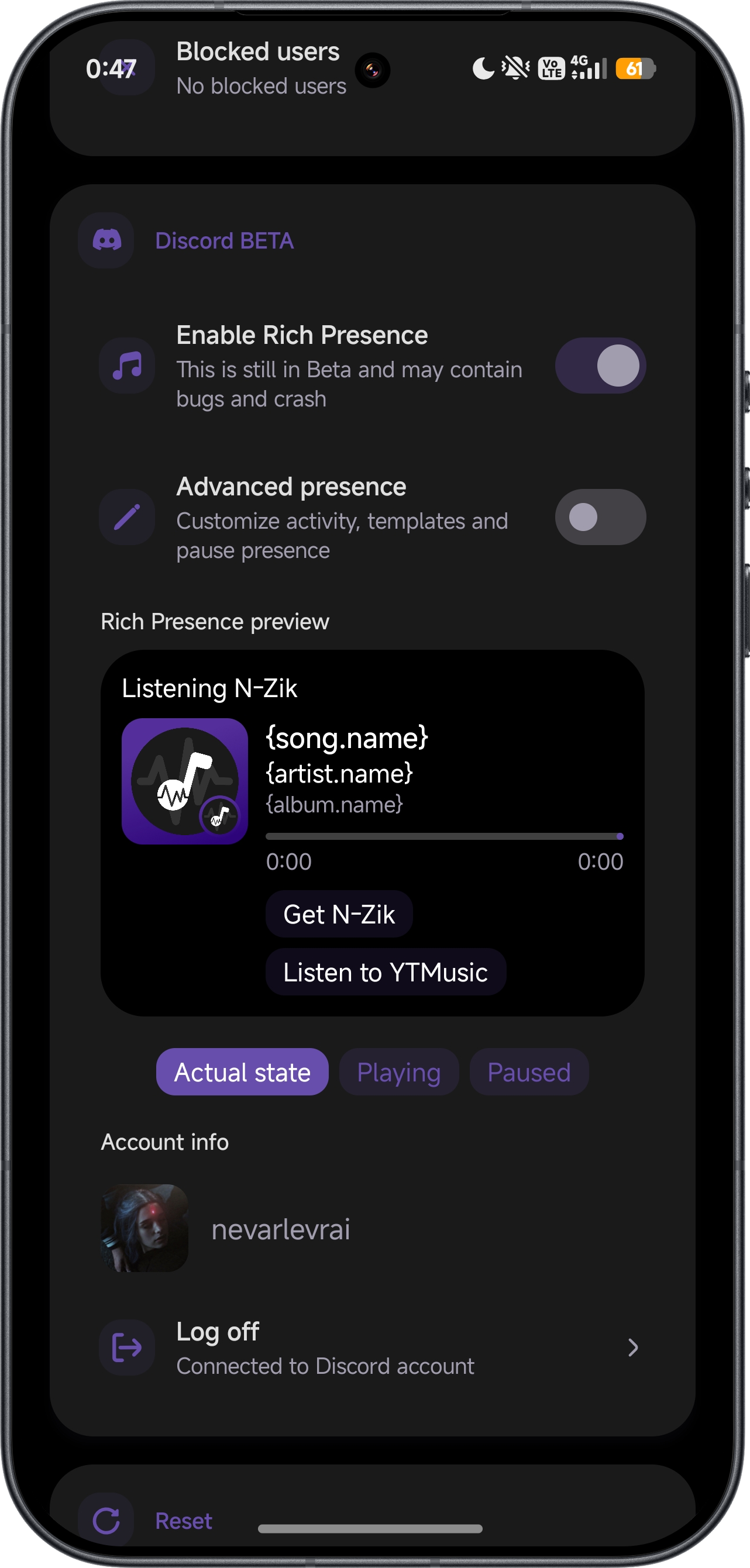
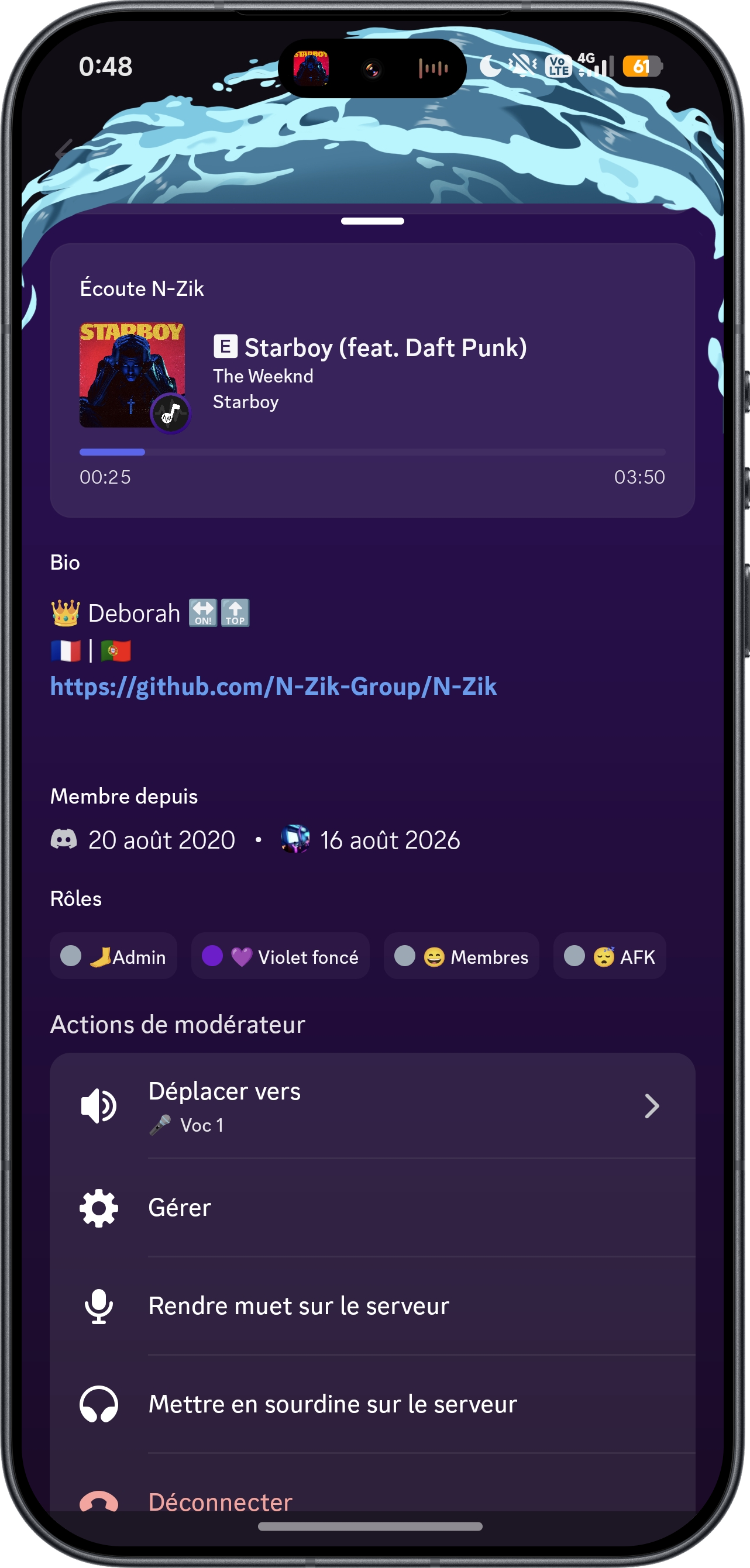
- 🕹️ Discord Rich Presence: Display your currently playing track directly on your Discord profile. An advanced mode adds custom text templates, activity type, up to 2 custom buttons, pause-presence, and a live interactive preview card.
- 📰 Discovery: Explore moods, genres, releases, and albums from your favorite artists, plus trending picks.
- 🔄 Playlist Import & Export: Easily back up, share, and restore playlists, you can import from Riplay, Spotify (Exportify), Youtube Music and N-Zik
- ✍️ Advanced Lyrics Support: Fetch, display word by word, sync and unsync lyrics with smart fallback mechanisms, edit, and translate them in real-time via Google Translate with source language detection.
- 🎭 Custom Themes: Personalize the app with multiple theme options.
- ⏲️ Sleep Timer: Automatically stop playback after a configurable duration.
- 🎚️ Advanced Audio Controls: Adjust volume, playback speed, pitch, normalization, silence skipping, crossfade, volume boost, bass boost, and reverb.
- 🔍 Song Recognition: Identify songs playing around you via audio fingerprinting (Shazam-like).
- 🎤 Voice Search: Search for music using your voice with animated overlay.
- 📱 On-Device Music: Play local music files stored directly on your device.
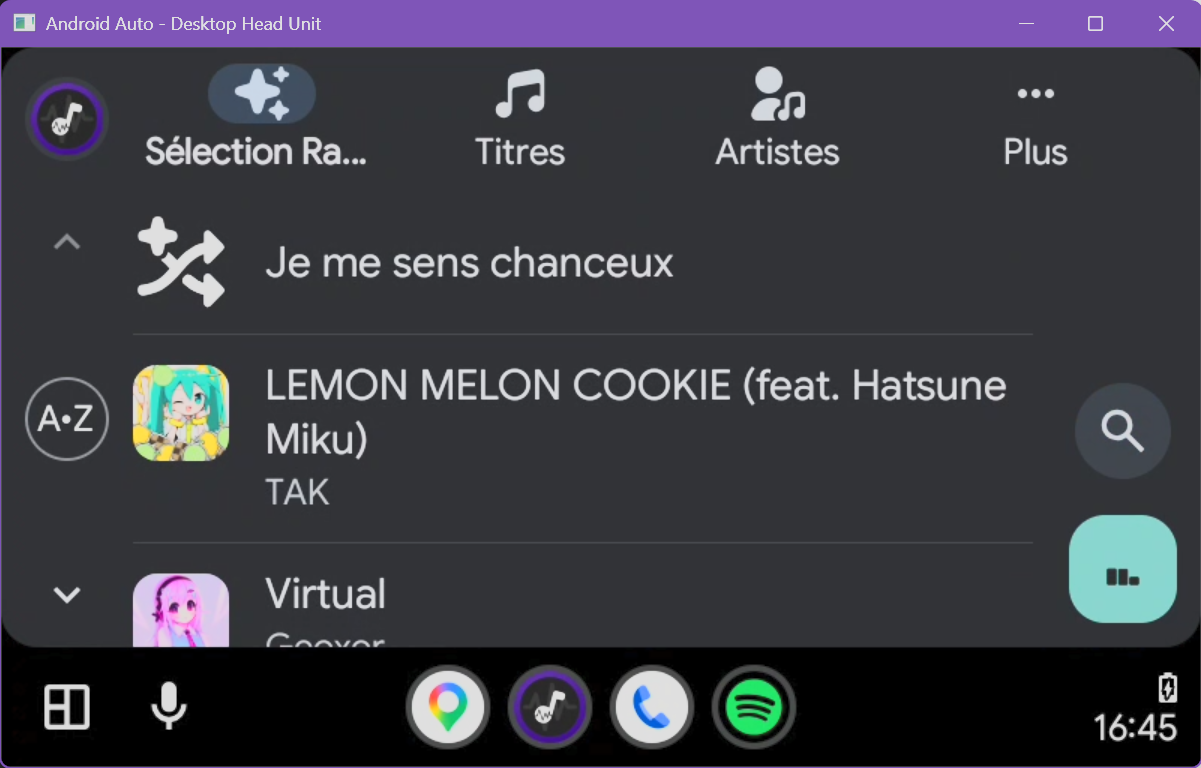
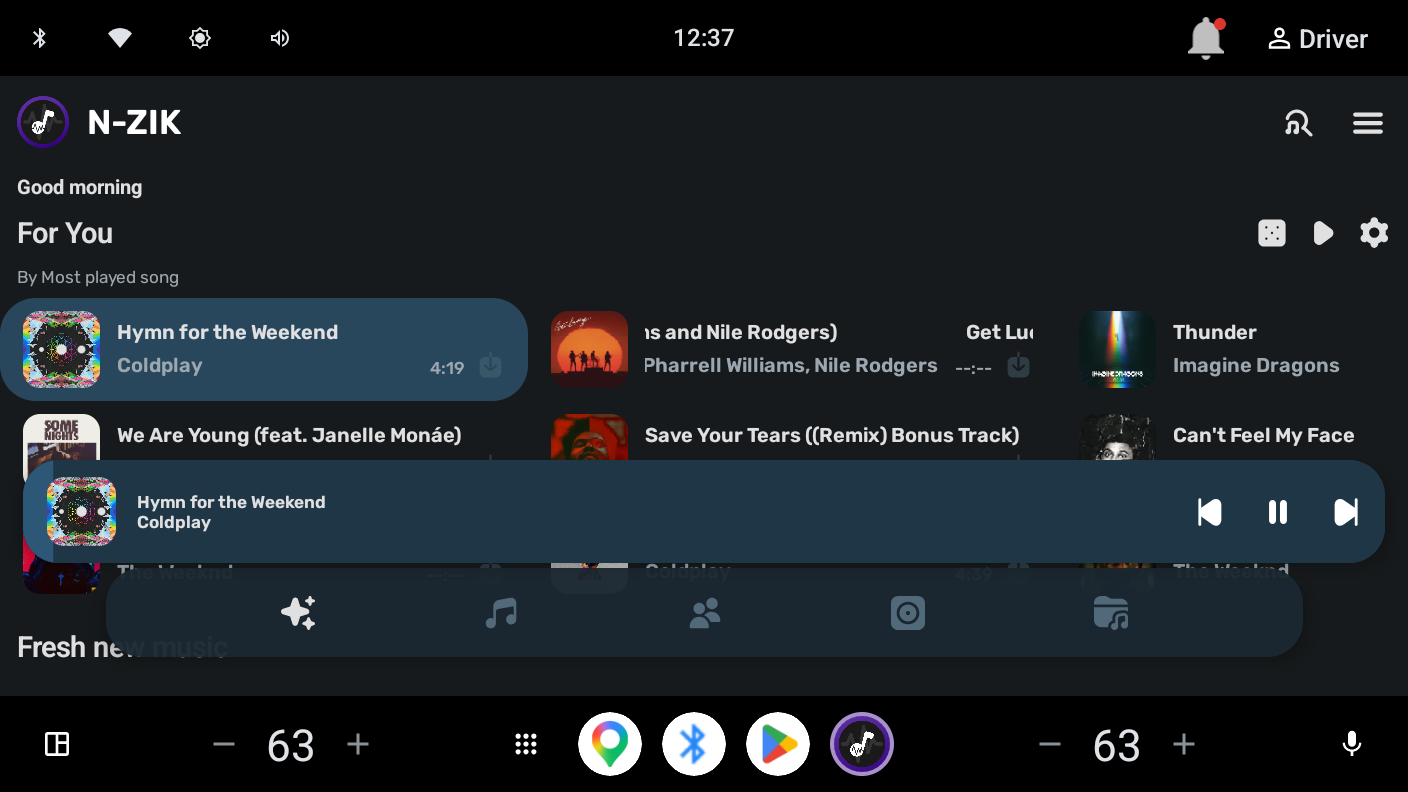
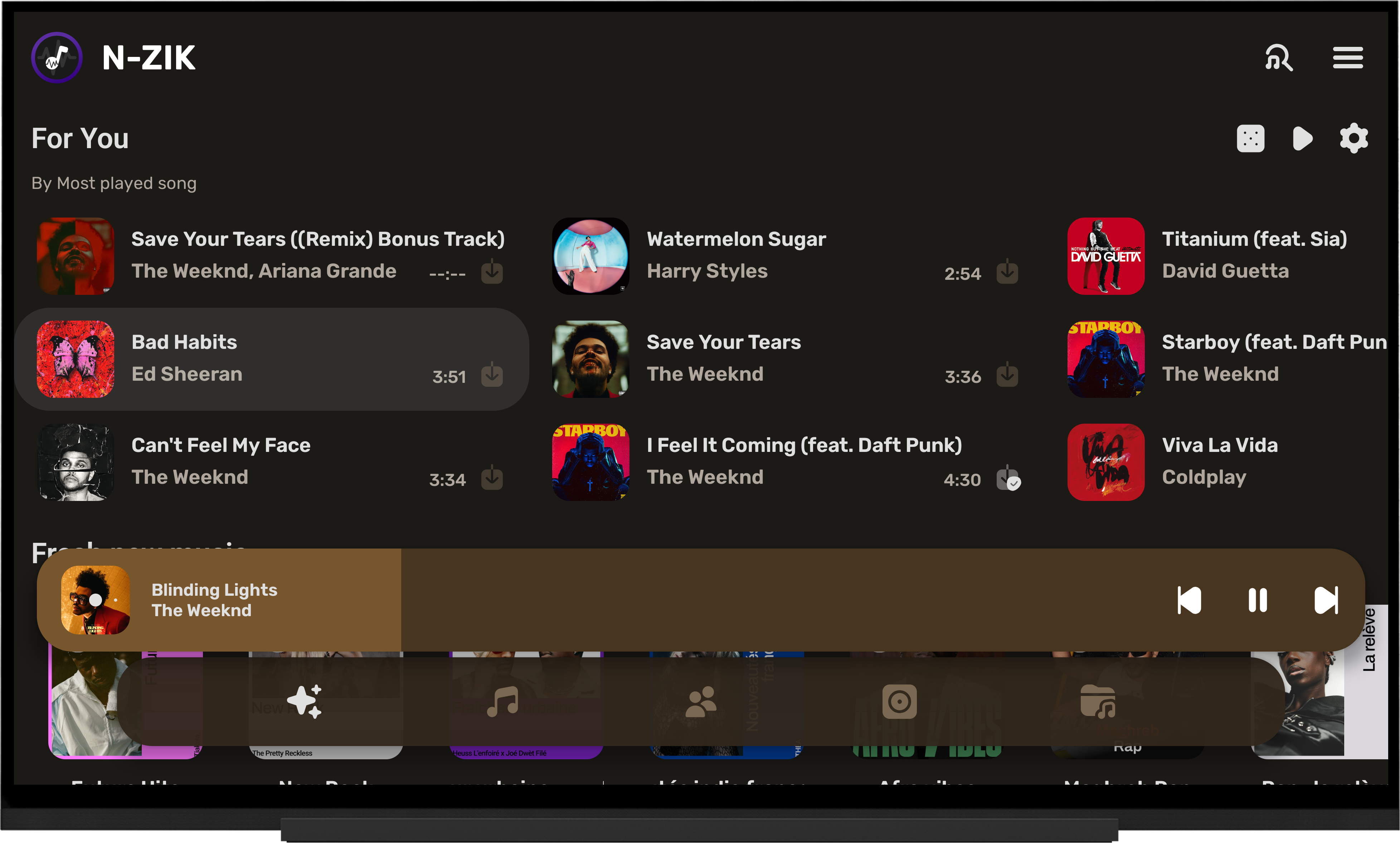
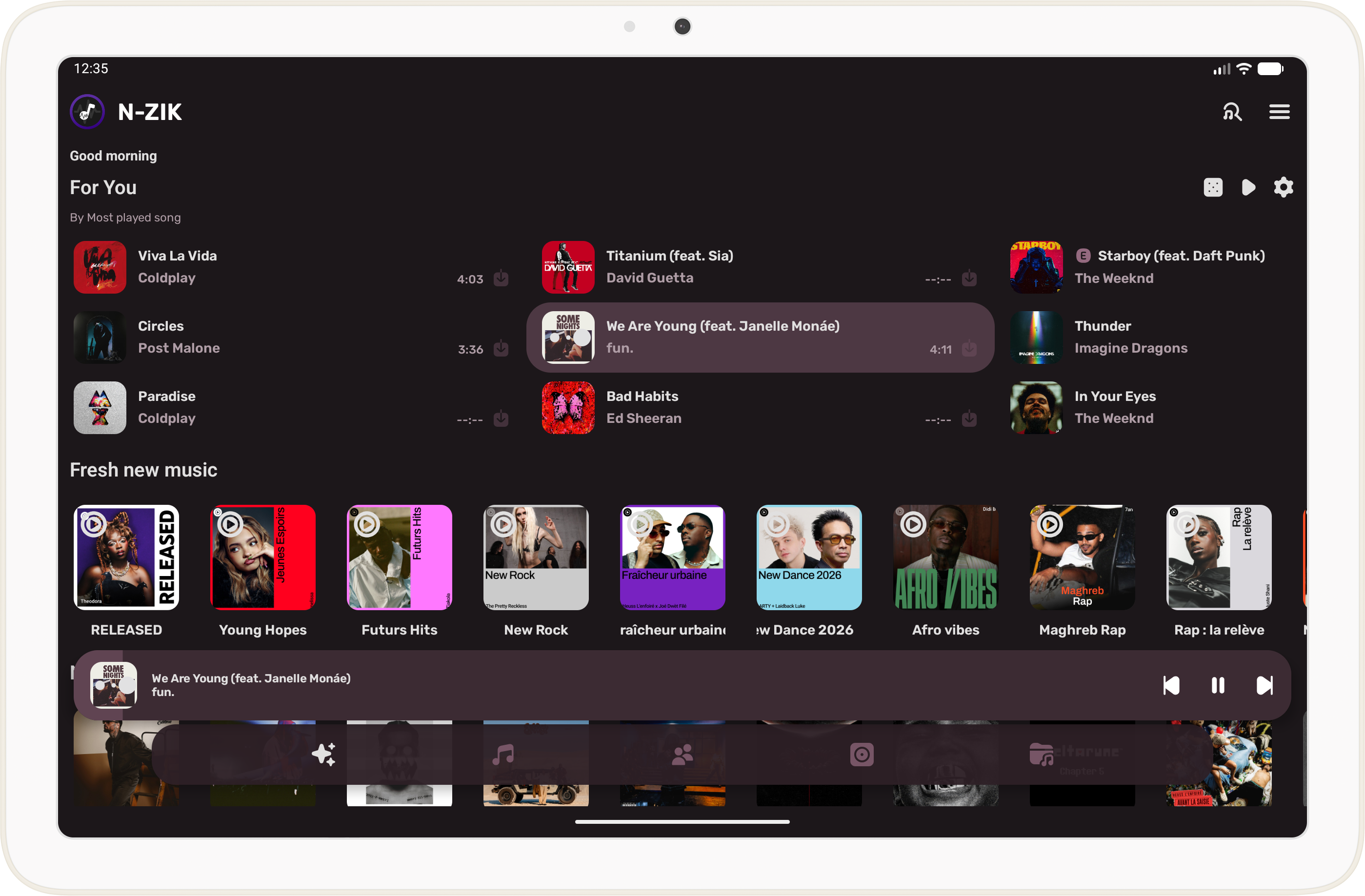
- 📺 Wide Platform Support: Compatible with Android Auto, Android Automotive, Android TV, and YouTube video playback.
- 🪟 Widgets: New widgets for your home screen (Compact, Turntable, and Playlist).
- 🧩 Extensions: Heavy features are delivered as small, downloadable modules that add capability without bloating every APK. Manage them from the burger menu → Extensions, which opens the Extensions page in Settings with Installed (state, size, update/uninstall) and Marketplace (browse + download available extensions) tabs. The first extension is FFmpeg, which unlocks Media Export and the Metadata Editor, the app's only FFmpeg-powered features; regular playback, streaming and downloads never use it. It downloads automatically on first use (≈ 25 MB, SHA-256 verified, app-update-style progress notification), updates and uninstalls independently of the app, and is version-pinned to the app. (Note: the FFmpeg extension is not available on x86 32-bit devices.)
- 📤 Media Export: Export cached or downloaded music to external storage with full metadata (title, artist, album, cover art, copyright, etc.) powered by FFmpeg. (Note: requires the FFmpeg extension; see the Extensions entry in the Features list. Managed in Settings → Extensions. Not available on x86 32-bit devices.)
- ✏️ Metadata Editor: Edit song metadata (title, artist, album, genre, year, cover art, and more) directly in-app. Supports both AAC and Opus codecs with automatic cover art embedding.
- ⚙️ Settings & Database Auto-Backup: Save, restore, and automatically back up your complete app configuration and database with customizable intervals, retention limits, and optional YouTube/Discord/Last.fm credential inclusion.
- 📡 Offline First: Enjoy your music library even without an internet connection.
- 🎵 YouTube Music accounts and channels: Switch between Google accounts and YouTube channels, including channels managed by the same account. Each N-Zik profile has one active YouTube Music channel for personalized browsing and recommendations.
- 🔁 YouTube Music sync (experimental): Debug and Dev builds can sync likes and library items both ways with the active channel.
- 🔄 Auto-Resume on Device Connect: Automatically resume playback when Bluetooth headphones or speakers connect.
- 💾 Persistent Queue: Your queue is saved and restored across app sessions.
- 🔀 Auto-fill Queue: Automatically adds more songs when the queue is nearly empty.
- 🗑️ Smart Trash: Intelligent cleanup of songs based on listen count thresholds.
- 🔇 Hidden Songs: Hide or unhide songs from your library view.
- 👨👩👧👦 Parental Control: Block explicit content based on your settings.
- 🔗 Invidious Integration: Use an alternative YouTube frontend for streaming.
- 🌐 Proxy Support: Configurable proxy for YouTube API requests.
- 📶 Network Quality Adaptation: Adaptive streaming based on your connection quality.
- 📋 Log Export: Export app logs to a file, or copy them to the clipboard, for easy debugging and reporting.
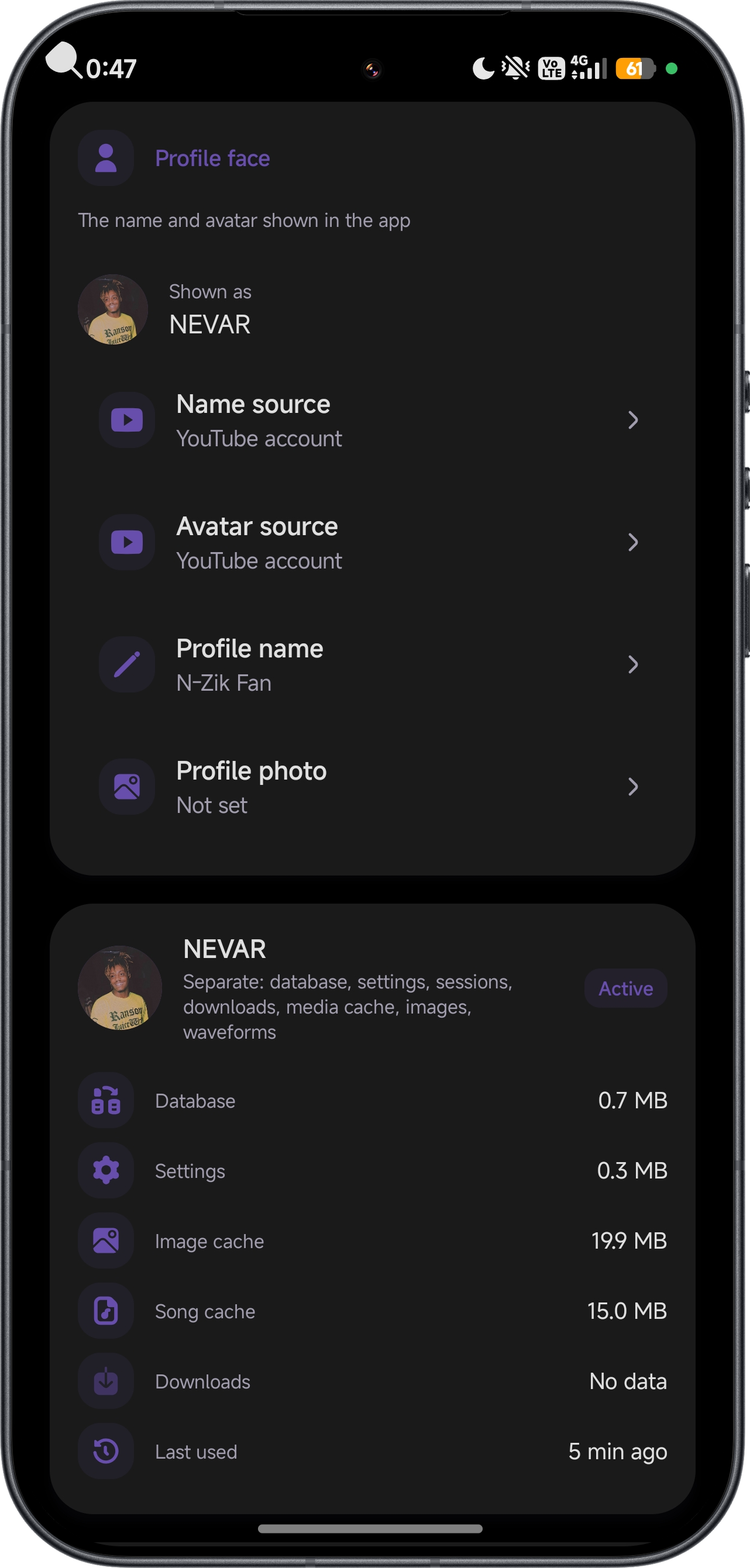
- 👤 Multi-Profile: Switch between multiple isolated profiles (per-profile database and preferences) from the settings or the main-menu switcher.
- 👥 Listen Together: Join or host live listening sessions with other users via an 8-character code or invite link. Runs on Metrolist's MetroServer infrastructure (N-Zik is an officially supported host), and you can point it at your own custom server in the settings.
- 🎼 Last.fm Integration: Scrobble what you listen to: Now Playing, love/unlove, and configurable scrobbling options.
- 🧠 MusicBrainz Insights: Rich artist and album information, community data, and external links.
- 🚫 Dislike System: Dislike songs, artists, and albums to keep them out of your recommendations, with dedicated "Disliked" tabs.
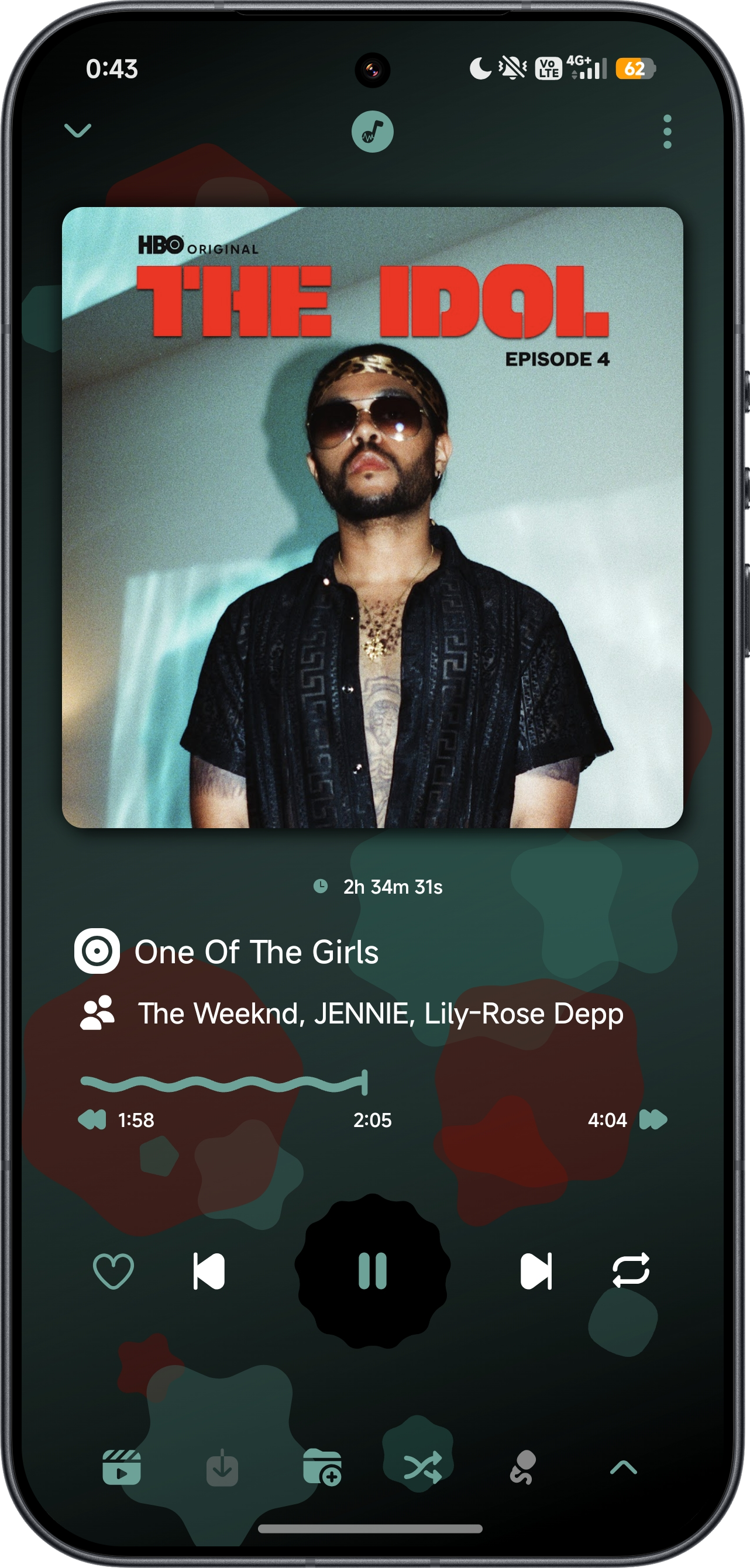
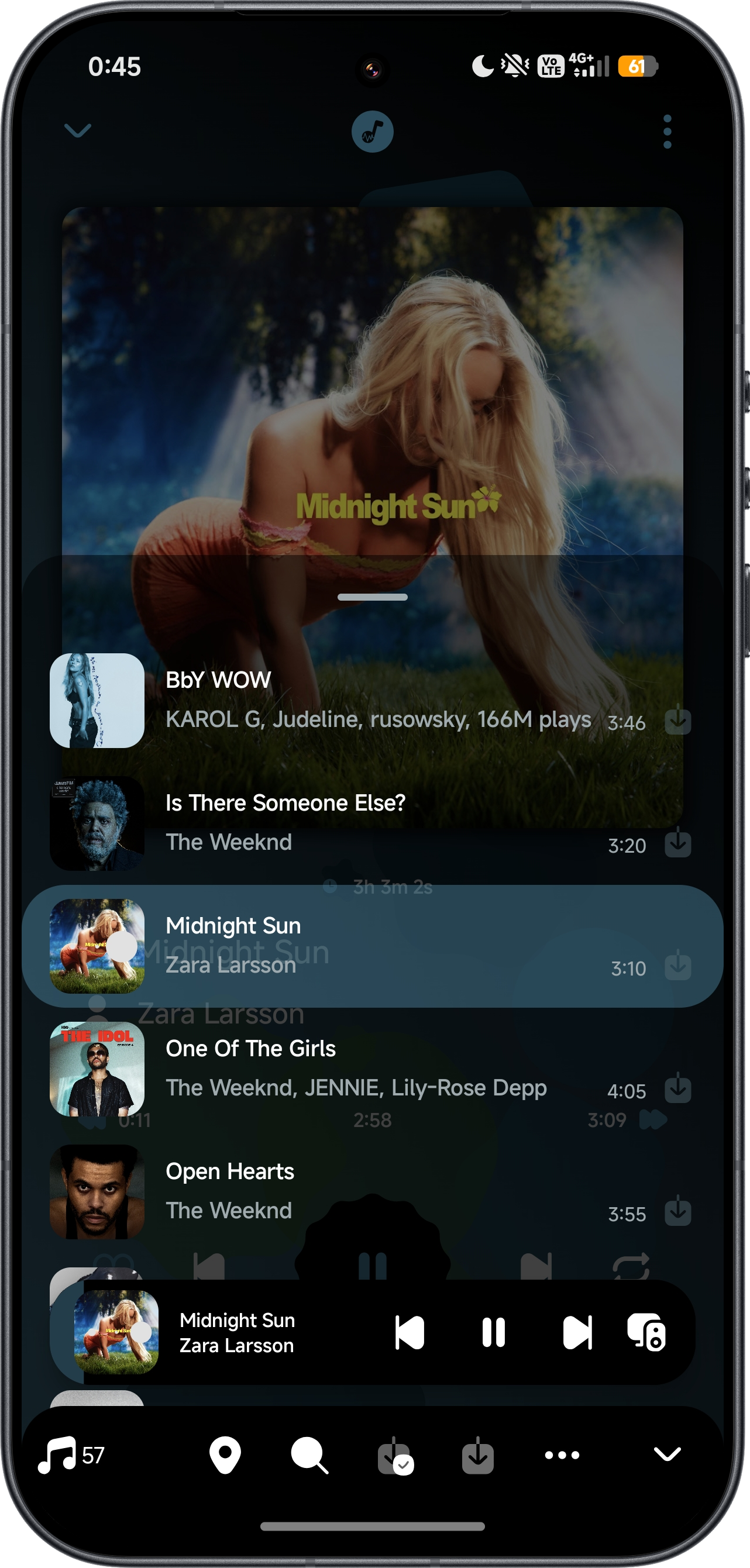
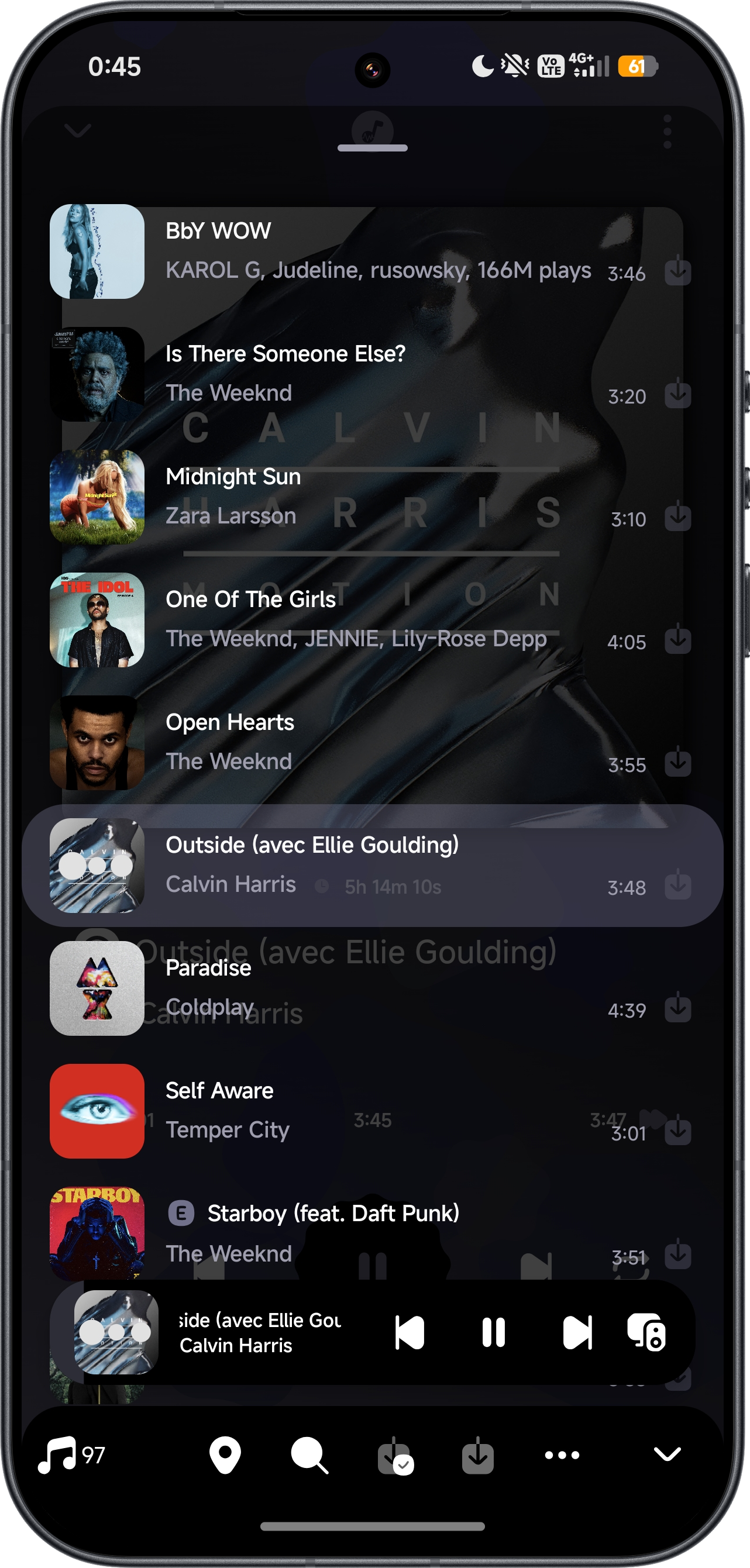
- ⏯️ Unified Player: The full player and the mini-player are one experience; long-press the mini-player to open the in-app queue overlay.
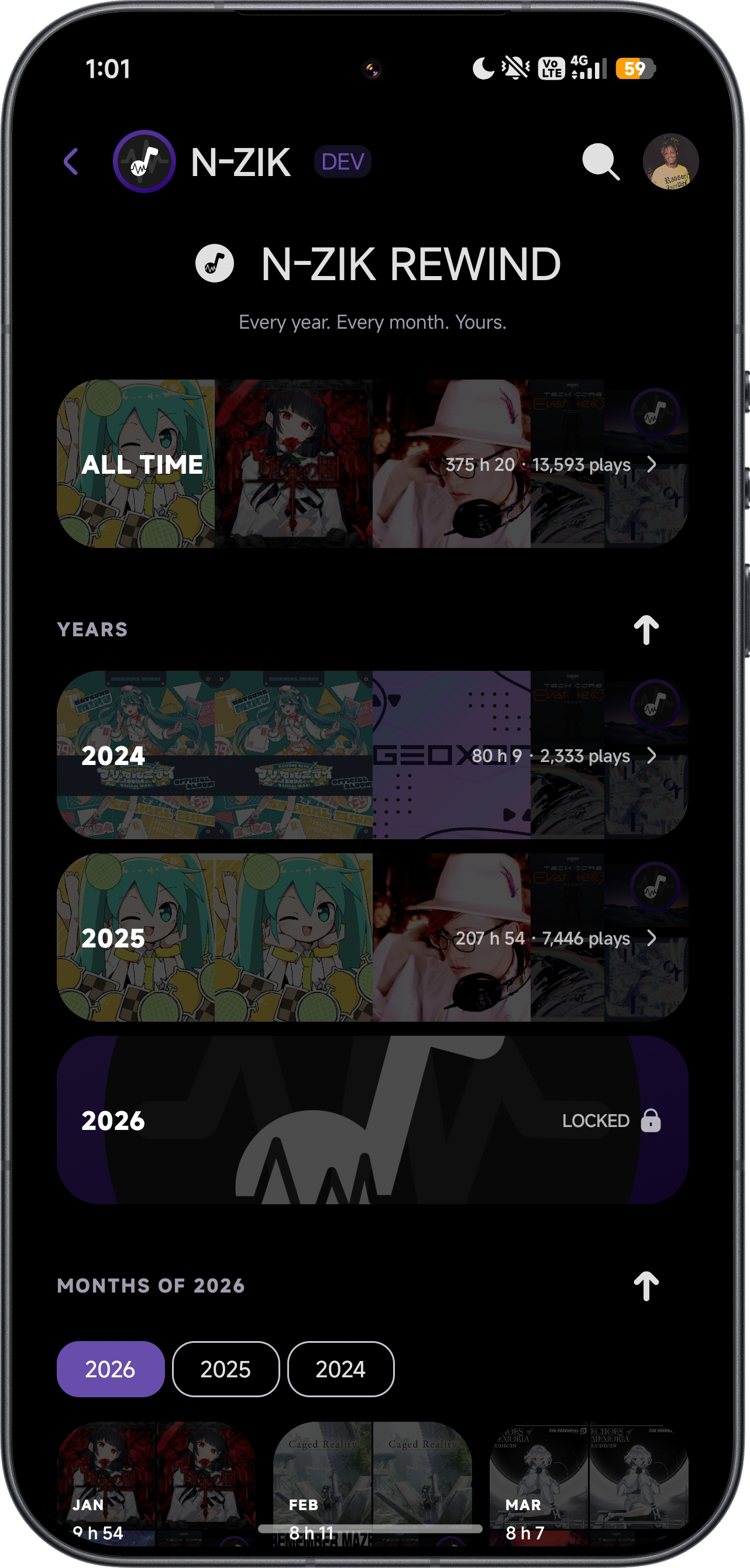
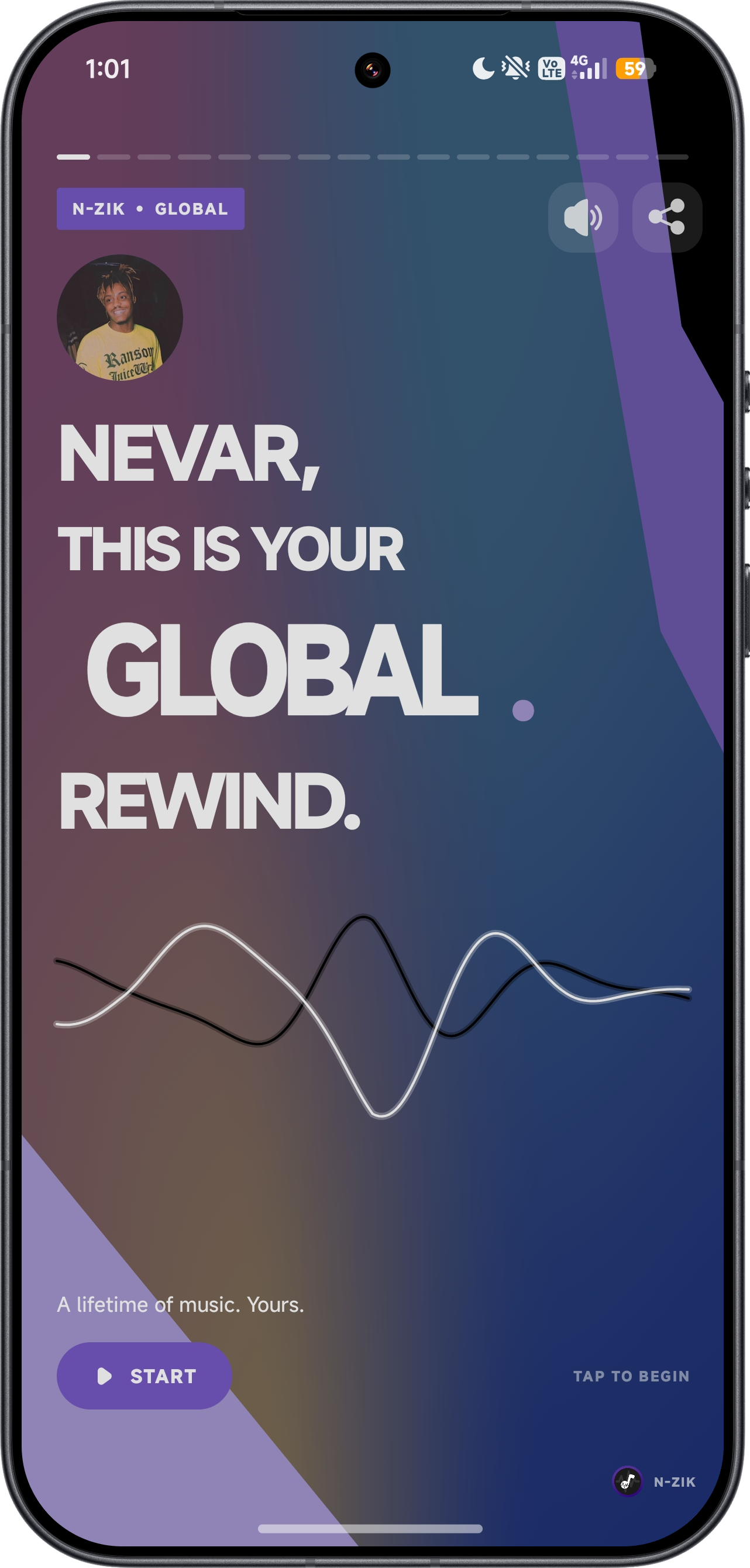
- 🗓️ Rewind: Yearly and monthly listening recaps ("My Rewind"), auto-generated Rewind playlists, background music, and deck image export.
- 🎨 Theme Store (BETA): Browse community themes, preview them in Normal or Glass, and apply the parts you want. Create your own themes, share them as ZIP files, or submit them to the catalog.
- 🚑 Rescue Center: Use the dedicated launcher shortcut to recover your database, settings, and themes by profile.
- 🛠️ Maintenance Screen: Inspect the app state and its live subsystems, and export logs or crash reports.
- 🚪 First-Launch Onboarding: A guided 4-step flow (display name, playlist import, account setup).
- ⚡ App Shortcuts: Dynamically registered home-screen shortcuts (search, albums, artists, library, rescue).
- 📈 Audio Bar: A visual waveform seekbar for precise track navigation.
🫧 Glass Effect (BETA)
Glass is optional and disabled on fresh installations. Enable it in Settings, then choose native, contour-only or Glass presentation by category and adjust the rendering quality. Glass can increase rendering work and battery use; lower the quality or disable it to suit your device.
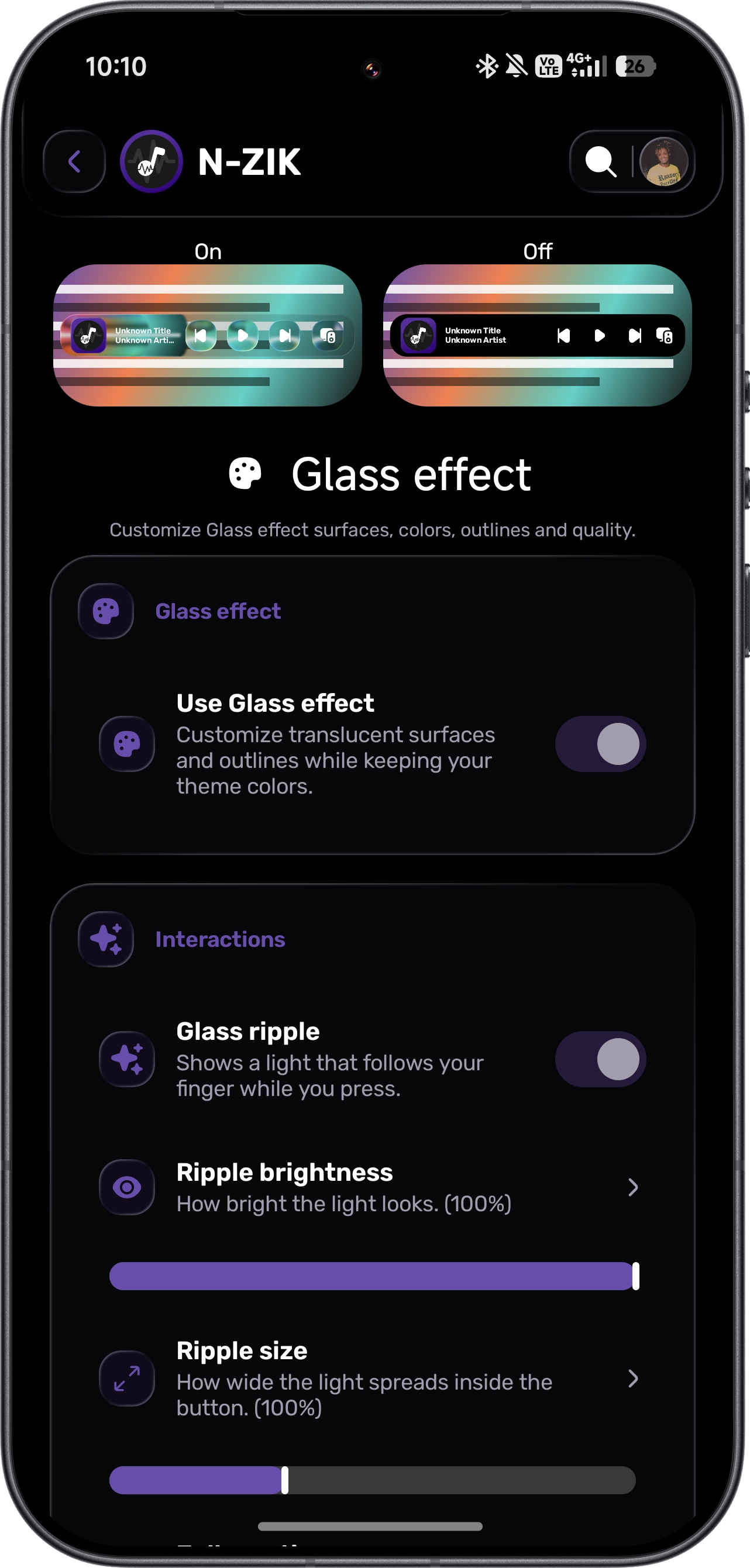
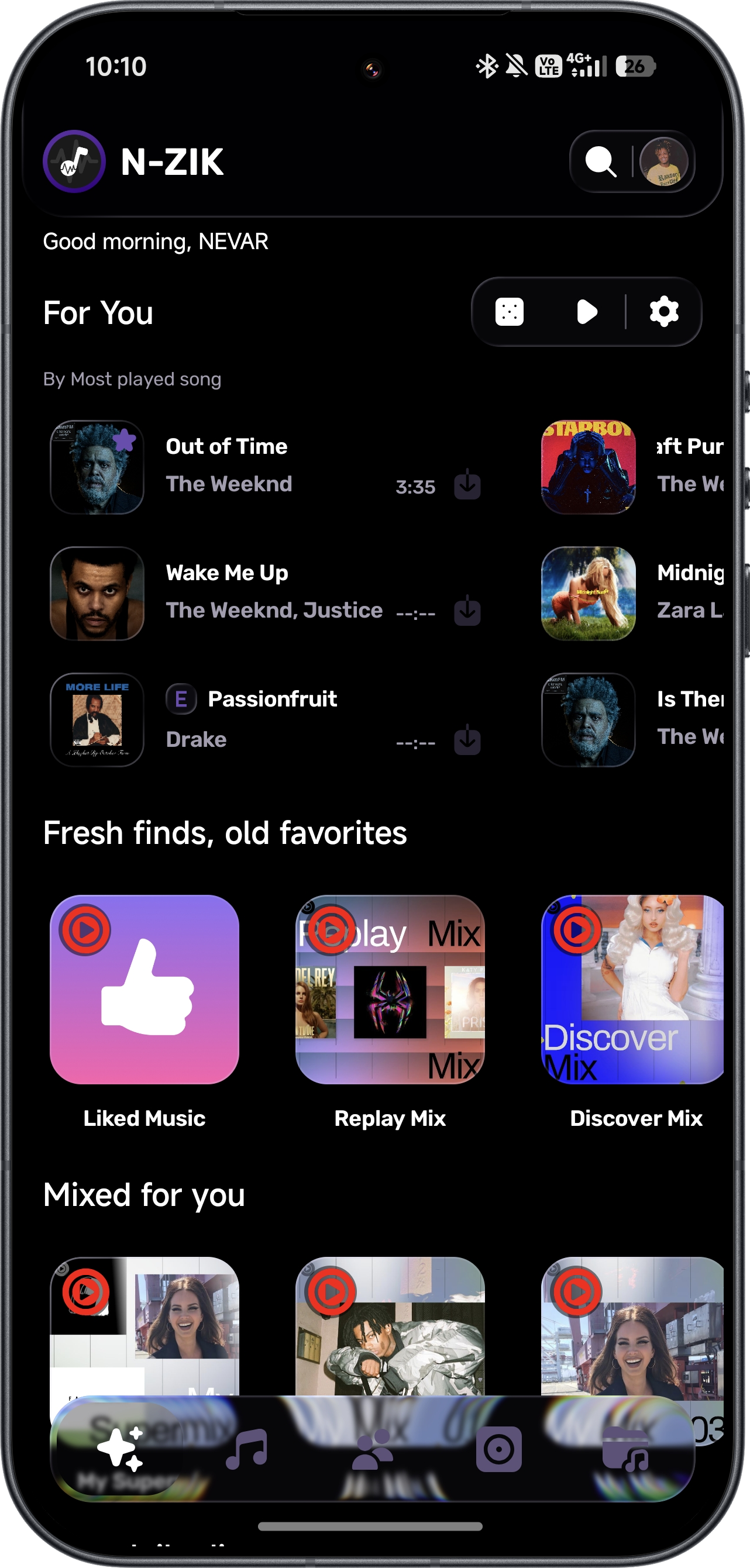
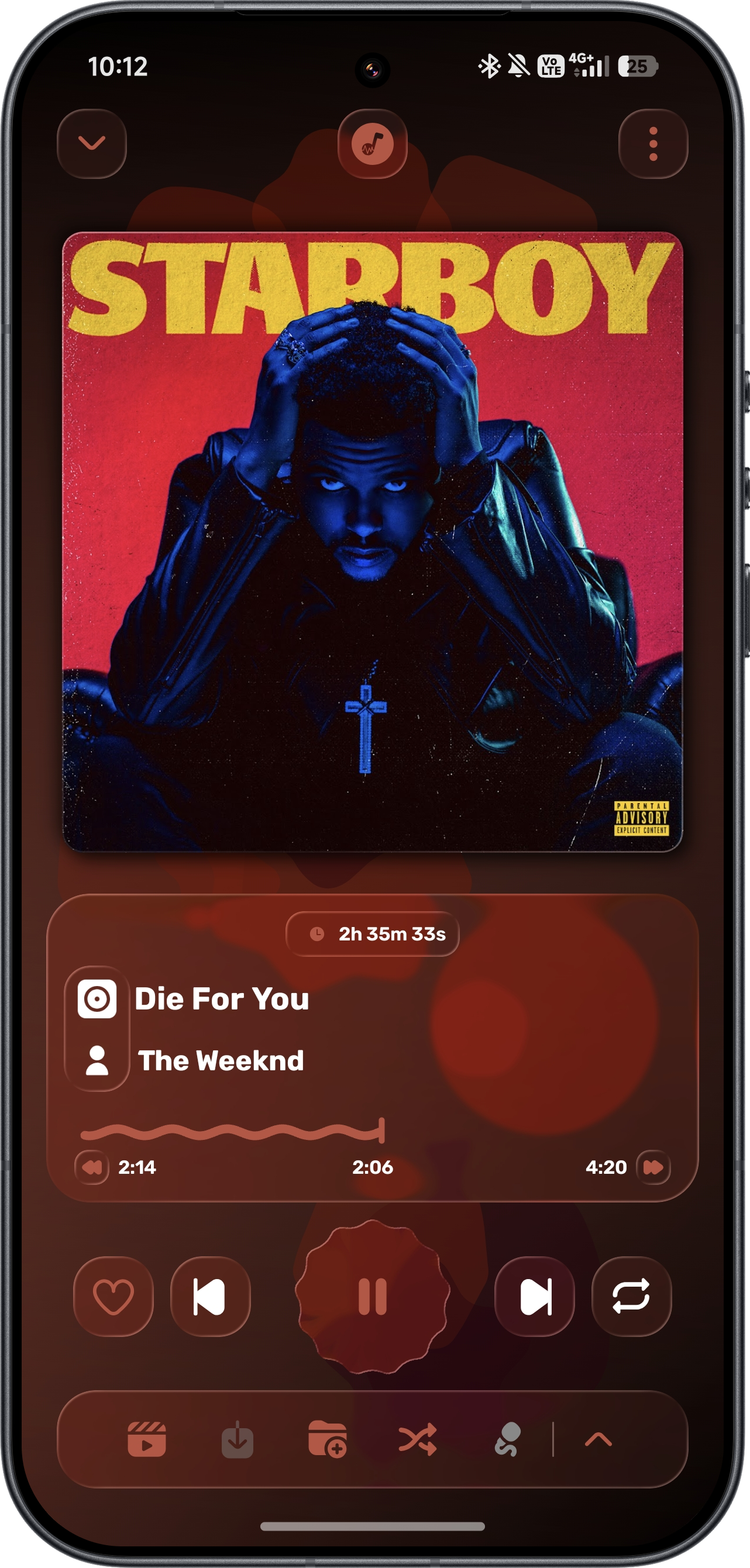
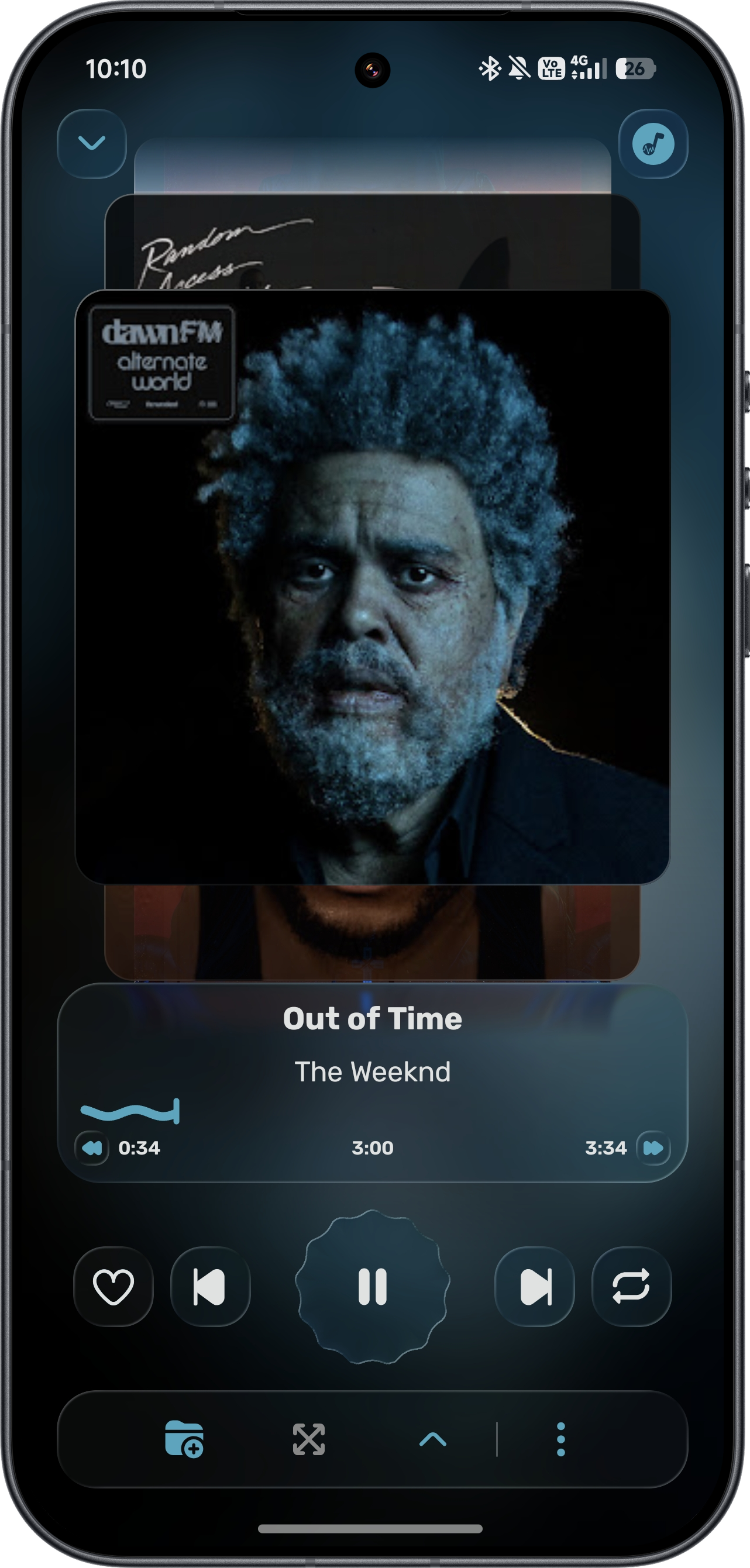
Glass builds on Square / Convx Project (GPL-3.0) and Kyant0 AndroidLiquidGlass / Backdrop (Apache-2.0). Full attribution and license notices appear under N-Zik credits.
📷 Screenshots & Videos
🎬 Demos
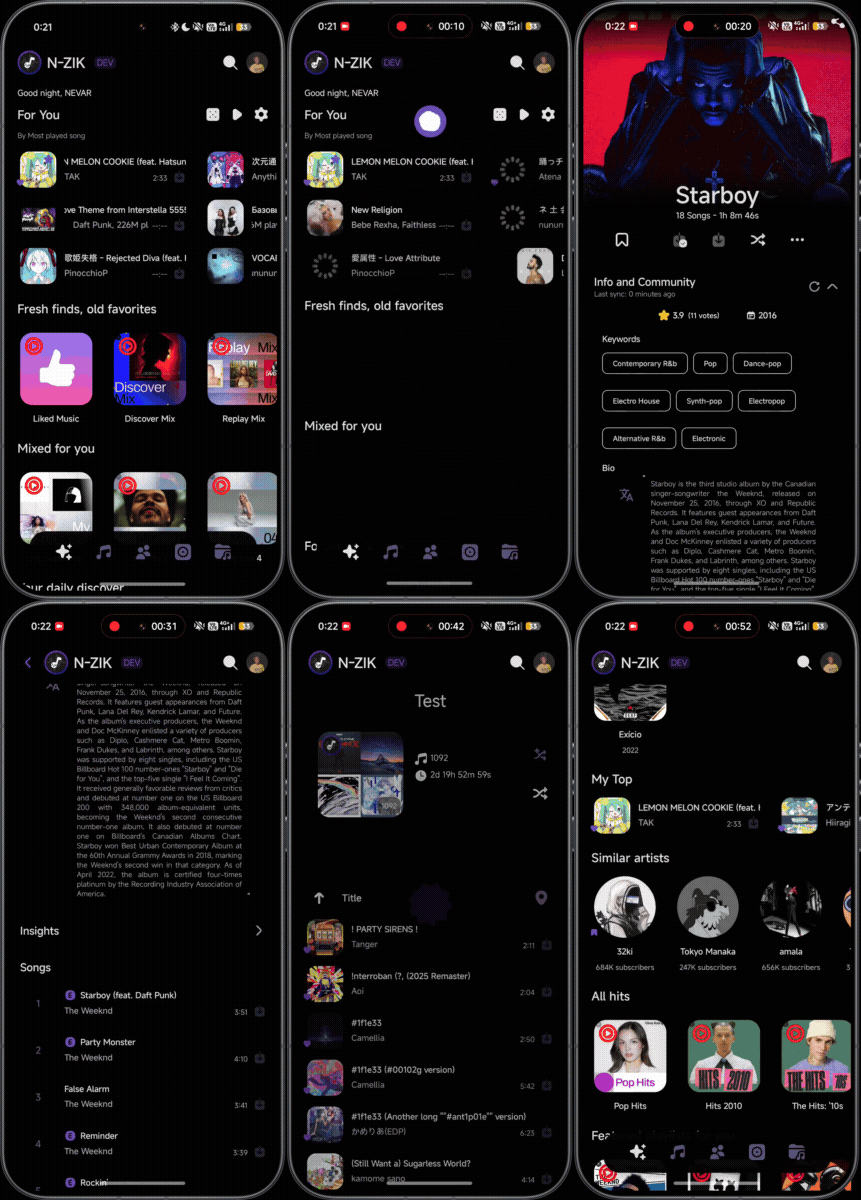
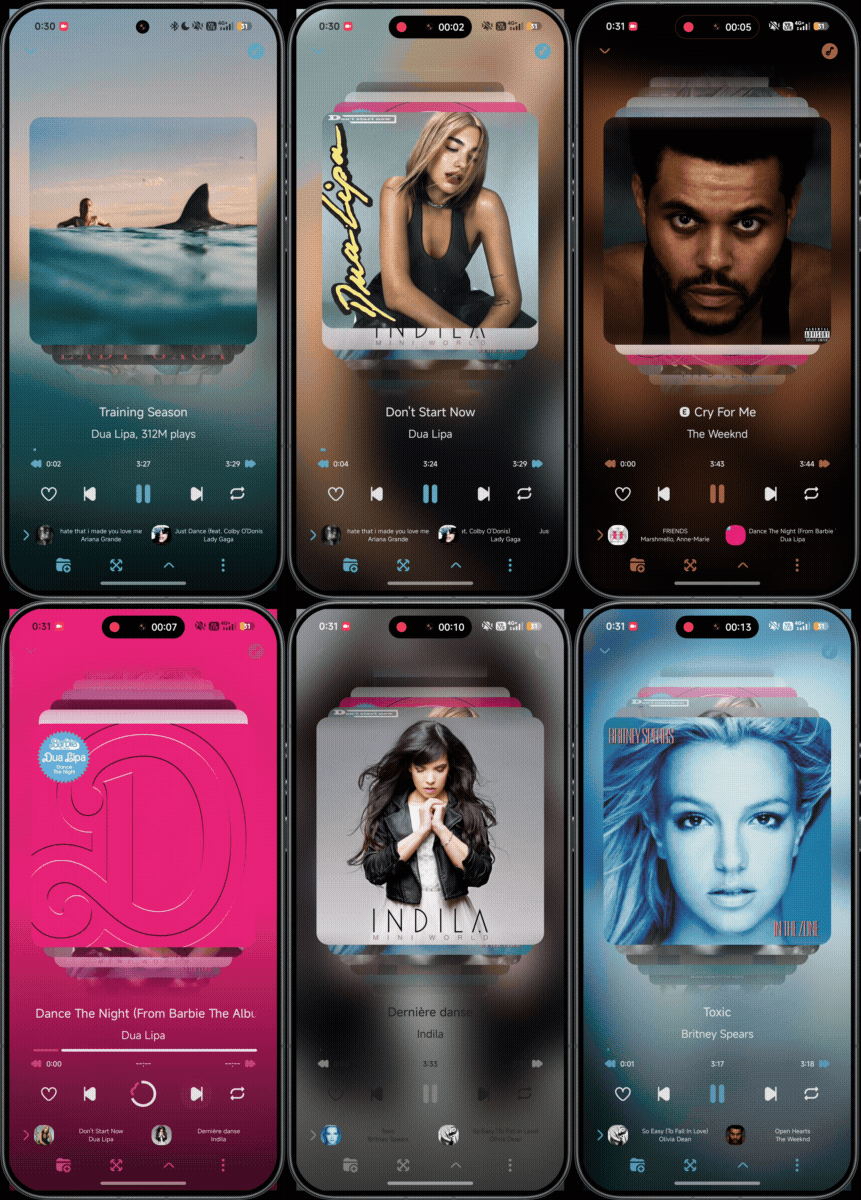
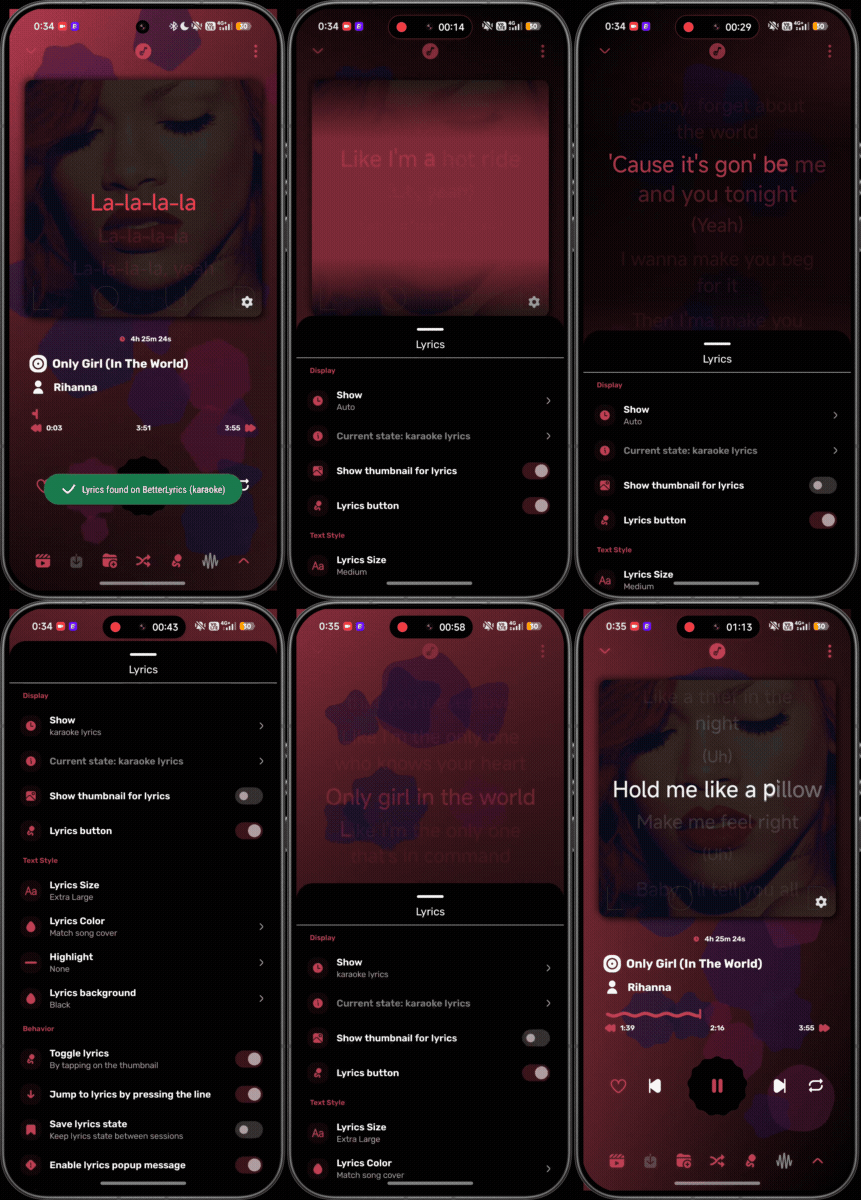
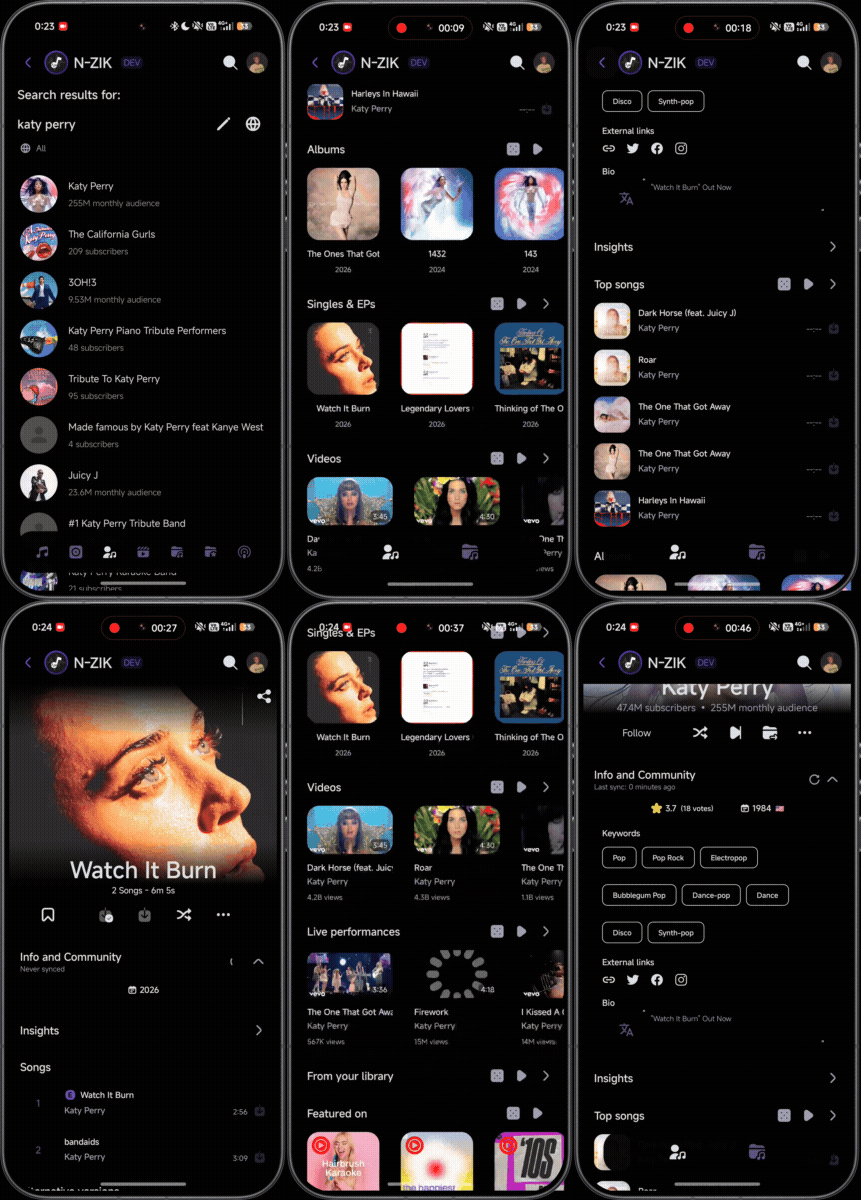
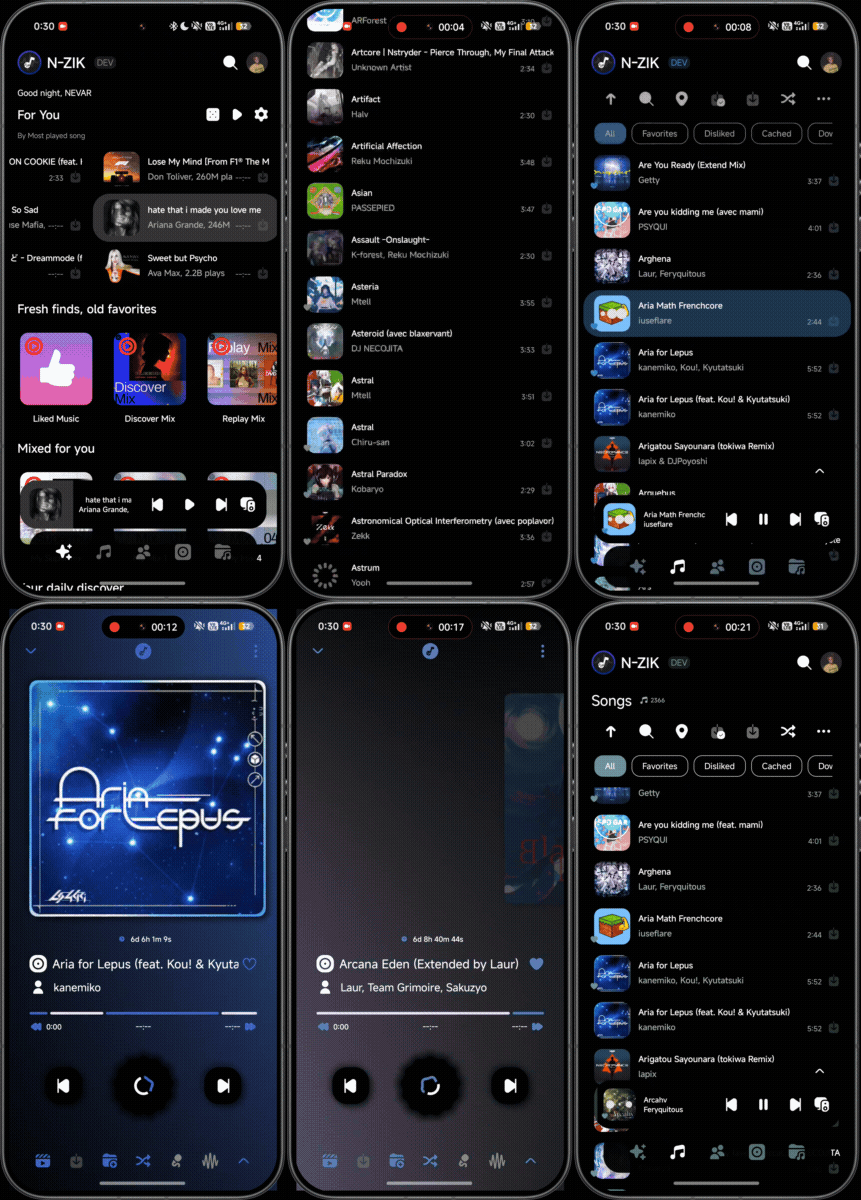
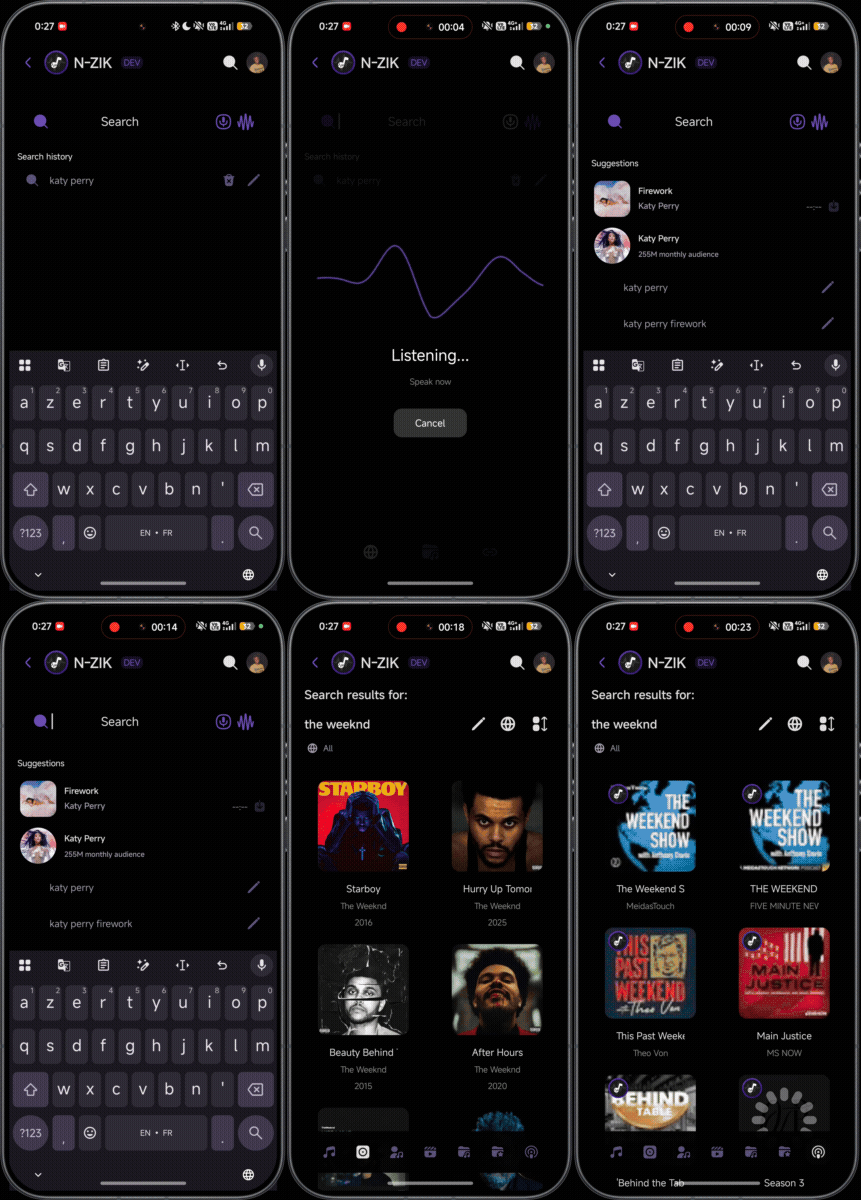
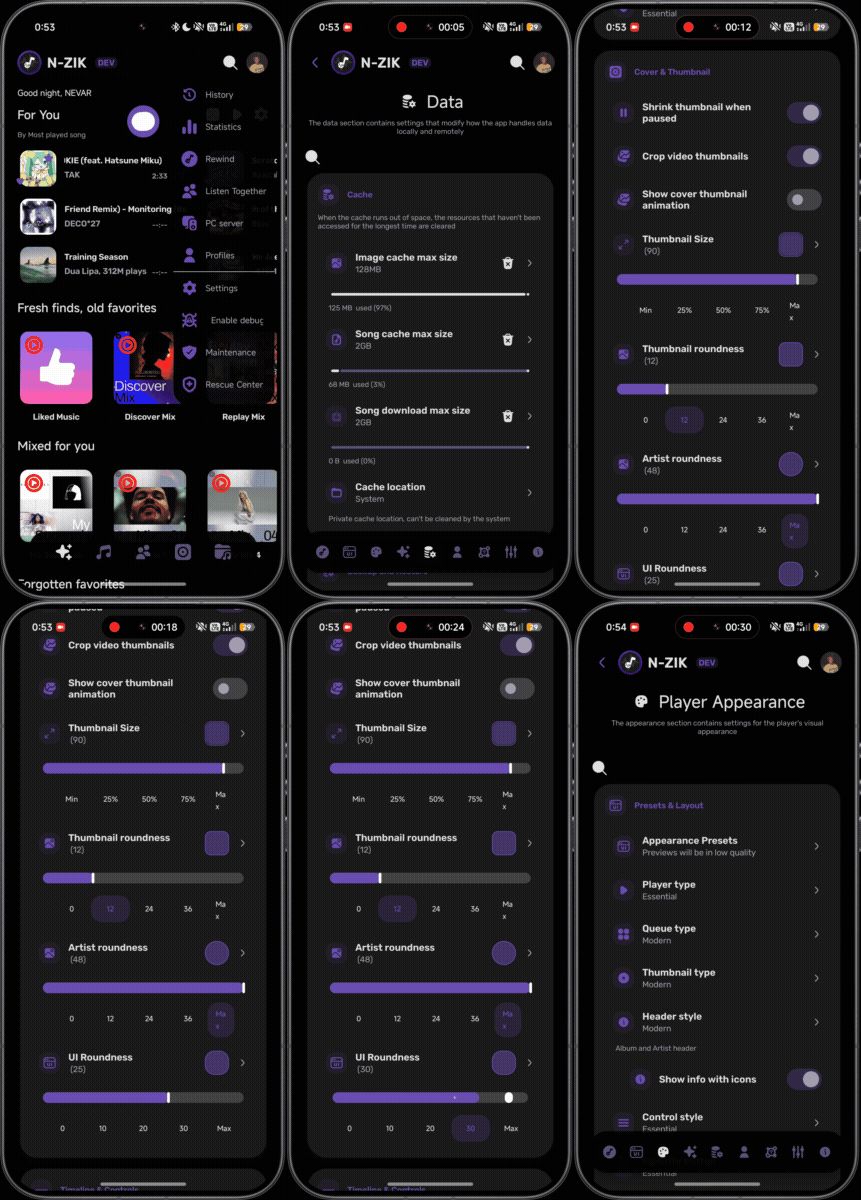
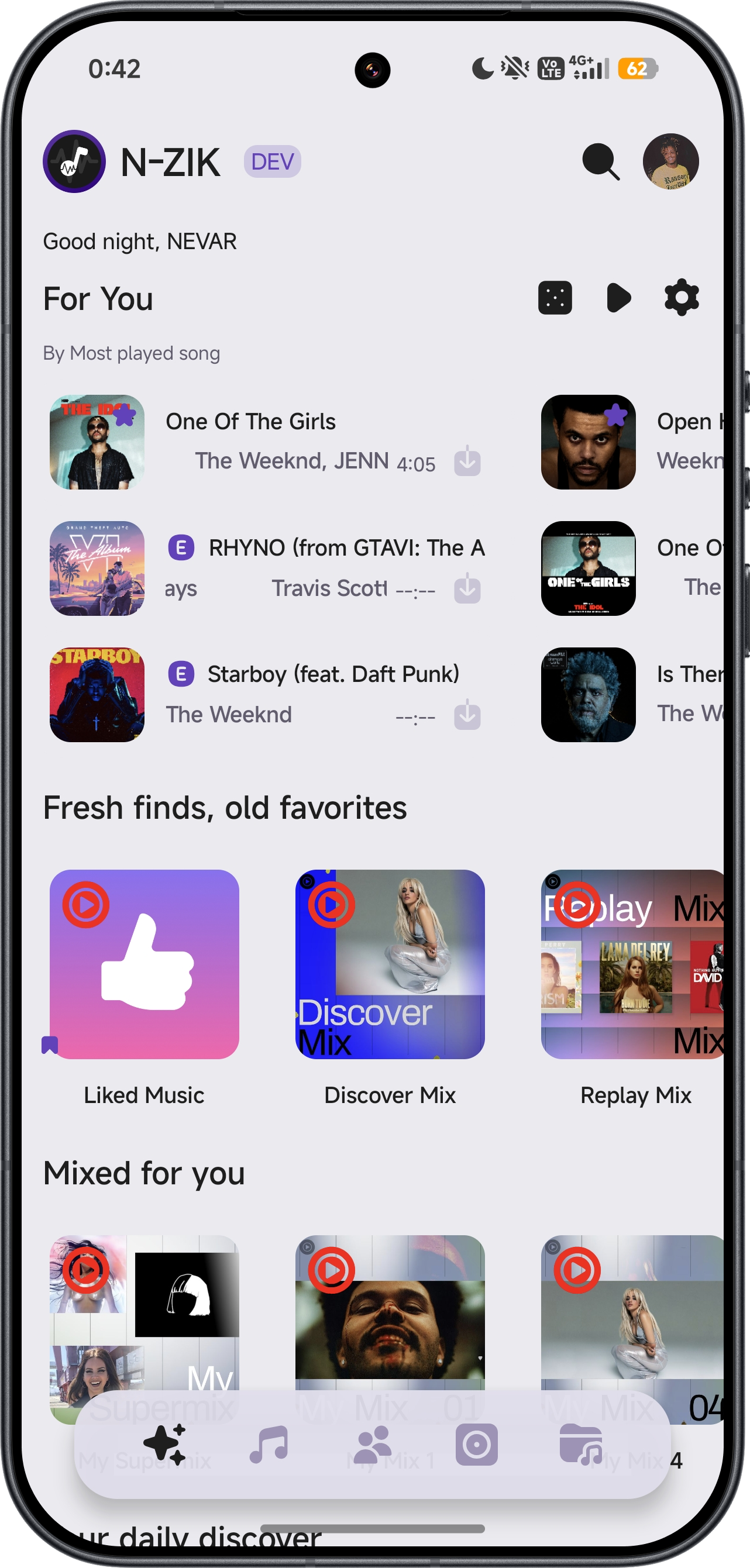
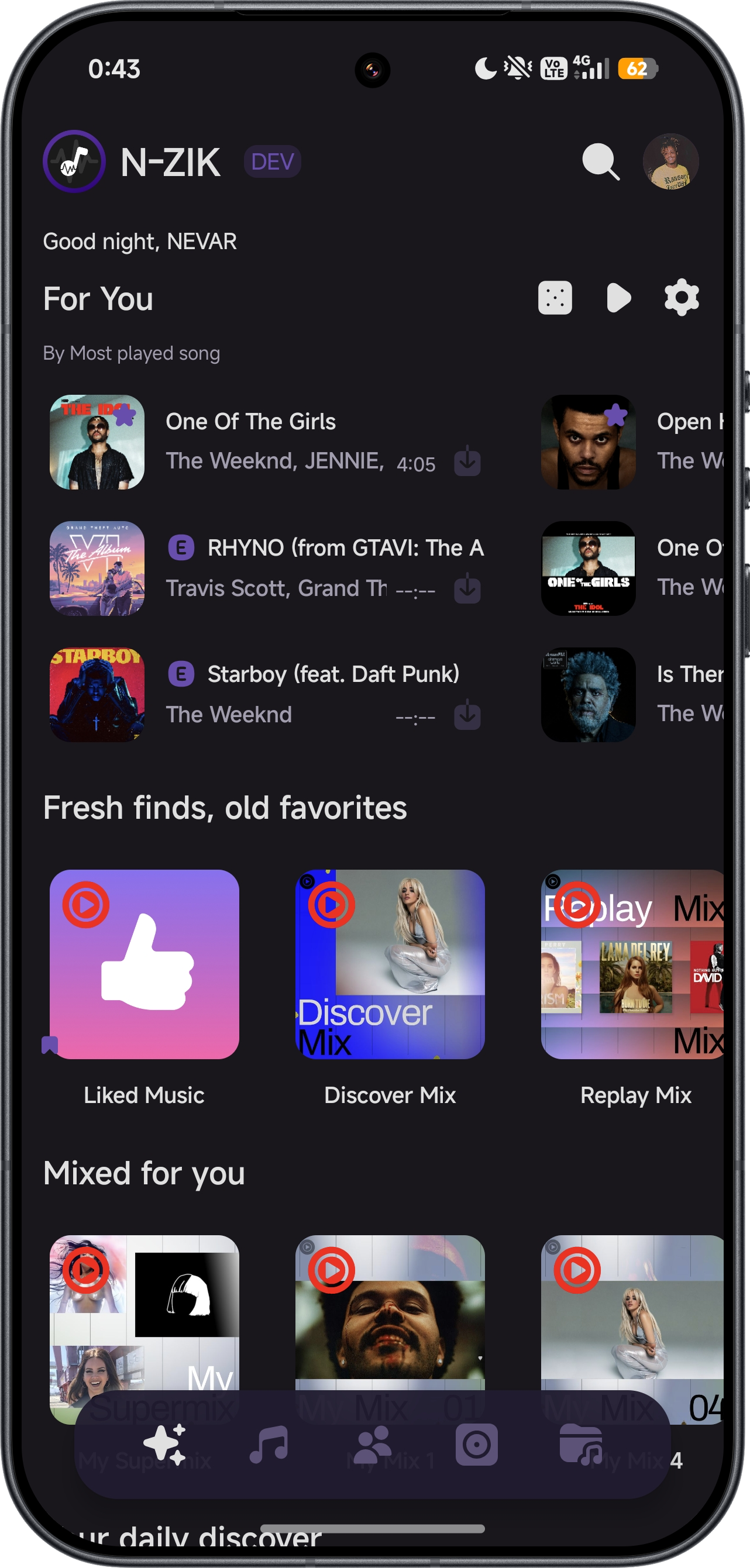
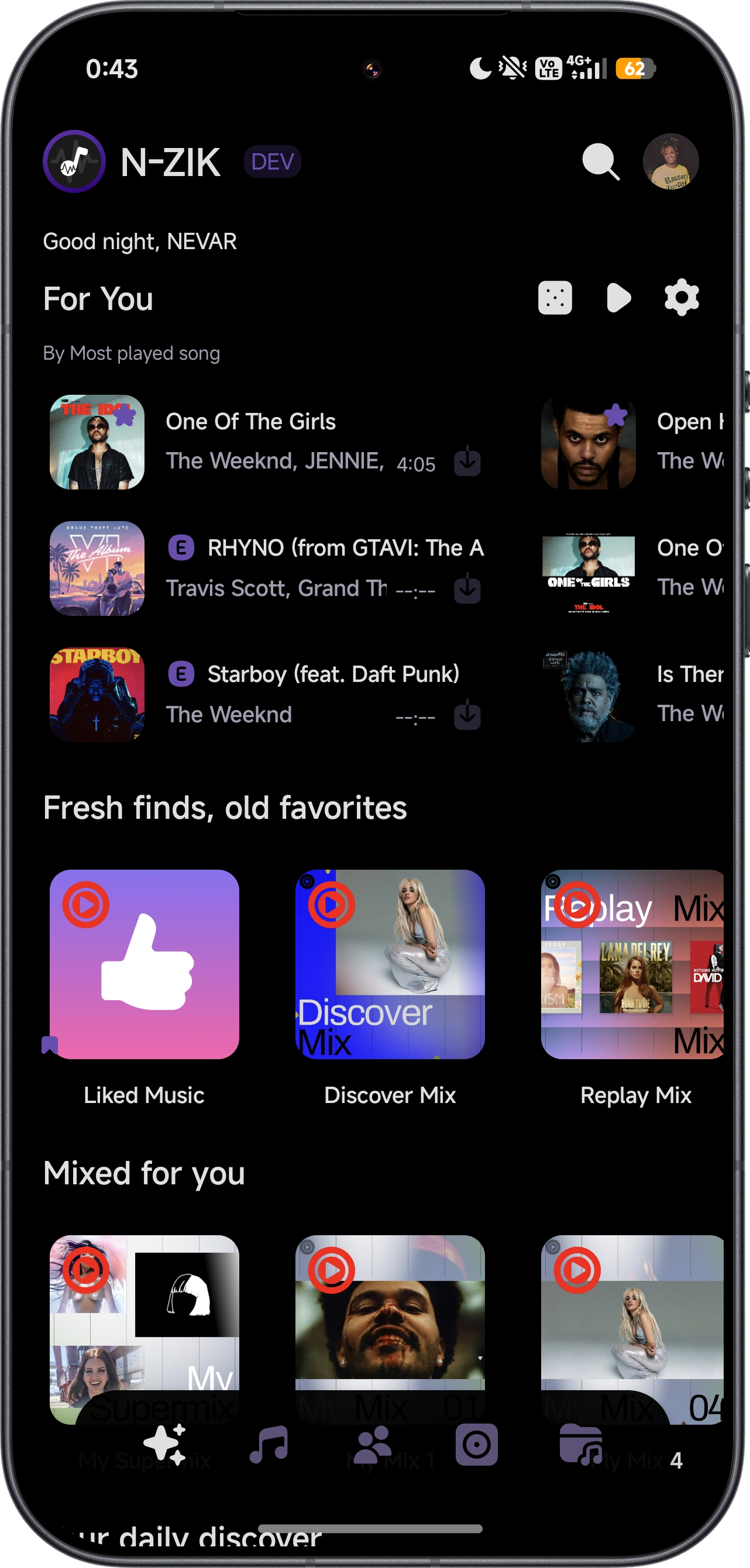
🏠 Main
▶️ Player
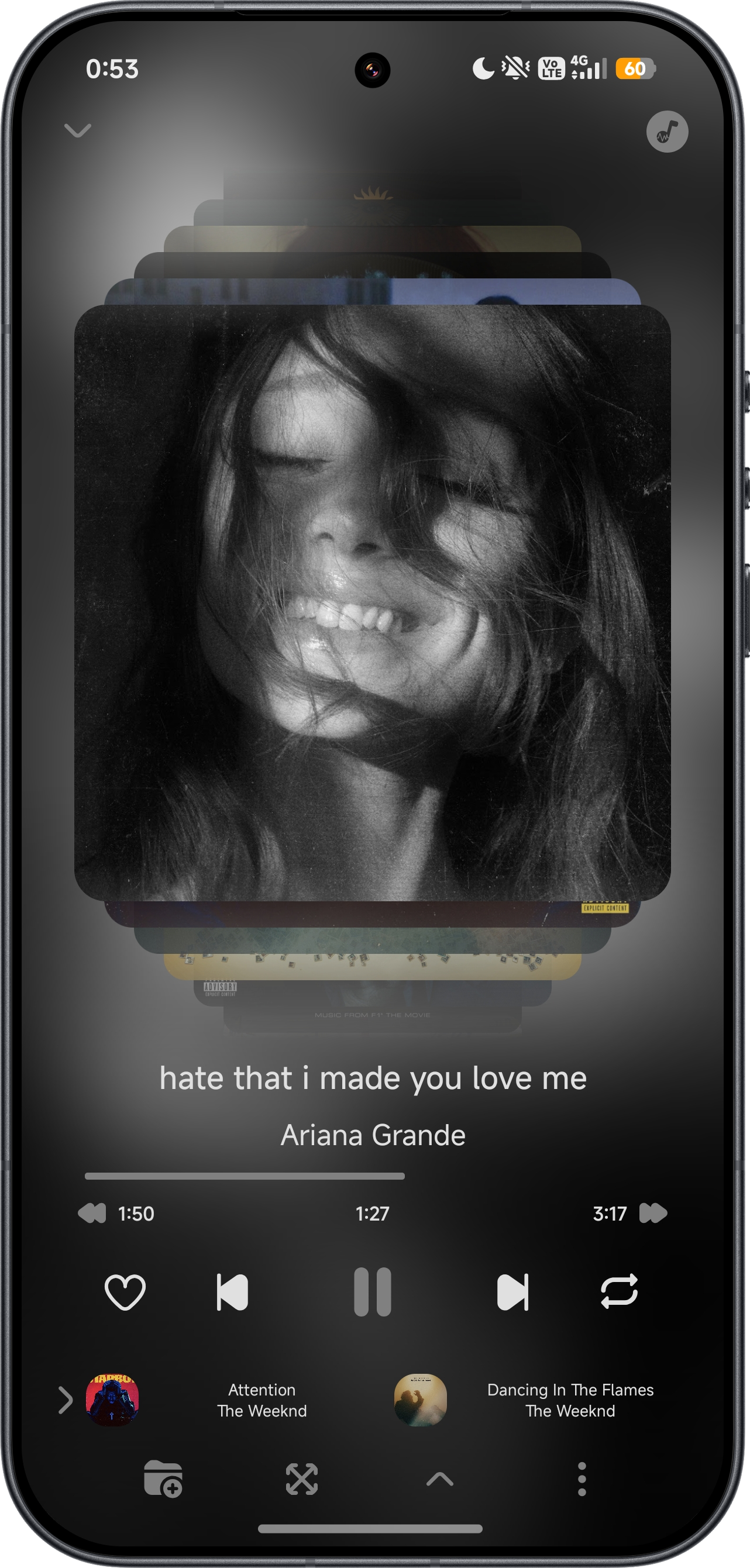
📃 Player - queue
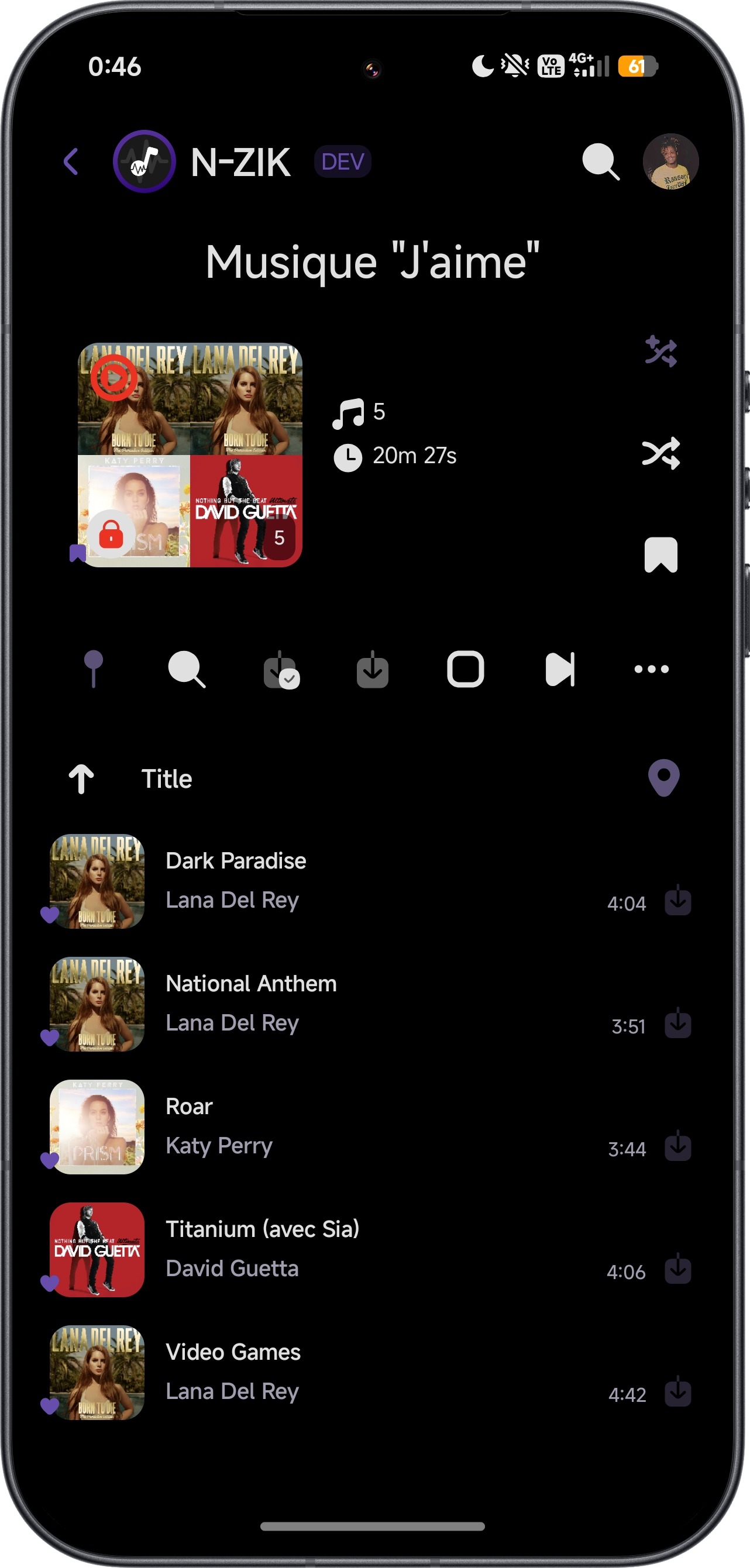
🎵 Library
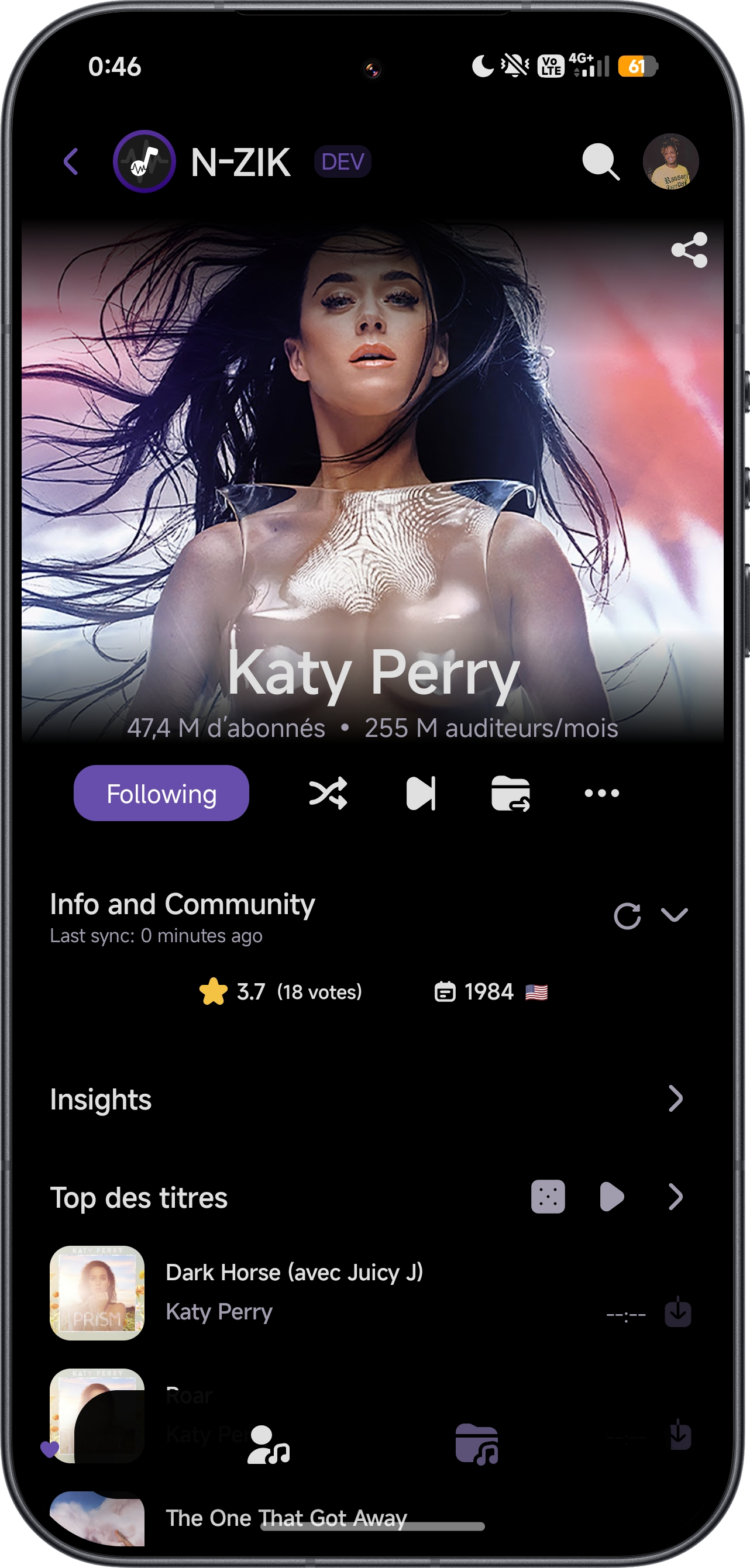
🔍 Search
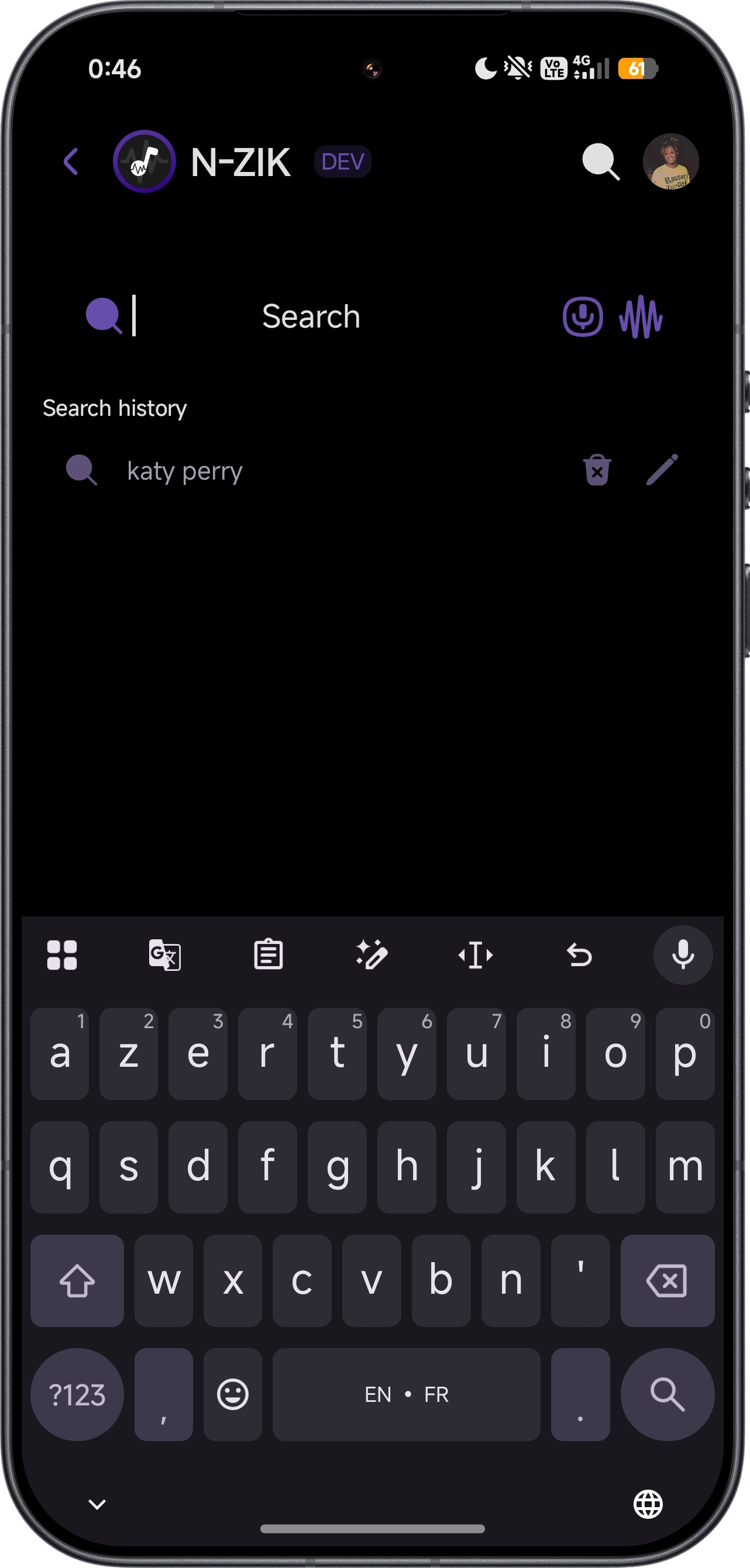
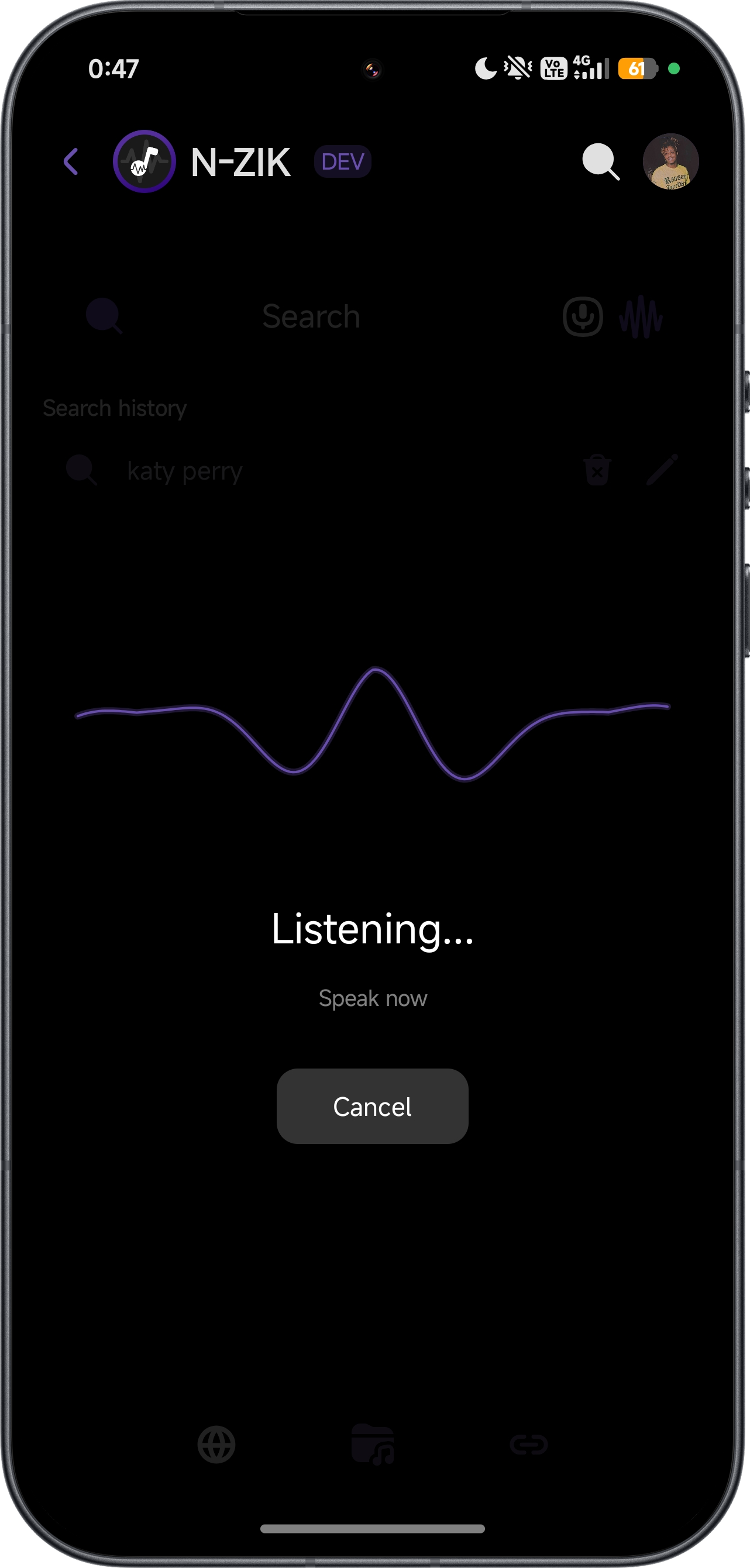
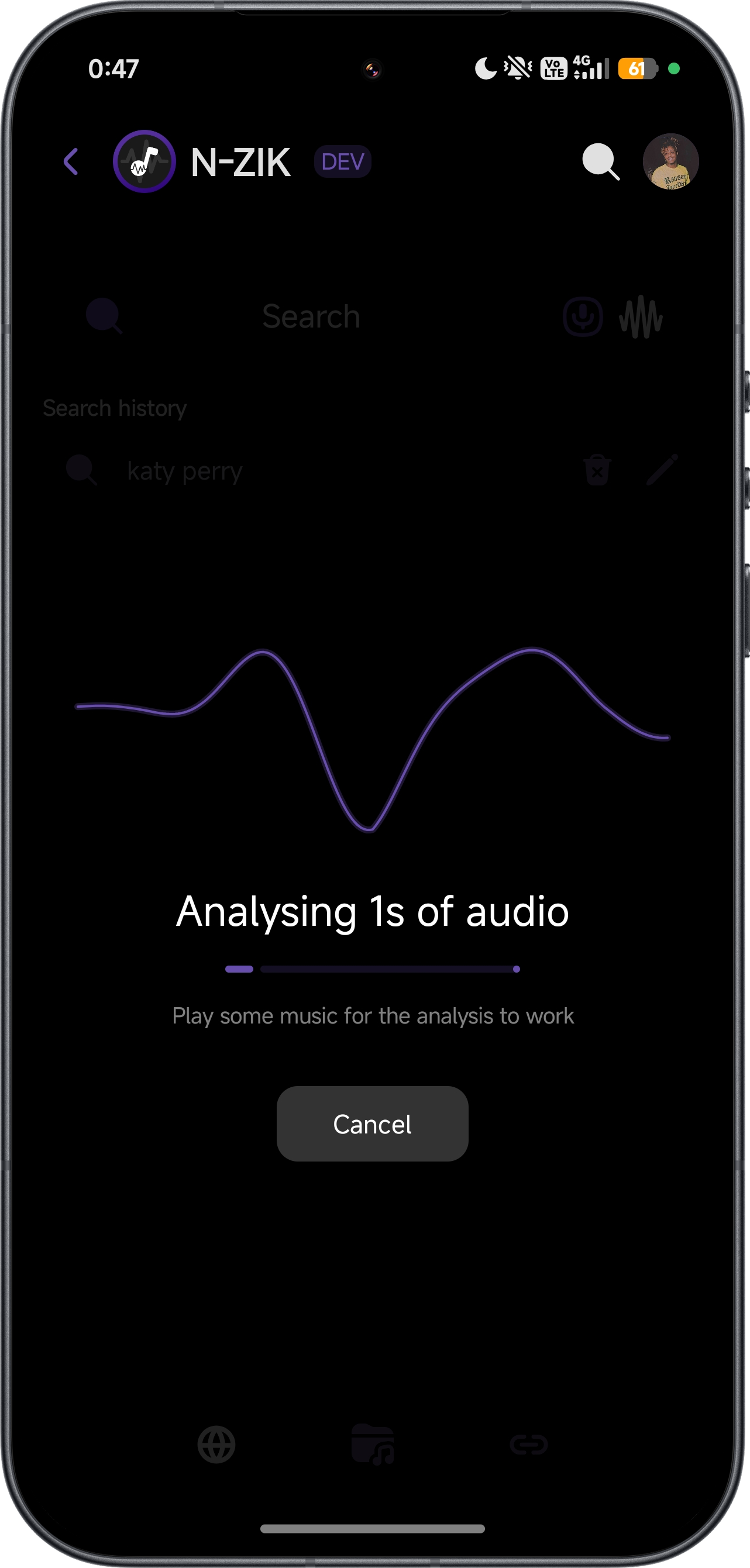
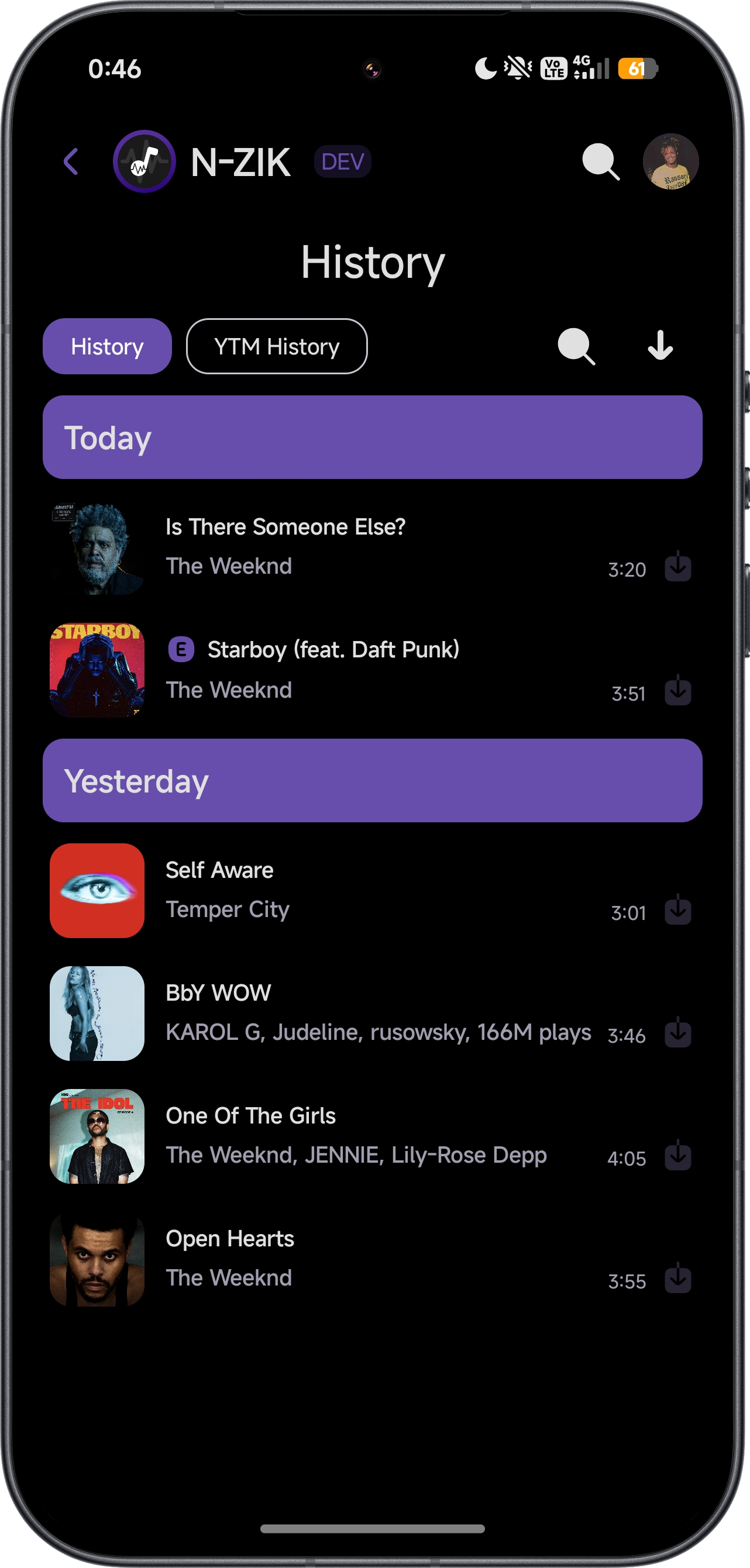
📊 History
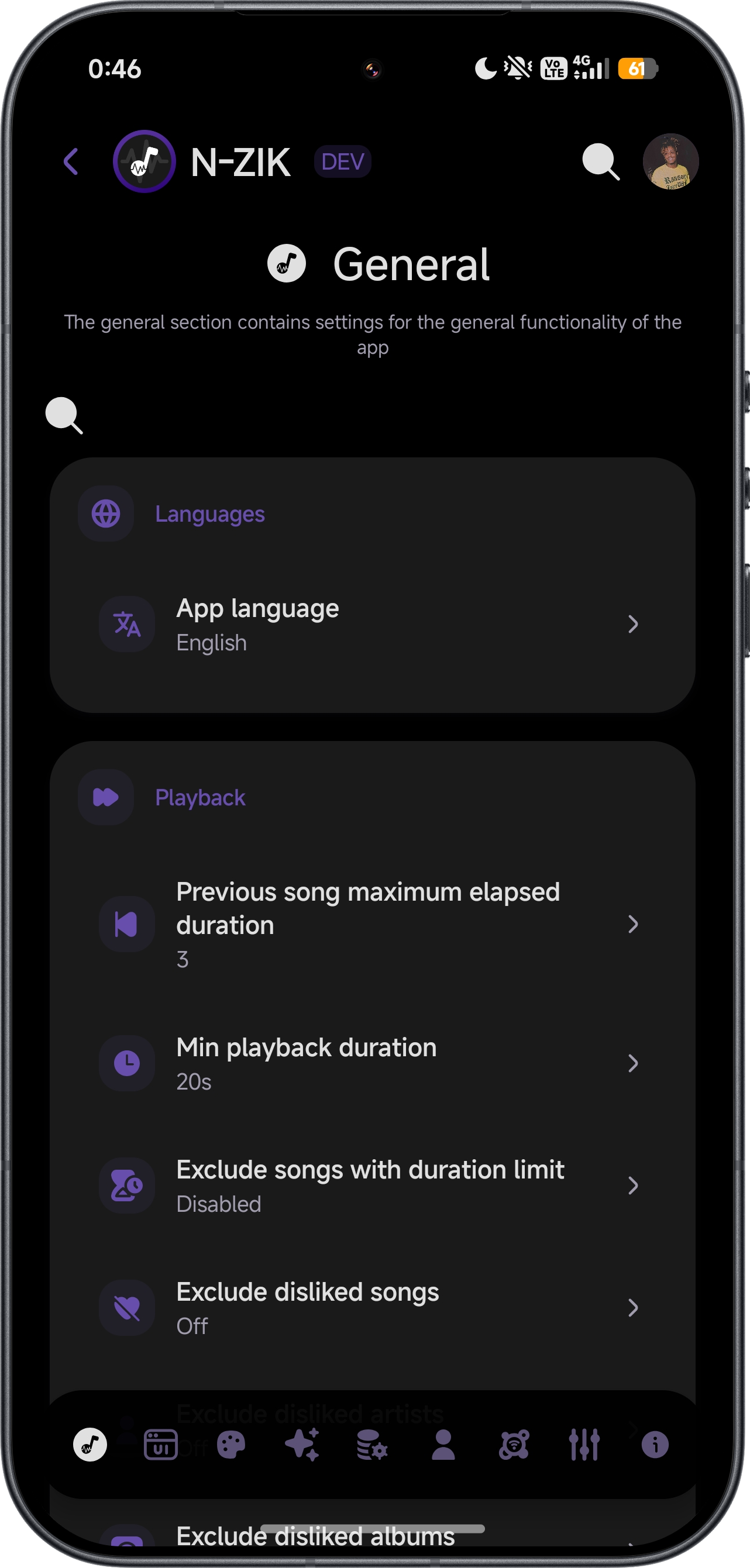
⚙️ Settings
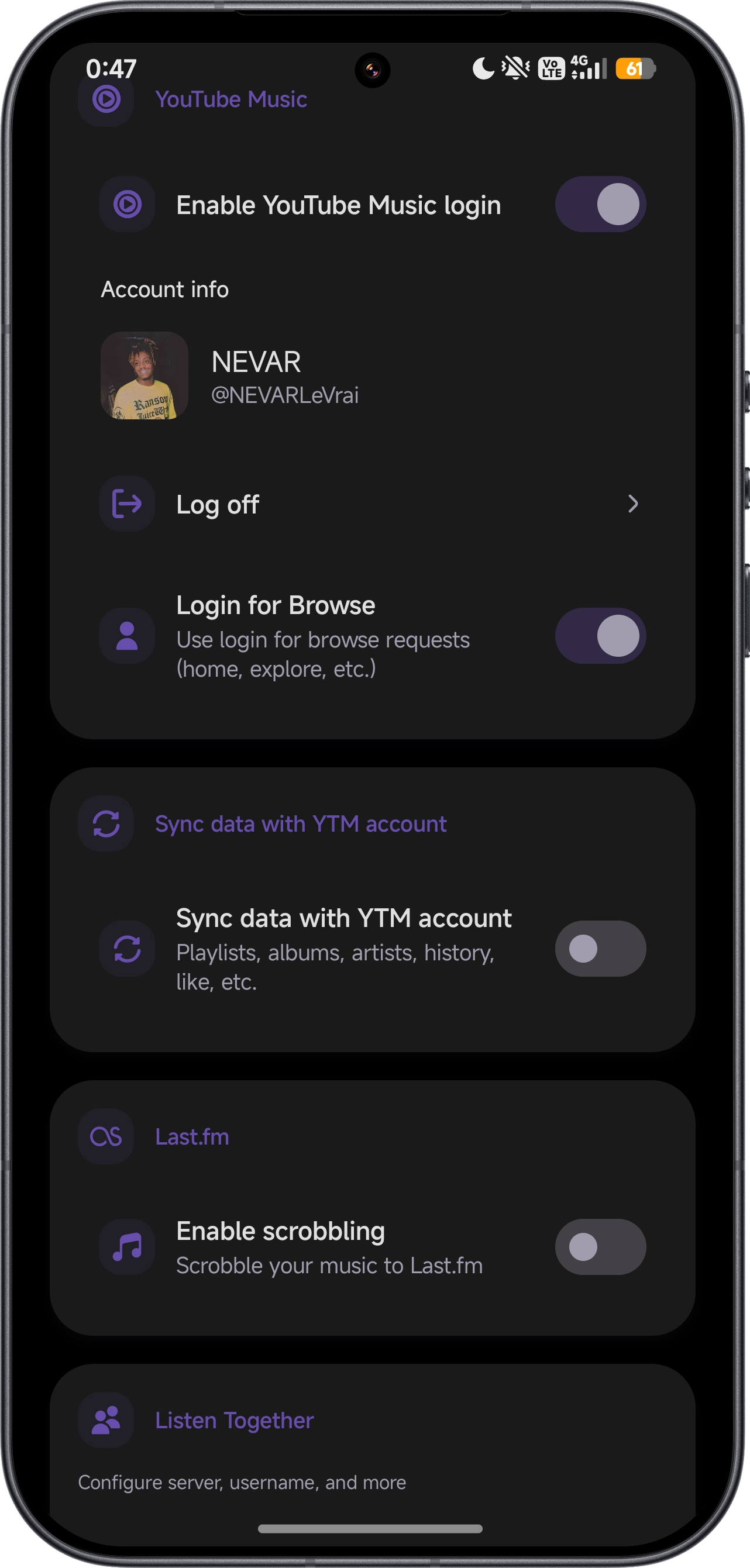
🕹️ Discord
⬇️ Auto Update
🗓️ Rewind
📺 Other Android Platforms
🪟 Widgets
🌐 Translations
Overall

Translation Progress

Contributors


🌍 Help Translate
Want to:
- Translate into a new language?
- Improve an existing translation?
- Fix typos or inconsistencies?
Join us on Crowdin!
Android UI sources are in the thematic catalogs. Store listing sources are in Fastlane. Submit translations through Crowdin.
❓ Don't see your language?

🤝 Contributing
See CONTRIBUTING.md for setup, verification and pull requests.
👀 Status

🛠️ Build & Deployment


🔄 Automation & Maintenance


👥 Contributors





🎖️ Credits
View N-Zik credits and licenses
Made with ❤️ by the N-Zik Group community · Project license: GPLv3 - see LICENSE
In the app, open Settings > About > Credits.
⚠️ Disclaimer
N-Zik and its contents are not affiliated with, funded, authorized, endorsed by, or in any way associated with YouTube, Google LLC, or any of its affiliates or subsidiaries.
Any trademarks, service marks, trade names, or other intellectual property rights used in this project remain the property of their respective owners.