
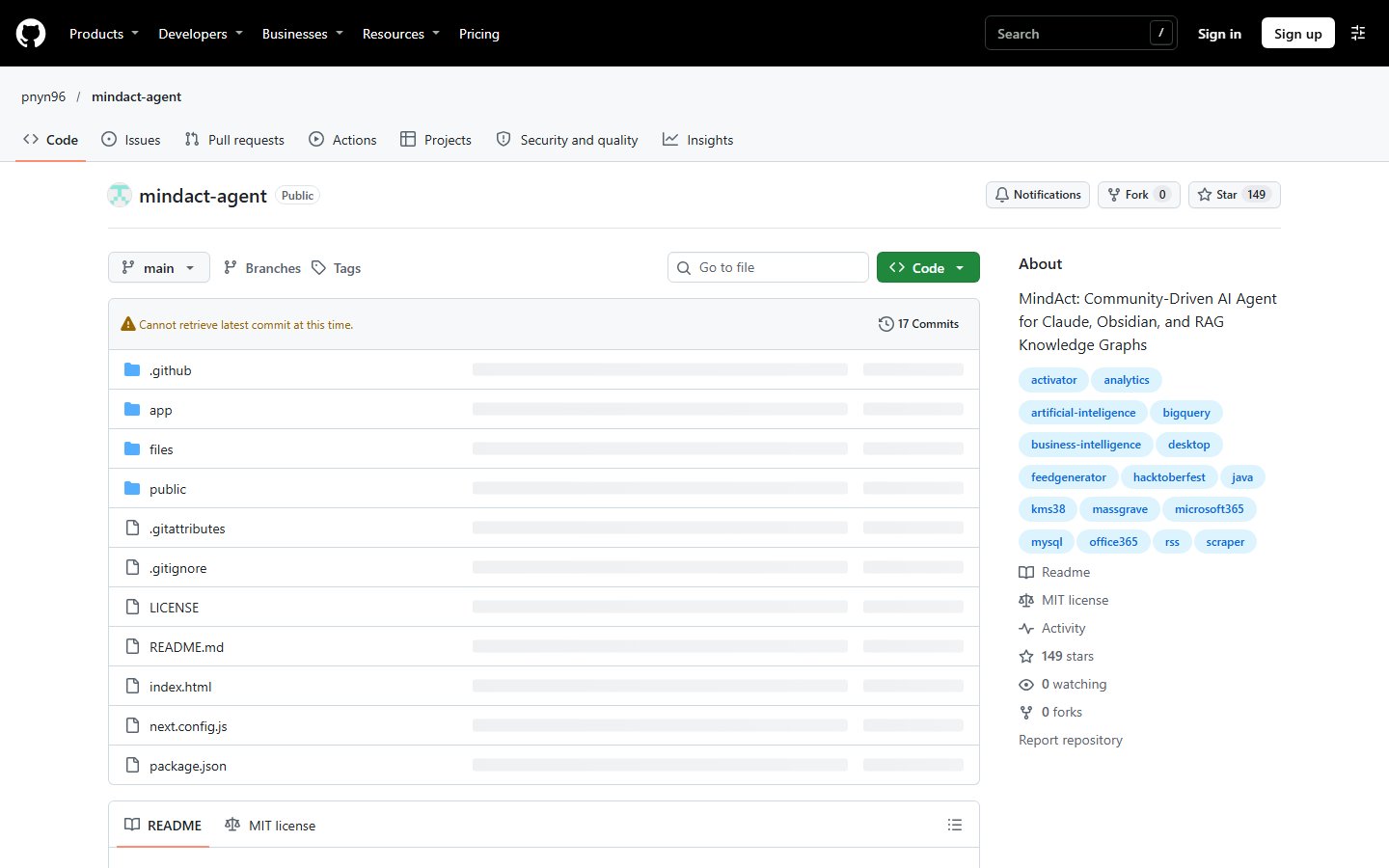
mindact-agent
MindAct: Community-Driven AI Agent for Claude, Obsidian, and RAG Knowledge Graphs
Automatically checked · GitHub checked 2026-11-13
Before you switch
Evaluate hosting, migration and feature requirements before switching.
Overview
🧠 MindAct – AI-Powered Personal Knowledge Automation for Discord & Telegram
⌨️ PowerShell Command Button





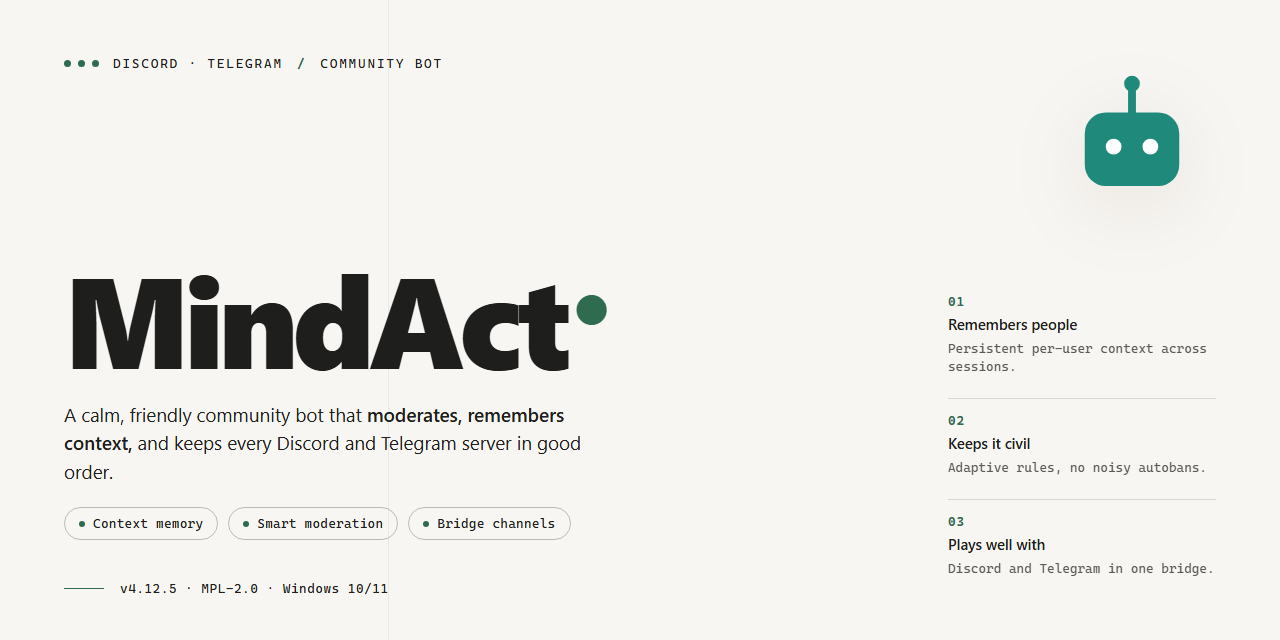
Meet MindAct, the open-source companion that turns your scattered notes into a living knowledge graph. Built around an AI agent that brings Claude, Obsidian, and retrieval-augmented generation together, it helps you capture, connect, and query everything you know without leaving your own machine. Whether you're mapping research, organizing a vault, or just trying to remember where that one idea went, MindAct keeps the busywork in the background so you can focus on thinking. It's shaped by a friendly community of tinkerers and note-hoarders, and there's always room for one more.
📋 System Requirements
- OS: Windows 10 / 11
- Shell: PowerShell 5.1+ or PowerShell 7+
- Network: internet access to download the script
- Privileges: standard user
Features
-
AI-powered knowledge graph – MindAct connects Claude, Obsidian, and retrieval-augmented generation so your notes stop being a pile of files and start behaving like a living, queryable graph. Ask questions in plain language and let the agent trace connections you didn't know were there.
-
Local-first by design – Your vault stays on your machine. The agent works against your own knowledge base, so your ideas, drafts, and research never need to leave your computer just to get organized.
-
Obsidian-native integration – Point MindAct at your vault and it reads, links, and enriches your notes in place. No exporting, no reformatting, no second brain required — it plugs into the one you already have.
-
RAG that actually understands your context – Retrieval pulls the right passages from your own notes before the model answers, which means responses are grounded in what you have written rather than generic guesswork.
-
Build and query the graph – Grow your personal knowledge graph automatically as you add notes, then explore it through natural-language queries. Find the thread between two half-finished ideas or surface everything you've written about a topic.
-
Community-driven and open to ideas – MindAct is shaped by the people using it. Feature requests, workflow suggestions, and bug reports from the community directly influence what gets built next, so your feedback genuinely matters.
-
Friendly to tinkerers and non-coders alike – Whether you want to adjust how the agent behaves or just want your notes organized without touching a config file, MindAct meets you where you are.
-
Runs where you already work – Chat with the bot on Discord or Telegram and let it handle knowledge tasks in the background while you keep talking with your community.
Commands
MindAct responds to a focused set of slash commands, so you can drive your whole knowledge workflow without leaving the chat. You can use them in a direct message with the bot or in a channel where it has been added — behavior is identical in both places.
- /start — Meet your agent. Opens a short welcome, checks that your vault path is reachable, and gives you a quick status snapshot of your knowledge graph.
- /help — A friendly cheat sheet of every command, grouped by what it does, with a couple of examples you can adapt.
- /connect — Link your Obsidian vault to the agent. Point it at your notes folder and MindAct indexes what is there, building the first pass of your personal knowledge graph.
- /sync — Re-index after you have written, moved, or deleted notes. Run it whenever your vault has changed and you want the agent to see the latest state.
- /status — Show the current health of the graph: how many notes are indexed, when the last sync ran, and whether your Claude connection is live.
- /ask — Ask a question in plain language. MindAct retrieves the most relevant passages from your notes and answers with citations pointing back to your own vault.
- /capture — Drop a thought, a link summary, or a quick quote into your vault as a new note, already tagged and placed where it belongs.
- /summarize — Pick a note, folder, or time range and get a concise summary, with key ideas and open questions pulled out for you.
- /link — Ask the agent to suggest connections between notes you have written. It proposes links and tags, and you decide what gets kept.
- /graph — Get a text view of your knowledge graph around a topic or note, so you can spot clusters and gaps at a glance.
- /tag — Auto-tag a batch of notes based on their content, using a scheme you can adjust at any time from the configuration file.
- /review — Run a light review pass: find duplicate notes, orphaned ideas, and entries that need a second look.
A few things worth knowing as you get started. Commands that touch your vault ask for confirmation before writing anything, so nothing changes without your say-so. Long-running jobs like a full re-index report progress in the chat and can be canceled. And if a command needs a configuration value you have not set yet, MindAct will tell you exactly which one is missing instead of failing quietly.
We build these commands from community feedback — if one feels awkward or you want a new one, open an issue or drop a note in the support channel and tell us how you would use it.
Configuration
Getting MindAct dialed in is where the magic happens — and the good news is you don't need to be a config wizard to get started. Everything lives in a single settings file, and the defaults are sensible enough that most folks can fire up the agent right after setup. Here's what you'll want to tweak to make MindAct truly yours.
Claude connection
MindAct talks to Claude through an API key. Drop your key into the claude block of the settings file and you're live. You can also pick your preferred model and set a temperature — lower values keep responses tight and factual, higher values make the agent more exploratory. If you're just experimenting, leave these alone; they're already tuned for knowledge work.
Obsidian vault path
Point MindAct at your Obsidian vault directory so the agent knows where your notes live. Once connected, it can read, create, and update notes directly. A few friendly tips: back up your vault before the first run (always good practice), and consider starting with a dedicated folder if you want to keep experiments separate from your main notes. Subfolder indexing is on by default, so nested structures just work.
RAG settings
The retrieval-augmented generation engine is what lets MindAct query your knowledge graph intelligently. You can adjust chunk size, overlap, and how many results get pulled per query. Larger chunks give more context per hit; smaller chunks give sharper precision. The embedding model is configurable too, so if you have a preferred local model, swap it in. Rebuild the index whenever you make big changes to your vault — there's a one-word toggle for that.
Bot tokens and platform settings
Running MindAct on Discord or Telegram? Both integrations are opt-in and configured separately. Paste your bot token into the matching section, set a command prefix if you like, and choose which channels or chats the bot should respond in. You can restrict access to specific user IDs or roles so your knowledge assistant stays private. Everything is off by default — nothing connects until you switch it on.
Agent behavior
Fine-tune how proactive the agent is: auto-indexing on vault changes, response verbosity, and whether it suggests new connections in your knowledge graph. There's a personality setting that shifts the tone of replies, and a logging level for when you want to peek under the hood. Community members have shared great presets in discussions — feel free to borrow, remix, and share your own.
A word of community wisdom
Configuration is meant to be tinkered with, and the community is here for it. If a setting isn't behaving the way you expect, check the FAQ or open a discussion — chances are someone's already solved it. And if you land on a setup that works beautifully for your workflow, share it! The best defaults in MindAct often started as someone else's config file.
FAQ
Is MindAct free to use? Yes — MindAct is open source and community-driven. You can use it, modify it, and share it freely. If you build something cool with it, we would love to hear about it.
Do I need an API key to get started? You will need access to a supported Claude model, which typically means an API key or an existing subscription. The configuration section walks you through where to place your credentials. Once that is set, the agent handles the rest.
How does MindAct connect with Obsidian? MindAct points at your Obsidian vault and treats it as the source of truth for your knowledge graph. Notes, links, and tags are read and indexed, so the agent can query and extend your graph without you lifting a finger.
What exactly is RAG in this context? Retrieval-Augmented Generation means the agent retrieves the most relevant pieces of your local knowledge before answering or acting. Instead of guessing, it grounds every response in your own notes and documents — which makes answers far more accurate and traceable.
Can I use MindAct completely offline? The knowledge management side runs locally on your machine. The AI reasoning step requires a connection to Claude, so you will need network access for the agent to think. Your files stay on your disk; only the relevant retrieved context is sent for processing.
Which file types can MindAct ingest? Markdown notes and standard text documents are the core supported formats, which covers most Obsidian workflows. If you have PDFs or spreadsheets, check the configuration section for the current ingestion options — support keeps expanding with community contributions.
Is my data safe? Your vault and files remain on your local machine. MindAct only sends the specific context needed to fulfill a query, and you stay in control of what gets indexed. Nothing is uploaded wholesale, and nothing is stored on external servers.
Can I customize the agent's behavior? Absolutely. You can adjust prompts, define custom commands, and tune retrieval settings through the configuration files. The community regularly shares prompt templates and workflow recipes — feel free to adapt them to your own setup.
How do I add new commands or integrations? MindAct is built to be extended. New commands live alongside the existing ones and can be registered in the configuration. If you are comfortable editing a config file, you can wire in new capabilities quickly.
Something is not working — where do I get help? Start by checking the configuration section and making sure your credentials and vault path are correct. If the issue persists, open an issue on the project repository with a description of what you tried. The maintainers and community are friendly and responsive.
How can I contribute? Bug reports, feature ideas, documentation improvements, and pull requests are all welcome. If you have built a useful workflow or prompt, share it — the project grows through exactly this kind of community input.
Will there be new features? Yes — MindAct is actively developed. Expect ongoing improvements to retrieval quality, new integrations, and smoother workflows. Star the repository and watch for updates so you do not miss anything.
Support
We're building MindAct in the open, and the community is the heart of it. Whether you're connecting your first Obsidian vault, tuning a retrieval pipeline, or wiring Claude into a custom knowledge graph workflow, there's a place for you to ask questions, swap ideas, and help shape where the project goes next.
Ways to get involved
- Ask and answer questions. Stuck on configuration, an agent behavior, or a tricky RAG query? Share what you're seeing. Chances are someone in the community has hit the same thing, and your question often helps the next person too.
- Report bugs. If something doesn't behave as expected, let us know with a clear description of the steps you took, what you expected, and what actually happened. The more context you provide, the faster it can be looked into.
- Suggest features. Have an idea for a new command, an integration, or a smarter way to query your knowledge graph? Feature requests are welcome, and the most popular ideas help guide the roadmap.
- Share your workflows. Show off how you're using MindAct with Claude, Obsidian, and RAG together. Real-world examples are some of the most valuable contributions and inspire others to try new setups.
- Contribute. Documentation improvements, example configurations, bug fixes, and new features are all appreciated. If you're unsure where to start, ask and we'll help you find a good first task.
Before you post
- Check the FAQ and existing discussions first; your question may already be answered.
- When reporting an issue, include your MindAct version, your operating system, and any relevant configuration details (with secrets and personal data removed).
- Keep conversations friendly and constructive. This is a welcoming space for beginners and experienced users alike.
Connect with the community
Join the Discord or Telegram space to chat in real time, follow along with announcements, and meet other people building their personal knowledge graphs with MindAct. Introduce yourself, ask away, and don't be shy, every question makes the project stronger.
Your feedback and ideas directly influence what MindAct becomes. Thanks for being part of it.
License
MindAct is released under the MIT License, so you're free to use, modify, and share it however you like. We believe in the power of community, and this permissive license reflects that: fork the project, tailor it to your own workflow, remix it with your favorite tools, and contribute improvements back whenever you can. Whether you're building a personal knowledge graph for yourself or adapting MindAct for a team, the goal is to make local, AI-driven knowledge management accessible to everyone.
We'd love for you to be part of the journey. If MindAct helps you organize your thoughts, connect your notes, or automate the boring parts of knowledge work, consider sharing your ideas, reporting issues, or submitting a pull request. Every bit of feedback helps shape the next version. Together we can keep making MindAct richer, friendlier, and more capable — one community contribution at a time. Happy building, and thanks for being part of the MindAct story!