
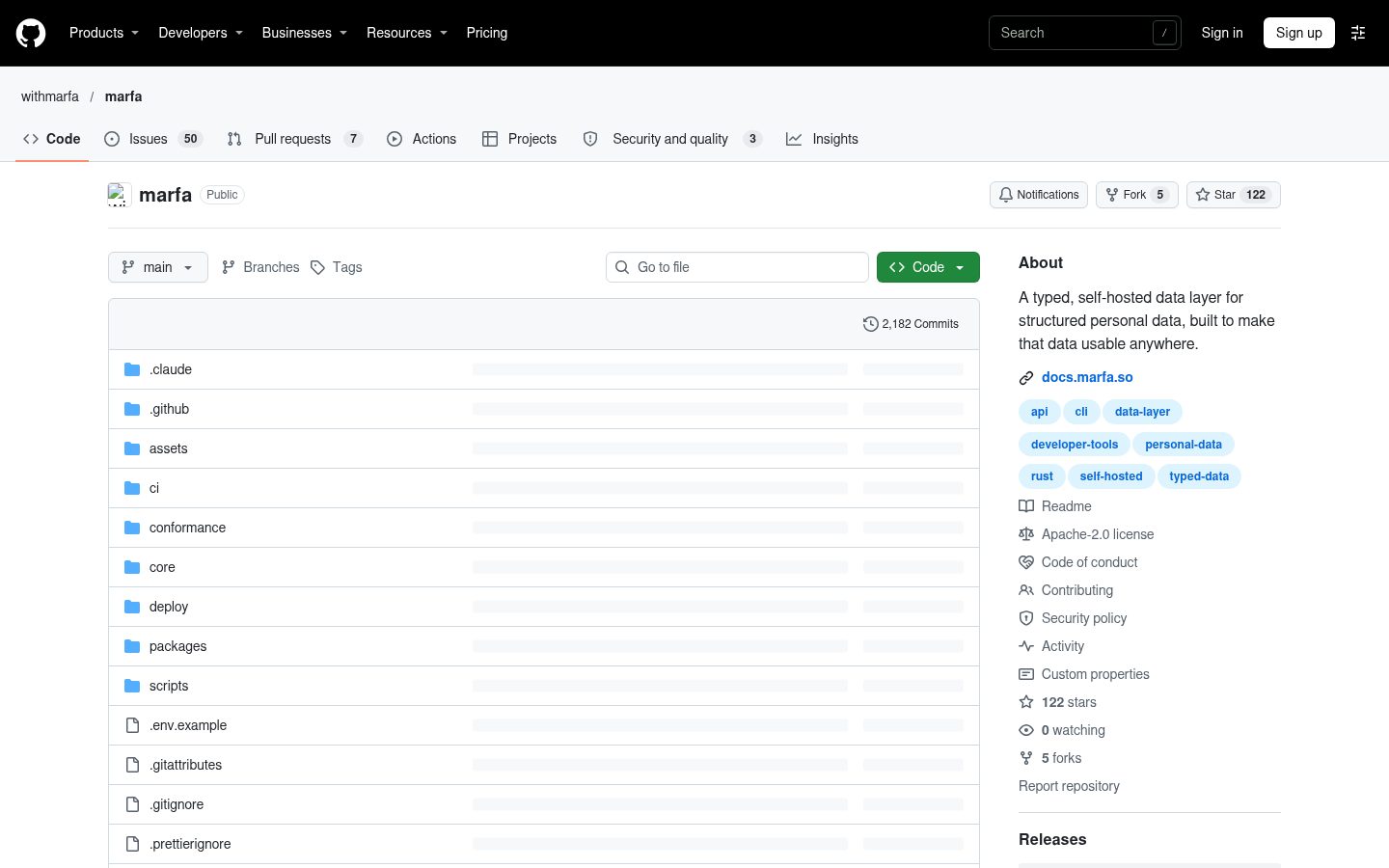
marfa
A typed, self-hosted data layer for structured personal data, built to make that data usable anywhere.
Automatically checked · GitHub checked 2026-11-12
Overview
Marfa




Early project. Marfa is at version 0.0.x. Things will change without notice, and nothing is stable yet.
Marfa is a home for your personal data that you run yourself. You keep your notes, tasks, reading and other records in one place, in a structure you choose, and any app, script or AI agent you trust can use them. As agents take on more of the typing, apps matter more as ways to look at and use your data than as places that hold it, so your data should not live inside one.
- Your structure. Define the kinds of things you keep and how they link. Marfa checks everything against them.
- Open to every app. Apps from WithMarfa use the same interface as anything you build.
- Bring data in. Connectors pull in data from other services. GitHub, Todoist and RSS exist today.
- Use it from anywhere. A command-line tool, a TypeScript SDK and a Swift SDK, all built on one HTTP API.
- Works offline. Apps built on the Swift SDK keep a copy of the data they need on the device and send their changes when they can reach your instance again.
- Open source. Marfa is licensed under the Apache License 2.0. If you are interested, open an issue and say hello.
The documentation is at docs.marfa.so.
How it fits together

One running Marfa server and its data is an instance, and it belongs to one person, its owner. It keeps everything in one SQLite database and a folder of files, so there is no database server to set up. Everything else runs outside the server and reaches it over its HTTP API, with a credential that reaches only the data it was given.
- Native clients embed the Rust core in
core/. It sends their requests, and it can keep a local working copy of the data a client needs and a queue of its writes, so the client keeps working offline. The Swift SDK and themarfaCLI are built on it. The Node binding incore/bindings/nodeis what the contract's device fixtures drive; it is not published to npm. Most CLI commands, such as the ones scripts and AI agents run, go straight to the API;marfa devicekeeps a working copy, andmarfa folderskeeps a folder on your computer in step with the instance, one Markdown file for each note. - Online clients send each request straight to the API, usually through the TypeScript SDK,
@withmarfa/client. The connectors for Todoist, RSS and GitHub are built this way.
The instance is the source of truth. Clients never talk to each other, only to the instance, and the instance decides what happens when two of them change the same thing. How Marfa works explains each part.
Run your own instance

The Railway template creates the server and a volume for its data, and generates the server's secrets. Railway bills the service and its storage to your workspace. Create a personal Marfa instance on Railway has the steps, including claiming the instance.
To run Marfa on a computer you own or in a container of your own, follow Deploy.
Try it locally
You need a Mac with Apple silicon, or Linux on x86_64 or arm64. Install the marfa command line and the marfa-server program from the latest release:
curl -fsSL https://raw.githubusercontent.com/withmarfa/marfa/main/scripts/install.sh | sh
The script checks the download against the release's checksums and puts both programs in ~/.local/bin. If that folder isn't on your PATH, the script says how to add it.
Then set up a server that only this computer can reach:
marfa server install --access local
The server runs as a service: a launchd agent on a Mac, or a systemd service on Linux. It answers at the address the command prints, which is http://localhost:8600 unless that port is taken. Its data and settings are in ~/marfa-server. The server's two secrets are in ~/marfa-server/marfa.env: keep a copy of that file somewhere safe, because the data needs them and they aren't stored anywhere else.
A new instance has no owner. The command prints a link that works once, for five minutes: open it and choose the owner's email and password. Claiming the owner signs you in and closes setup permanently. To get a new link, run marfa server install again. marfa server status shows whether the server is running and healthy, marfa server uninstall removes the service and keeps the data, and marfa server install --help lists the other ways to reach the server.
The Quickstart continues from here: it makes a key, and writes and reads your first note. To work on Marfa itself, read CONTRIBUTING.md.
What is here
| Path | What it is |
|---|---|
@withmarfa/types | Core type and edge JSON schemas; emits the runtime registries |
@withmarfa/client | The TypeScript SDK, generated from openapi.json |
core/ | The Rust engine every native client embeds: a working copy, a queue, the marfa binary, and the Swift and Node bindings |
conformance/ | The contract: black-box fixtures and the written specification under conformance/spec/ |
deploy/ | The container image and the Railway template's guide |
What is authoritative
The committed openapi.json and the contract in conformance/ are what the server is held to. Where the server and either of them disagree, whichever is wrong is fixed.
- The contract:
conformance/spec/, withcoverage.mdnaming the fixture behind every published operation. - The vocabulary:
GLOSSARY.md. - Conventions and workflow:
CONTRIBUTING.mdandAGENTS.md. - The published HTTP surface:
openapi.json, edited directly, with the server held to it in CI.