
MahApps.Metro
A framework that allows developers to cobble together a better UI for their own WPF applications with minimal effort.
Automatically checked · GitHub checked 2026-11-15
Overview
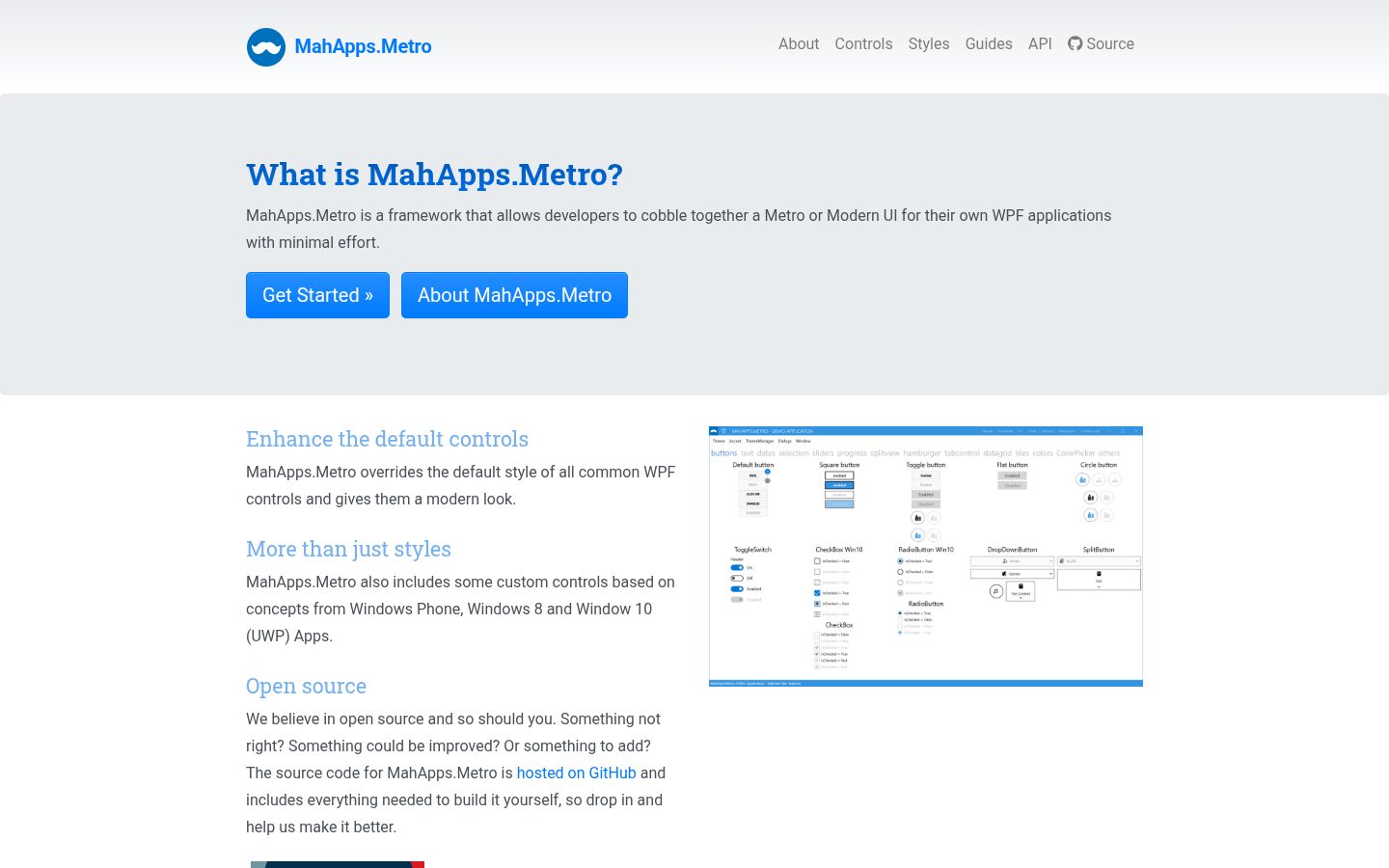
A toolkit for creating awesome WPF applications. Lots of goodness out-of-the box. MahApps.Metro is a UI toolkit for WPF. It takes the standard WPF controls, the ones you already use, gives them a clean and modern look, and adds the pieces WPF never shipped: a proper window chrome, a theming engine, dialogs that do not block, and a set of navigation controls. The project started on 29 January 2011, is MIT licensed, and has been part of the .NET Foundation since 2020. More than 160 people have contributed to it. It restyles what you already have. Most UI libraries ask you to swap your controls for theirs. MahApps.Metro does the opposite: reference it, merge two resource dictionaries, and your existing Button, TextBox, DataGrid and TreeView are restyled in place. No rewrite, no new control names, no vendor lock-in on your XAML. A window that looks like an app. MetroWindow replaces the Windows title bar with one you control: your own commands to the left and right of the title, a coloured glow border, an overlay for dialogs, and flyouts that slide in from any edge. Theming is a first-class feature. A theme is a base theme (Light or Dark) plus an accent colour, switchable at runtime, and ThemeManager can follow the Windows accent colour and the system light/dark setting. You can generate your own themes from the same scheme the built-in ones use. Helpers instead of subclasses. Watermarks, clear buttons, per-control corner radii, spell-check styling and selected-item brushes arrive as attached properties such as TextBoxHelper.Watermark, so you attach behaviour to a stock control instead of inheriting from a special one. - Windows and chrome: MetroWindow with custom title-bar commands and glow borders, MetroNavigationWindow for page-based navigation. - Navigation: a HamburgerMenu for the side-bar pattern, a SplitView underneath it, flyouts from any edge, and animated tab controls. - Dialogs: message, input, login and progress dialogs shown as an overlay inside your window instead of a blocking modal. They are awaitable and usable from a view model. - Input and data: ColorPicker, DateTimePicker, NumericUpDown, MultiSelectionComboBox, HotKeyBox and a restyled DataGrid.