
ios
You can start by forking this repository and creating pull requests on the develop branch.
Automatically checked · GitHub checked 2026-11-17
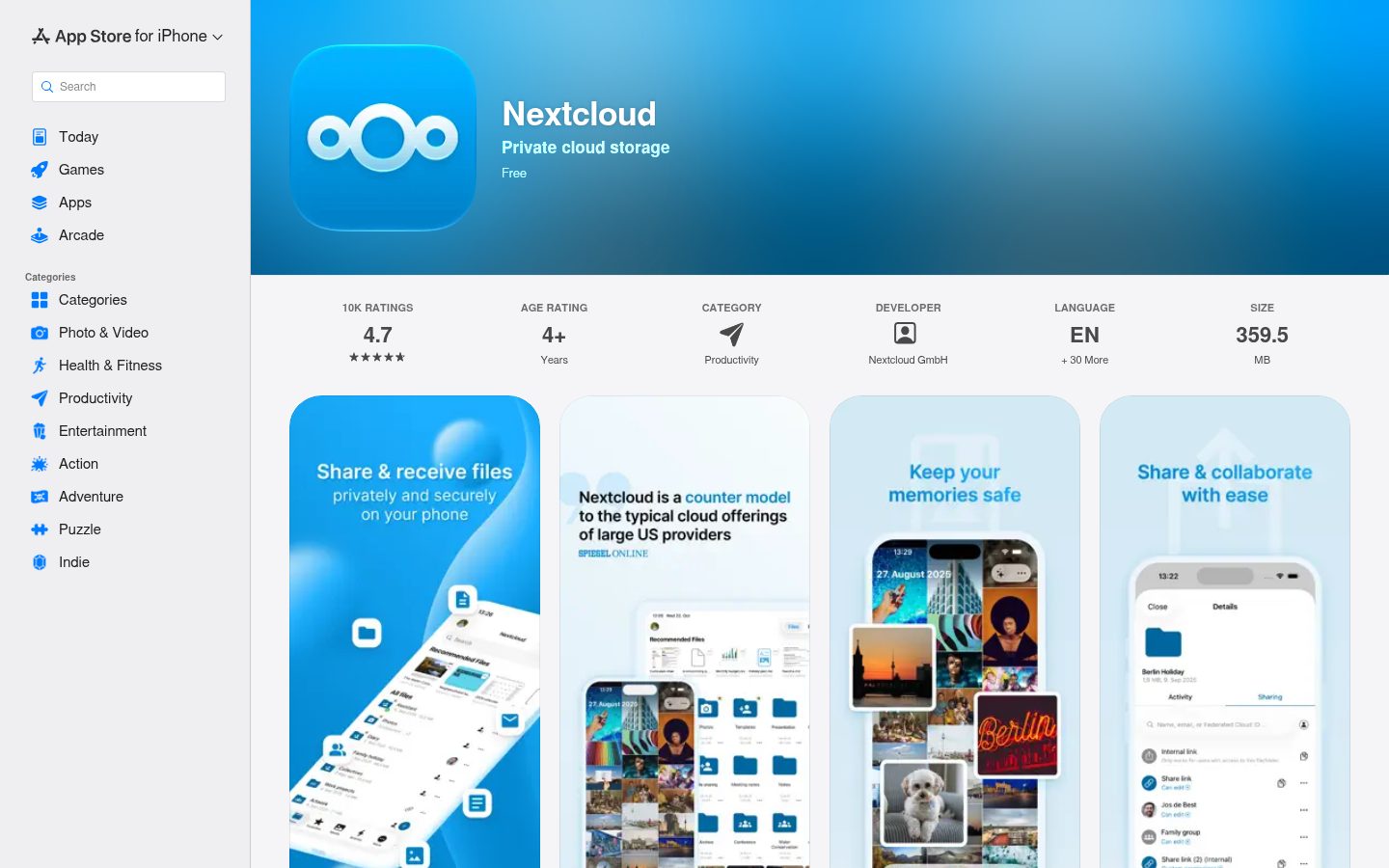
Overview
Nextcloud iOS app


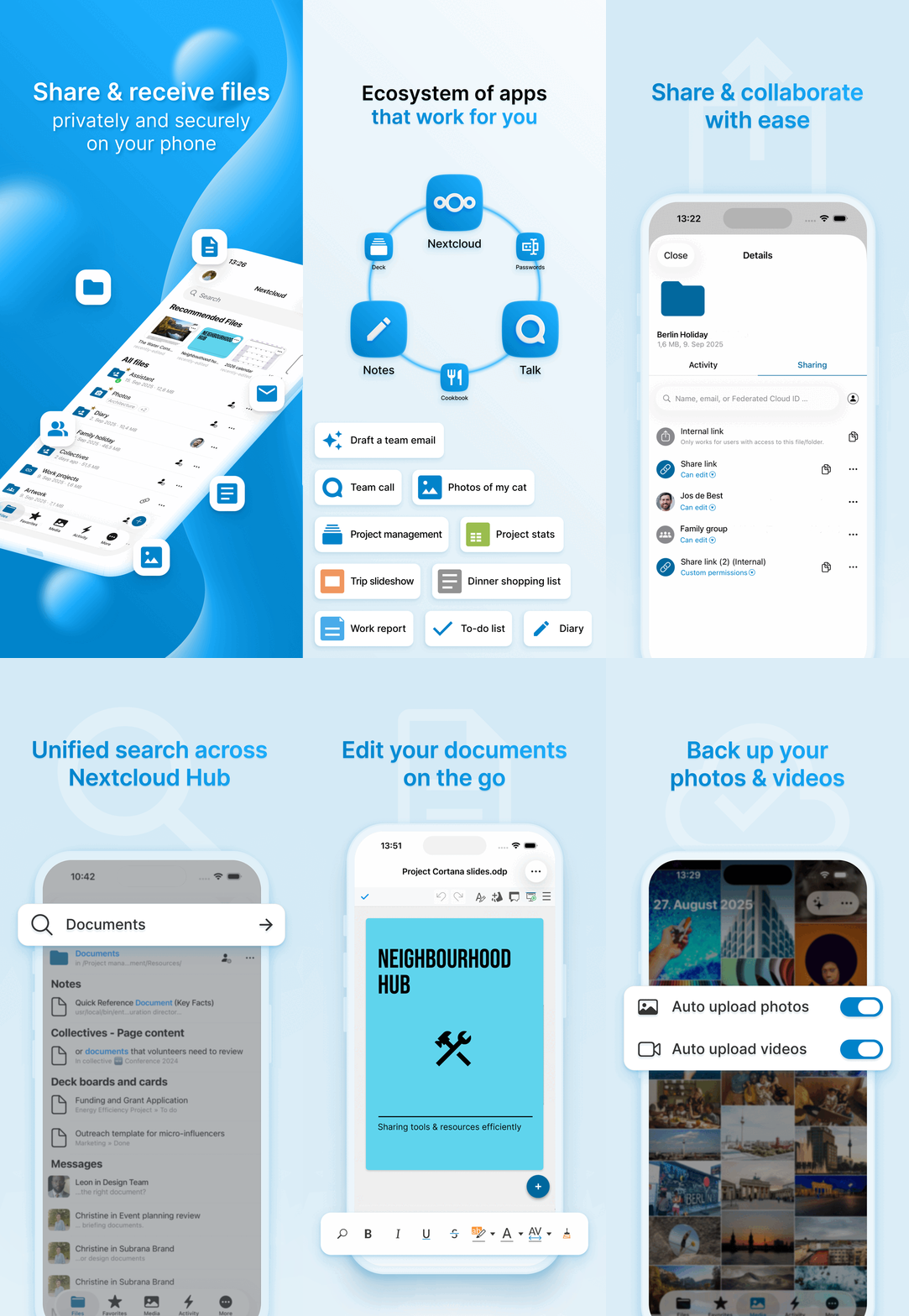

Check out https://nextcloud.com and follow us on twitter.com/nextclouders
How to contribute
If you want to contribute to Nextcloud, you are very welcome:
- our forum at https://help.nextcloud.com/c/clients/ios
- for translations of the app on Transifex
- opening issues and PRs (including a corresponding issue)
Contribution Guidelines & License
GPLv3 with Apple app store exception.
Nextcloud doesn't require a CLA (Contributor License Agreement). The copyright belongs to all the individual contributors. Use SPDX headers for source files, preserving existing contributor credits and adding your own when making substantial changes:
// SPDX-FileCopyrightText: Nextcloud GmbH
// SPDX-FileCopyrightText: <year> <your name>
// SPDX-License-Identifier: GPL-3.0-or-later
Please read the Code of Conduct. This document offers some guidance to ensure Nextcloud participants can cooperate effectively in a positive and inspiring atmosphere, and to explain how together we can strengthen and support each other.
More information how to contribute: https://nextcloud.com/contribute/
Start contributing
You can start by forking this repository and creating pull requests on the develop branch. Maybe start working on starter issues.
Easy starting points are also reviewing pull requests
Xcode 27.2 Project Setup
Open Nextcloud.xcodeproj; package dependencies are managed by Swift Package Manager. The CI toolchain and simulator destination are defined in .github/workflows/xcode.yml (currently Xcode 27.1 and iPhone 17 with iOS 27.0).
Dependencies
In order to build the project in Xcode you will also need a file GoogleService-Info.plist at the root of the repository which contains the Firebase configuration. For development work you can use a mock version found here.
Creating Pull requests
DCO Signoff
Nextcloud enforces the Developer Certificate of Origin (DCO) on Pull Requests. It requires your commit messages to contain a Signed-off-by line with an email address that matches your GitHub account.
How to Sign off
The DCO is a way for contributors to certify that they wrote or otherwise have the right to submit the code they are contributing by adding a Signed-off-by line to commit messages.
My Commit message

Signed-off-by: Random Contributor <[email protected]>
Git even has a -s | --signoff command line option to append this to your commit messages automatically.
Support
If you need assistance or want to ask a question about the iOS app, you are welcome to ask for support in our Forums. If you have found a bug, feel free to open a new Issue on GitHub. Keep in mind, that this repository only manages the iOS app. If you find bugs or have problems with the server/backend, you should ask the Nextcloud server team for help!
TestFlight
Do you want to try the latest version in development of Nextcloud iOS ? Simple, follow this simple step
Testing
Note: If a unit or integration test exclusively uses and tests NextcloudKit functions and components, then add that test to the NextcloudKit project instead. NextcloudKit is used in many other projects as an API, and it's better if such tests are located there.
Unit Tests
There are currently no prerequisites for unit testing. Mock everything which is not needed.
Integration Tests
Configure the server URL and credentials in Tests/TestConstants.swift. The defaults are http://localhost:8080 and admin / admin, matching CI.
Local tests use the shallow CI server image through the Docker script below. GitHub Actions instead installs Nextcloud directly on the runner and serves it on port 8080 using PHP. Both currently use the stable30 server branch.
Currently, you still need to launch the server manually once before running any tests locally. This project comes with a convenience script to do so, see or run Tests/Server.sh. Please familiarize yourself with its content before running it to avoid unintended removal of a container named like in the script.
The same instance is reused for all tests. A long term goal is to automatically create and discard container per test to ensure maximum test isolation and a clean test environment. Note that plain HTTP is used in this case to circumvent certificate issues and simplify the sign-in flow in automation.
UI Tests
UI tests also require a Nextcloud server to test against just like integration tests. Important: Additionally, UI tests assume your test device (regardless whether physical or Simulator) is set to US English. This is required because in some parts of the user interface the automation has no other choice than to rely on localized texts for control.