
InstagramToMealie
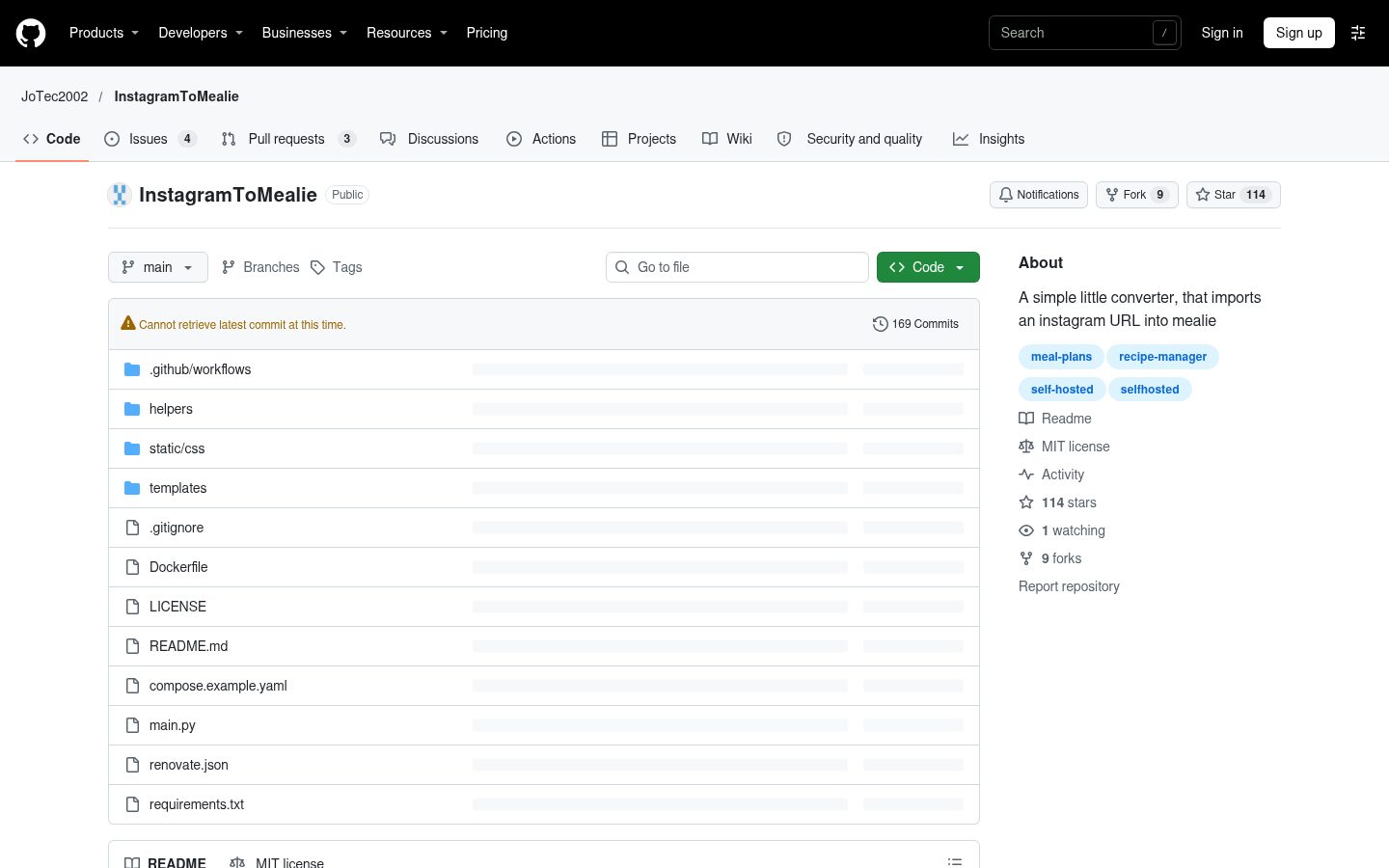
A simple little converter, that imports an instagram URL into mealie
Automatically checked · GitHub checked 2026-11-13
Overview
InstagramToMealie
A simple little converter, that imports an instagram URL into mealie

INSTAGRAM TO MEALIE


Table of Contents
Overview
With InstagramToMealie, you can simply input an Instagram post URL. The project seamlessly integrates with the Mealie API to create a new recipe with an associated image or video assets.
Getting Started
Prerequisites
- Make sure you have OpenAI / Ollama configured in Mealie by navigating to
/admin/debug/openaion your Mealie instance. This project doesn't integrate directly with OpenAI / Ollama, but needs it to be configured in Mealie to work properly. I personally got the best results withqwen2.5:7bas the Ollama Model. - Generate a Mealie API Key (
/user/profile/api-tokens). Mealie Docs You can set it in theMEALIE_API_KEYenvironment variable, or leave that out and let each user log in with their own key in the web UI. - Generate a Instagram Session File (!thats the most tricky step). A helper script is provided in this repo! It's just
copied from the Instaloader Docs.
- Download the script: https://raw.githubusercontent.com/JoTec2002/InstagramToMealie/refs/heads/main/helpers/instaloader_login_helper.py
- Login to Instagram in Firefox
- Execute the snippet:
python ./instaloader_login_helper.py - Copy the file that was generated by the script to a known location. This file will later be mounted to the Docker container. It can be generated on a different system and than copied to the target system.
Installation
Install InstagramToMealie using one of the following methods:
Build from source:
- Clone the InstagramToMealie repository:
❯ git clone https://github.com/JoTec2002/InstagramToMealie
- Navigate to the project directory:
❯ cd InstagramToMealie
- Install the project dependencies:
❯ pip install -r requirements.txt
- Start the server:
❯ python -u main.py
Use the provided Docker image at jotec2002/instagramtomealie
Deploy it via Docker Compose alongside your Mealie installation
Example compose.yaml file using a session file to authenticate:
services:
  mealie:
    image: ghcr.io/mealie-recipes/mealie:v2.1.0
    container_name: mealie
    #Look up in the Mealie Docs for how to use Mealie
  InstagramToMealie:
    image: jotec2002/instagramtomealie
    ports:
      - 9001:9001
    environment:
      INSTA_USER: "instagram username"
      MEALIE_API_KEY: "MEALIE API KEY"            # Optional, users log in from the web UI if omitted
      MEALIE_URL: "YOU LOCAL MEALIE INSTALLATION" # e.g http://mealie:9000
      MEALIE_OPENAI_REQUEST_TIMEOUT: 60           # Optional, default: 60
    volumes:
      - ./session-file:/app/session-file        # The Instagram session file you created in the Prerequisites
    depends_on:
      mealie:
        condition: service_healthy
Example compose.yaml file using a username & password environment variables to authenticate:
[!IMPORTANT] Two-factor authentication (TFA/TOTP) needs to be disabled on the account in order for this method to work. You will probably need multiple attempts to get this to work. Log in on other systems / IPs in parallel to not trip the Instagram bot detection. This is not the recommended way to set up InstagramToMealie.
services:
  mealie:
    image: ghcr.io/mealie-recipes/mealie:v2.1.0
    container_name: mealie
    #Look up in the Mealie Docs for how to use Mealie
  InstagramToMealie:
    image: jotec2002/instagramtomealie
    ports:
      - 9001:9001
    environment:
      INSTA_USER: "instagram username"
      INSTA_PWD: "Cleartext Instagram password"
      MEALIE_API_KEY: "MEALIE API KEY"            # Optional, users log in from the web UI if omitted
      MEALIE_URL: "YOU LOCAL MEALIE INSTALLATION" # e.g http://mealie:9000
      MEALIE_OPENAI_REQUEST_TIMEOUT: 60           # Optional, default: 60
      MEALIE_USE_INSTAGRAM_TAGS: true
Building the Docker image yourself
Configure just like when using the provided Docker image but replace with the following in compose.yaml:
services:
  mealie:
    image: ghcr.io/mealie-recipes/mealie:v2.1.0
    container_name: mealie
    #Look up in the Mealie Docs for how to use Mealie
  InstagramToMealie:
+   build:
+     context: .
+     dockerfile: Dockerfile
+   image: instagramtomealie:latest
    ports:
      - 9001:9001
Usage
- Open in Webbrowser (e.g.
http://instagramtomealie.my-server.com) and just import the Instagram URL into the textfield - Call from an automation (e.g. IOS shortcut) the url
http://instagramtomealie.my-server.com?url=<InstagramURL> - If you need an API which responds with the result of the import, use
POST http://instagramtomealie.my-server.com/apisending the URL as either the request's body in JSON format (preferred,{"url": "<InstagramURL>"}) or as a query param (see previous bullet point). The API responds a JSON in the format:
{
  "recipe_slug": <imported recipe slug>,
  "error": <error message if any error>,
  "url": <Instagram URL which was imported>
}
Authentication without MEALIE_API_KEY
When MEALIE_API_KEY is not set, the web UI asks for a Mealie API key and checks it against Mealie before accepting it. The key is stored in the browser's local storage, with no expiration, until you click "Log off". Opening ?url=<InstagramURL> in a browser that is already logged in imports the post right away; otherwise the URL is kept in the textfield until you log in.
Clients calling the POST /api endpoint need to send their own key in the Authorization: Bearer <Mealie API key> header. When MEALIE_API_KEY is set, it is always used and the header is ignored.
Configuration
MEALIE_URL:                          # Full URL of your Mealie instance (e.g http://mealie:9000, http://192.168.1.2:9000, http://my-mealie.com), required.
MEALIE_API_KEY:                      # API key used to authenticate with the Mealie REST API, optional. If not set, users log in with their own key in the web UI.
MEALIE_OPENAI_REQUEST_TIMEOUT: 60    # The timeout in seconds for OpenAI / Ollama requests, optional, default 60.
MEALIE_USE_INSTAGRAM_TAGS: true      # Embeds tags provided on the Instagram post as tags in Mealie, optional, default true.
INSTA_USER:                          # Instagram username (e.g mob_kitchen), required.
INSTA_PWD:                           # Instagram password in plaintext, optional (if using a session file).
INSTA_TOTP_SECRET:                   # Secret key used for 2FA authentication, optional, not recommended.
HTTP_PORT:                           # Port to use for the Flask HTTP server, optional, default 9001
Contributing
- 💬 Join the Discussions: Share your insights, provide feedback, or ask questions.
- 🐛 Report Issues: Submit bugs found or log feature
requests for the
InstagramToMealieproject. - 💡 Submit Pull Requests: Review open PRs, and submit your own PRs.
Contributor Graph

License
This project is protected under the MIT License. For more details, refer to the LICENSE file.