
imgcompress
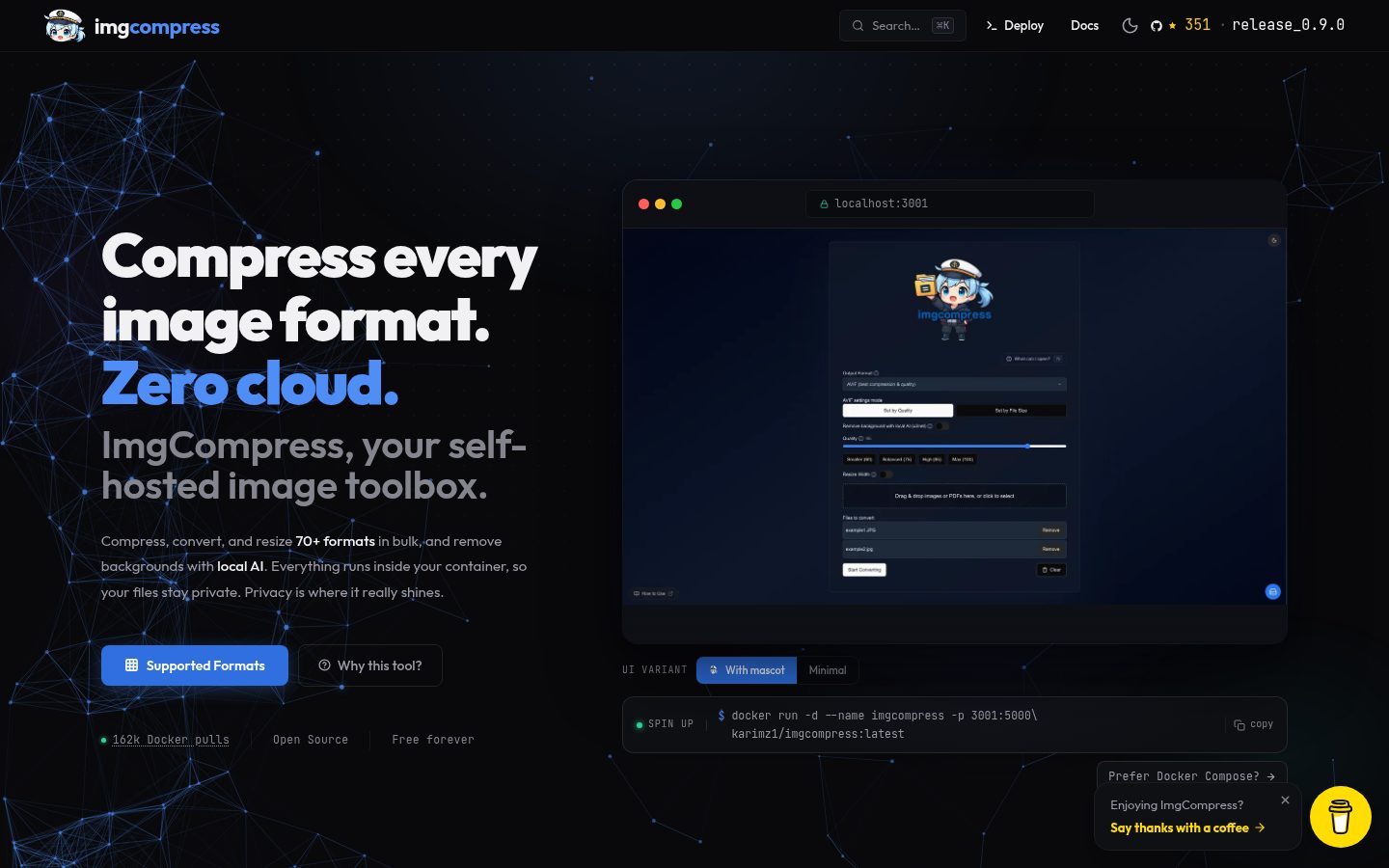
Imgcompress is a self-hosted image processing toolbox that handles compression, format conversion, and AI background removal in a single web interface. It supports over 70 input formats (including PSD, HEIC, and RAW) and can output common formats or generate PDFs, all without sending files to external services.
Automatically checked · GitHub checked 2026-11-12
Overview
Convert 70+ formats, crop per file, compress in bulk, and remove backgrounds with local AI. UI in 12 languages.Everything runs inside your container, so your files never leave your server. ImgCompress is a self-hosted image processing server that runs entirely inside a single Docker container. It handles compression, format conversion, and AI-powered background removal, all locally on your own hardware. No cloud APIs, no third-party uploads, no tracking. Built for people, homelab enthusiasts, and anyone who values privacy and owns their data. Documented features: - 70+ Image Formats (Details: HEIC, HEIF, PSD, AVIF, EPS, PDF, WebP, TIFF, BMP, GIF, and 60+ more). - Local AI Background Removal (Details: Bundled model runs on your CPU. No API key, no subscription, no upload). - Bulk Compression (Details: Multi-core parallel processing across entire photo libraries). - Format Conversion (Details: HEIC to WebP, PSD to JPG, image batches to paginated PDF, and more). - Per-File Cropping (Details: Crop each upload before conversion with ratio presets (Free, 1:1, 16:9, 4:3) or custom pixel dimensions). - Web UI + CLI (Details: Browser dashboard for day-to-day use; CLI for scripting pipelines). - Single Container (Details: Every codec and library pre-bundled, zero host dependencies). - Air-Gap Ready (Details: Once pulled, runs fully offline. No internet required, ever). Stop uploading personal or client photos to cloud-based removers. ImgCompress ships a bundled AI model that runs background removal on your own hardware. No API call, no subscription, no file ever leaves your server. Every upload gets its own crop overlay before conversion. Pick a ratio preset (Free, 1:1, 16:9, 4:3) or type exact pixel width and height. Selections are saved per file, so one batch can mix square thumbnails with 16:9 covers without re-uploading. 1. Drop your images into the upload area as usual. 2. On any file row, click the crop icon to open the editor. 3. Pick an aspect ratio preset (1:1, 4:3, 16:9, …) or set width and height manually. 4. Zoom and crop to frame the shot exactly the way you want it. - HEIC files: Needed another converter for regular photo files.