
Glyph
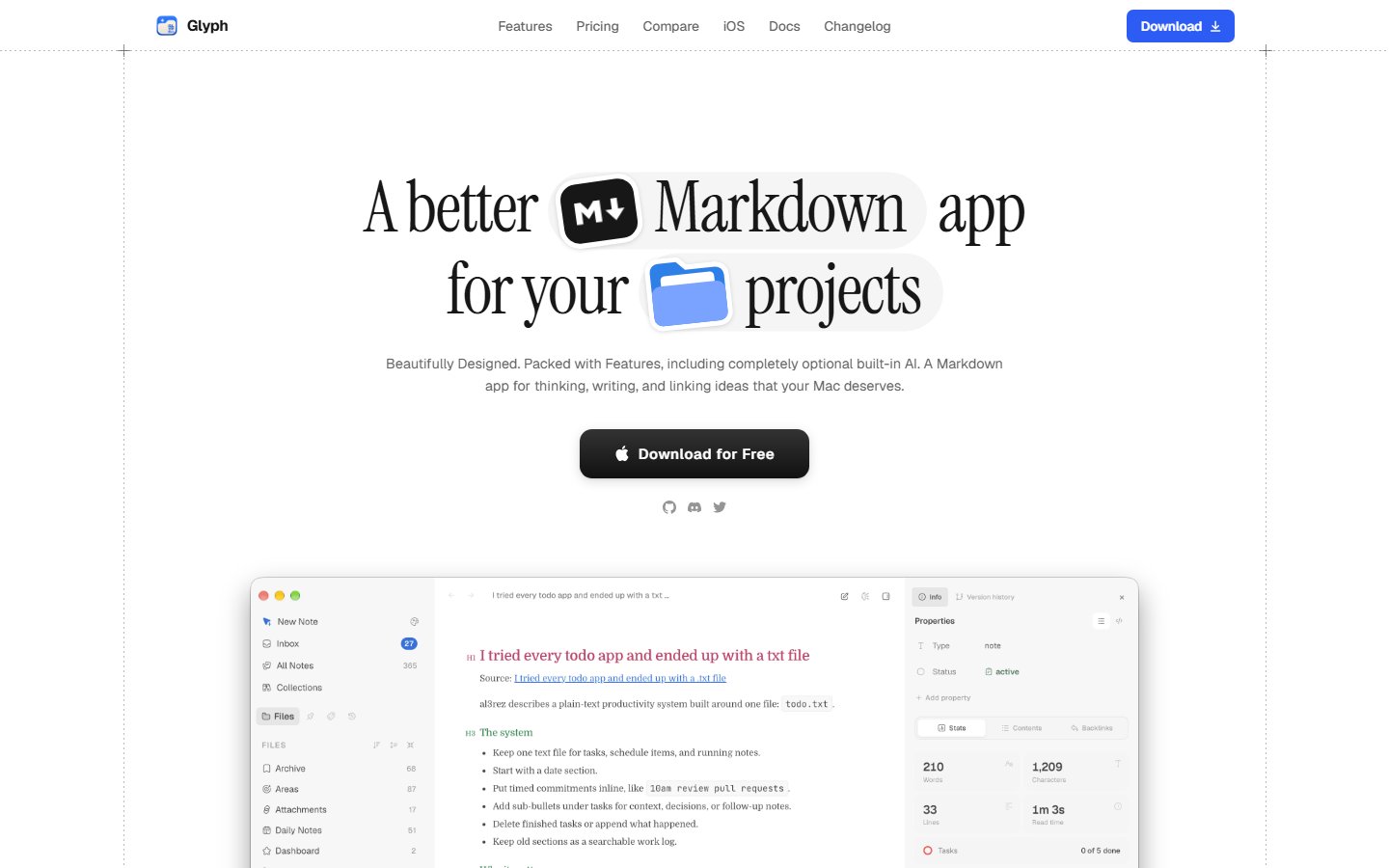
📝 Glyph is a private desktop workspace for notes, documents, and ideas, with Markdown editing and built-in AI tools.
Automatically checked · GitHub checked 2026-11-12
Before you switch
Evaluate hosting, migration and feature requirements before switching.
Overview
Glyph
Offline-first notes for macOS
Your notes are plain Markdown files on your Mac. Glyph makes them fast to write, search, and organize — no account, no server.




Download · Buy a license · Discord
Install
Glyph runs on Apple Silicon Macs.
Homebrew
brew install --cask sidhuk/glyph/glyph
Manual: download the latest .dmg from GitHub Releases and drag Glyph into Applications. The app updates itself.
Official builds include a 7-day free trial, after which a one-time license from Gumroad is required. The source code is AGPL-3.0, so you are also free to build it yourself.
Features
- Plain Markdown on disk — every note is a
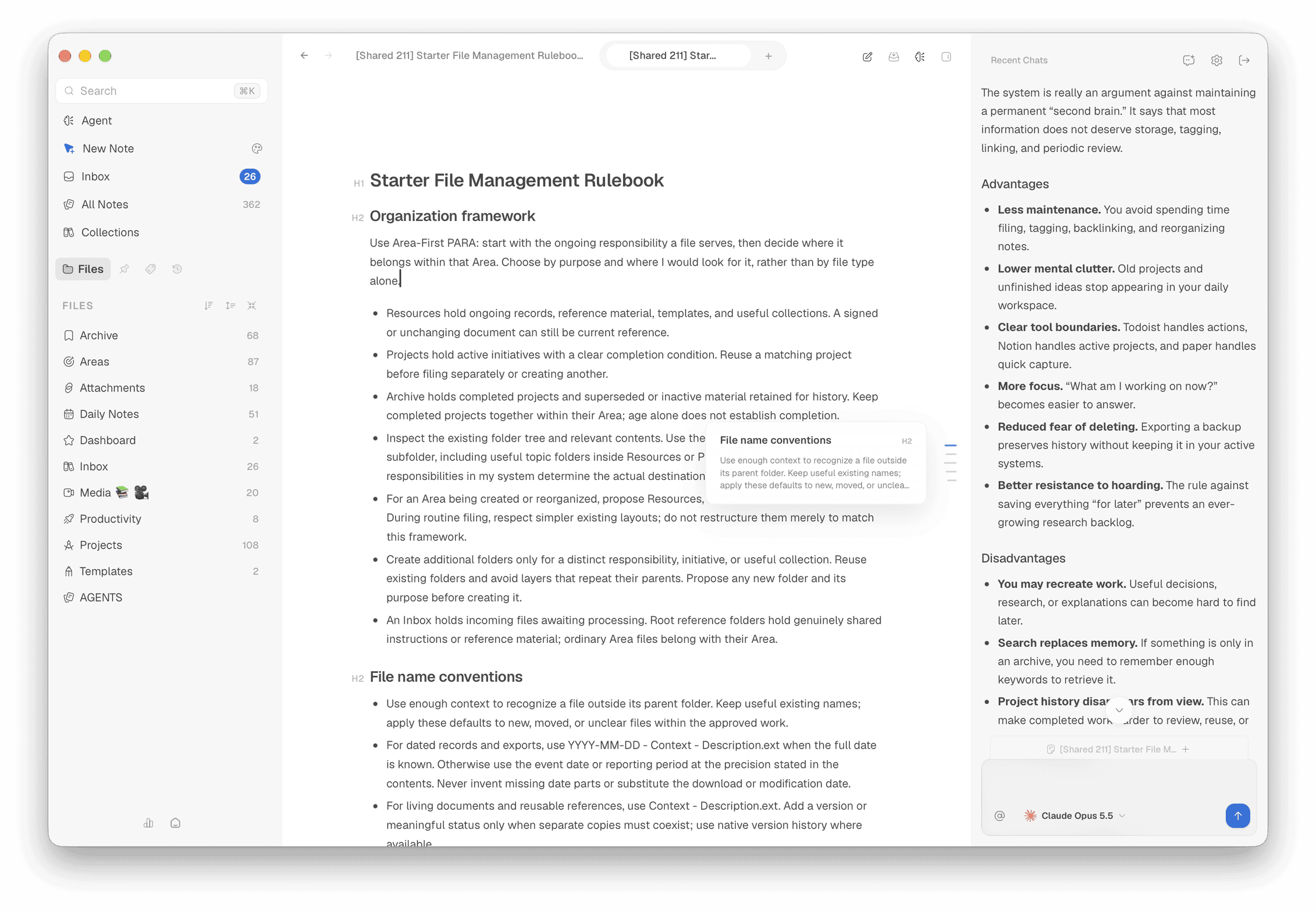
.mdfile in a folder you choose. Open it in any other editor, back it up however you like, leave whenever you want. - Rich editor or raw source — a WYSIWYG editor with tables, task lists, callouts, math (KaTeX), Mermaid diagrams, and code highlighting, plus a CodeMirror source mode with optional Vim keybindings.
- Fast local search — a SQLite index keeps search and navigation instant without your notes leaving your Mac.
- Spaces — keep separate folders of notes, each in its own window.
- Tasks — checklists across all your notes, collected in one place.
- Databases — table views over your notes and their properties.
- Connections — a graph of how your notes link together.
- Daily notes & Quick Note — capture first, organize later.
- Excalidraw drawings — sketch diagrams right next to your notes.
- Export — print or export any note to PDF or Word.
- Git sync — optionally sync a space through your own Git remote.
- Optional AI — chat with your notes using OpenAI, Anthropic, Gemini, OpenRouter, Ollama, or any OpenAI-compatible endpoint, or drive coding agents such as Claude Code and Codex from inside Glyph.
- Localized — English, German, Spanish, French, Japanese, Korean, Polish, and Brazilian Portuguese.
Your data
- Notes are ordinary Markdown files in the folder you opened as a space.
- Space metadata (settings, AI history and API keys, caches) lives in a
.glyph/folder inside that space. - The search index lives in Glyph's Application Support folder. It is derived entirely from your notes and is safe to delete — Glyph rebuilds it.
Glyph has no cloud service and no account. Nothing leaves your Mac unless you turn on a feature that needs the network: AI requests go directly to the provider you configure, Git sync talks only to your own remote, and the app checks GitHub for updates and Gumroad for license activation.
Build from source
Requires macOS on Apple Silicon, Node.js 24, Vite+, Rust stable, and the Xcode Command Line Tools.
vp install
vp run tauri dev     # run the app in development
vp run tauri build   # build Glyph.app
See CONTRIBUTING.md for the full setup and checks.
Built with Tauri 2, Rust, React 19, TypeScript, TipTap, and CodeMirror.
Contributing & support
⚠️ Pull requests are not being accepted right now. Glyph is developed by a single maintainer and unsolicited PRs will be closed. If you've found something crucial, open an issue or reach out on Discord.
- Bugs and feature requests: open an issue.
- Questions and discussion: Discord.
- Security model: see
SECURITY.md. - Release notes: GitHub Releases.
Glyph is macOS only. Windows and Linux are not supported.
License
Glyph's source code is licensed under the GNU Affero General Public License v3.0. Official release binaries are commercially licensed with a 7-day trial.