
Flare
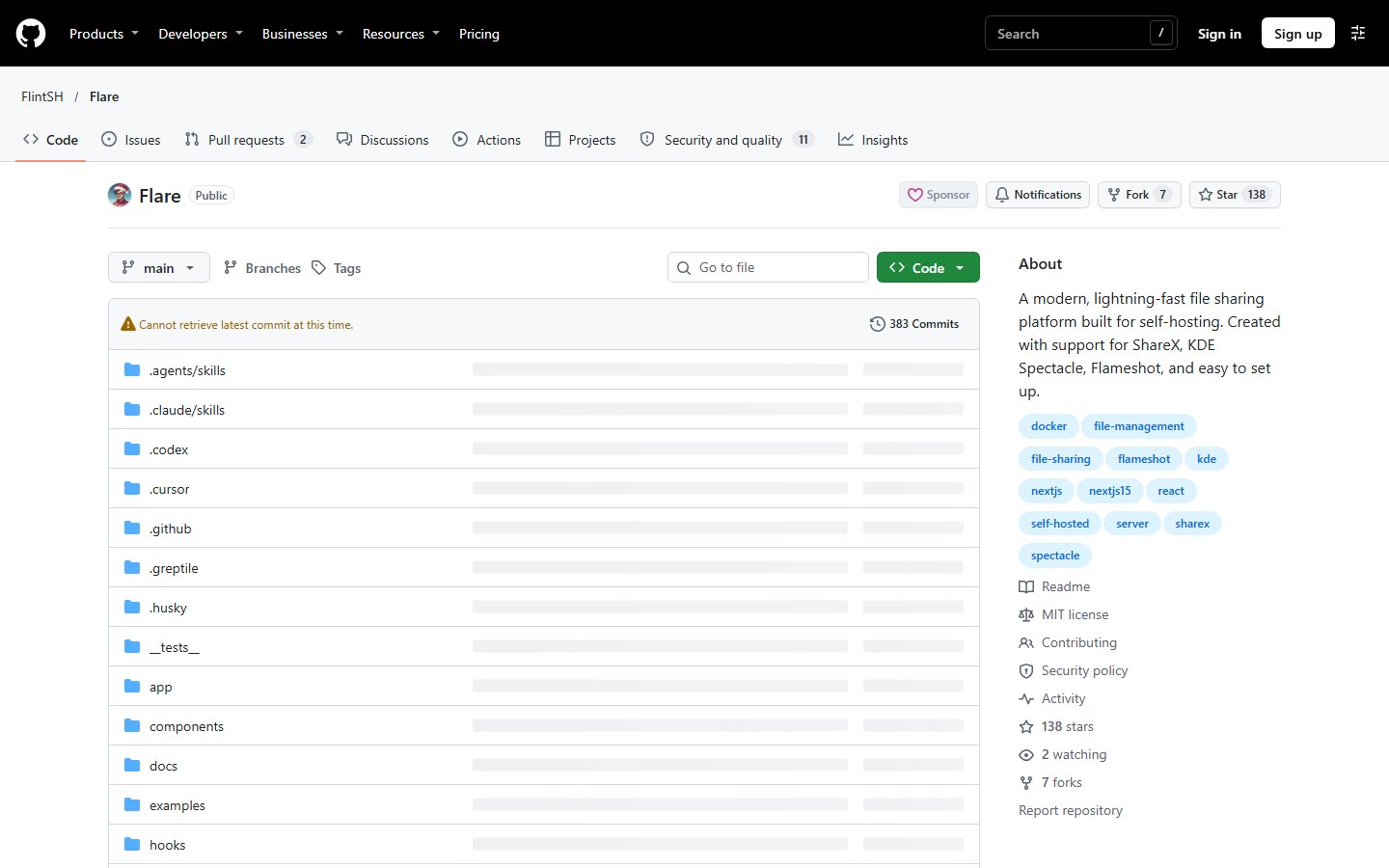
A modern, lightning-fast file sharing platform built for self-hosting. Created with support for ShareX, KDE Spectacle, Flameshot, and easy to set up.
Automatically checked · GitHub checked 2026-11-12
Before you switch
Evaluate hosting, migration and feature requirements before switching.
Overview

Flare
Your own file host for screenshots, files, pastes and short links.




Website · Documentation · Install · Demos · API
Flare runs on your server and your domain. Upload from the browser or straight from ShareX, Flameshot, Spectacle, iTake or a shell script, and share the link. All it needs is PostgreSQL and a container host.

Drop a file, open it, copy the link. Recorded in a real Flare instance with demo data.
What you get
- Uploads from your screenshot tool. Import a ready-made config for ShareX or iTake, download a capture script for Flameshot or Spectacle, or get a Bash uploader. Your upload token is already filled in.
- Links that preview. Image and video links appear on their own in Discord, Slack and other chat apps, or inside a card you write yourself with a site name, author line and accent color. In the browser, images, video, audio, PDFs, CSV files and code open in a clean viewer.
- Pastes and short links. Share code with syntax highlighting, and shorten URLs under your own domain with click counts.
- A library that stays usable. Folders, tags, search that includes text found in images (OCR), and smooth scrolling with a date rail for large libraries.
- Control over every link. Public, private or password-protected files, expiry dates, and shareable folders.
- Room for other people. Invite links, roles and permissions, storage quotas, single sign-on (OIDC), two-factor and passkeys, and an audit log.
- Your look, your storage. Brand the instance and its share pages, and keep files on local disk or any S3-compatible bucket.
- Built to integrate. Scoped API tokens, an OpenAPI description and signed webhooks.
The feature explorer covers each of these with a guide.
Quick start
Railway

Start from the template, check the Railway guide
for storage and domain settings, then open /setup.
Docker Compose
You need Docker with the Compose plugin and OpenSSL.
-
In an empty directory, create a
.envwith two fresh secrets:umask 077 printf 'POSTGRES_PASSWORD=%s\nNEXTAUTH_SECRET=%s\nNEXTAUTH_URL=http://localhost:3000\n' \ "$(openssl rand -hex 32)" "$(openssl rand -hex 32)" > .env -
Expand compose.yaml below and save it in the same directory.
-
Start Flare:
docker compose up -d -
Open
http://localhost:3000/setupand create your account. The first account is the administrator. If Docker runs on another machine, first runssh -L 3000:127.0.0.1:3000 you@your-serveron your computer and keep it open.
compose.yaml
name: flare

services:
  db:
    image: postgres:16-alpine
    restart: unless-stopped
    environment:
      POSTGRES_USER: flare
      POSTGRES_PASSWORD: ${POSTGRES_PASSWORD:?Set POSTGRES_PASSWORD in .env}
      POSTGRES_DB: flare
    volumes:
      - postgres_data:/var/lib/postgresql/data
    healthcheck:
      test: ['CMD-SHELL', 'pg_isready -U flare -d flare']
      interval: 10s
      timeout: 5s
      retries: 10

  flare:
    image: ${FLARE_IMAGE:-flintsh/flare:latest}
    restart: unless-stopped
    ports:
      - '127.0.0.1:3000:3000'
    environment:
      DATABASE_URL: postgresql://flare:${POSTGRES_PASSWORD:?Set POSTGRES_PASSWORD in .env}@db:5432/flare?schema=public
      NEXTAUTH_SECRET: ${NEXTAUTH_SECRET:?Set NEXTAUTH_SECRET in .env}
      NEXTAUTH_URL: ${NEXTAUTH_URL:?Set NEXTAUTH_URL in .env}
    volumes:
      - uploads:/app/uploads
    depends_on:
      db:
        condition: service_healthy

volumes:
  postgres_data:
  uploads:
Flare listens on 127.0.0.1:3000 only. To use it from other devices, put it
behind a reverse proxy with HTTPS
and set NEXTAUTH_URL to your public address. The Docker guide
covers pinning a version, existing databases and remote servers. Images are
published as flintsh/flare and ghcr.io/flintsh/flare for AMD64 and ARM64.
To update, take a backup,
then run docker compose pull flare && docker compose up -d flare.
A closer look

Your library. Search, filter and organize everything you upload.

Screenshot tools. Download a config or script with your instance and upload token filled in.
More screens and recorded walkthroughs are in the interactive demos.
Documentation
The Flare handbook covers using, running and extending Flare, with docs archived for every stable release.
| I want to… | Start with |
|---|---|
| Run Flare | Deployment · Backups and upgrades |
| Set up my screenshot app | Screenshot tools |
| Share and organize files | Sharing and privacy · Folders |
| Run it for a group | First-run setup · Roles |
| Build an integration | API · Webhooks |
| Fix a problem | Troubleshooting |
Community
- Help and updates: join the Discord.
- Bugs and ideas: open an issue.
- Contributing: read CONTRIBUTING.md and the docs contribution guide.
- Security reports: follow SECURITY.md.
License
Flare is MIT licensed and made by FlintSH. Icon designed by xNefas.