
Dodaios
The open-source superagent for your desktop. One agent that runs all your other agents. Formerly Personal Jarvis.
Automatically checked · GitHub checked 2026-11-15
Overview

Dodaios
One voice-driven assistant that directs your models, your coding agents and your computer.




Install · Your plans · Documentation · Website · Discord · 简体中文
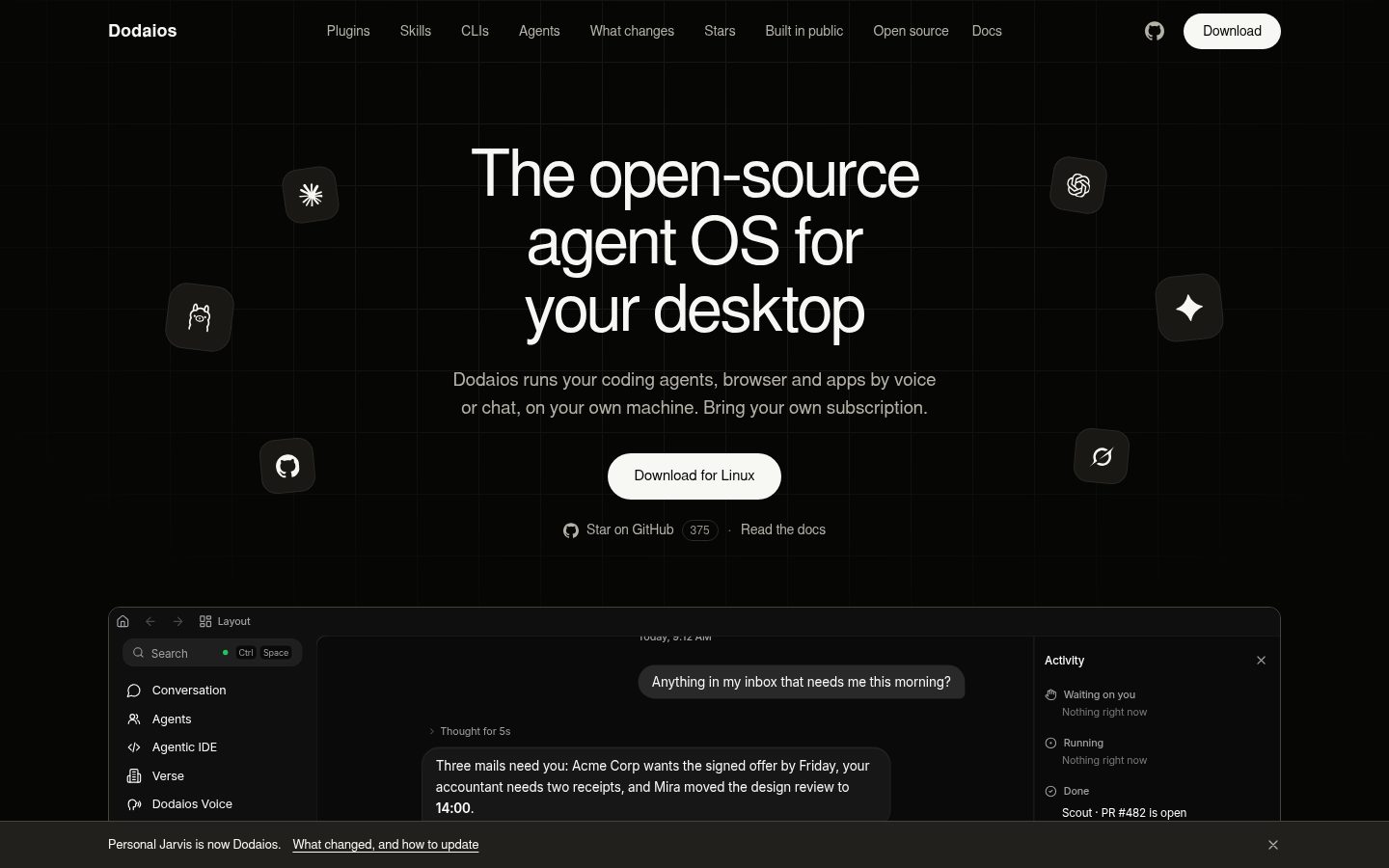
Dodaios is a locally installed, open-source Python program that runs as a desktop app or as a headless server with a browser UI on Windows, macOS and Linux. It turns a personal AI assistant into the control center for the work you do on your computer.
At its core is a "lead" assistant you can talk to by voice (wake word, dictation, real-time spoken conversation and, as an early preview, phone calls), by chat or from a paired phone. It isn't tied to one provider and works with Claude, OpenAI, Gemini or local Ollama models. It handles tasks itself through tools, computer use, plugins, CLIs and MCP servers. Above all, it hands work off to coding agents. They run side by side in a built-in Agentic IDE as real Claude Code or Codex terminals, on your computer or on your own servers over SSH, each with a call sign you can address by name, plus Git integration and task splitting. There is also a "society" of persistent, named agents that message each other.
Long-running work is covered by memory (about you, the people around you and the assistant's own persona), standing tasks, workflows, skills and opt-in life admin. The assistant also makes its own outputs, such as documents, slides, sheets and dashboards, and can propose and build the skills, routines and agents it is missing. A trust layer sets hard limits: outside Bypass permissions, moving money, handling credentials, permanent deletion and first contact with someone new always need your confirmation. In short, Dodaios is a voice-driven, locally running operating system for AI agents that makes one assistant the conductor of your models, your coding agents and your own computer.
A real recording at 60 frames a second, played at the speed it was filmed; the waits for the models are cut out. It was recorded with Claude Fable 5.2 and Claude Opus 5.5 through Claude Code. The code change, test runs and commit are real. Watch the video (MP4, 42 s, 2.5 MB)
Install
macOS and Linux:
curl -fsSL https://raw.githubusercontent.com/Dodaios/Dodaios/main/install/install.sh | bash
Windows, in PowerShell:
irm https://raw.githubusercontent.com/Dodaios/Dodaios/main/install/install.ps1 | iex
The installer sets up its own Python environment, adds a launcher and opens the app. On the first start you give the assistant a name (it is also the wake word), connect one model and choose how you want to talk to it. For coding work, install at least one coding agent, such as Claude Code or Codex, and sign in to it.
dodaios            # start the desktop app
dodaios update     # install the newest release
Desktop installers, pipx and servers
Download the installer for your system from the latest release:
| Windows | macOS | Linux |
|---|---|---|
| Dodaios-Setup-x64.exe | Apple Silicon · Intel | AppImage, x86_64 |
Each release lists the checksums in installers-SHA256SUMS.txt. The
installers are not signed yet: Windows shows a warning, and macOS asks you to
allow the app once in System Settings, under Privacy & Security. The
code signing policy
says where that stands.
With pipx you get the smaller server package, without a desktop launcher. On a
Linux server without a screen, the installer takes --headless, and
dodaios serve starts only the browser interface:
pipx install dodaios
curl -fsSL https://raw.githubusercontent.com/Dodaios/Dodaios/main/install/install.sh | bash -s -- --headless
dodaios serve      # browser interface only, for a server without a screen
Dodaios runs on 64-bit Windows, macOS and glibc-based Linux. The terminal installer works on x86-64 and Arm64 and needs Python 3.11 to 3.14 and Git; it fetches a missing Python and offers to install a missing Git. A graphics card is optional. So far only Windows 11 has a recorded live sign-off. Install guide · Platform support · Running it on a server
Your plans and keys
Dodaios costs nothing: no Dodaios account, no paid tier. It sells no model access and never signs in for you. It starts each coding agent's official command-line tool, and you sign in to each one yourself, so the agents run on the plans and keys you already have. Claude Code, for example, needs a paid Claude plan. Your use of each service follows that service's own terms. Providers and API keys
Good to know
- Your data. Chats, memory, documents and settings are files on the computer that runs Dodaios. A model or a connected service gets what it needs for its part of a request. Signing in to the Google, Slack or Figma plugin goes through a small token service that the project runs. Privacy and local data
- Asking first. A new chat starts at Bypass permissions, where nothing asks. Pick an asking mode and the four hard limits above always wait for your yes. Safety and approvals
- Not finished. Phone calls need your own Twilio number and are an early preview. Most plugins still carry a Preview badge. The phone app is a web app that your computer serves.
Documentation
The feature tour shows every part on one page, with pictures. The same guides are in the app under Docs, with search. First-run setup · Troubleshooting · Architecture
Contributing
Fixes, tests, platform reports and documentation are welcome. The contributing guide gets you from a fork to a passing check in about ten minutes. Questions and ideas go to Discord.
Thanks to everyone who has shipped something here:


License
Apache License 2.0, with the attribution in NOTICE. The name and the logo are covered by the trademark policy. Dodaios is an independent project: the products it works with belong to their makers, and supporting a tool does not mean its maker approves of Dodaios. Until October 2026 it was called Personal Jarvis (why the name changed). Sponsors are in SPONSORS.md.