
diceframe
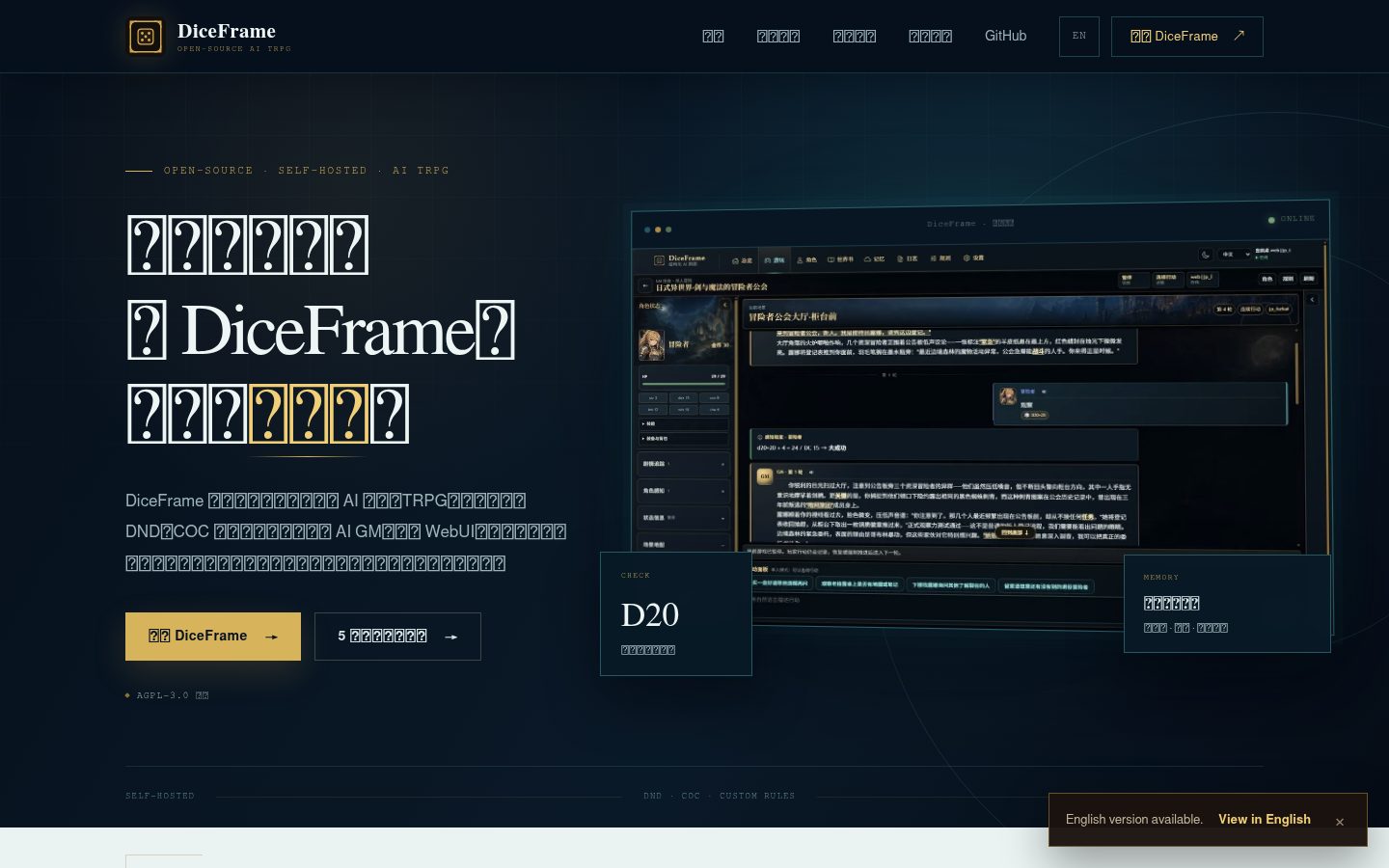
DiceFrame is a self-hostable AI tabletop RPG engine supporting D&D / CoC / custom rules with a multiplayer Web UI.
Automatically checked · GitHub checked 2026-11-13
Overview

DiceFrame
English | 简体中文



DiceFrame is a self-hostable AI tabletop RPG engine supporting D&D / CoC / custom rules with a multiplayer Web UI.
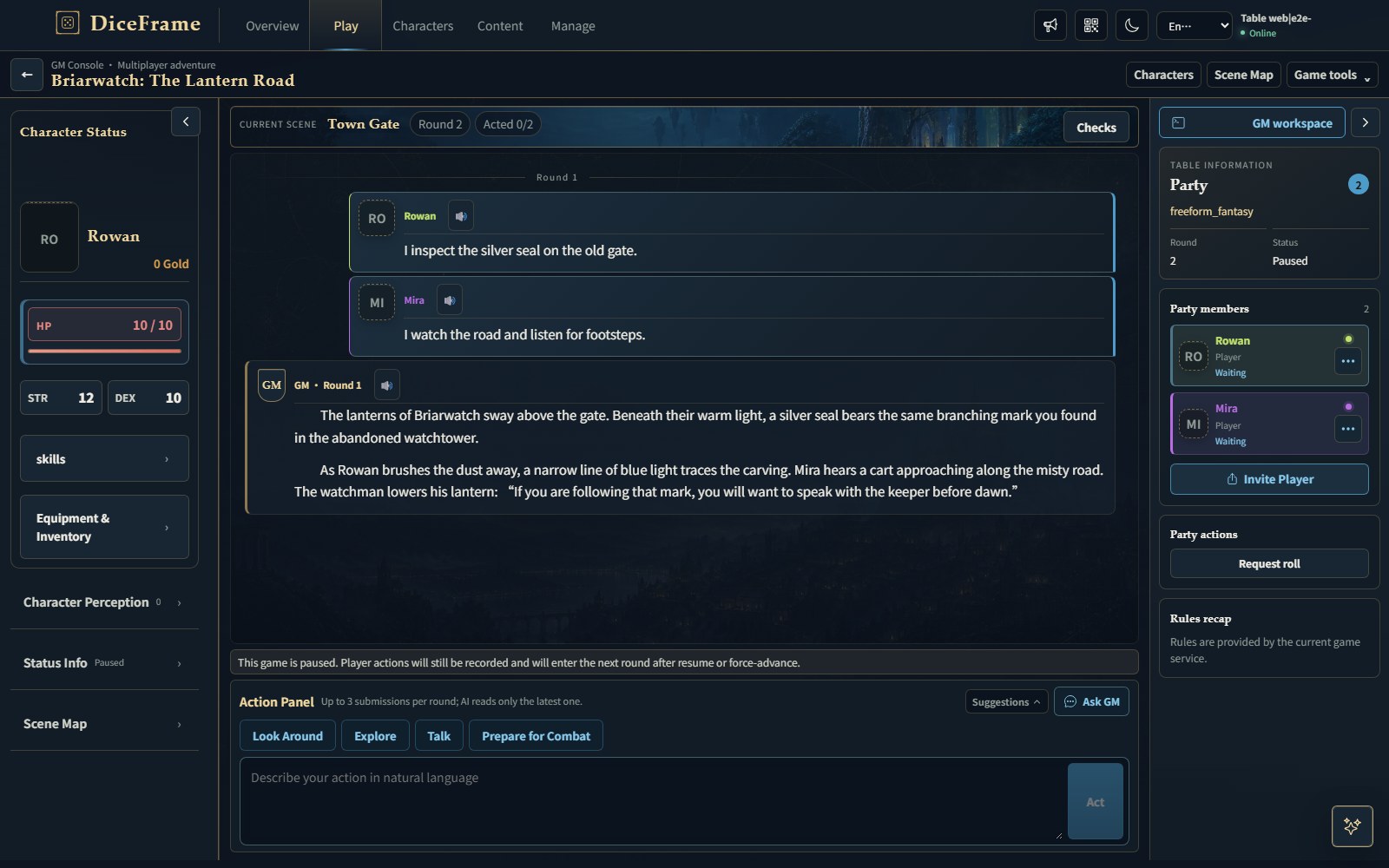
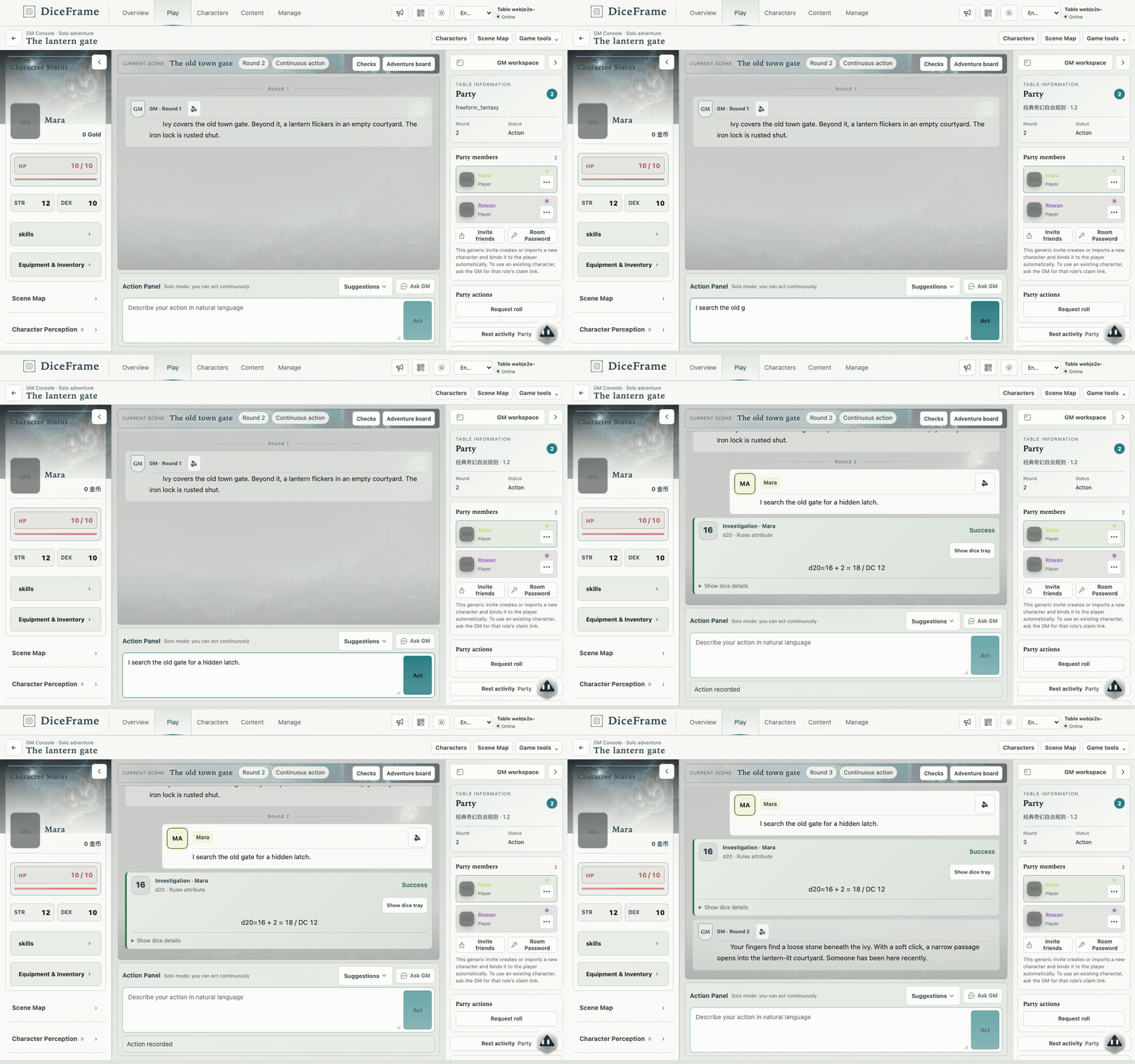 Real Web UI; demonstration game with scripted check results and GM replies.
Features
- Play solo or with friends in a browser, with invitations and shared game state.
- Describe actions naturally; rules handle automatic dice checks and character state.
- Build worlds, lorebooks and adventures, or import scripts, PDFs and supported modules.
- Reuse character cards and create worlds, rules and characters with AI assistance.
- Keep long campaigns with summaries, optional memory recall and text-to-speech.
- Add plugins and chat bots; use the owner-only DF Agent for reviewed operations.
Quick start
Windows portable
Download the installer DiceFrame-vX.Y.Z-windows-setup.exe (no administrator rights needed) or the portable DiceFrame-vX.Y.Z-windows-portable.zip (extract it and run DiceFrame.exe) from Releases.
Add a provider under Manage → Settings → Model API, then assign the main model under Model Routing. Installation details · First game
Docker
From a cloned repository or extracted source release containing docker-compose.yml:
cp .env.example .env
# edit .env as needed
docker compose pull
docker compose up -d
Open http://localhost:9876, then configure your provider and model in Settings. Data stays in data/. Docker details and updates
From source
Requires Python 3.10+, Node.js 20.19+ or 22.12+, and an OpenAI-compatible Chat Completions endpoint.
git clone https://github.com/diceframe/diceframe.git
cd diceframe/frontend-v2
npm ci && npm run build
cd ..
pip install -r requirements.txt
python web_server.py
Open http://localhost:18000, then configure your provider and model in Settings. Source and standalone frontend details
Documentation
| Topic | English | 中文 |
|---|---|---|
| Content and play | Content and play | 内容与游玩 |
| AI settings | AI and interface settings | AI 与界面设置 |
| Adventure creator starter | Lantern Harbor | 灯火港湾 |
| Translation policy | Translation policy | 翻译维护 |
| User guide | User guide | 用户手册 |
| Docker deployment | Docker deployment | Docker 部署 |
| Standalone WebUI | Standalone WebUI | 独立部署 WebUI |
| Application updates | Application updates | 应用更新 |
| Rules and dice | Rules and dice | 规则与骰子 |
| Player Direct Connect (experimental) | Player Direct Connect | 玩家直连 |
| Plugin development | Plugin development | 插件开发 |
| Plugin index and review | Plugin registry | 插件索引与审核 |
| Bot Bridge core | Bot Bridge Core | Bot Bridge 核心 |
Documentation · Website · Issues · Contributing · AGPL-3.0