
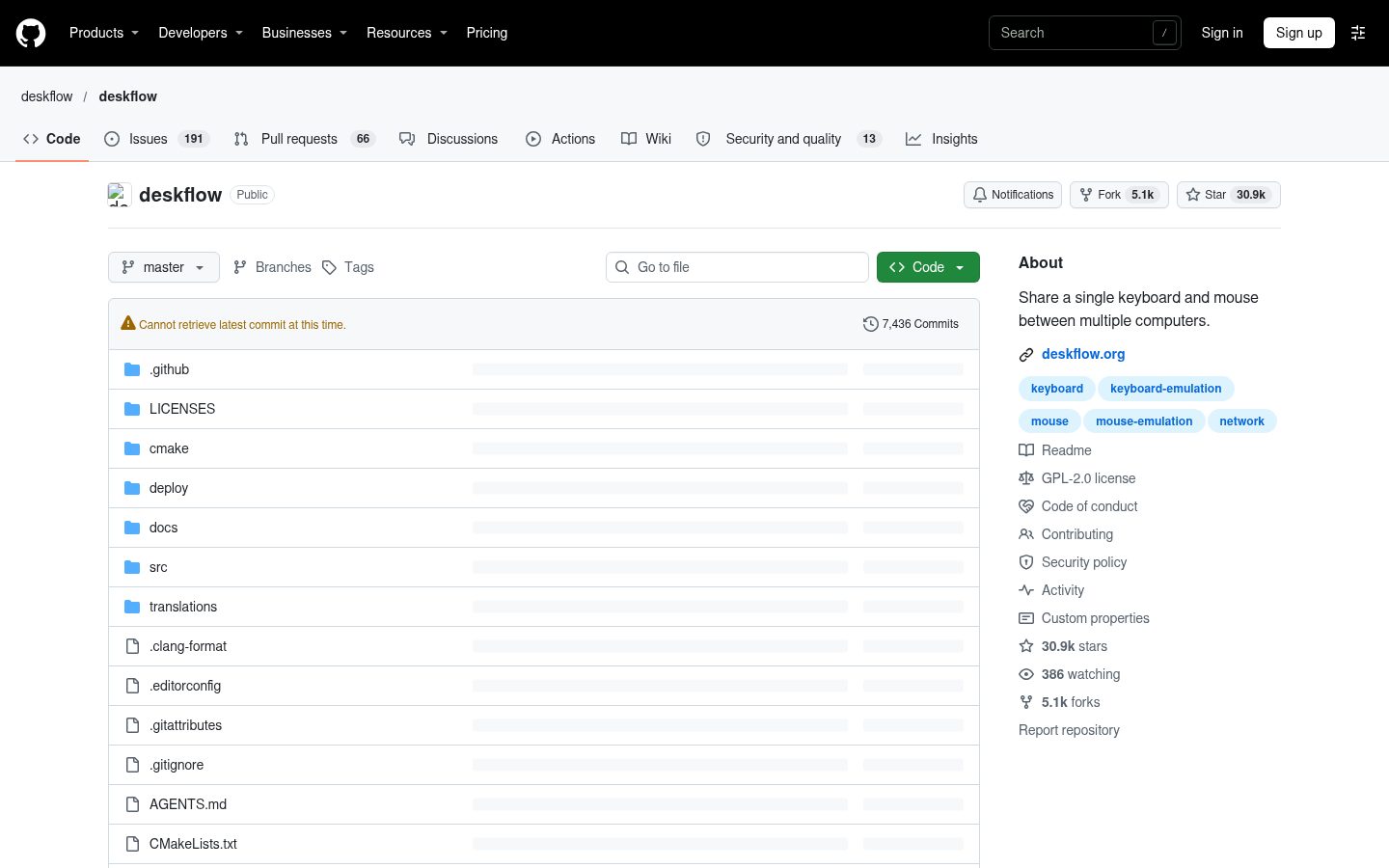
deskflow
Share a single keyboard and mouse between multiple computers.
Automatically checked · GitHub checked 2026-11-14
Overview
Deskflow is a free and open source keyboard and mouse sharing app. Use the keyboard, mouse, or trackpad of one computer to control nearby computers, and work seamlessly between them. It's like a software KVM (but without the video). TLS encryption is enabled by default. Wayland is supported. Clipboard sharing is supported. To use Deskflow, download one of our packages, install deskflow (from your package repository), or build it from source. We support all major operating systems, including Windows, macOS, Linux, and Unix-like BSD-derived. macOS 13 or higher is required to use our CI builds for Apple Silicon machines. macOS 12 or higher is required for Intel macs or local builds. Linux requires libei 1.3+ and libportal 0.8+ for the server/client. Additionally, Qt 6.7+ is required for the GUI. Linux users with systems not meeting these requirements should use flatpak in place of a native package. We officially support FreeBSD, and would also like to support: OpenBSD, NetBSD, DragonFly, Solaris. Repology monitors a huge number of package repositories and other sources comparing package versions across them and gathering other information. In the open source developer community, similar projects collaborate for the improvement of all mouse and keyboard sharing tools. We aim for idea sharing and interoperability. - Lan Mouse - Rust implementation with the goal of having native front-ends and interoperability with Deskflow/Synergy. - Input Leap - Inactive Deskflow/Synergy-derivative with the goal continuing Barrier development (now a dead fork). - Deskflow will just work with Input Leap and Barrier (server or client). - Connecting a Deskflow client to a Synergy 1 server will also just work. - To connect a Synergy 1 client, you need to select the Synergy protocol in the Deskflow server settings. Note: Only Synergy 1 is compatible with Deskflow (Synergy 3 is not yet compatible). We would love to see compatibility with Lan Mouse. This may be quite an effort as currently the way they handle the generated input is very different. Absolutely. The clipboard-sharing feature is a cornerstone feature of the product and we are committed to maintaining and improving that feature.