
bkmr
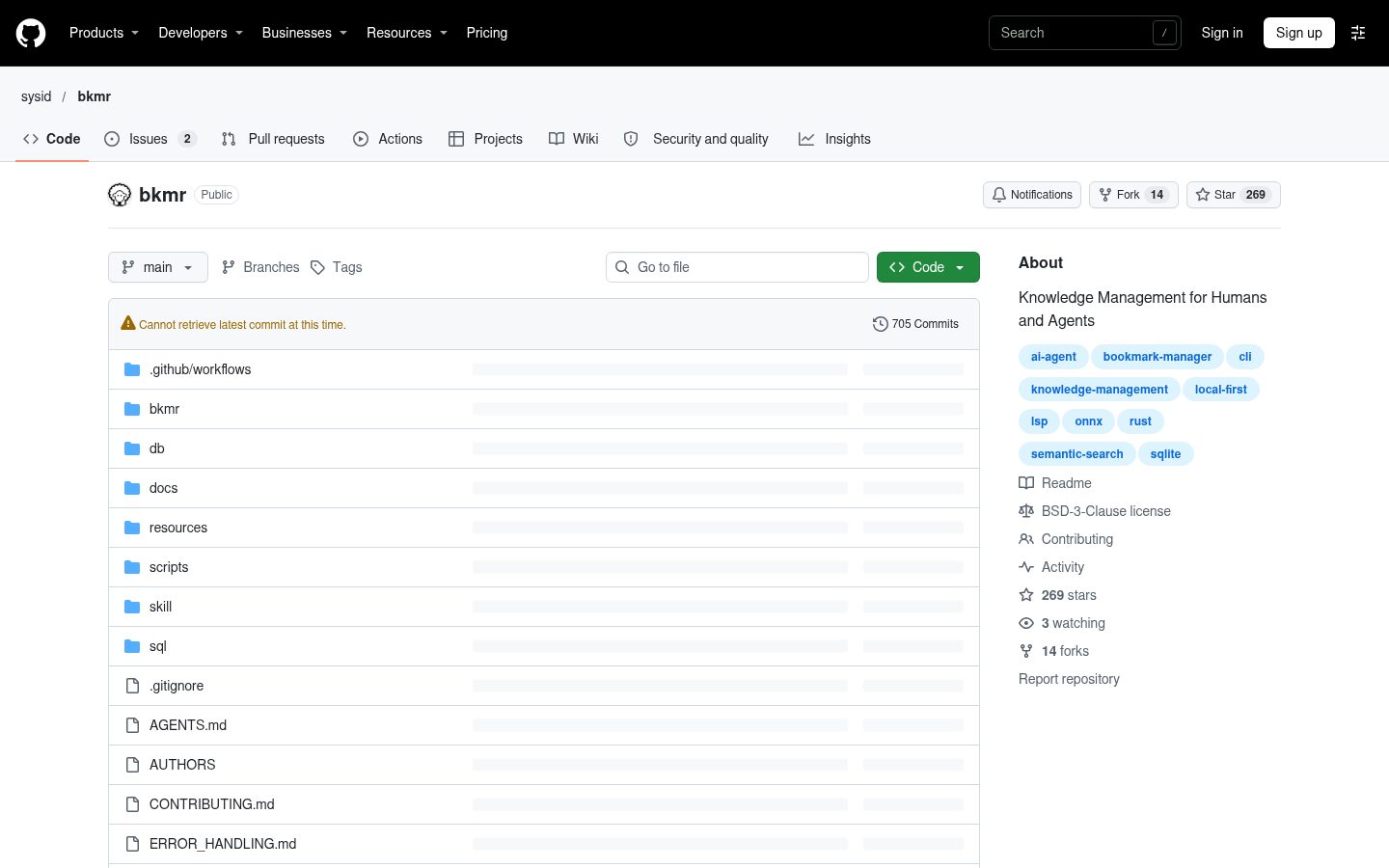
Knowledge Management for Humans and Agents
Automatically checked · GitHub checked 2026-11-17
Overview


Store anything, find it by meaning, act on it instantly.
Beyond Bookmarks and Snippets: Knowledge Management for Humans and Agents
bkmr - crate of the week 482 - memories, bookmarks, snippets, text - search it, invoke it!
Organize, find, and apply various content types:
- Web URLs with automatic metadata extraction
- Code snippets for quick access and reuse
- Shell commands with immediate execution capabilities
- Markdown documents with live rendering, incl. TOC and bookmark metadata footer
- Plain text with Jinja template interpolation
- Local files and directories integration
Why bkmr?
- Developer- and agent-focused: Integrates seamlessly with workflow and toolchain
- Agent-friendly: JSON output, non-interactive mode, and
_mem_system tag for AI agent memory - Multifunctional: Handles many content types with context-aware actions
- Intelligent: Full-text and semantic search capabilities
- Privacy-focused: Fully local — database, embeddings, and search all run offline
- Fast: 20x faster than similar Python tools
- Automation-ready: Programmatic CLI with
--json,--np,--stdoutfor pipelines and integrations - Editor Integration: Built-in LSP server
Agent Memory and Skill
Persistent long-term memory for AI agents. The _mem_ system tag and hsearch (hybrid FTS + semantic search) create a complete read/write memory interface:
# Agent stores memory:
bkmr add 'Prod DB is PostgreSQL 15 on port 5433' fact,database \
  --title 'Production database config' -t mem --no-web

# Agent queries memories with natural language (hybrid search)
bkmr hsearch "database configuration" -t _mem_ --json --np

# All output is structured JSON — designed for programmatic consumption
Install the bkmr-memory skill into your agent's skills directory. It defines a comprehensive memory protocol with taxonomy, deduplication, and session workflows. The copy embedded in the binary matches its CLI flags:
bkmr skill install ~/.claude/skills    # or ~/.agents/skills, or any agent's skills dir
# alternative, tracks the latest release:
gh skill install sysid/bkmr bkmr-memory --agent claude-code --scope user
See Agent Integration.
Quick Examples
# Quick fuzzy search with interactive selection
bkmr search --fzf

# Add URL with automatic metadata extraction
bkmr add https://example.com tag1,tag2

# Store code snippet
bkmr add "SELECT * FROM users" sql,_snip_ --title "User Query"

# Shell script with interactive execution
bkmr add "#!/bin/bash\necho 'Hello'" utils,_shell_ --title "Greeting"

# Render markdown in browser with TOC
bkmr add "# Notes\n## Section 1" docs,_md_ --title "Project Notes"

# Import files with frontmatter
bkmr import-files ~/scripts/ --base-path SCRIPTS_HOME

# Local semantic search (no API keys needed)
bkmr sem-search "containerized application security"
Screenshots
General Usage:

Fuzzy Search with FZF:

Agent Memory:

Detailed walkthroughs: Overview | Getting Started | Search and Filter | Edit and Update | Tag Management
Getting Started
Installation
# Via cargo
cargo install bkmr

# Via pip/pipx/uv
pip install bkmr

# Via brew
brew install bkmr
export ORT_DYLIB_PATH=/opt/homebrew/lib/libonnxruntime.dylib
See Getting Started for details and Troubleshooting if it fails.
Initial Setup
# Generate configuration
bkmr --generate-config > ~/.config/bkmr/config.toml

# Create database
bkmr create-db ~/.config/bkmr/bkmr.db

# Optional: Configure location
export BKMR_DB_URL=~/path/to/db
First Use
# Add your first bookmark
bkmr add https://github.com/yourusername/yourrepo github,project

# Search and find
bkmr search github

# Interactive fuzzy search
bkmr search --fzf
5-minute tutorial: Getting Started.
Command Reference
| Command | Description |
|---|---|
search | Full-text search with tag filtering, FZF, JSON output |
hsearch | Hybrid search: FTS + semantic with RRF fusion |
sem-search | Semantic search using local embeddings (offline, no API keys) |
add | Add bookmarks (URLs, snippets, scripts, markdown, env vars) |
open | Smart action dispatch based on content type |
edit | Edit bookmarks (smart: opens source file for imports) |
update | Change tags, title, description, content, opener or embedding, non-interactively |
delete | Delete bookmarks by ID (--yes: no prompt; --force: also purge history, permanently) |
history | Show saved old states of bookmarks of every type, deleted ones included; --type: one type only; -p: each change as a unified diff |
restore | Bring back a saved state from history, also of a deleted bookmark; --from FILE: changed and deleted bookmarks of any type from a search --json backup; --dry-run: show the diff only |
verify | Record that bookmarks were checked against reality (verified_at) |
show | Display bookmark details |
import-files | Import files/directories with frontmatter parsing |
load-json | Add bookmarks in bulk from a JSON array; skips entries whose URL/content exists, leaves existing bookmarks as they are |
tags | View tag taxonomy with usage counts |
info | Show configuration, database path, embedding status |
create-db | Initialize a bookmark database |
backfill | Generate missing embeddings; --prune removes vectors of non-embeddable bookmarks |
clear-embeddings | Clear all embeddings and content hashes |
skill install | Install the bkmr-memory agent skill into an agent's skills directory |
lsp | Start LSP server for editor snippet completion |
completion | Generate shell completions (bash, zsh, fish, nushell) |
surprise | Open random web links (plain http/https, no custom opener) |
Complete command documentation: See Basic Usage for detailed examples.
Backup and Restore
A backup is the JSON export of search. restore --from brings back every bookmark that changed or was deleted since, whatever its type, under its own ID:
bkmr search --json > ~/backup/bkmr.json            # write a backup
bkmr restore --from ~/backup/bkmr.json             # show the plan, then [y]es [n]o [s]elect [d]iff
bkmr restore --from ~/backup/bkmr.json --ids 12,40 # only these bookmarks
bkmr restore --from ~/backup/bkmr.json --dry-run   # unified diffs, nothing written
Entries are matched by ID, so a bookmark whose URL/content changed is still recognized. Bookmarks the backup does not contain are never touched. See Restoring from a JSON Backup.
Smart Content Actions
bkmr intelligently handles different content types with appropriate actions:
| Content Type | Default Action | System Tag |
|---|---|---|
| URLs | Open in browser | (none) |
| Snippets | Copy to clipboard | _snip_ |
| Shell Scripts | Interactive edit + execute | _shell_ |
| Markdown | Render in browser with TOC | _md_ |
| Environment Variables | Print for eval/source | _env_ |
| Text Documents | Copy to clipboard | _imported_ |
| Agent Memory | Display to stdout | _mem_ |
Rule: A bookmark can have at most one system tag. Local files without a system tag open with the default application.
URL/content: every bookmark keeps its payload in one field, named URL for historical reasons. For a web bookmark it is a web address; for every other type it is the content itself: the snippet, script, markdown, env vars or memory text. Help texts and docs therefore say URL/content; in JSON the field is
url.
Learn more: Content Types | Core Concepts
Documentation
Comprehensive documentation is available in the bkmr Wiki:
- Getting Started and Core Concepts
- Basic Usage, Content Types, Search and Discovery
- Configuration, Template Interpolation, Advanced Workflows
- Agent Integration, Editor Integration
- Troubleshooting, Development
Editor Integrations
Access your snippets directly within your editor without context switching.
Neovim Plugin (Recommended)
bkmr-nvim provides visual interface with zero configuration.
{
  "sysid/bkmr-nvim",
  dependencies = { "nvim-lua/plenary.nvim" },
  config = function()
    require("bkmr").setup() -- Zero config required!
  end,
}
Features: Visual snippet browser, in-editor editing, automatic LSP setup, custom commands
Built-in LSP Server
The LSP server does one job: Putting _snip_ bookmarks into the editor's completion list.
Compatible with VS Code, Vim, Emacs, Sublime, and any LSP-compatible editor.
# Start LSP server
bkmr lsp

# Disable template interpolation if needed
bkmr lsp --no-interpolation
Features: Automatic completion, language-aware filtering, universal snippets, template interpolation
IntelliJ Platform Plugin
bkmr-intellij-plugin for all JetBrains IDEs.
Features: Seamless LSP integration, Tab navigation, works in IntelliJ IDEA, PyCharm, WebStorm, CLion, RustRover, and all JetBrains IDEs
Complete documentation: Editor Integration
Platform Compatibility
Linux Clipboard: Uses external tools for reliable clipboard persistence.
- Wayland: Uses
wl-copyfromwl-clipboardpackage - X11: Uses
xclip(preferred) orxselas fallback - Auto-detection: Detects display server via
WAYLAND_DISPLAYenvironment variable
Development
Building from Source
git clone https://github.com/sysid/bkmr.git
cd bkmr
cargo build --release
Running Tests
make test
See TESTING.md for everything test-related: automated, scenario and manual editor tests.
See Development for architecture and build details.
Community and Contributions
We welcome contributions! Please check our Contributing Guidelines to get started.
Resources:
- GitHub: https://github.com/sysid/bkmr
- Issues: https://github.com/sysid/bkmr/issues
- Wiki: https://github.com/sysid/bkmr/wiki
- Discussions: https://github.com/sysid/bkmr/discussions