#1
Board Visibility: Control who can view and edit your boards
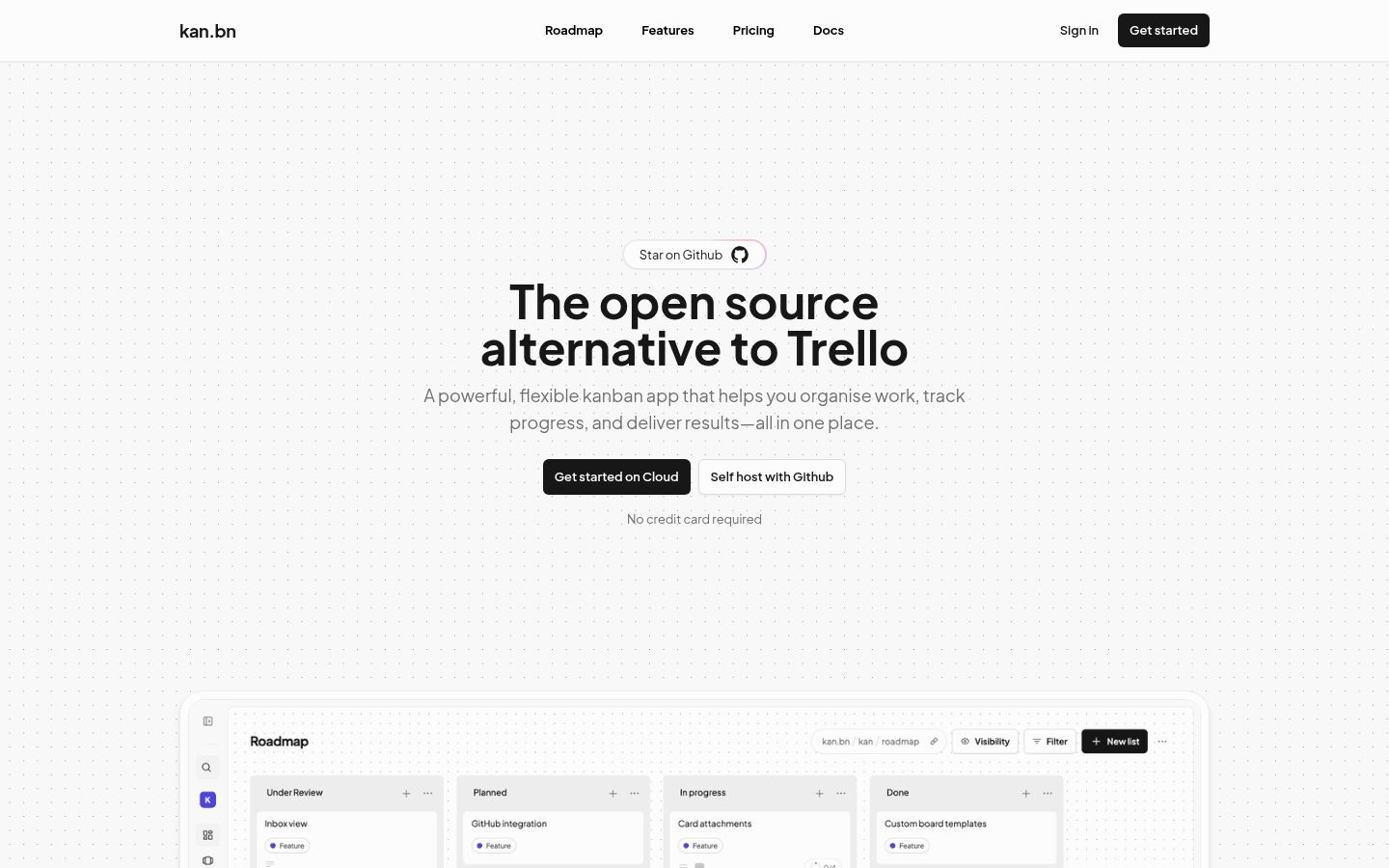
- Board Visibility: Control who can view and edit your boards
- Workspace Members: Invite members and collaborate with your team
- Trello Imports: Easily import your Trello boards
- Labels & Filters: Organise and find cards quickly
- Comments: Discuss and collaborate with your team
- Activity Log: Track all card changes with detailed activity history
- Templates: Save time with reusable custom board templates
- Integrations (coming soon): Connect your favourite tools
The easiest way to deploy Kan is through Railway. We've partnered with Railway to maintain an official template that supports the development of the project.
Alternatively, you can self-host Kan with Docker Compose. This will set up everything for you including your postgres database and automatically run migrations.
1. Create a .env file with your environment variables (see Environment Variables section below)
2. Use the docker-compose.yml file provided in the repository, which sets up Postgres, runs migrations, and starts the web service
3. Start the containers in detached mode:
1. Clone the repository (or fork)
2. Install dependencies
3. Copy .env.example to .env and configure your environment variables
4. Migrate database
5. Start the development server
Optional integrations (email/SMTP, OAuth and OIDC login, S3-compatible file storage, Trello import, rate limiting, white labelling, and more) are configured through additional variables. See .env.example for the complete list.
Kan ships with a Model Context Protocol (MCP) server that lets any MCP-compatible AI client (Claude Desktop, Codex, Cursor, GitHub Copilot, and others) read and control your Kan instance using natural language.
Configure it with two environment variables: KAN_BASE_URL (your Kan instance) and KAN_API_TOKEN (from Settings → API Keys). Then point your client's MCP config at the npx -y @kan.bn/mcp command.
See the MCP Server docs for per-client config (Claude Desktop, Codex, and others), example prompts, the full tool reference, and troubleshooting.
License: AGPL-3.0
#2
AI-native, free, open-source alternative to Jira, Trello, ClickUp & Monday. Built for Scrum teams where humans and AI agents collaborate as equals — on the same board, the same sprints, the same goals. Self-hosted. Fully customizable via config and plugins.
AI-native. Free. Lightweight. Open-source.The fully customizable alternative to Jira, Trello, ClickUp, and Monday.
Paca is a self-hosted project management platform where AI agents and humans collaborate as equal teammates inside a Scrum team — not as chatbots bolted on the side.
Jira gives you a backlog. ClickUp gives you automations. Monday gives you dashboards. Paca gives your AI agents a seat at the table. They join sprint planning, pick up tasks from the board, write BDD specs, and adapt alongside humans in real time.
Everything about Paca — its workflow, its data model, its UI — is configurable and extendable via plugins.
- No paid tiers. There will never be a "Pro", "Team", or "Enterprise" edition.
- Unified Scrumban Board — humans and AI agents share a single real-time board; no separate "AI workspace"
- In-app AI chat — chat with AI agents at the project level to plan work, create or update epics, stories, tasks, and documentation in plain English
- Activity diff & revert — see a visual diff for every field change in the activity pane and revert any change with one click
- BDD Collaboration — Gherkin scenario editor co-authored by POs, BAs, and AI agents
- System Design Documents (SDD) — living architecture docs that keep AI agents contextually grounded
- MCP Server — connect Claude, custom agents, or any MCP-compatible tool directly into Paca's data layer
- Claude Code skill — /paca slash command for Claude Code; manage tasks, docs, and sprints in plain English without leaving your editor
- Real-time updates — Socket.IO delivery; everyone sees changes the moment they happen
- OpenHands-powered agents — AI agents run on the OpenHands SDK; each agent executes inside its own isolated sandbox container so your host environment is never touched
- WASM plugin sandbox — extend Paca safely; plugins cannot escape their declared permissions
- Self-hosted — runs on a single Docker Compose command; your data never leaves your infrastructure
- Lightweight by default — minimal core, no feature bloat; add only what your team actually needs
2. Add the paca entry:
License: Apache-2.0