#1
The most convenient way to render and deploy a folder containing markdown files. Previewing and searching markdown files has never been that easy. Your alternative to Notion and Obsidian. No need for AI everywhere nor a second brain, you already have a fine one!
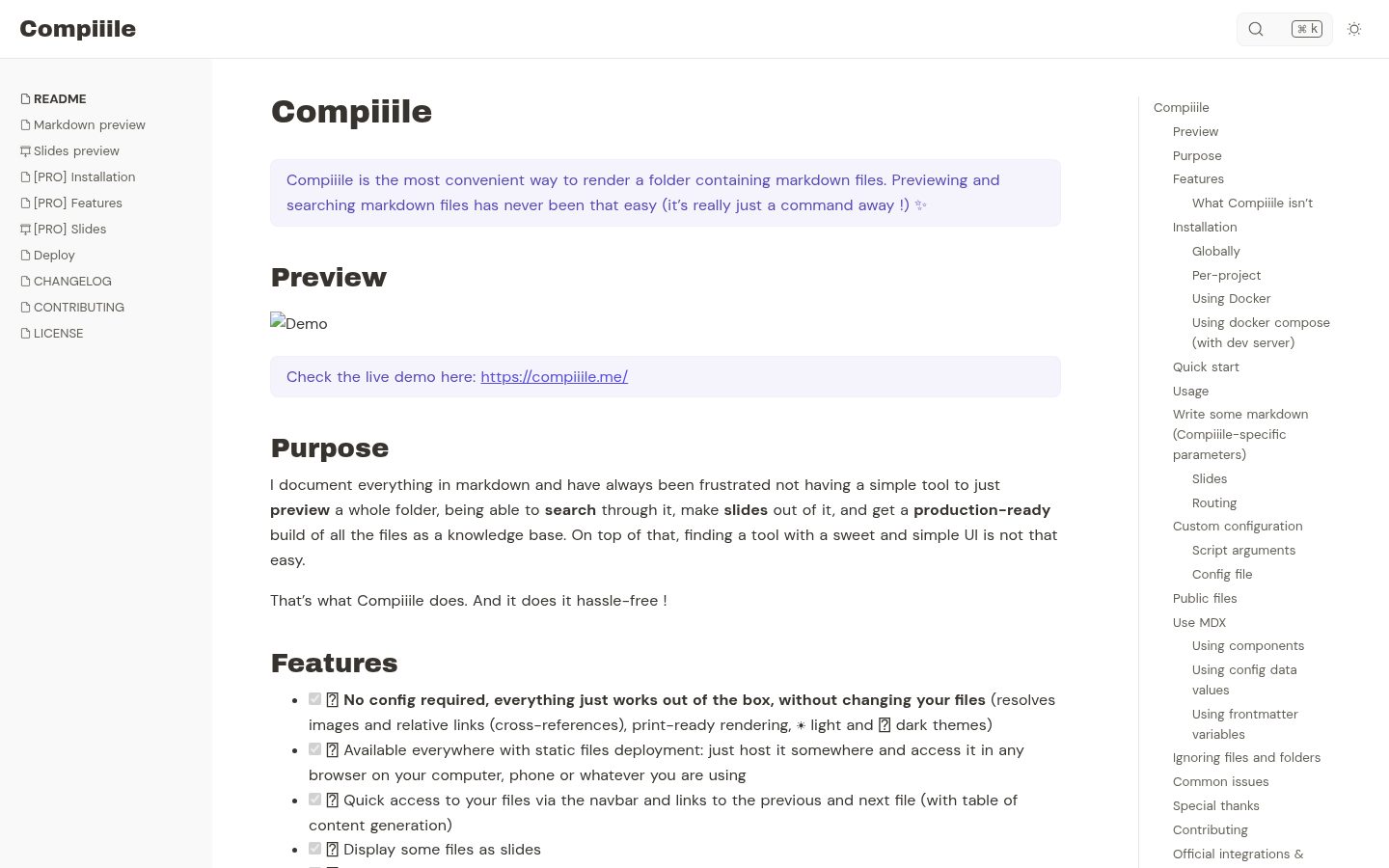
I document everything in markdown and have always been frustrated not having a simple tool to just preview a whole folder, being able to search through it, make slides out of it, and get a production-ready build of all the files as a knowledge base. On top of that, finding a tool with a sweet and simple UI is not that easy.
- [x] 📦 No config required, everything just works out of the box, without changing your files (resolves images and relative links (cross-references), print-ready rendering, :sunny: light and :first_quarter_moon_with_face: dark themes)
- [x] 🌱 Available everywhere with static files deployment: just host it somewhere and access it in any browser on your computer, phone or whatever you are using
- [x] :link: Quick access to your files via the navbar and links to the previous and next file (with table of content generation)
- [x] :tv: Display some files as slides
- [x] :mag: Full-text quick search with content preview
- [x] :zap: Hot-reload content preview as you edit it
- [x] :tada: Supports MDX files: add your own components to your documentation
- [x] :bulb: Can serve as knowledge base, and handles symlinks to reuse content
- [x] :wrench: Customizable by env variables or config file, it's up to you
- [x] :star2: You get it, it simply does the job, period.
- It's not a markdown editor, there are already plenty available, just choose the one that works best for you, even the simplest text editor will do.
- It's not like VuePress, VitePress, Docusaurus or Notion. Compiiile's goal is to stay simple and stupidly easy without any configuration.
You can run the command you want in your terminal while being in the desired folder.
- Make sure that the absolute path to the folder where you are running Compiiile doesn't contain any special character as it could prevent the project initialization.
License: GPL-3.0
#2
AI-native knowledge base & Evernote/Obsidian alternative. Instant all-platform sync, rich notes (tables, mind maps, diagrams, posters), web clipper & MCP. 100% free on Cloudflare or Docker.
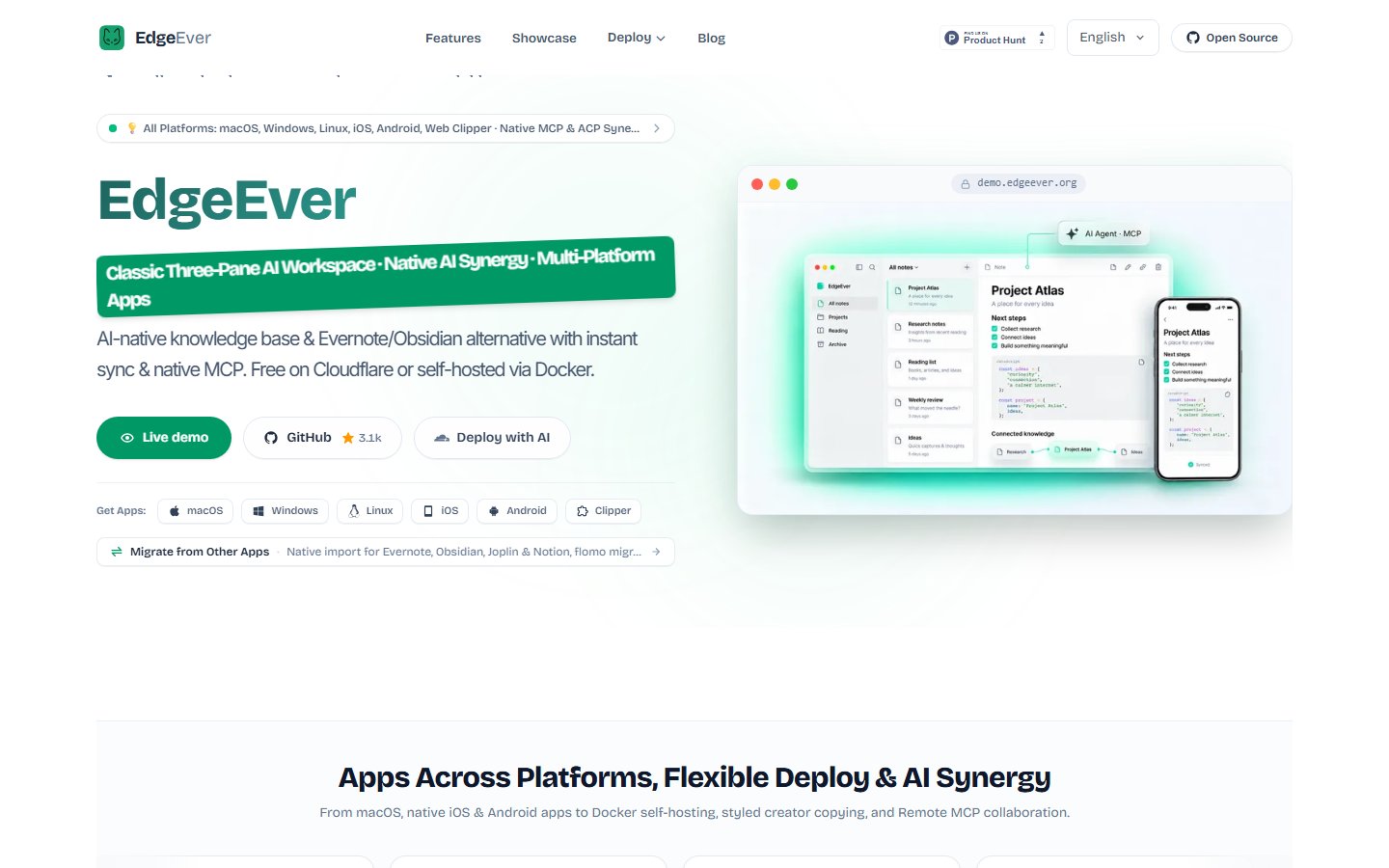
EdgeEver is a modern, open-source notes and knowledge base workspace. It preserves the classic, high-efficiency three-pane productivity workflow (Tree View · Note List · Editor) while offering an open data architecture and seamless AI Agent integration for complete ownership and smart productivity.
Many users of note-taking apps and personal knowledge bases simply want a reliable, open, and fast personal knowledge base. However, existing mainstream solutions all present tradeoffs:
- Evernote: Offers the smoothest, most seamless multi-device cloud sync experience. Yet as it evolved into a full-featured commercial suite, ads and add-ons multiplied while system overhead climbed. Meanwhile, free-tier quotas tightened, premium AI subscriptions grew expensive, and it remains difficult to integrate into modern self-hosted and private AI workflows.
- Obsidian: Open files, closed-source core. Official Sync is paid and third-party sync is tedious; relying entirely on flat local file scanning causes noticeable cold-start and search lag once notes reach thousands or heavy plugins are loaded; storing images and attachments alongside notes quickly bloats vaults, making mobile sync sluggish and leaving orphaned files behind; and it is overly heavy for lightweight, capture-anywhere use.
- Joplin: A veteran open-source three-pane note app, yet its UI design and editing experience feel stuck more than a decade in the past, lacking modern polish and fluidity. Fast official sync (Joplin Cloud) requires a paid subscription; free sync via WebDAV or cloud drives relies on file-by-file polling that becomes sluggish on mobile as notes and attachments grow, while self-hosting Joplin Server requires maintaining your own server with no zero-cost serverless option. It also lacks a full browser-based web workspace and native AI Agent capabilities (MCP/ACP).
- Memos & Stream Notes: Clean and simple, but their social-timeline layouts differ fundamentally from the structured productivity of a classic three-pane workflow.
- SiYuan & Block-based PKMs: Powerful with self-hosting support, but their granular "block-level" architecture imposes noticeable cognitive overhead for quick daily capture and continuous prose writing. Furthermore, they lack a true zero-cost serverless deployment tier, and multi-device sync relies on paid official subscriptions or paying extra to unlock S3/WebDAV sync features with your own storage.
License: AGPL-3.0